CodeExecute DotNetExecution
RevitDevTool executes .NET assemblies using the same approach as RevitAddinManager, with a few focused improvements.
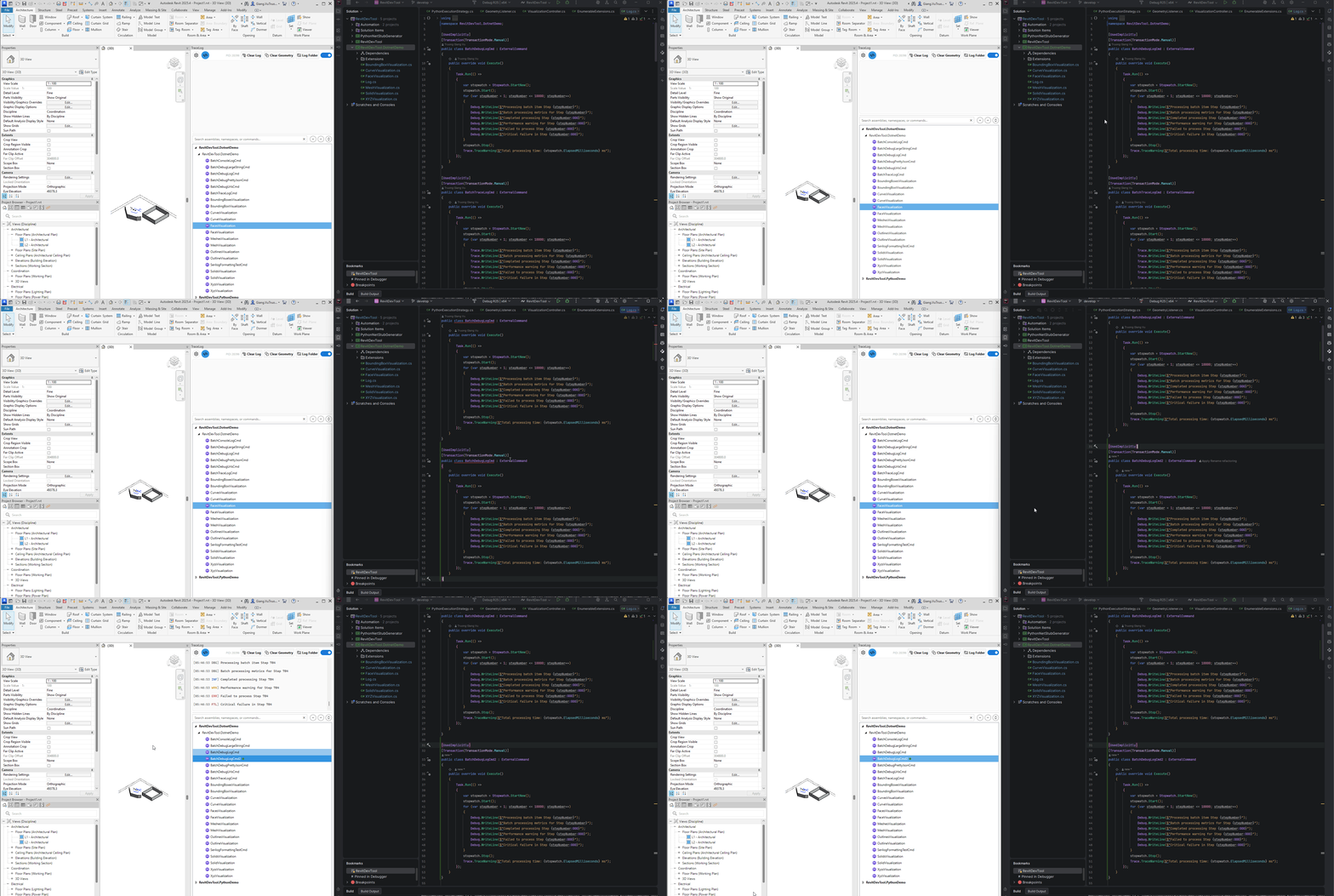
RevitDevTool's C# support is inspired by RevitAddinManager:
- Load IExternalCommand implementations dynamically
- Execute without Revit restart
- Enable rapid development iteration
Key additions:
- FileWatcher for automatic command detection
- Automatic dependency loading
- No temp folder copy for Revit 2024- (.NET 4.8)
flowchart TD
    A[Developer builds DLL] --> B[RevitDevTool discovers<br/>IExternalCommand implementations]
    B --> C[FileWatcher detects<br/>new commands automatically]
    C --> D[Load assembly<br/>with all dependencies]
    D --> E[User clicks command]
    E --> F[Execute]
Similar to RevitAddinManager, but with automatic detection via FileWatcher.
RevitAddinManager approach:
- Copy DLL to temp folder
- Load from temp location
- Execute
RevitDevTool approach:
- Load DLL directly (no temp folder)
- Execute
Advantage: Faster loading, simpler debugging paths.
Both tools use the same approach:
- Use AssemblyLoadContext (ALC)
- Load in-memory
- Execute
No difference - both leverage .NET 8.0's AssemblyLoadContext for proper isolation.
When you add a new IExternalCommand to your DLL and rebuild:
- RevitAddinManager: Requires manual reload
- RevitDevTool: FileWatcher detects automatically, command appears
Benefit: One less manual step in the development loop.
All DLLs in the folder are loaded automatically:
- NuGet packages (Newtonsoft.Json, Serilog, etc.)
- Project references
- Third-party libraries
Benefit: No configuration needed for dependencies.
For .NET Framework 4.8 (Revit 2024 and earlier):
- No copy step
- Faster execution
- Simpler debugging (no temp folder paths)
Note: This advantage only applies to Revit 2024 and earlier. Revit 2025+ uses AssemblyLoadContext for both tools.
RevitDevTool scans assemblies for types that implement IExternalCommand:
- Finds all public classes implementing IExternalCommand
- Creates tree nodes for UI display
- Organizes by namespace hierarchy
Same as RevitAddinManager - uses standard .NET reflection.
When user clicks a command:
- Create instance of IExternalCommand class
- Call Execute method with Revit context
- Capture output to Trace panel
Same as RevitAddinManager - uses standard IExternalCommand interface.
FileWatcher monitors the assembly folder for changes:
- Detects when DLL files are modified
- Automatically reloads assemblies
- Updates UI tree with new commands
Benefit: New commands appear without manual reload.
1. Edit C# code
2. Build project
3. FileWatcher detects changes automatically
4. New commands appear in UI
5. Test changes
1. Edit C# code
2. Build project
3. Manually reload add-in
4. New commands appear in UI
5. Test changes
Difference: Step 3 is automatic in RevitDevTool.
RevitDevTool is not:
- ❌ A hot reload system (no in-memory code updates)
- ❌ A replacement for Visual Studio debugging
- ❌ A build system
RevitDevTool is:
- ✅ An execution engine for IExternalCommand
- ✅ A FileWatcher for automatic command detection
- ✅ A dependency loader
For actual debugging: Use Visual Studio's "Attach to Process" feature.
| Feature | RevitAddinManager | RevitDevTool |
|---|---|---|
| Load IExternalCommand | ✅ | ✅ |
| Execute without restart | ✅ | ✅ |
| FileWatcher for new commands | ❌ Manual reload | ✅ Automatic |
| Dependency loading | ✅ Automatic | |
| Temp folder (Revit 2024-) | ✅ Uses temp folder | ❌ Direct load |
| Temp folder (Revit 2025+) | ❌ ALC in-memory | ❌ ALC in-memory |
| UI complexity | Full-featured | Minimal |
| Configuration | Extensive | Minimal |
Good for:
- ✅ Rapid iteration with automatic command detection
- ✅ Simple execution without configuration
- ✅ Revit 2024- development (no temp folder)
- ✅ Projects with many dependencies (auto-loaded)
Not ideal for:
- ❌ Complex add-in management needs
- ❌ When you need RevitAddinManager-specific features
- ❌ When you prefer manual control over loading
Same limitations as RevitAddinManager:
- Cannot modify loaded assemblies without rebuild
- Cannot change type definitions at runtime
- Requires Visual Studio for debugging
Additional notes:
- FileWatcher may have slight delay (typically <1 second)
- All DLLs loaded automatically (may load unnecessary files)
RevitDevTool's C# support:
- Inspired by RevitAddinManager's proven approach
- Adds FileWatcher for automatic command detection
- Adds automatic dependency loading
- Removes temp folder copy for Revit 2024- (.NET 4.8)
- Simplifies interface by removing unnecessary features
Not a replacement, but a focused alternative for developers who want:
- Automatic command detection
- Automatic dependency loading
- Simpler workflow
- Python Runtime - Python execution with auto-dependencies
- CodeExecute Overview - Module overview
- vs pyRevit - Python execution comparison