Selection
This can be done by two ways:
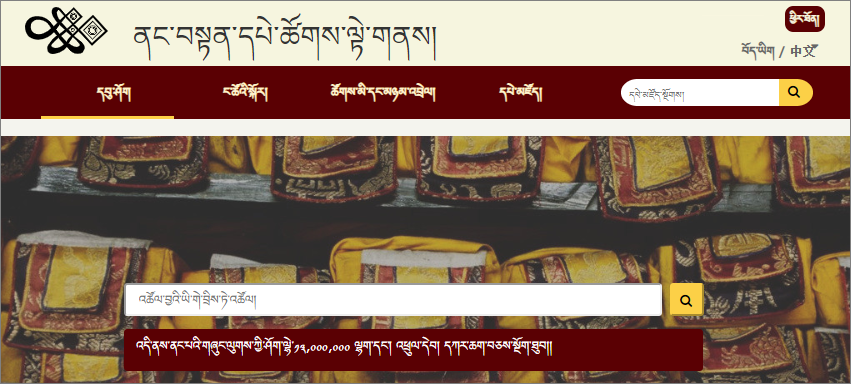
- By consulting BDRC website
- By consulting BDRC Lib (BDRC Mobile App)
- The official website of Buddist Digital Resource Center is tbrc.org.

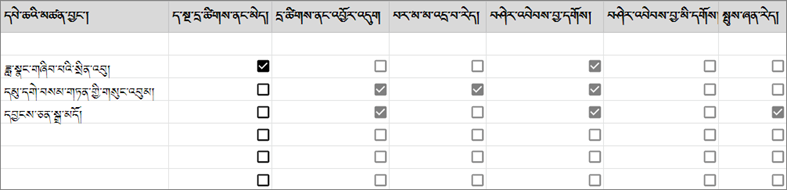
Create a list in excel as show in the image to confirm whether the book need to scan.
Examples
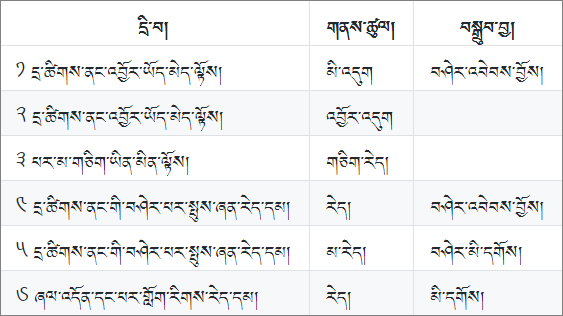
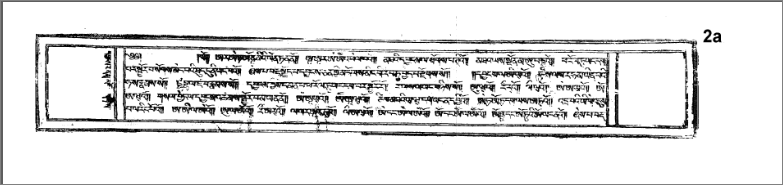
Create a checklist Table show in image below and tick checkbox while going through each creteria.
| Image | Creteria |
|---|---|
| Does not exist in BDRC website | Note down in scanning list |
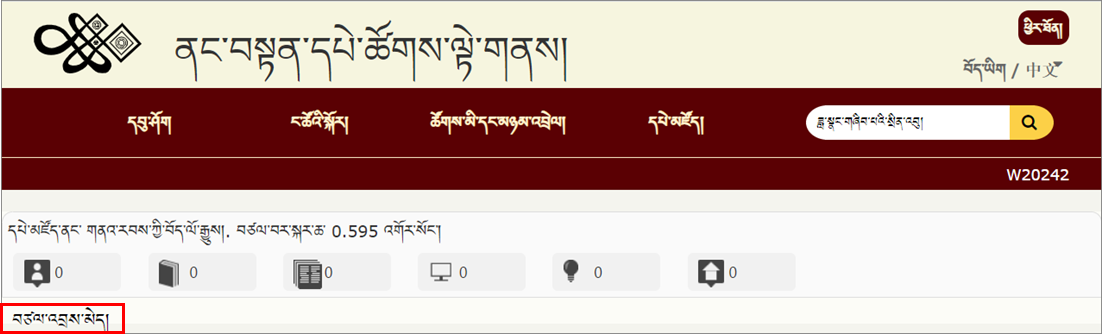 |
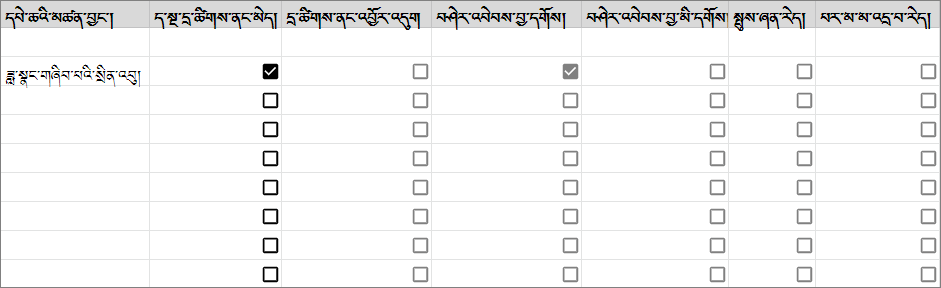 |
| Already in BDRC website, but different edition | Note down in scanning list |
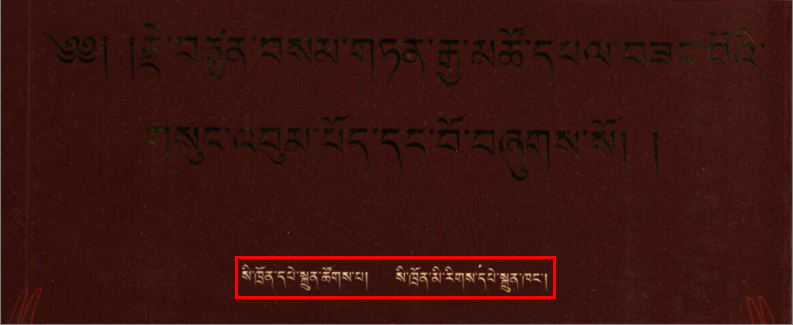 |
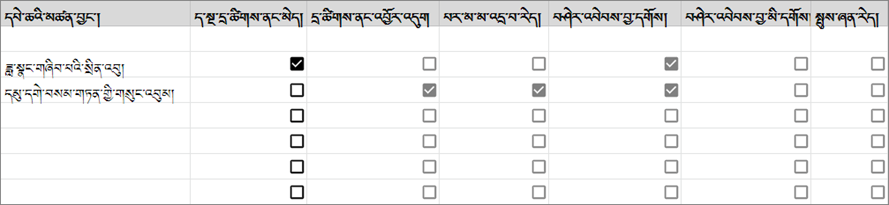 |
| Already in BDRC website, but poor quality | Note down in scanning list |
 |
 |
Take a photo of the book cover, copyright and colophon pages. Send the photos along with SLT to FR and confirms they need to scan.