Requirements
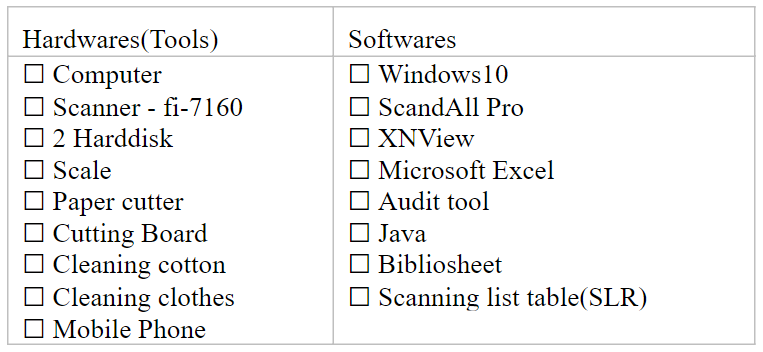
Requirements are list in table below and catagorize into two, hardwares and softwares. In the coming up sections contain short note about their usage, download and installation.
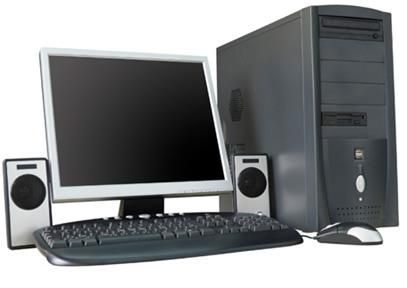
Computer is required during whole process of digitization.
read more...........
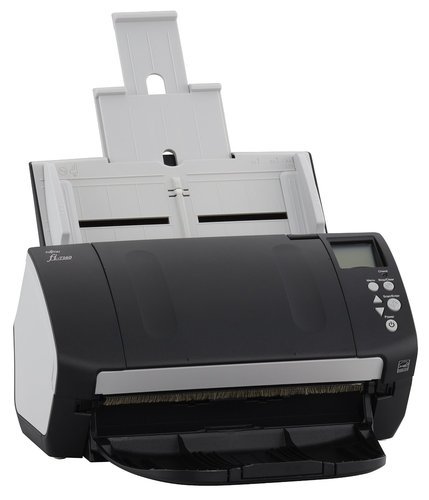
Fijitsu(fi-7160) is one of best scanner to scan Tibetan Pecha as well modern books. It gives good quality images, easy settings, portable, But can't scan damaged pages.
The scanned images need to store in three different folders such as source images, processed image such as Archive and Web image folders. Each work folder contains all those three folders. Each work folder have to store in two different harddisk as backup.
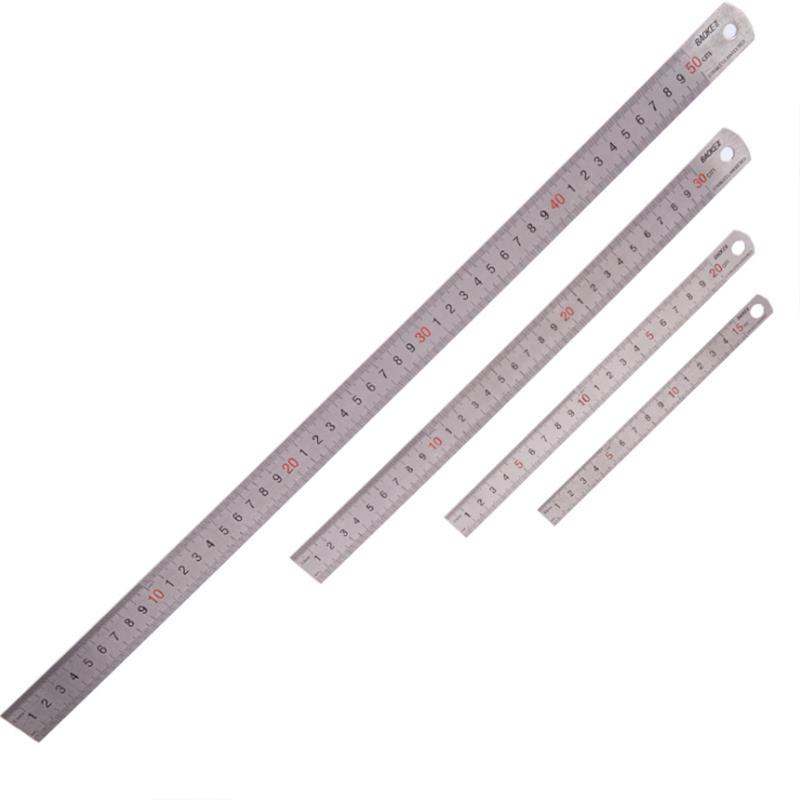
The person need to measure the height and width of the pages. For this need a scale with (mm) measurment.
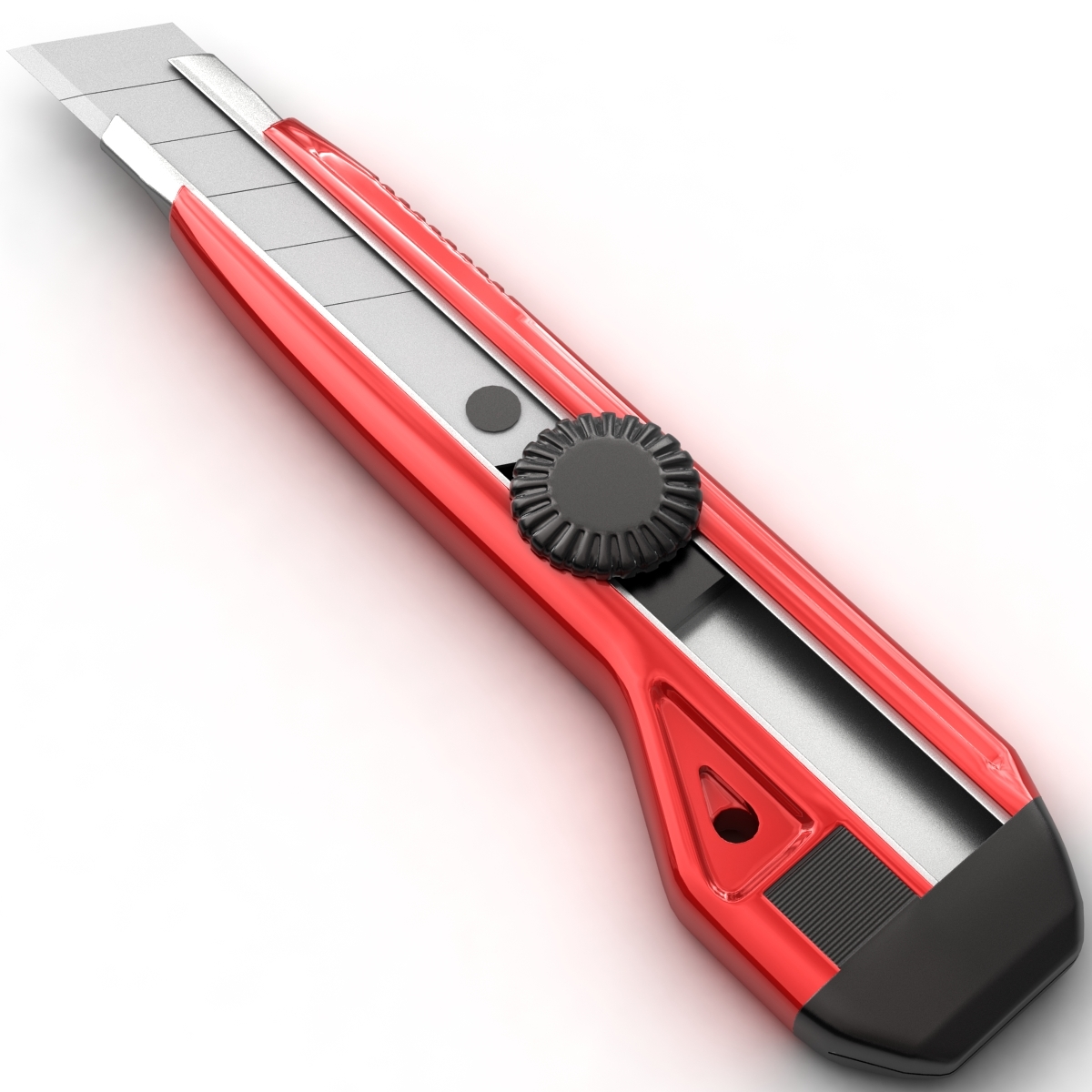
To scan a modern book, have to cut the book spine and need book spine cutter or paper cutter as show in the picture
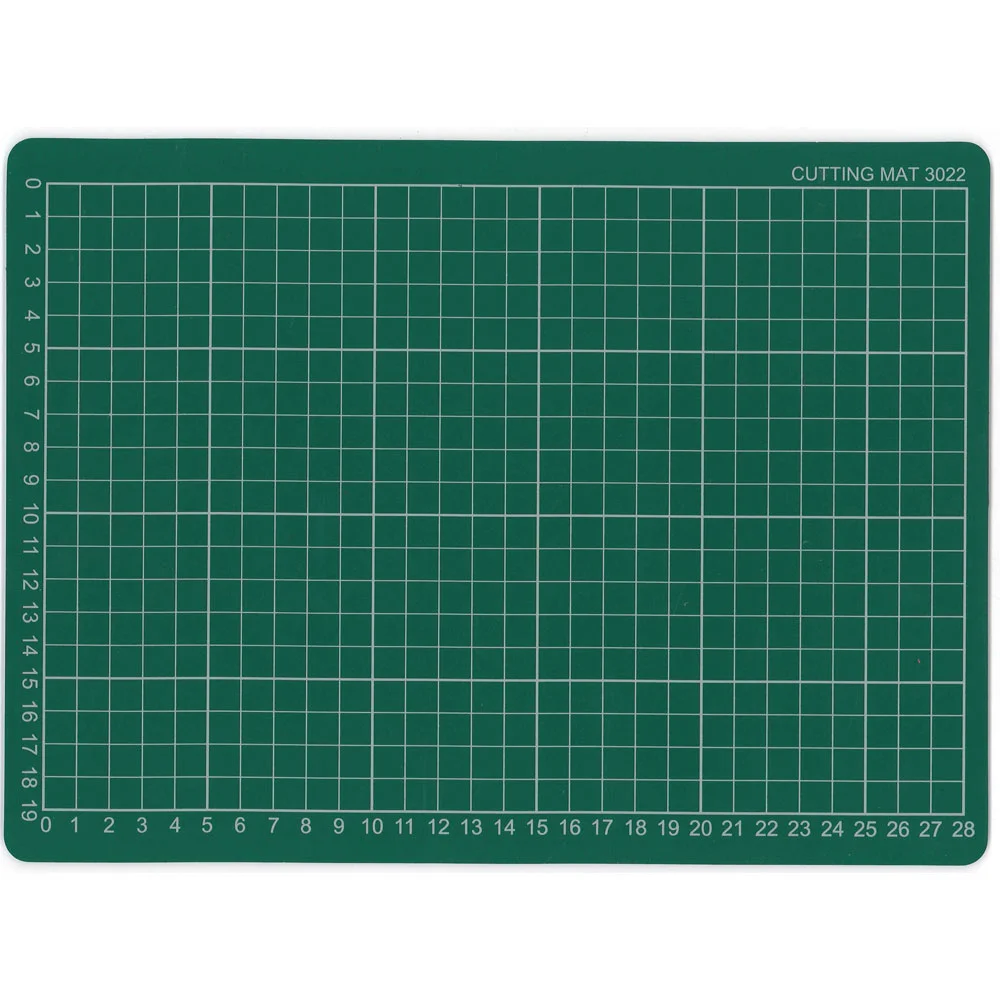
If you dont have book spine cutter, then need cutting board. You can use blue cutting board show in the picture or glass. The surface should be smooth and clean.
Always need to clean the dust on the scanner in order to get good quality image.

Cleaning clothes are require to clean the dusk and dirts on the book or Pecha.
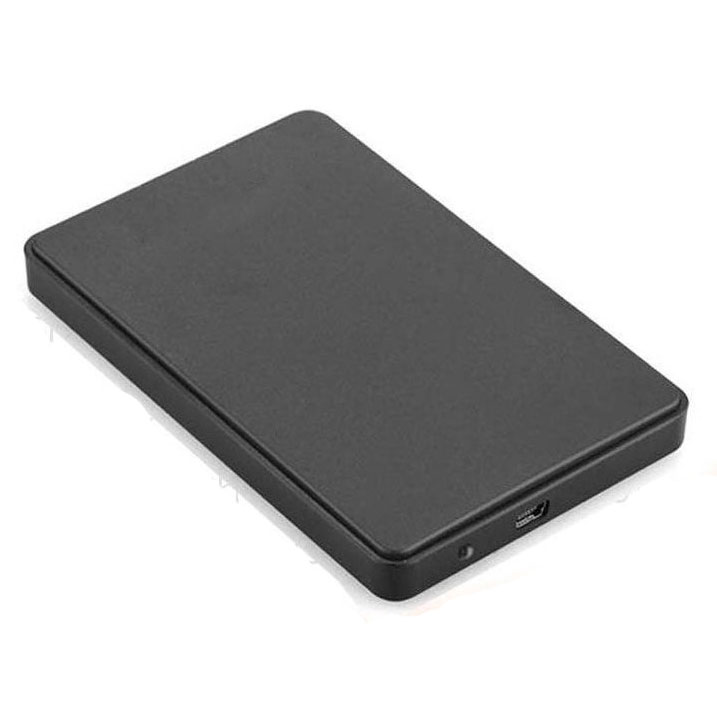
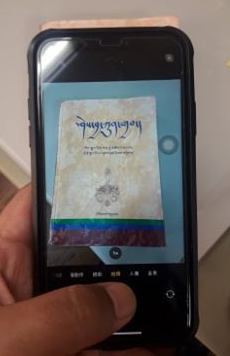
During the digitization process, need to take a few photos of the book and send it to FR for confirmation. For this you need portable camera and mobile phone camera is good enough.
During the digitization process such as scanning, post processing, quality checking need computer with windows10.
Read More..........

A software is require to connect the scanner and computer in order to scan the books.

Three different software such as TWAIN, ISIS and ScandALL PRO are required to download and intall. Click the link below to download the softwares.
Softwares Fujitsu ISIS Fujitsu TWAIN ScandALL PRO How to install the softwares.

During the digitization, especially during the post processing such as resizing, cropping, renaming and formating need this software. Check website here.

Click the link below to download the softwares.
Windows Mac win 64bit iMac win 32bit How to install the software.
.gif)
Software such as Microsoft Excle is required to fill the form such as Scaning List Table, Biblioinfosheet and Accession Number List.

Audit tool is specifically design to check whether the finished work folder is up to the standard or not. It reduces human workload. It requires Java.
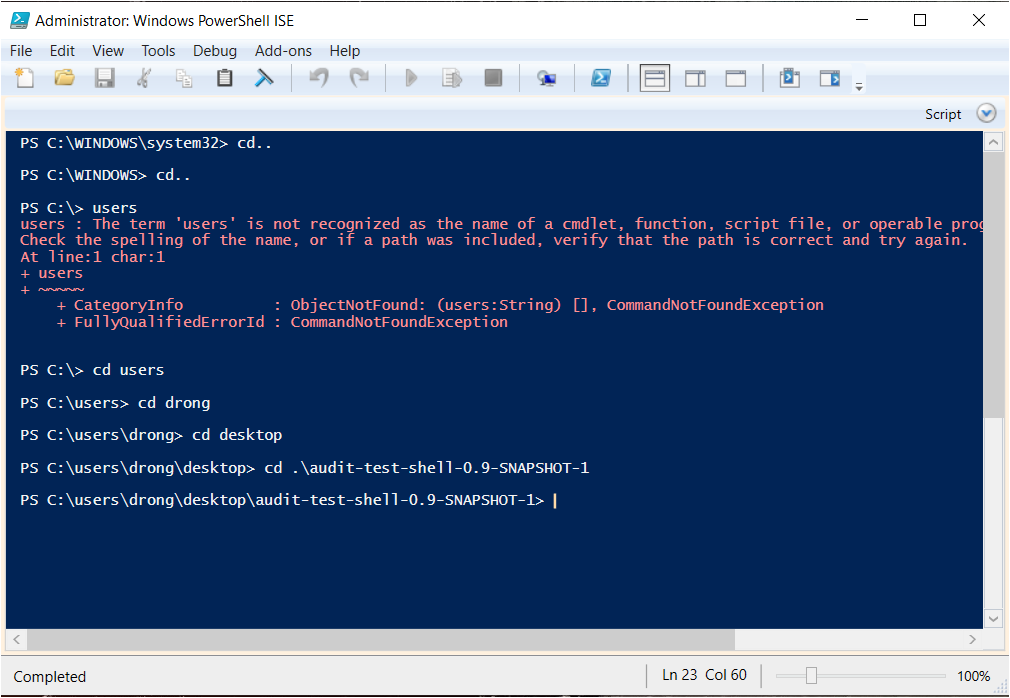
Software audit tool Java is requried to run the Audit Tool so should download and install before. it can download free from internet or download from the link below.

Click the link below to download the softwares.
Software Java How to install the software
.gif)
Biblioinfosheet contains sets of detail information related to programme, work, istance and item. and have to fill for each work.
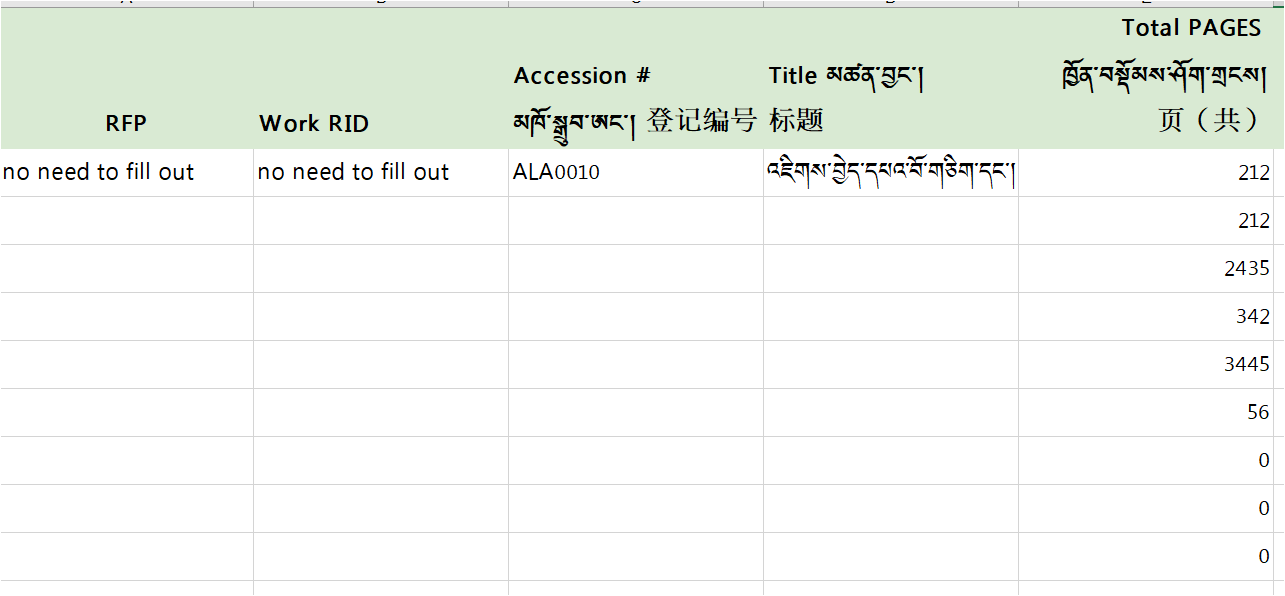
Download Bibliographic info sheet The Scanning List Table is required to make sure which books or Pecha is need to scan.
Download Scanning list table