Training providers guide
Institutional (training provider) guide available in English-spoken video format here: https://youtu.be/NLU49A7y-kw
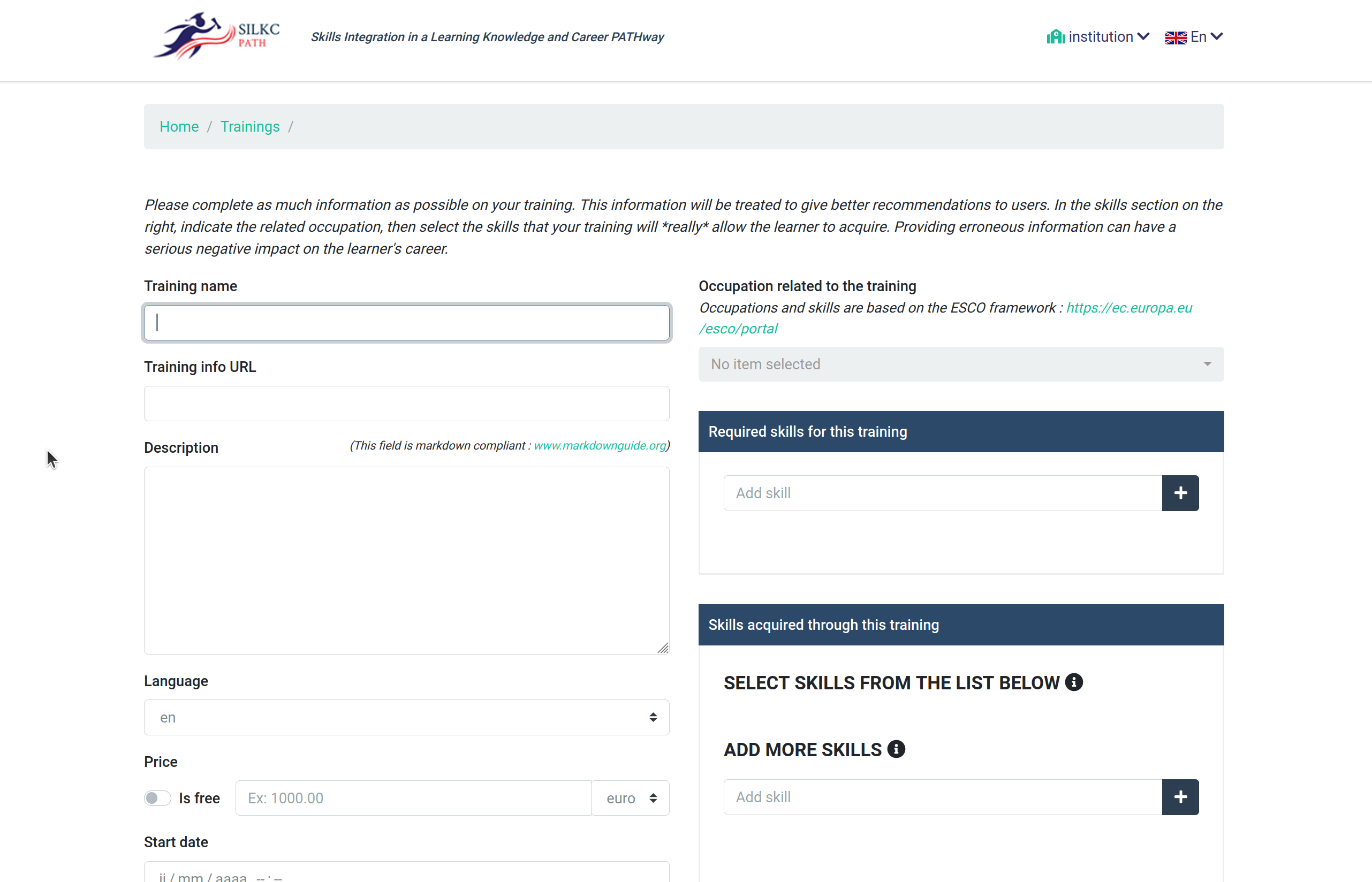
Cynthia represents a training provider. Her institution is always looking for new ways to promote their training as more students mean they could develop better and more relevant training faster. She heard about SILKC and decided to try it out. She tried it as a final user and found that her institutions’ training offers were not available in the results. She creates an account and confirms her email. She then connects and the application invites her to complete her institutional profile: the address of the institution, a contact point and little more information. Then she can start registering training opportunities at her institution. She registers the first training (description, price, location, dates, etc), which takes some time. The application invites her to describe which skills will be acquired by learners achieving the objectives. To help, the application offers a searchable list of jobs and, when she selects one, shows a list of related skills. Now all she has to do to finish registering the training is to confirm which skills will be acquired. Once this is done, the training will need to go through an administrator’s validation, but this shouldn’t take long. As soon as the training is validated, it will appear in the search results for other people interested. A few days later, she starts receiving emails of interest in the training.
Three weeks later, she returns to the application because the training has ended and so it stopped appearing in the results, but another session will open soon. She checks the list of training she registered before, simply clicks the “Clone” button and only changes the dates and clicks publish. Done. Now the new training session will appear in search results again.
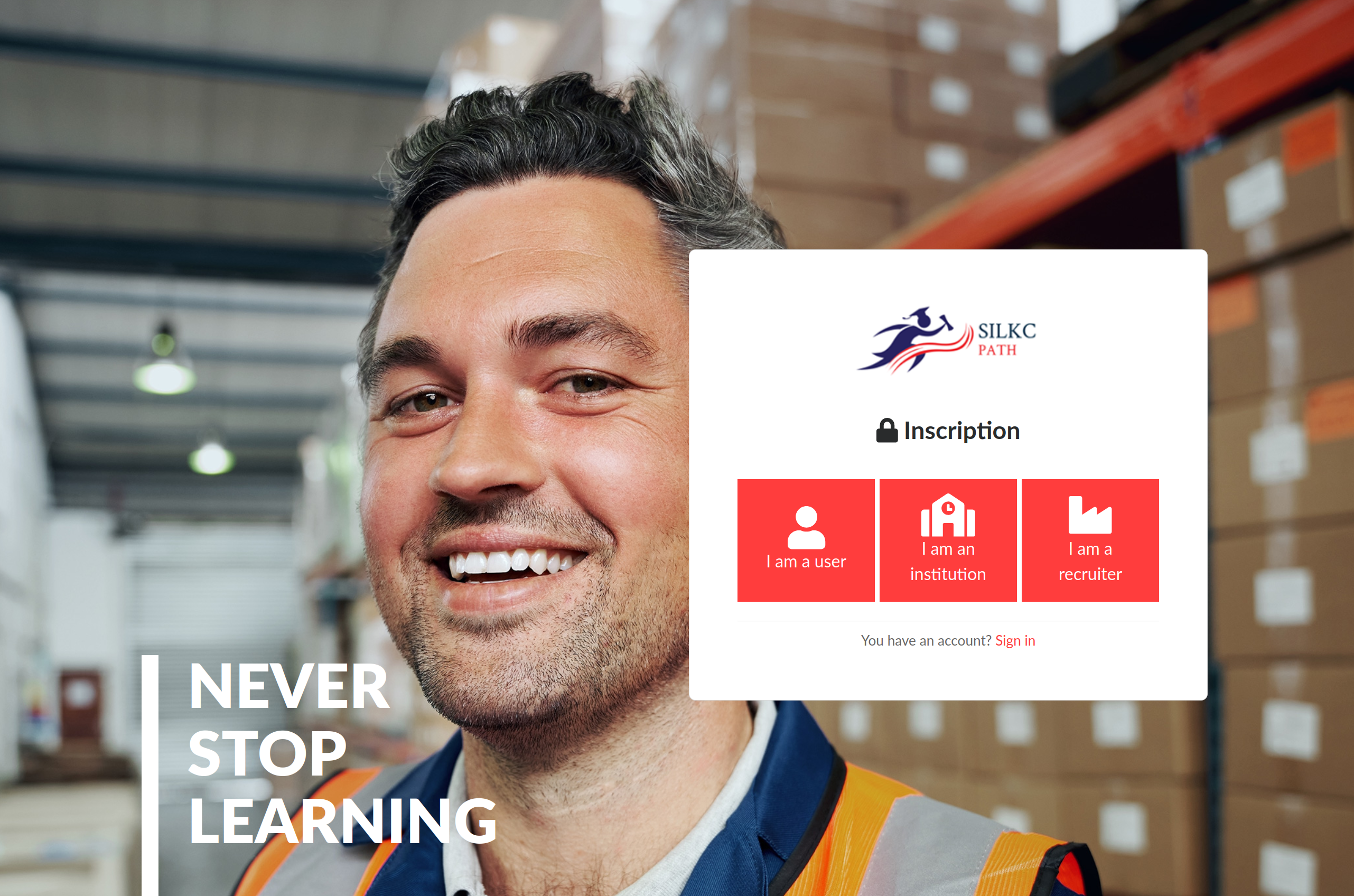
Training providers register simply by clicking "Sign In" then selecting the "Institution" icon.
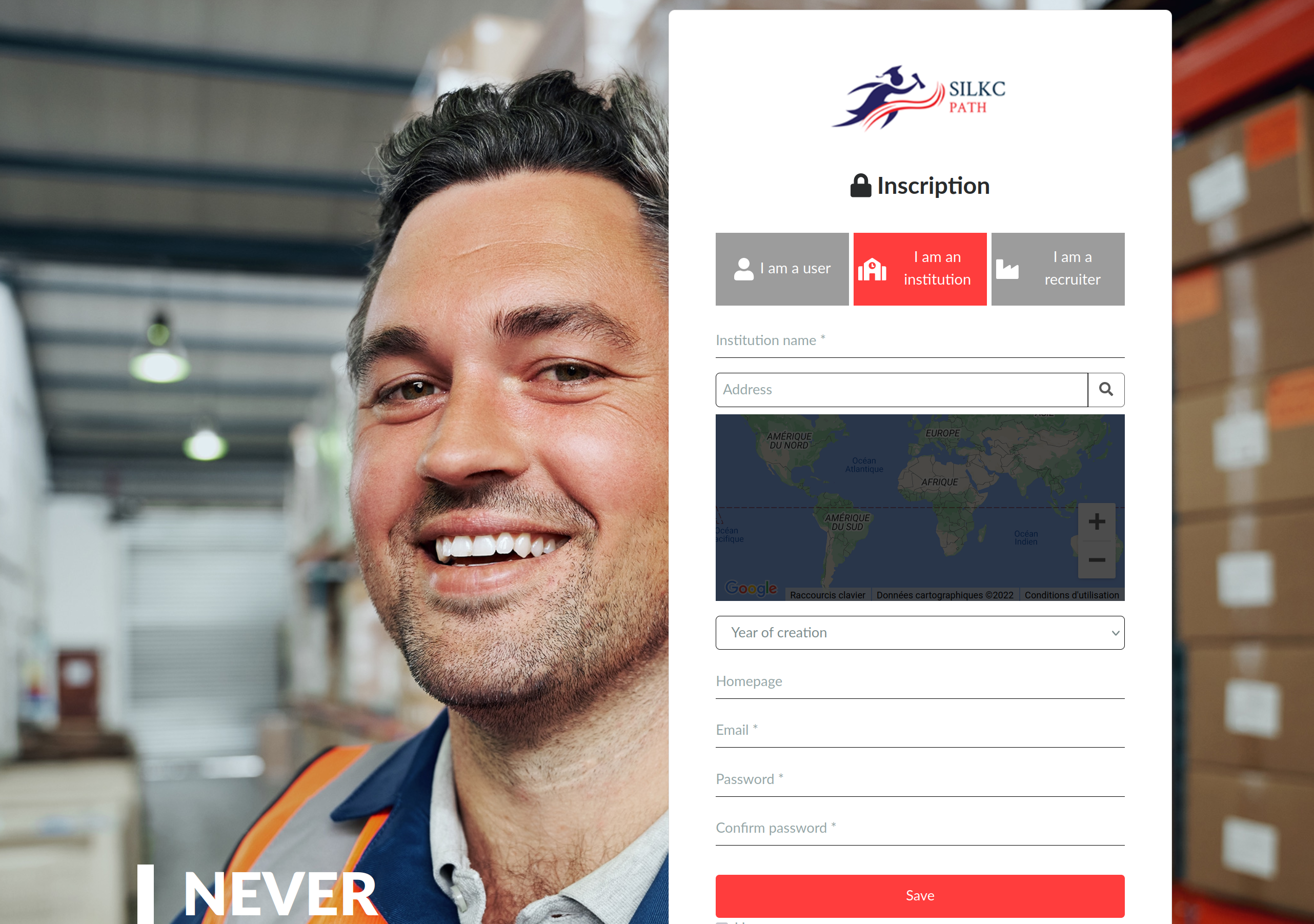
The profile form is relatively short and data can be edited later on.
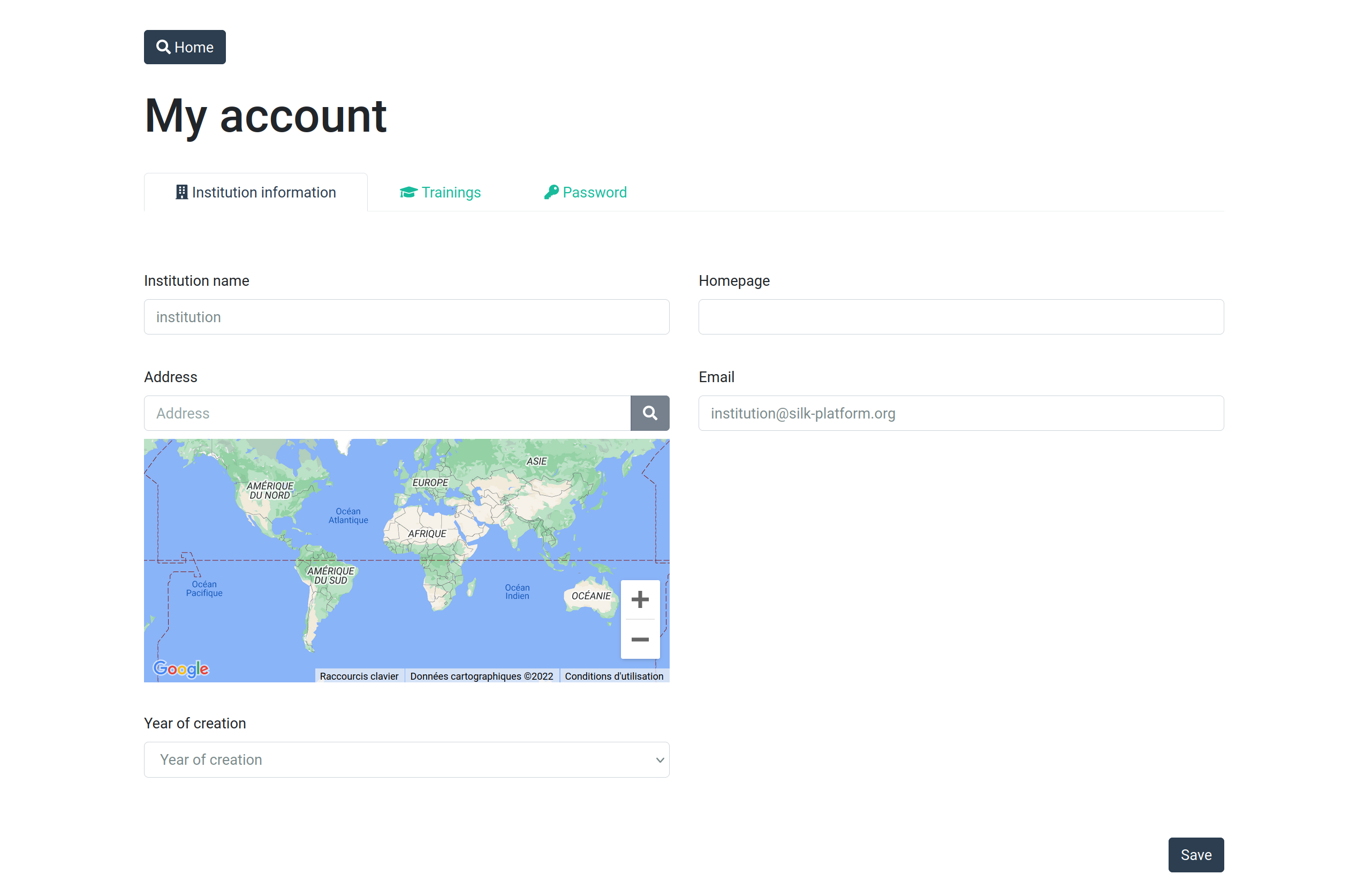
The training provider can simply edit its own profile, which is important for users to find the institution information when relevant.
Once its profile has been edited, the training provider can go on and create new training.
Past training in the training provider section can be cloned when the same training is happening again (as each training is also defined by start and end dates).
Once the training has been published by the training provider, it will appear (when relevant) in the search results of any user (including anonymous users), unless it is not approved or disabled by the administrator (or disabled by the training provider itself) or the dates are in the past (not relevant anymore for a current search).