Recruiters guide
Recruiters guide available in English-spoken video format here: https://youtu.be/6f6c-NFa_ng
Bertha works in the HR department of a large company. She regularly struggles to find people with the right skills for the most complex vacancies. She heard that SILKC can help her find candidates based on their skills, so she decides to give it a go. She creates an account as a recruiter, confirms the email, completes her profile and opens a new vacancy. She describes the vacancy, then specifies all the skills she is looking for. When she’s done listing them all, she checks a special section that tells her how many people on the platform have all these skills, and how many of them are open to job offers. If no one has the full set of required skills, she can always tune down her requirements a little and check if anyone has all the skills “minus one”. She finds that by removing one specific skill, she gets a list of 24 candidates open to job offers. Great! Now she can publish the offer. Because SILKC has very high standards of privacy, she cannot know whom the email will be sent to, but she knows 24 people will get the email, and that her contact details are in the same email, so surely she will start receiving candidates soon!
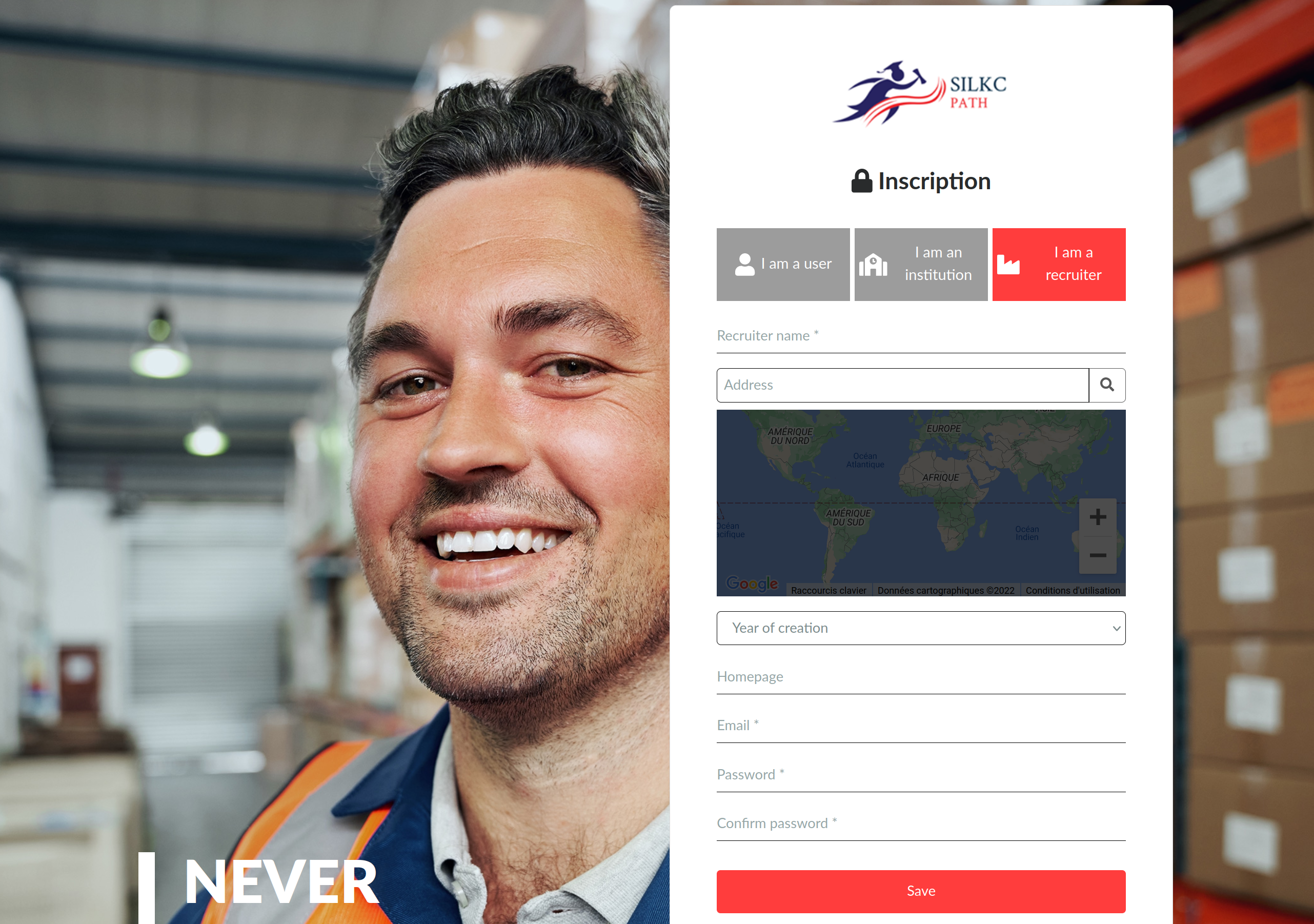
Recruiters can sign up following the "Sign up" link in the upper menu and selecting the organisation icon.

The sign up page is relatively self-explaining and all the data can be edited later on.
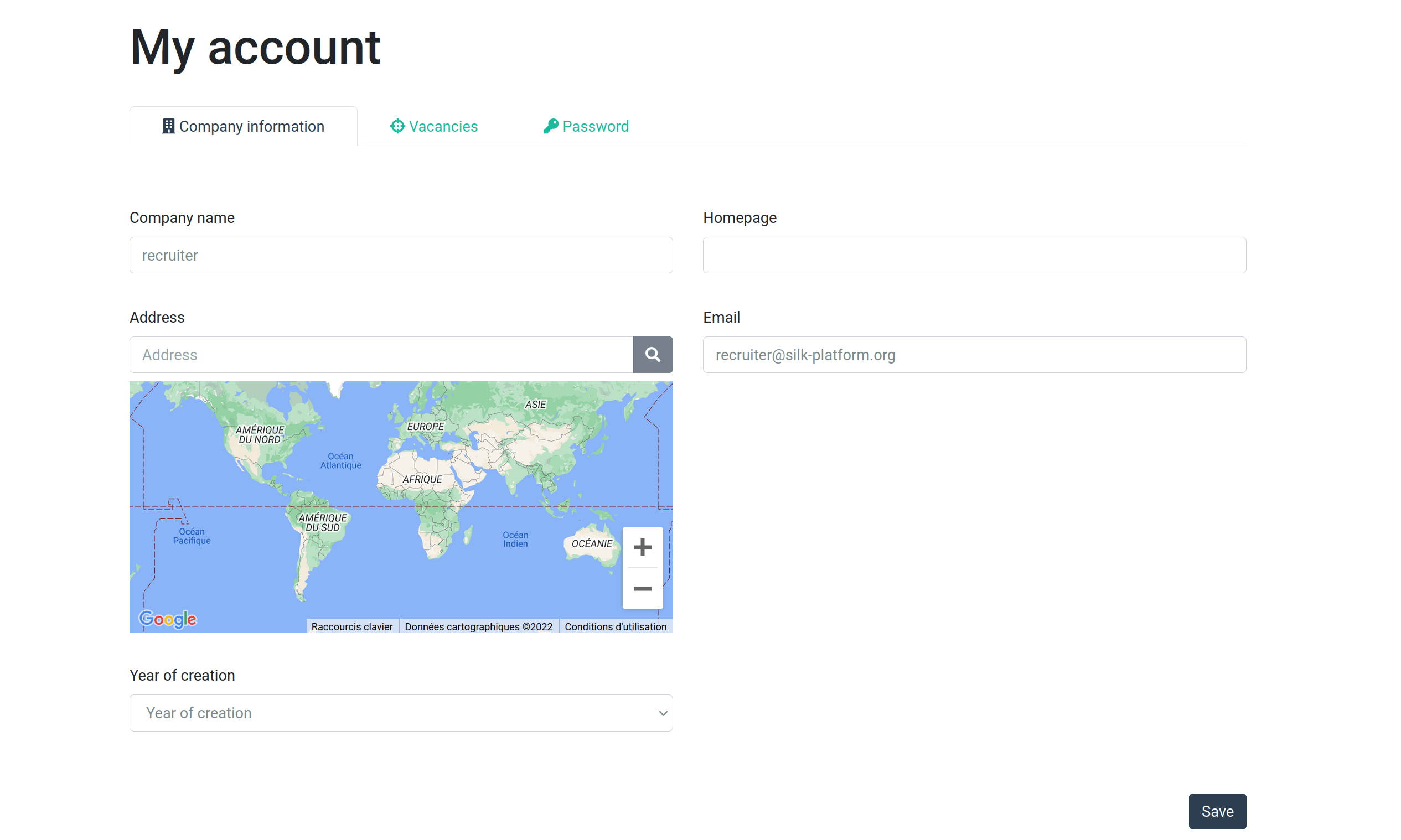
After signing up (or after any sign in), the user is sent to the profile page where it can edit the profile data.
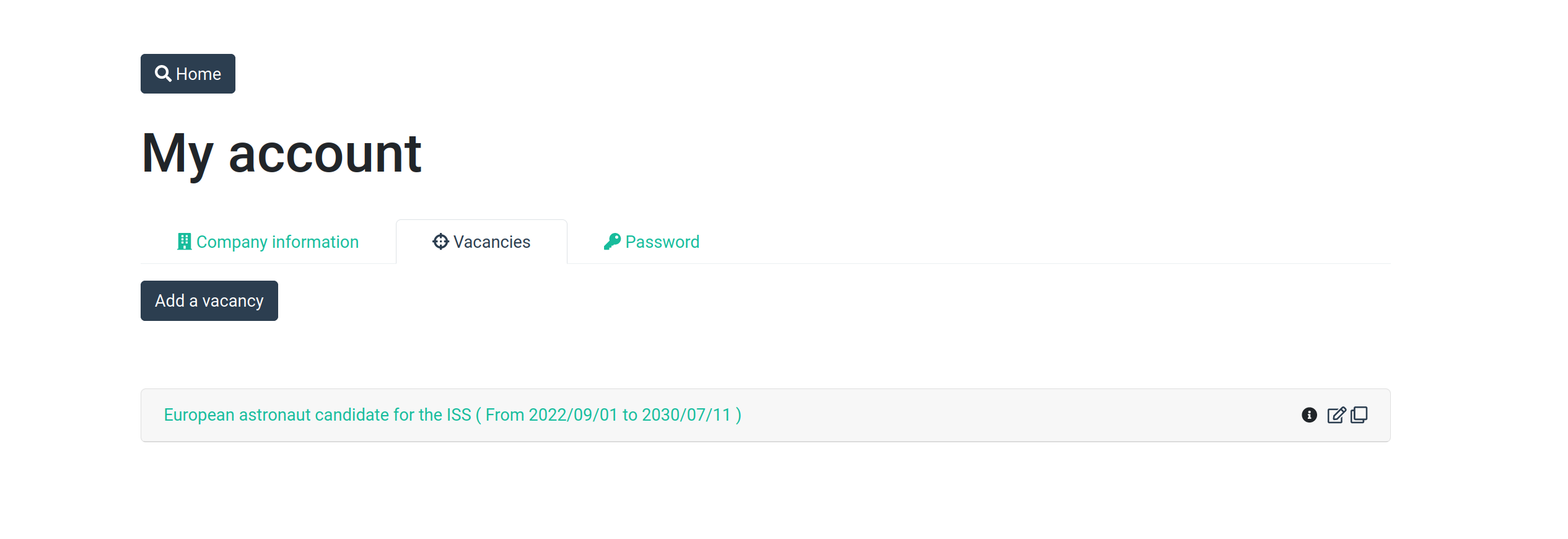
Recruiters can then see, in the "Vacancies" (or "Jobs") tab, the list of vacancies previously posted.
The recruiter can then register a new vacancy. If the job offer is based on any existing job profile defined in the ESCO framework, the job registration page will allow the recruiter to select the job and have a large pre-selection of skills to confirm (or not) as part of the profile he/she is searching for.
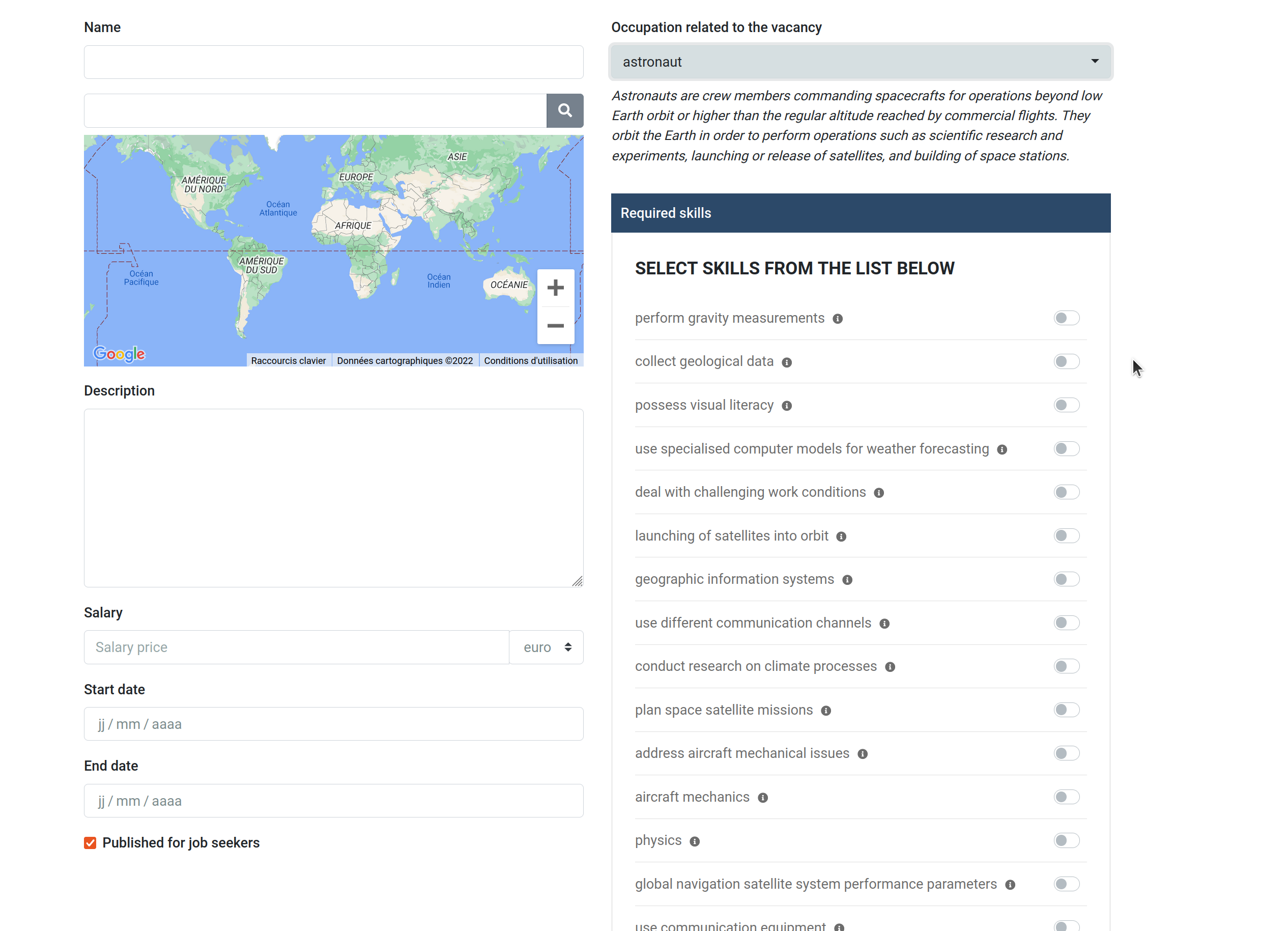
Once the required skills have been selected, a search will enable the recruiter to see how many users of the system actually match this list of skills (meaning they have acquired all of the requested skills), and, of those, how many are open to a job offer.
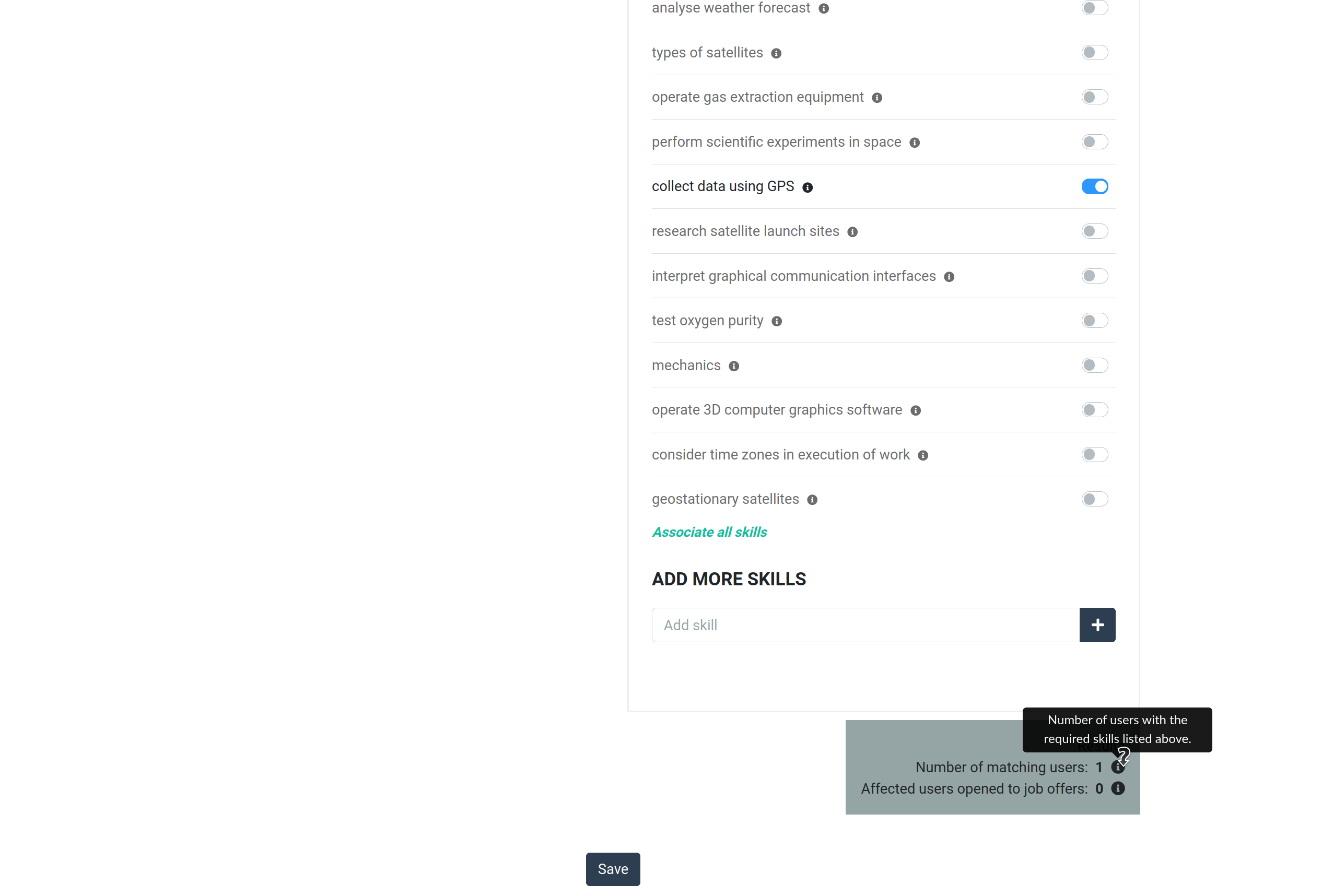
If any matching user is open to a job offer, a mail editor will appear with a template e-mail and the recruiter will be able to send an e-mail to the candidates. The candidates are anonymous to the recruiter: he will only know their names if they decide to answer the job offer. Candidates will obviously know who the offer came from.