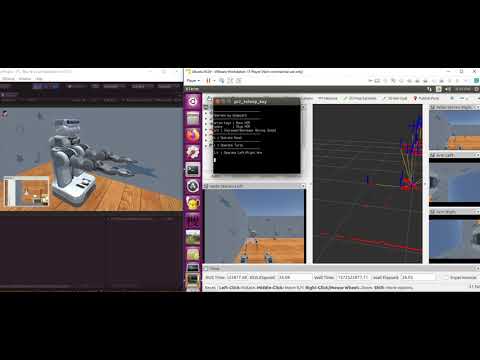
PR2_OperateWithKeyboard
Start the Ubuntu side and then the Windows side.
Open a new terminal and run the following command:
roslaunch sigverse_pr2_teleop_key teleop_key.launchTo start rviz, execute the following command.
roslaunch sigverse_pr2_teleop_key teleop_key_with_rviz.launchStart the [Assets/SIGVerse/ExampleScenes/PR2/Pr2Teleop(.unity)] scene with reference to here.
- A room will appear when you start. The room is randomly selected from 4 types.
You can control PR2 by keyboard operation on the teleop_key.launch terminal.
- Check the terminal for details of the operation.
If you want to finish, stop the Unity side and then the ROS side.
Ubuntu side (teleop_key_with_rviz.launch) (The details may differ from the latest version)

Windows side (The details may differ from the latest version)

Reference Video