This repository was archived by the owner on Mar 21, 2023. It is now read-only.
ScanForEpisodes
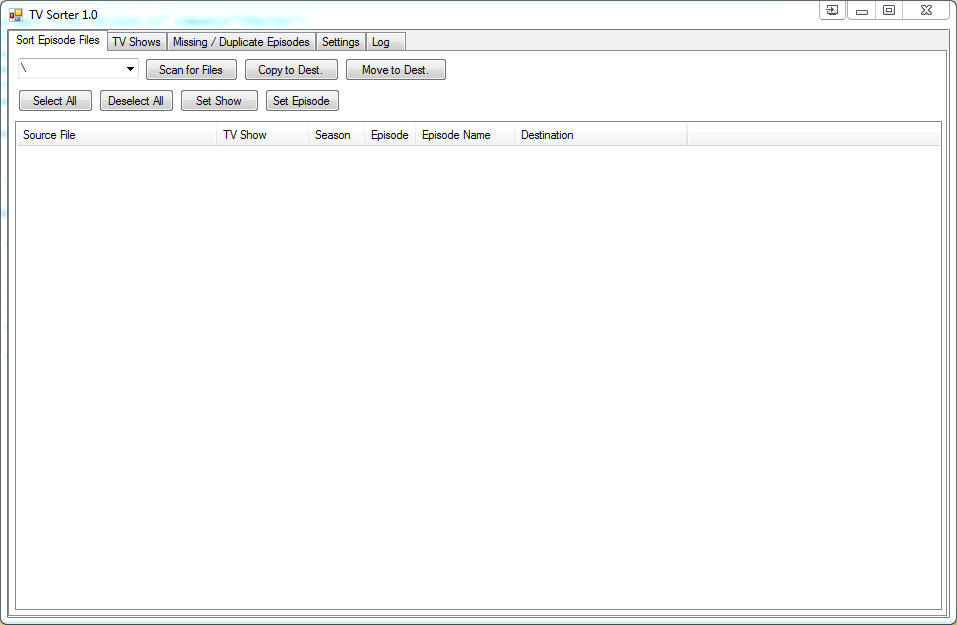
The input folder tab shows the files in the input folder and the data that it has found about each episode as well as the path it will be moved to when it is moved. To show the file, the view must be refreshed using the Refresh button.
- Subfolder Filter This is a combo box showing the first level subdirectories of the source directory. If one of these is selected, only that folder will be shown
- Scan for Files This will scan the source directory, or its selected sub-directory, for episode files. The results will appear in the list.
- Copy to Dest. Copies the selected scan results to the selected output directory.
- Move to Dest. Moves the selected scan results to the selected output directory.
- Select All This will check all of the files shown in the list.
- Deselect All This will deselect all of the files in the list.
- Set Show This will allow the user to manually select the show for the selected files.
- Set Episode This will allow the user to manually set the season and episode number for the files.