Releases: matthane/script.audiooffsetmanager
Audio Offset Manager v1.6.0-beta3

- More PM4K compatibility changes
Audio Offset Manager v1.6.0-beta2
- Fix instances of the addon not correctly detecting the current audio stream.
- Fix compatibility with PM4K (Plexmod for Kodi)
- Change real test video to dummy test video to reduce package size
- Add Advanced settings category with debug logging toggle
Audio Offset Manager v1.5.0
- Added notifications for when offsets are applied dynamically, or when offsets are saved with the active monitor
- Notifications can be toggled on or off, and have a configurable duration of 1–10 seconds
- Added onboarding bypass button to skip test video
- If you know your Kodi platform supports HDR10+, the settings will not be visible until a video is played and the addon can confirm HDR10+ detection.
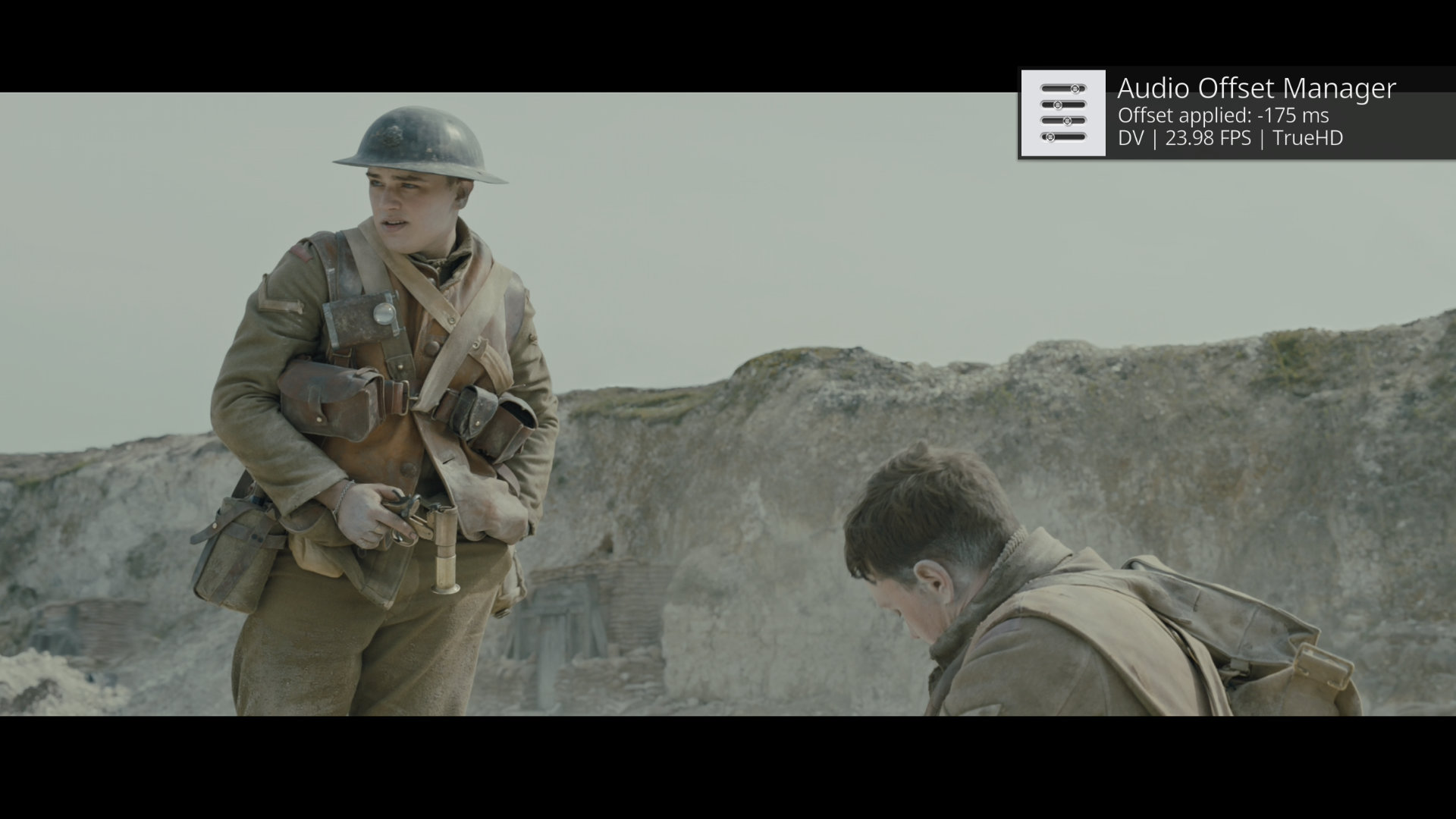
Install by downloading the zip file and installing from zip in Kodi, or from the Service category of the Kodi repository. New updates often take a couple of weeks before getting merged into the Kodi repo.
- CPM variant uses 5ms offset increments instead of 25ms
- Ildrada variant uses 2000ms max offset limit instead of 1000
Audio Offset Manager v1.4.0
- Add DTS-HD HRA offset option
- Consolidate DTS-HD MA offset options for simplicity
- Clean up audio format detection methods and improve compatibility with spatial object encoding
Install by downloading source code zip and installing from zip in Kodi, or from the Service category of the Kodi repository.
The CPM variant uses 0.005s step interval for offset adjustment instead of default Kodi 0.025s interval. Using this on a build of Kodi that has not been modified will not have any effect, the offset will be rounded to the nearest step interval supported by the build.
Audio Offset Manager v1.4.0-beta
- Add DTS-HD HRA offset option
- Consolidate DTS-HD MA offset options for simplicity
- Clean up audio format detection methods and improve compatibility with spatial object encoding
Install by downloading source code zip and installing from zip in Kodi.
Audio Offset Manager v1.3.2
Small bug fix related to seek back pause state detection.
Install by downloading source code zip and installing from zip in Kodi.
Audio Offset Manager v1.3.1
Mainly back-end changes and bug fixes, but one small enhancement as well:
- The addon can now be saved to favorites, providing easy access to offset controls
- Bug fix: Fixed missing PCM controls to non-FPS based offsets
- Bug fix: Fixed double seek backs when transitioning episodes with Up Next addon
- Code refactoring and optimization
Install by downloading the source code zip option and install via Kodi "Install from zip file" option
Audio Offset Manager v1.3.0
Pretty big update with the addition of FPS based offset management! And a lot of cleaning up around the code and making it more efficient.
I recommend a clean install for this version if you have issues, since it adds so many new settings and changes setting IDs. Should be last big change made to settings for a while.
- Add FPS based offset management ability
- Add button to re-validate platform HDR capabilities if they get reset to default
- Improve active offset monitoring reliability
- Fix setting handling to be more efficient
To install, download source code zip below and use "install from zip" in Kodi
Audio Offset Manager v1.3.0-beta
Pretty big update with new FPS based offset management features. If desired, now you can get even more granular and control offsets based on the FPS of your content. As a result of these new settings, the settings.xml file is HUGE and I'm not sure if it will cause issues with performance. Please let me know if this beta has any instability or other issues.
- Add FPS based offset management ability
- Add button to re-validate platform HDR capabilities if they get reset to default
- Improve active offset monitoring reliability
Audio Offset Manager v1.2.0
Some new features!
- New Other/PCM offset setting for audio formats that fall outside of the typical movie/TV show codecs and typically get decoded as PCM
- Onboard now includes a small <2mb test video that can quickly be played to finish addon setup
Bug fixes/code cleanup:
- Fixed HDR platform detection to not always return true and actually do it's job
- Centralized module management so that aren't all listening to the same playback events