UIDevice
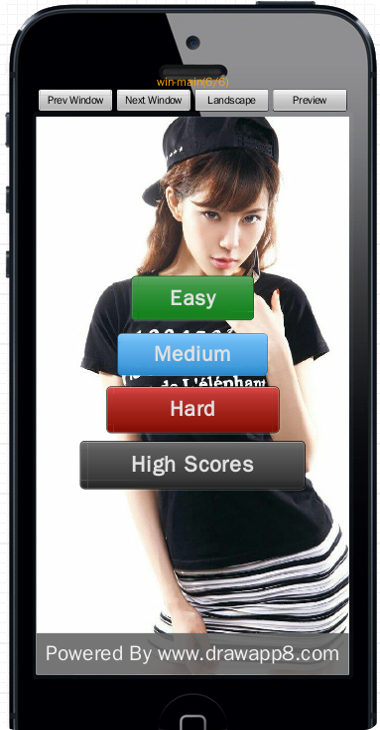
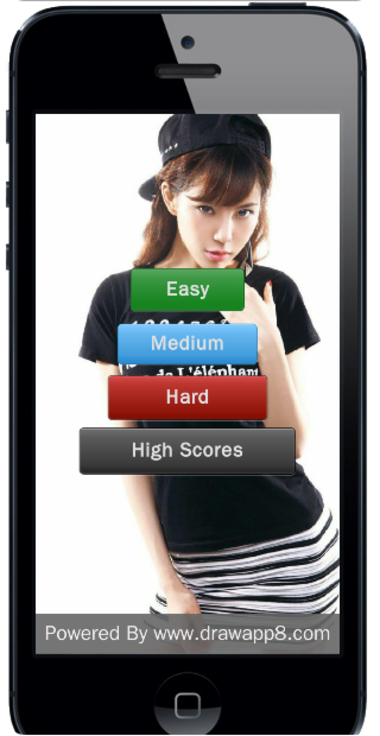
UIDevice works as a device simulator in PC browser, and no use on mobile device. In running mode, it contains only a screen, and in preview/design mode, it also contains some buttons.
It is a subclass of UIElement.
-
config The config of the device.
- screenX The X position of the screen.
- screenY The X position of the screen.
- screenW The Width of the screen.
- screenH The Height of the screen.
- platform The platform of the device, optional values are "android", "iphone", "winphone", "firefox", "tizen".
- lcdDensity The lcd density of the device. optional values are "xxhdpi", "xhdpi", "hdpi", "mdpi", "ldpi".
-
setDirection(direction) Set the direction of the device.
- direction optional values are UIDevice.LANDSCAPE and UIDevice.PORTRAIT.
-
snapIt() take a screen shot of current window.
Running Mode Device:
Design Mode Device: