Deployment
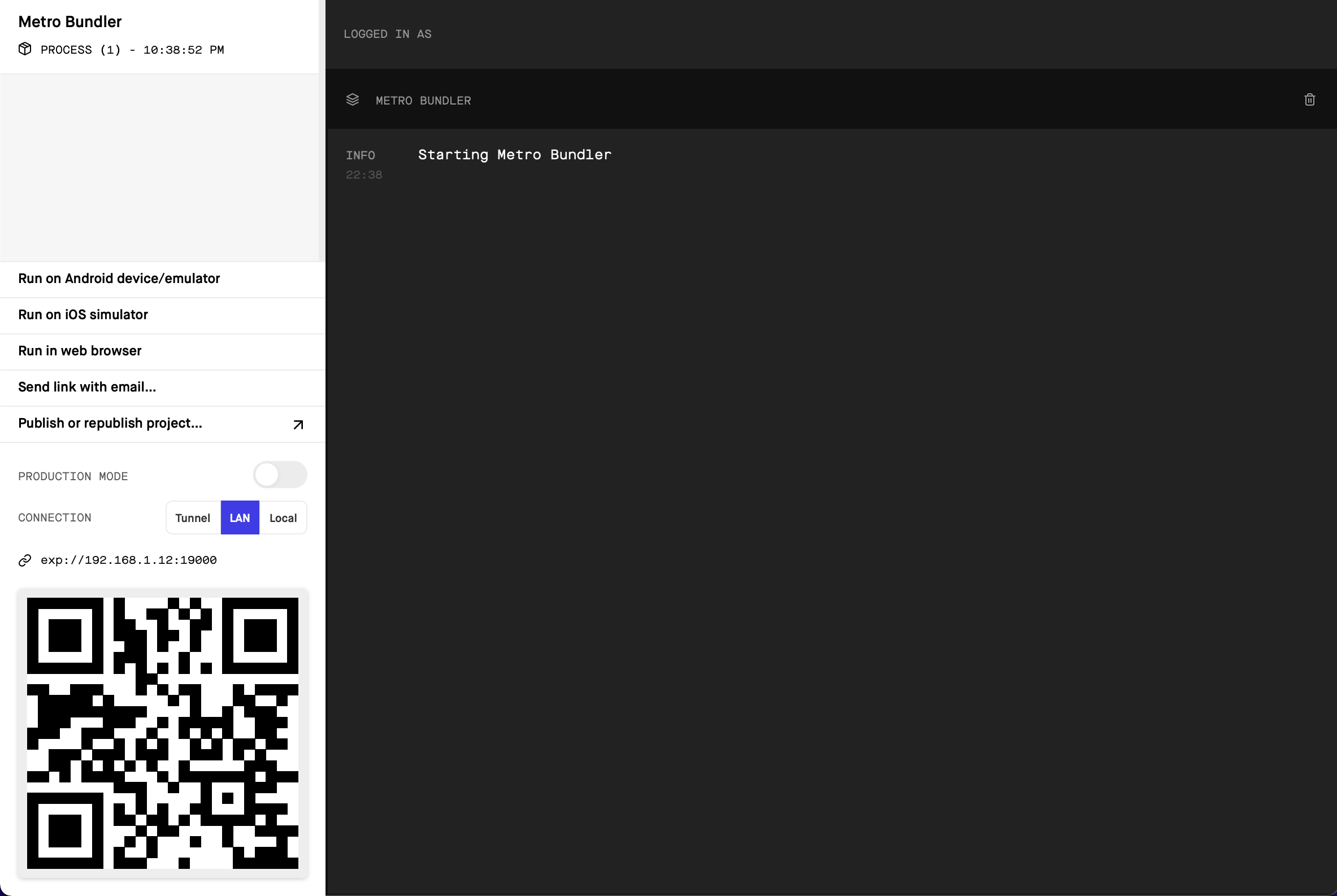
When the metro bundle is built, an expo webpage should be automatically opened in your browser:
See below for deployment instructions to an iOS device, or an iOS simulator on Mac.
Scan the QR code with your phone and it should open Expo Go and begin launching Potluck.
In Expo on the nav menu click 'Run on iOS Simulator'
This should start Xcode and begin running a simulator. Once the simulated iPhone boots, it should automatically open Expo Go and download the Potluck Metro bundle.
Now that you've got the app built, see Usage and Demo to learn how to use Potluck!