DataSpec Installation
The simplest and easiest way to install Regular is by downloading the relevant .msi file from our Installers Page
NOTE: You may receive some security warnings, depending on your local or office-wide security settings.
The installer should look like this:
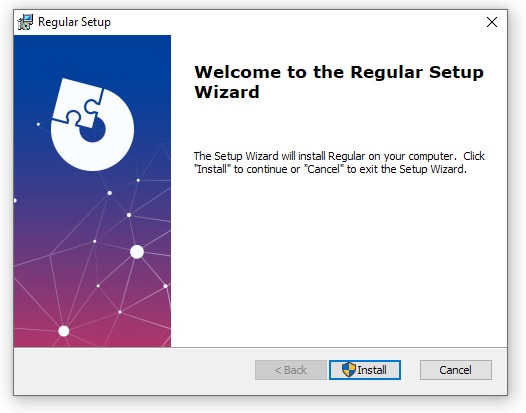
It will install 3 files in your local app data folder:
C:\ProgramData\Autodesk\Revit\Addins\20XX
The second way to install Regular is by manually copying the relevant DLL and .addin files from the repo into the required location. This is a manual way of doing exactly what the .msi installer carries out automatically.
- Download the Regular.dll and Regular.Newtonsoft.Json.dll for the version you want to install from the bin/64 folder.
- Download the Regular.addin file from the Regular repo.
- Copy all 3 of the downloaded files to one of the following directories:
%appdata%\Autodesk\Revit\Addins\%appdata%\Autodesk\ApplicationPlugins\C:\ProgramData\Autodesk\Revit\Addins\
A huge shoutout goes to the team at Advanced Installer for donating a license to this project! 🙌