Citations page
If you include a bibliography but would like it to not appear on the sidebar navigation menu, you can flag it as a bibliography in the ePub metadata, and content player will instead open the page with a button in the footer. The text used in this button changes with the <dc:language> setting of the ePub.
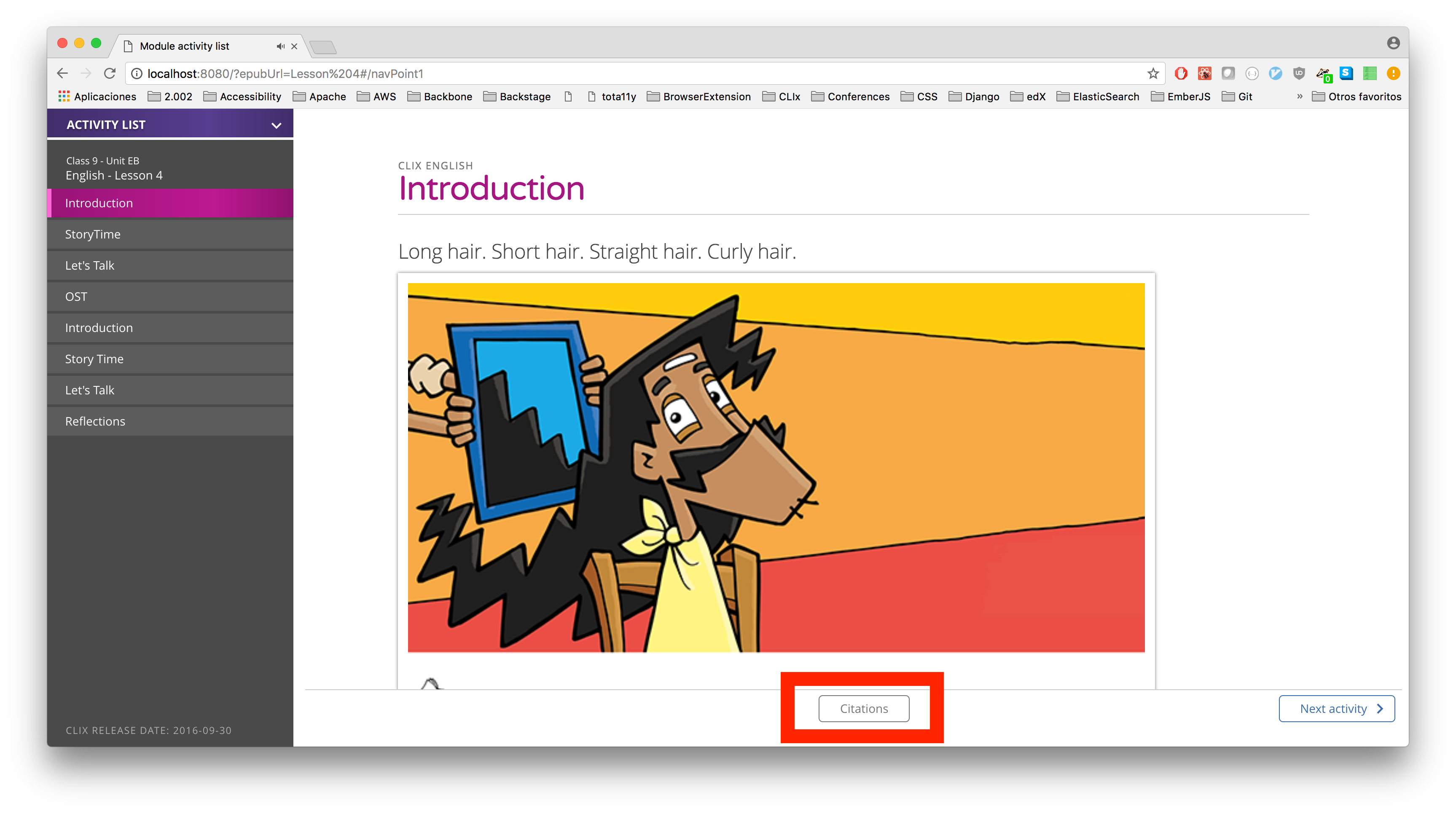
When the drawer is opened, the specified page will appear as a drawer on the right-hand side of the screen:
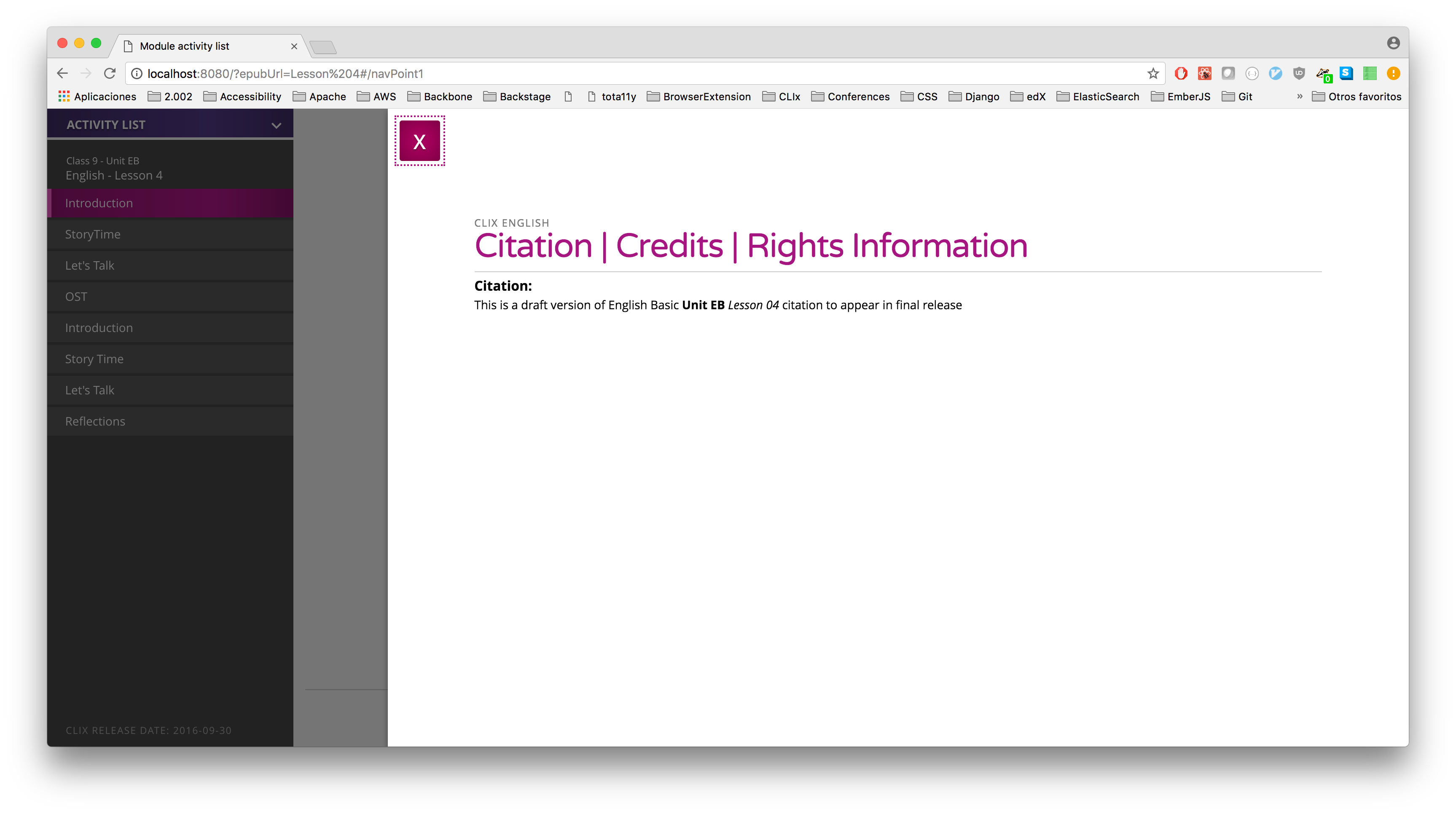
To flag it as a bibliography, there are two changes you need to make.
- In the
Citation.htmlpage, change theepub:typefromchaptertobibliography. So thesectiontag would look like:<section epub:type="bibliography">. - In
content.opf, in theguidesection, add an entry for thebibliography, so it looks like the following. Thehrefof thereferenceMUST match thesrcof thecontenttag, in thetoc.ncxfile'snavPointtag that corresponds to the citation page:
content.opf
<guide>
  <reference type="toc" title="Table of Content" href="Text/nav.html"/>
  <reference type="bibliography" title="Citations" href="Text/Citation.html"/>
</guide>
toc.ncx
<navPoint id="navPoint9">
  <navLabel>
    <text>Citation</text>
  </navLabel>
  <content src="Text/Citation.html"/>
</navPoint>
NOTE: you should leave the Citation.html page in the content.opf's spine section, so that other ePub readers still display the citations properly.