VS Code theme extension. If you find any unstyled or wrong looking elements, feel free to open an issue.
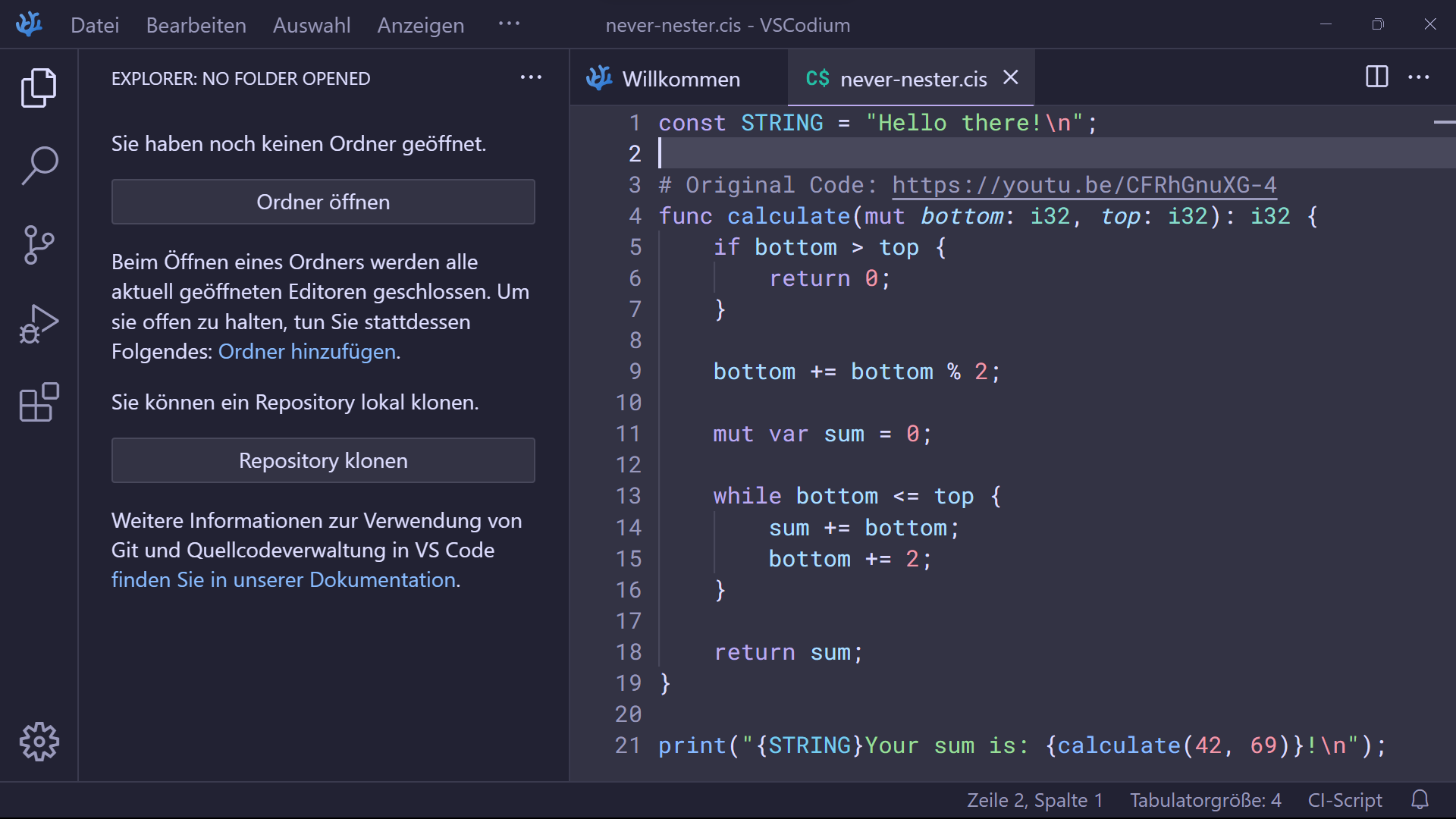
- Editor theme
- Syntax highlighting
- Semantic highlighting
Go to Terminal (menubar) and select Run Build Task... (or press CTRL+SHIFT+B)
Press F1 (or CTRL+SHIFT+P) and type Run Build Task...
vsce packageGo to the extensions tab (CTRL+SHIFT+X), more options (...) and select Install from VSIX...
Press F1 (or CTRL+SHIFT+P) and type Install from VSIX...
Visual Studio Code
code --install-extension <path_to_extension>VSCodium
codium --install-extension <path_to_extension>Contributions to this project are always welcome! If you want to add or change anything, feel free to fork this repository. After applying your changes, create a pull request with a meaningful title and detailed description. Also, please make sure to pay attention to requested changes and reviews from other contributors. Thanks in advance!