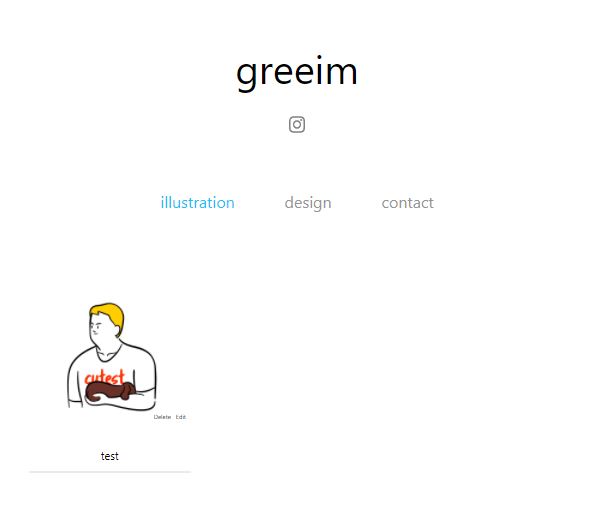
Portfolio Site - @imgreeim
서비스 주소: https://imgreeim.com/
백준 테스트케이스 모음 사이트를 만든 후 누군가가 실제로 원하는 사이트를 만들어보고 싶었습니다. 고객을 한번 만들어보고자 평소 관심있게 보던 디자이너분께 포트폴리오 사이트를 만들어 드리겠다고 연락드렸습니다. 다행히 흔쾌히 허락해주셨습니다. 디자이너님이 사진을 관리하고, 포트폴리오 사이트로 사용가능한 사이트를 만들게 되었습니다.
React Js를 사용해 UI를 디자인했으며, 사진 저장은 Firebase를 사용했습니다.
비율이 서로 다른 사진들을 매끄럽게 배치
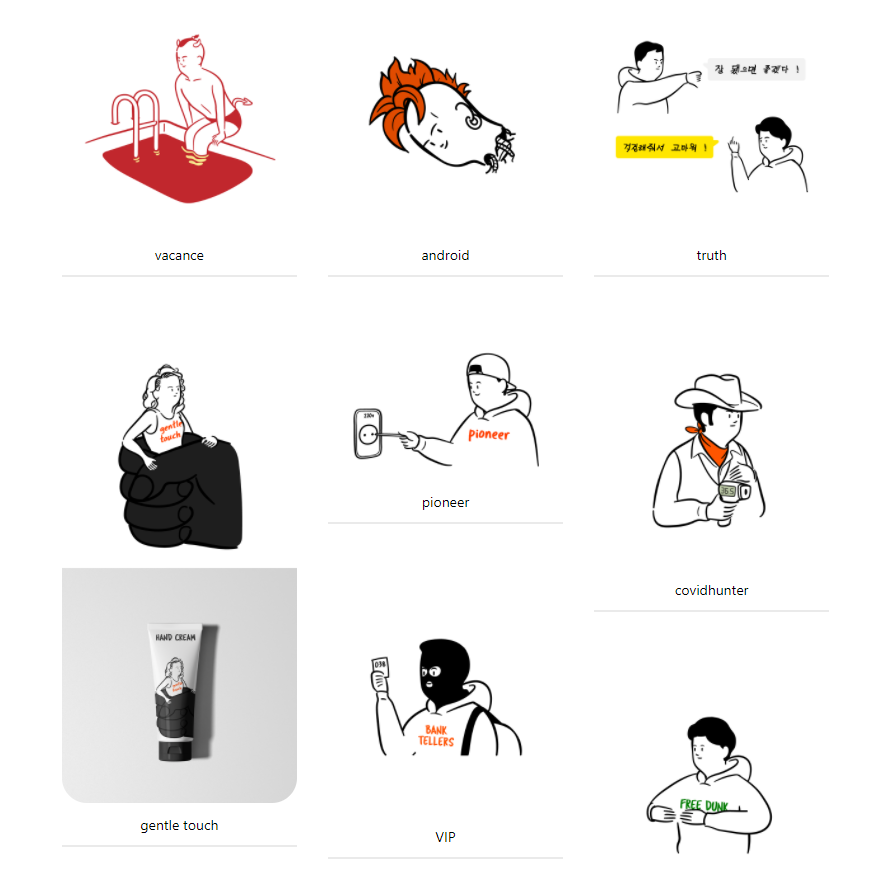
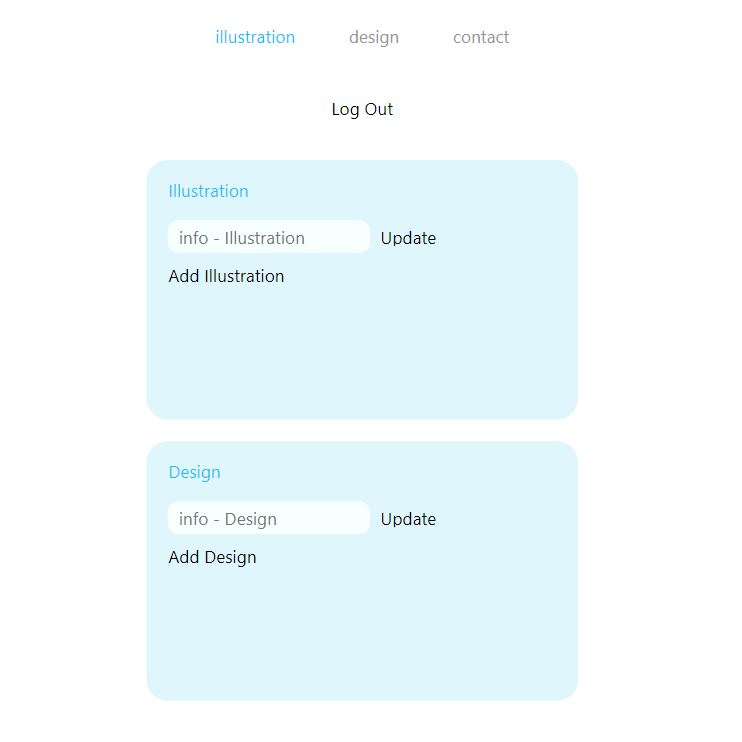
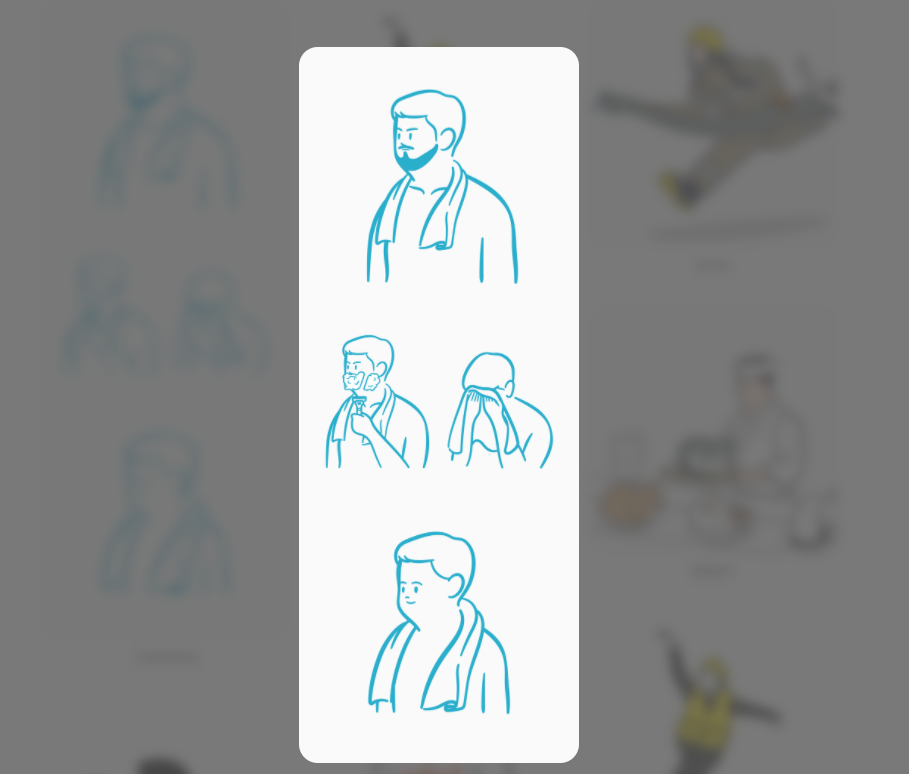
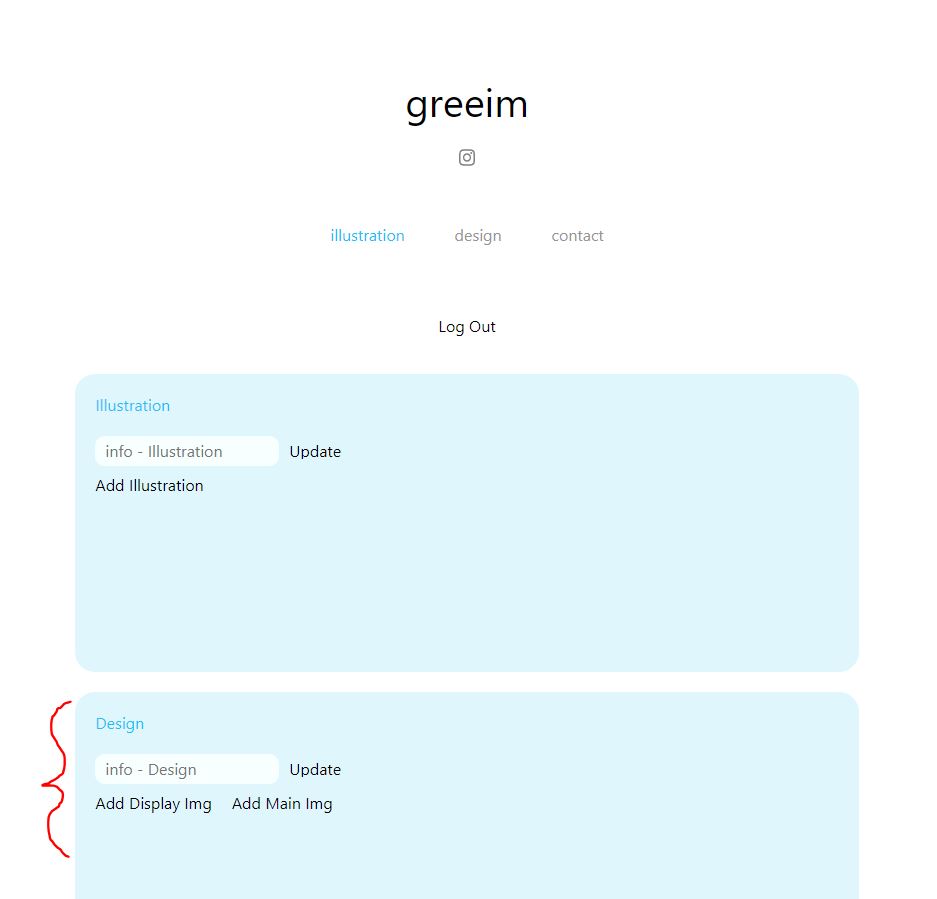
Illustration 페이지와 design 페이지에 각각 작업물을 추가할 수 있습니다. design 페이지에서는 게시글을 클릭했을 때, 해당 페이지로 넘어가며 작업물에 대한 디테일한 이미지가 나타나게 됩니다. 따라서, desgin 페이지는 썸네일 이미지와 디테일 이미지를 함께 입력받습니다.
Email Js를 활용한 디자이너님께 직접 이메일을 보낼 수 있는 공간을 마련했습니다.

2020.10.15 ~
- Build 2020-11-08 Go to the website CLICK!
- login
- illustration tab - No text
- design tab
- User can add img to illustration tab or design tab
Plus - need to do
- display img that h-w ratio is different
- random display
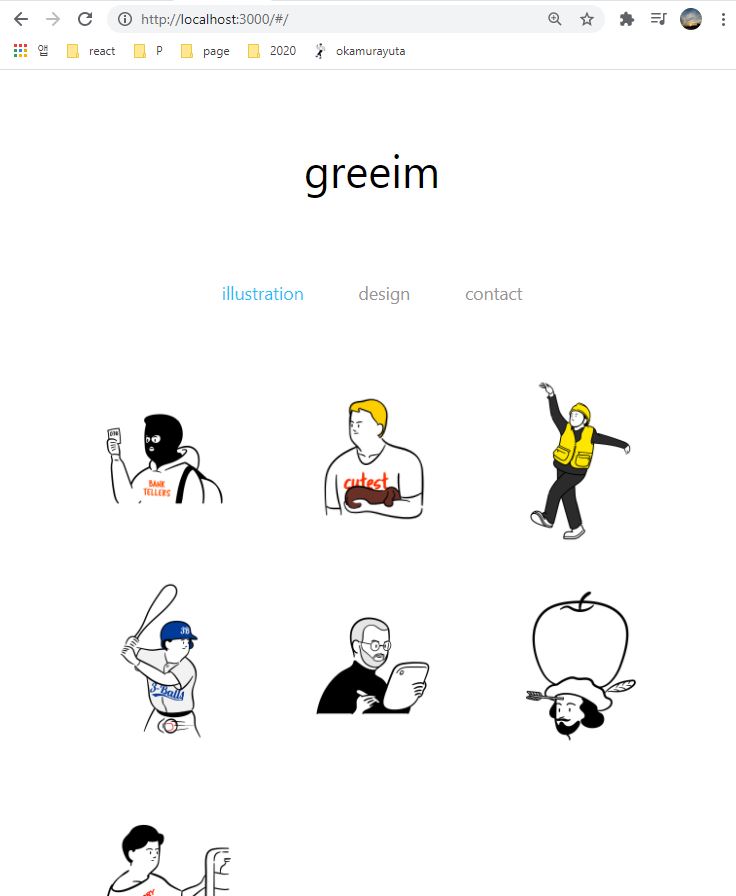
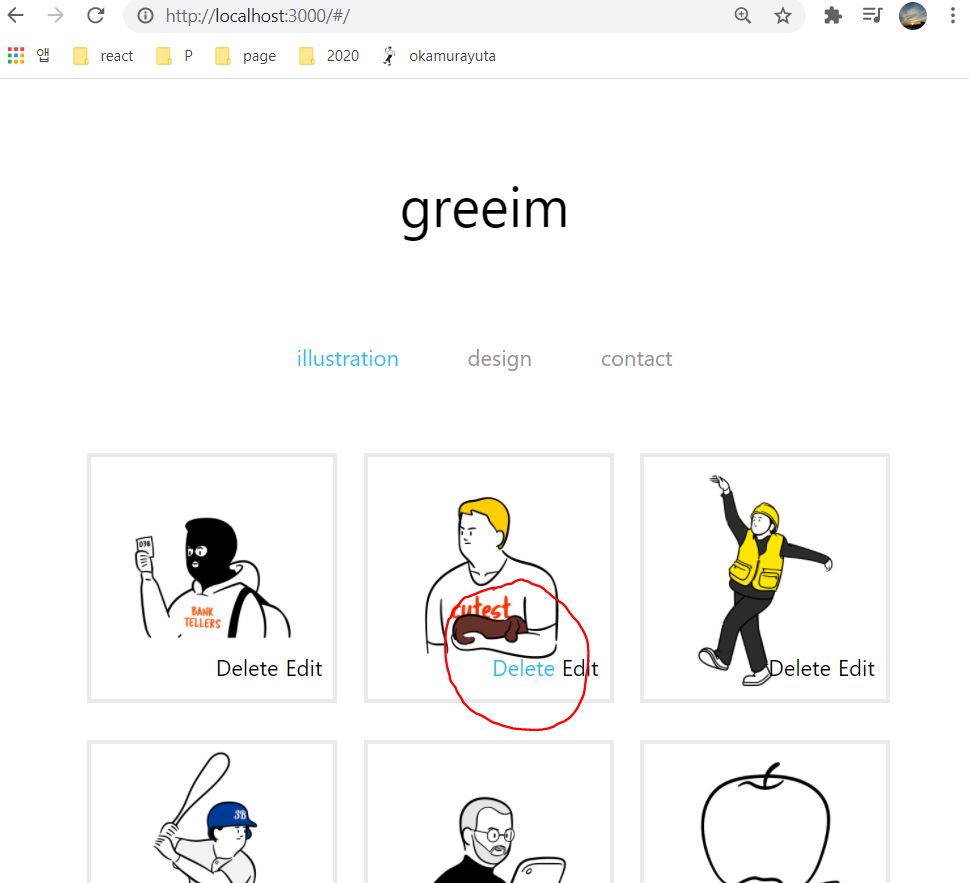
- 3 column display
- user can Send email to @imgreeim - use EmailJS
- display big image when user click user
Plus - need to do
- random display
- text display - when input text is too long
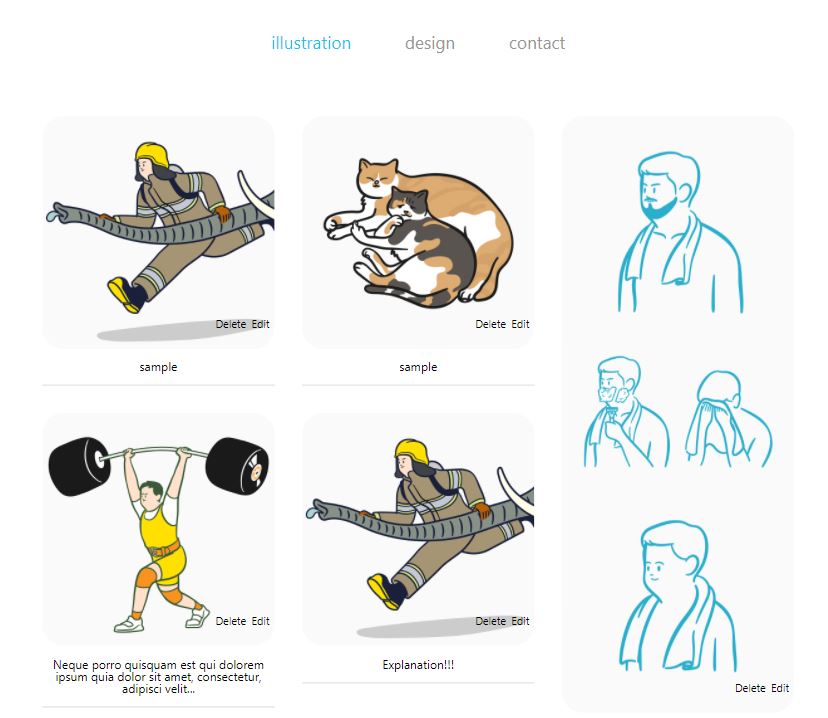
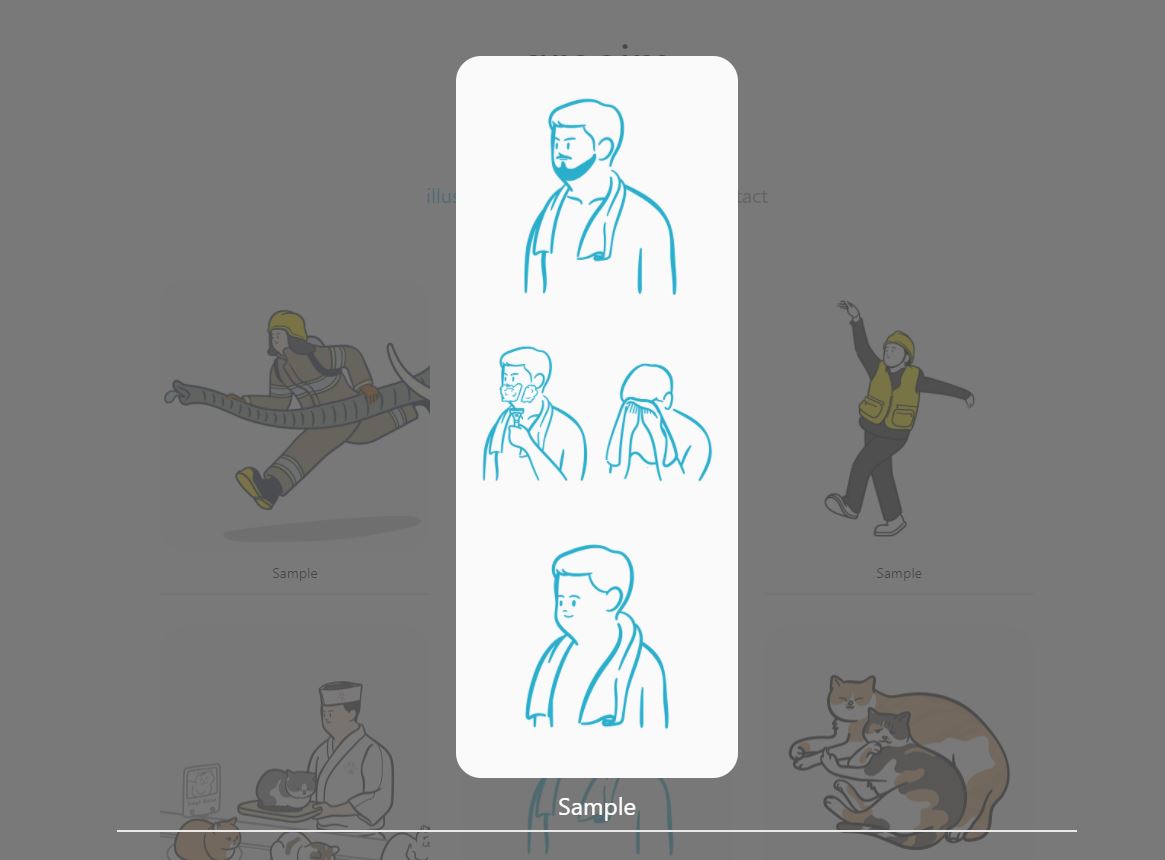
- manage CSS for other types of phone, tabs
- Top button
Plus - need to do
- display after loading is finished
- when user click img - background blurr effect
- Information of contents in Detail Tab - Thumbnail img, Detail img, text >> To make detail page
Plus - need to do
- display after loading is finished
- seperated desgin pages
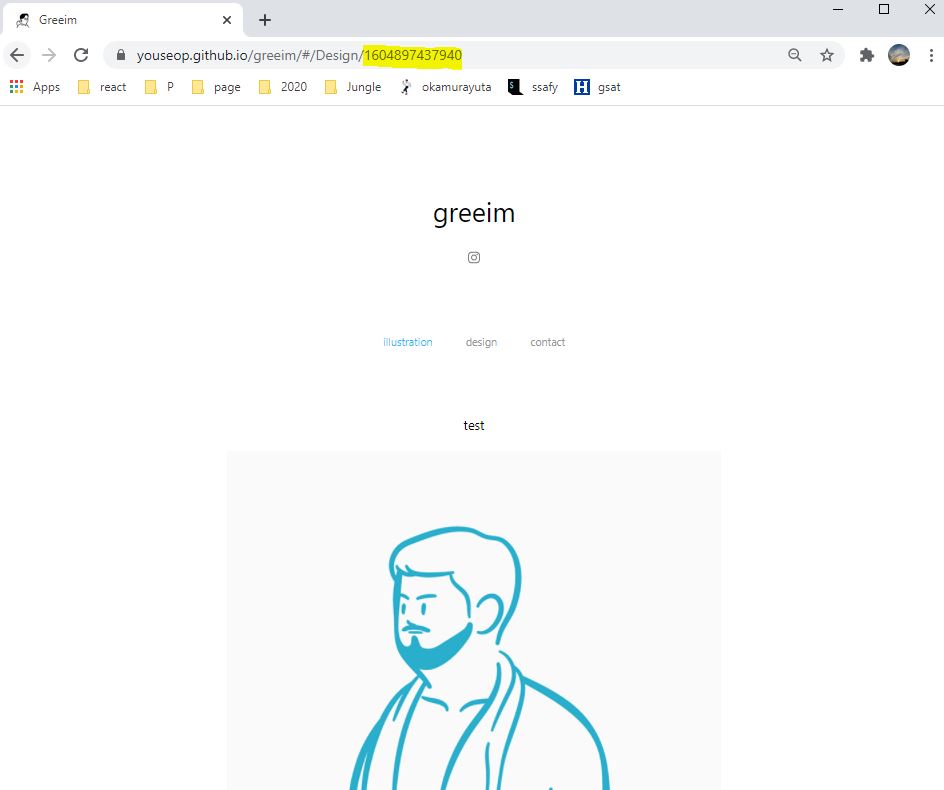
- Moving to the detail page when user click photo in design tab. [Using react-router >> Dynamic Routing]
Give Prop('createdAt') to the page. Using createdAt-information, detail page find the other informations in the database.
Plus - need to do
- show img after loading