Home
This wiki is dedicated to the programm Visual Studio Code (VSCode). If you don't have it installed yet you can go on the official VSCode website to download it free of charge !
With almost 5000 extensions in its library, it is a difficult task to choose how to custom your VSCode. Here are some recommendations to get you started.
Extensions that you probably want to give a try, whatever langage you work on :
- Prettier :
An extension that gives you tools to re-arrange your code and make it more appealing visually. Watch this demo if you want to have a taste of what's possible with this very complete extension.

Easy way to identify matching brackets with configurable colors.

Need to save and juggle between different whole projects? Project Manager got your back! It even has Git and SVN compatibilities included.
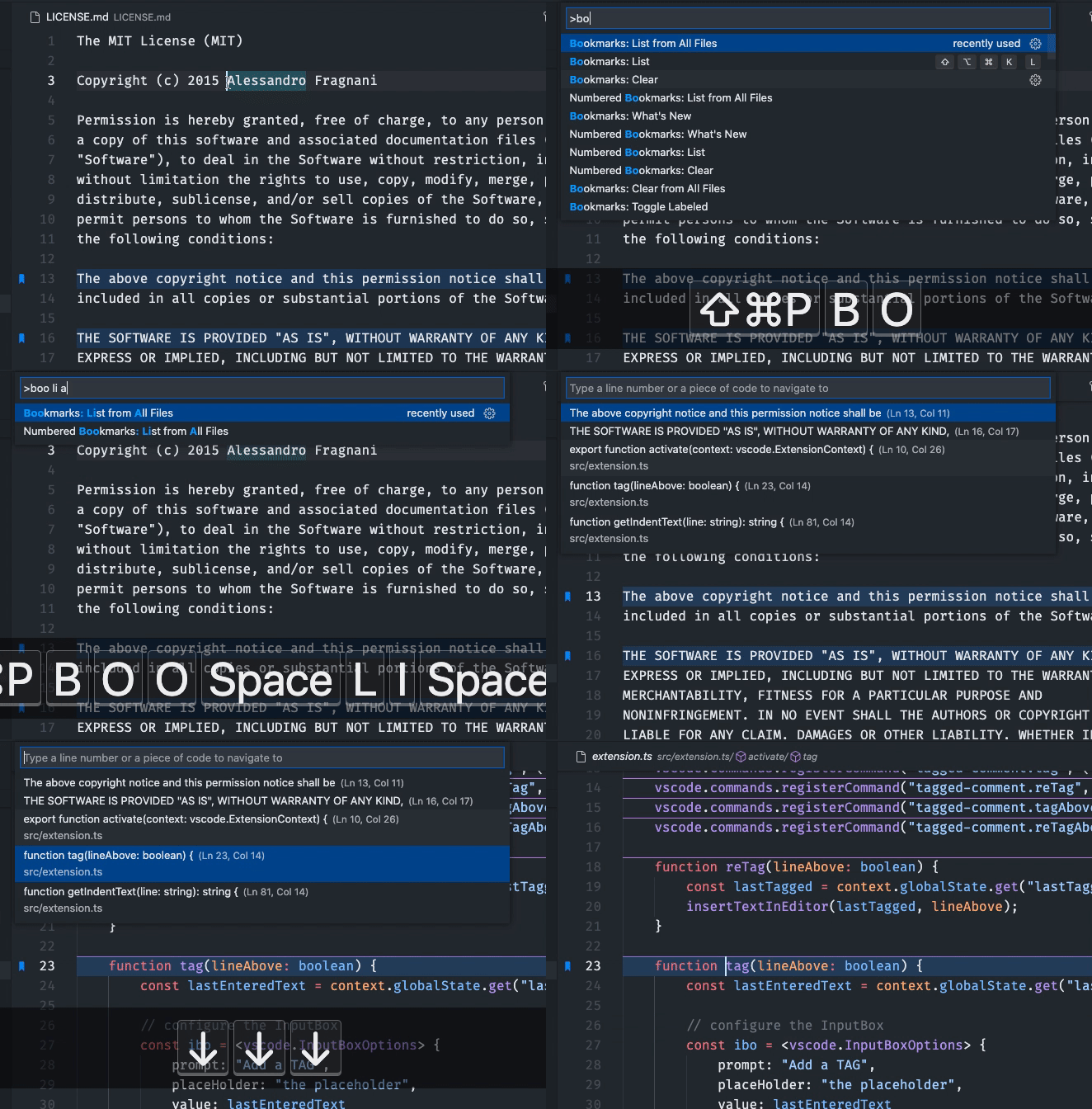
This is a great extension for when you need to save a line or a block of code that you need to change regularly.
- Git Lens :
For all your Git/GitHub needs! Adds many Git related options to VSCode.
This wiki is in constant evolution. If you want to be able to help and edit it, get ahold of our team .