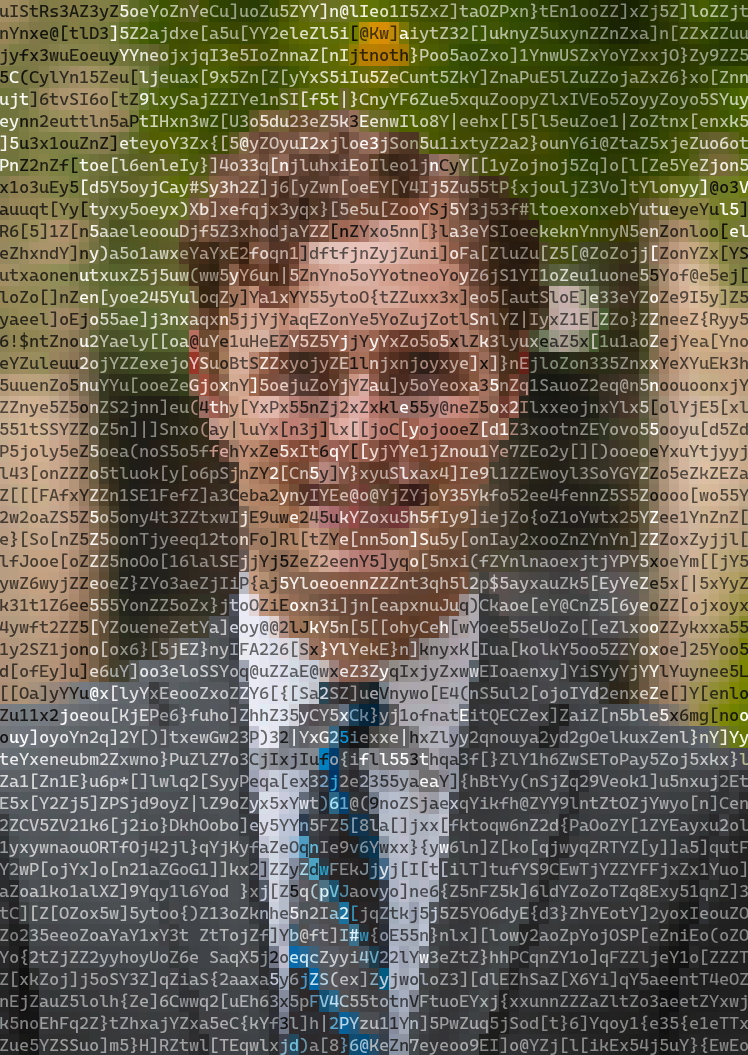
ansimage is a versatile Rust library and command-line tool for converting images into colorful terminal ANSI art.
It offers a high degree of control over character sets, color palettes, and output size, using perceptually uniform color calculations to generate high-quality results.


- Multiple Character Modes: Render images using standard ASCII brightness ramps, high-fidelity Unicode block characters, or your own custom character sets.
- Advanced Color Handling: Supports 24-bit "truecolor" output as well as color quantization for terminals with limited palettes (e.g., 256 or 16 colors).
- High-Quality Processing: Uses the L*u*v* color space for perceptually accurate color comparisons and
imagequantfor high-quality dithering and palette mapping. - Performance: Image processing is parallelized using Rayon to take advantage of multiple CPU cores.
- Flexible Sizing: Easily fit the output to specific dimensions while preserving aspect ratio, or scale to an exact character width and height.
- Simple CLI and Library API: Use it as a quick command-line tool or integrate it directly into your Rust projects.
Ensure you have the Rust toolchain installed. You can then install ansimage directly from Crates.io:
cargo install --locked ansimageAdd ansimage as a dependency in your Cargo.toml file:
[dependencies]
ansimage = "0.1.0" # Replace with the latest versionThe CLI provides a straightforward way to convert an image. The only required argument is the input file path.
Basic Conversion
This command will process photo.jpg and print the resulting ANSI art to your terminal.
ansimage photo.jpgSaving to a File
Use the --output or -o flag to save the result to a text file. You can combine this with --quiet to suppress terminal output.
ansimage photo.jpg --output art.txt --quietFor a full list of commands, run:
ansimage --helpIntegrating ansimage into your own project is simple. The main entry point is the convert function, which takes an image path and a Settings struct.
Here's a basic example:
use ansimage::{convert, error::Result, Settings};
use std::path::Path;

fn main() -> Result<()> {
    // Use default settings for a quick conversion.
    let settings = Settings::default();

    // The path to the image you want to convert.
    let image_path = Path::new("path/to/my_image.png");

    // Call the convert function.
    let terminal_art = convert(image_path, &settings)?;

    // Print the result!
    println!("{}", terminal_art);

    Ok(())
}You can customize the output by modifying the Settings struct.
size: Control the outputwidth,height, andSizeMode(Fitvs.Exact).characters: Choose aCharacterMode(Ascii,Unicode,Custom),ColorMode(OneColorvs.TwoColor), and adjust the font'saspect_ratio.colors: Enable or disableis_truecolormode. Whenfalse, you must provide apaletteofimage::Rgb<u8>colors.advanced: Configure theresize_filterand enable/disabledithering.
Example: Custom Unicode Settings
use ansimage::{
    palettes, settings::{CharacterMode, UnicodeCharSet},
    Characters, Colors, Settings, Size,
};

let custom_settings = Settings {
    size: Size {
        width: 100,
        ..Default::default()
    },
    characters: Characters {
        // Use high-resolution quarter-block Unicode characters.
        mode: CharacterMode::Unicode(UnicodeCharSet::Quarter),
        ..Default::default()
    },
    colors: Colors {
        // Disable truecolor and use a predefined 16-color palette.
        is_truecolor: false,
        palette: palettes::COLOR_PALETTE_SWEETIE16.to_vec(),
    },
    ..Default::default()
};

// Use this custom_settings object with the `convert` function.me

me ascii
me fullblock
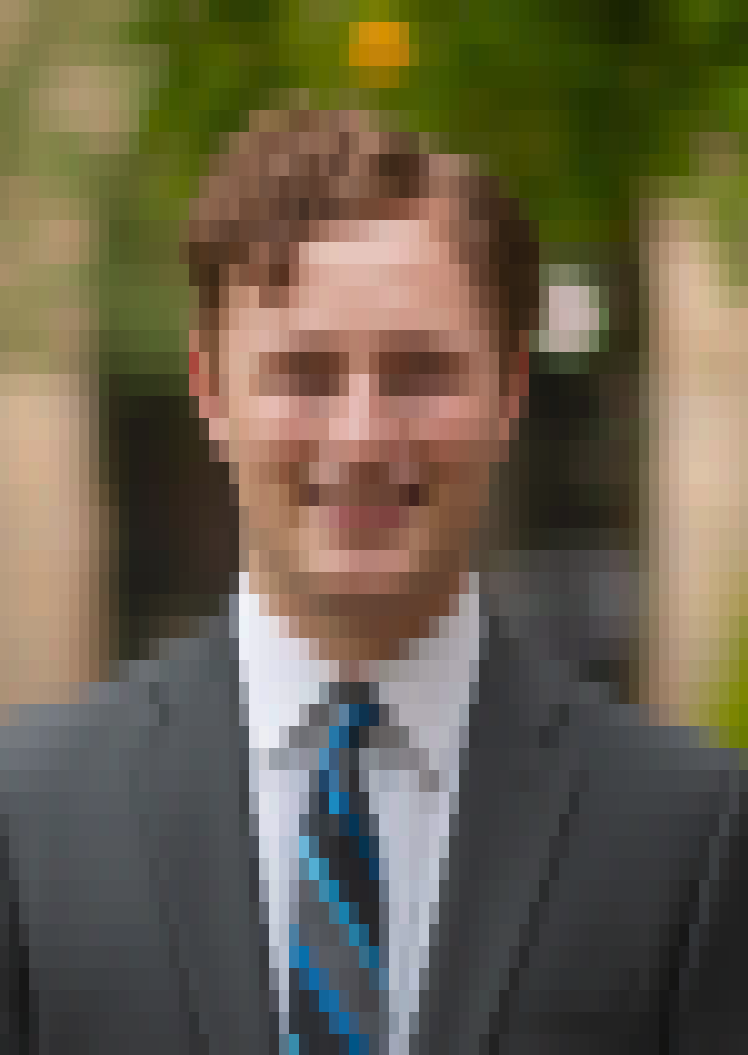
me quarterblock

me quarterblock sweetie16
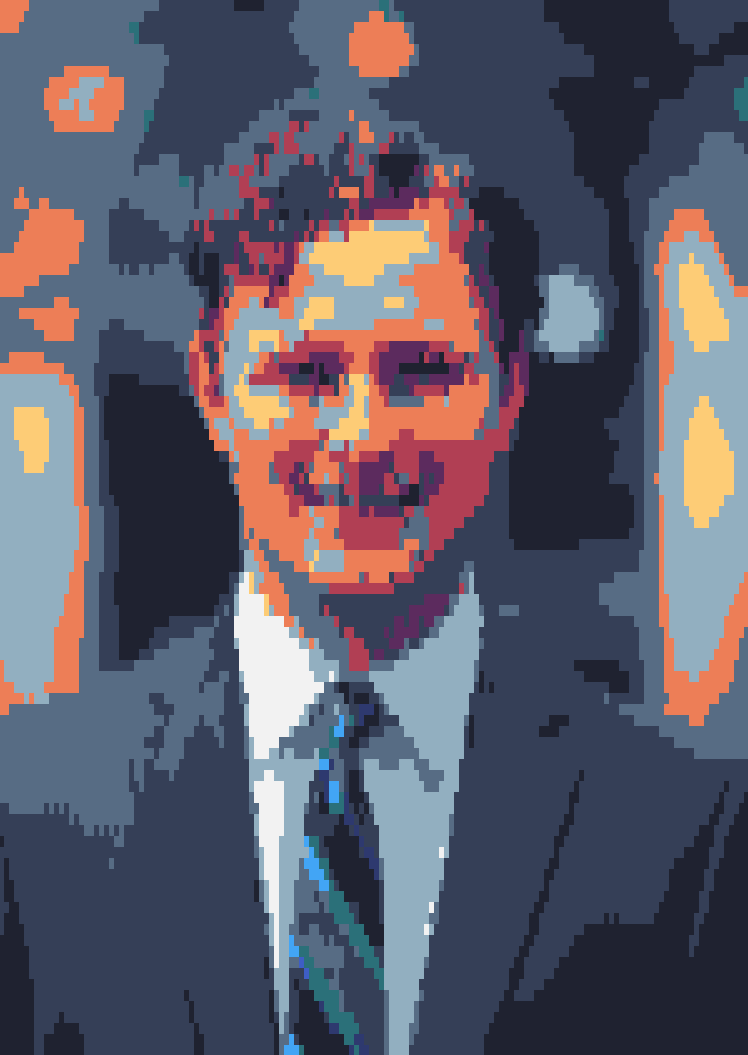
me quarterblock horrorbluedark
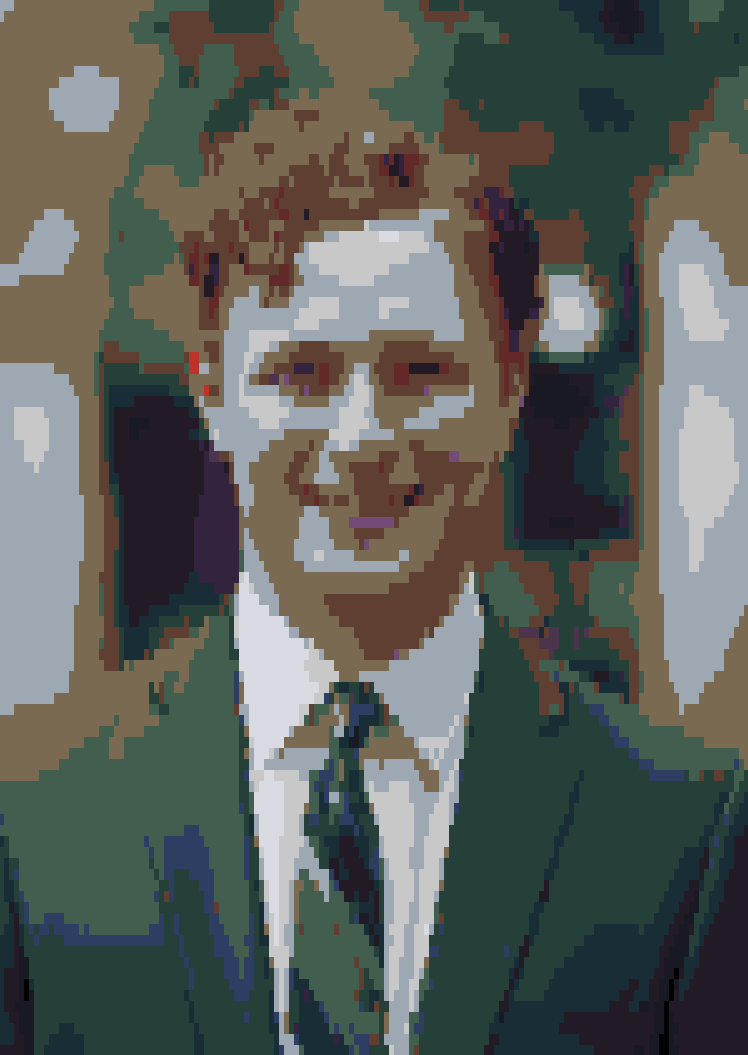
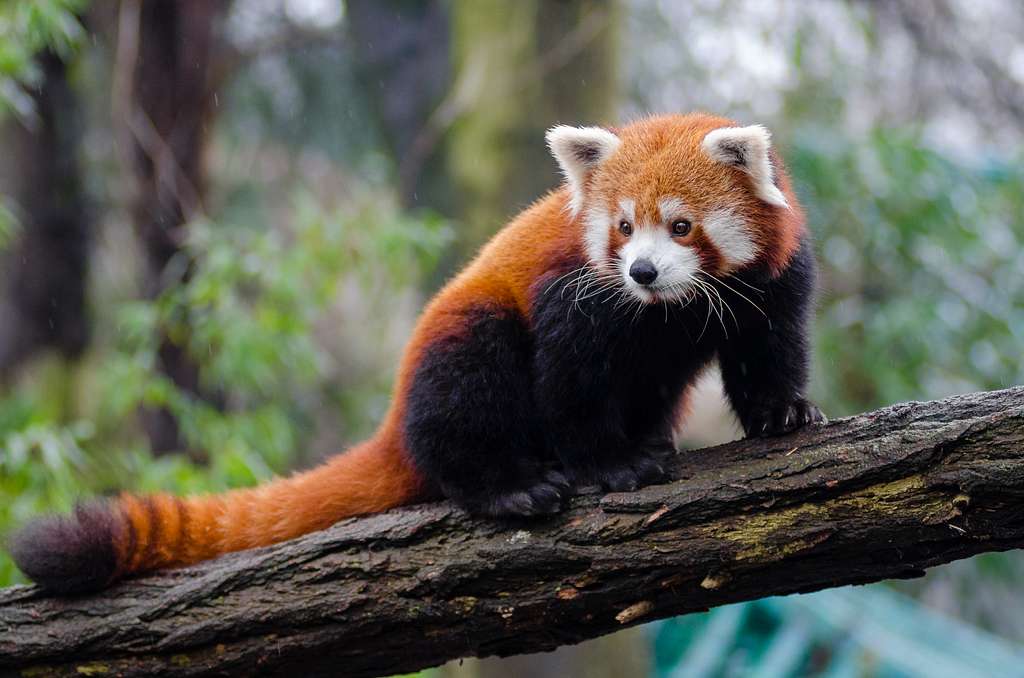
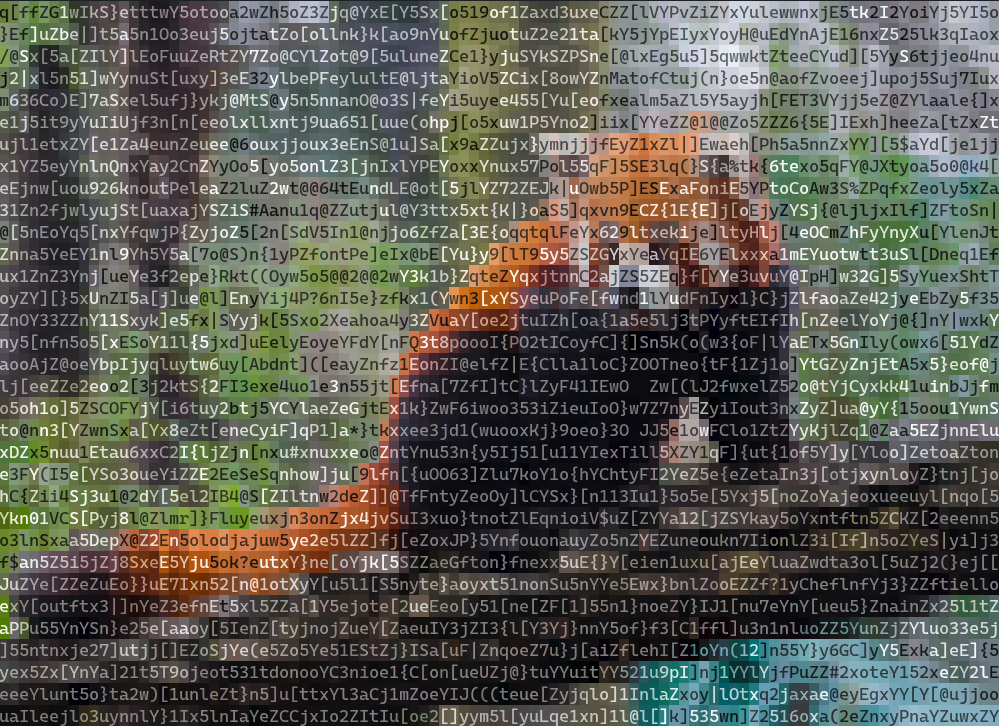
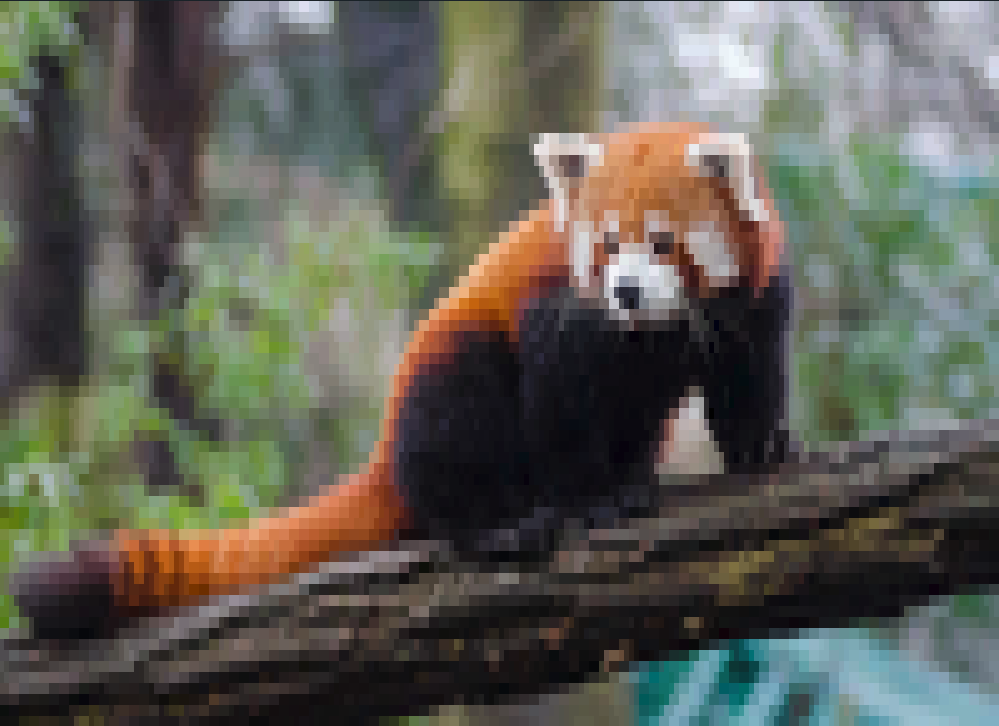
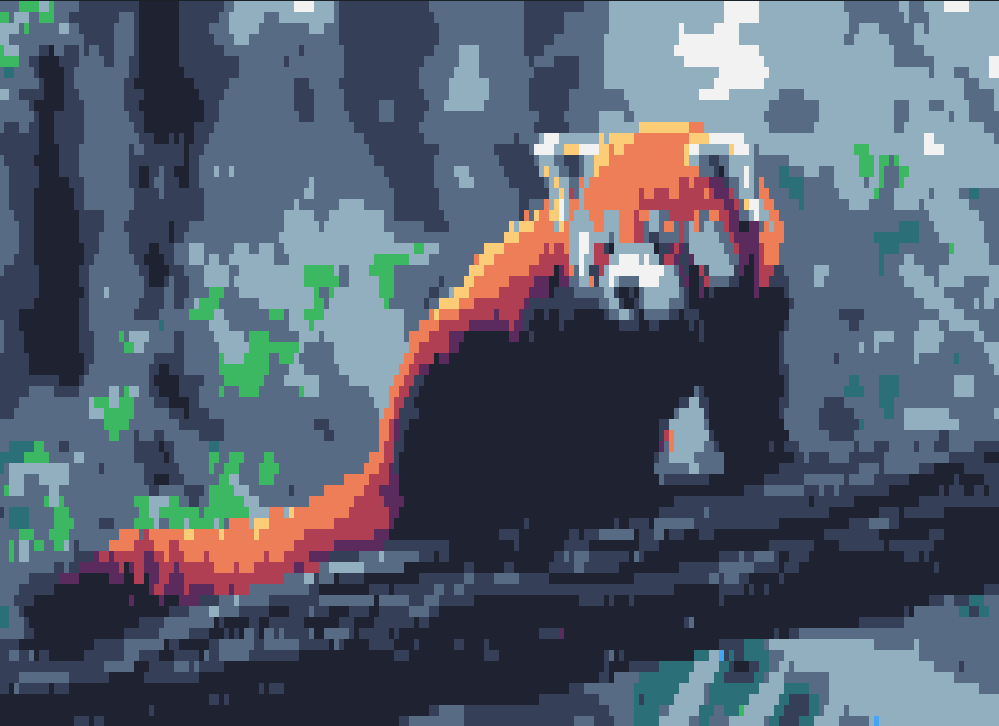
redpanda
redpanda ascii
redpanda quarterblock
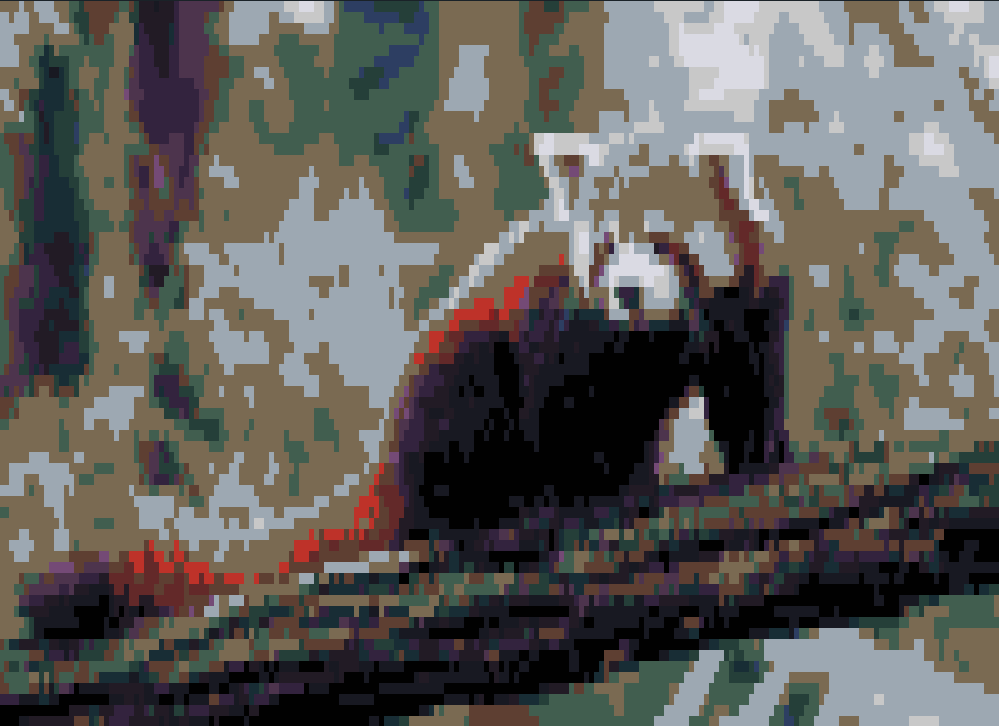
redpanda quarterblock sweetie16
redpanda quarterblock horrorbluedark
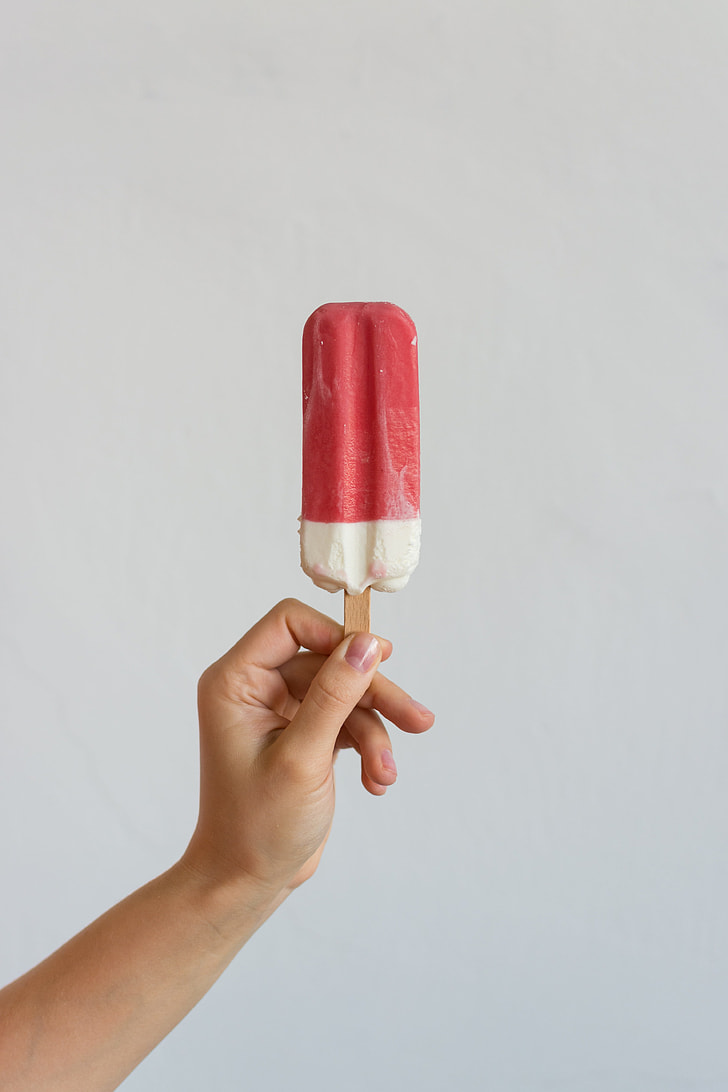
popsicle
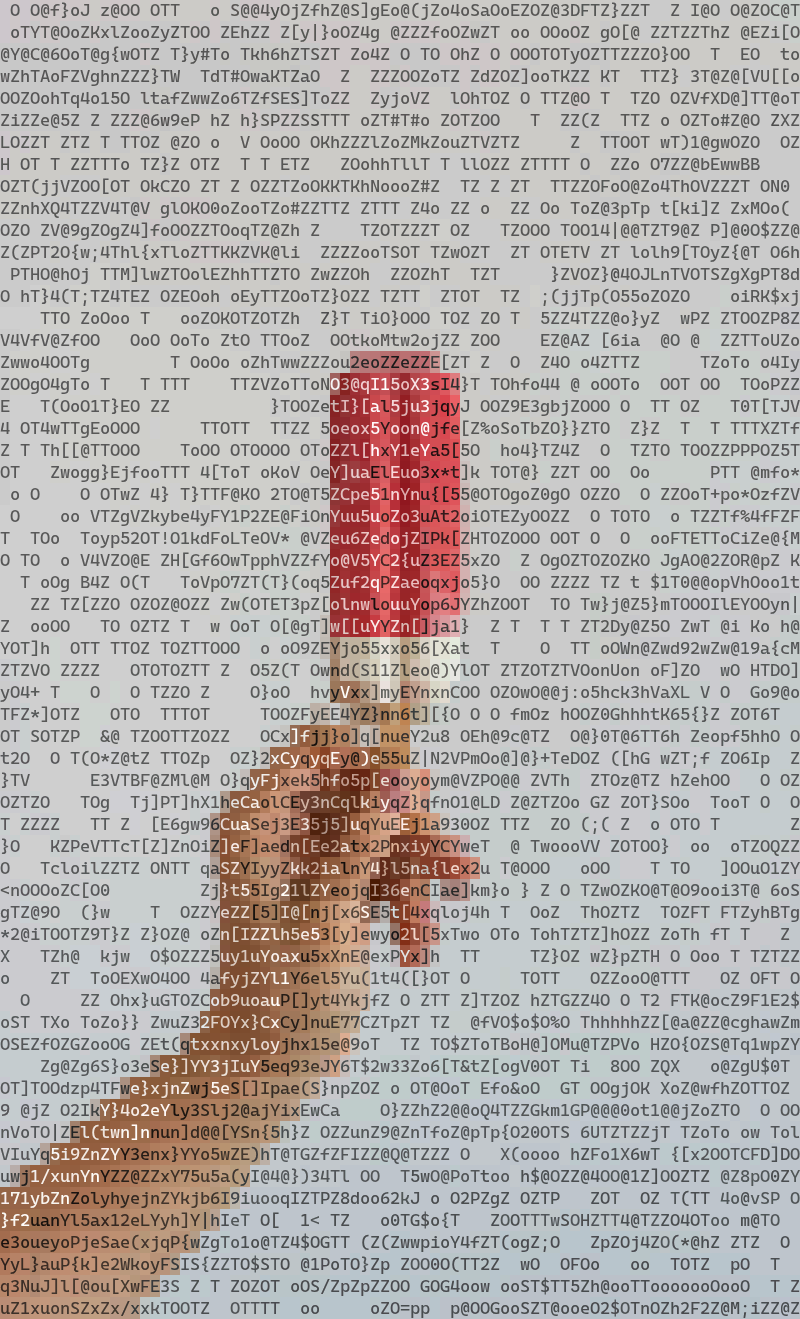
popsicle ascii
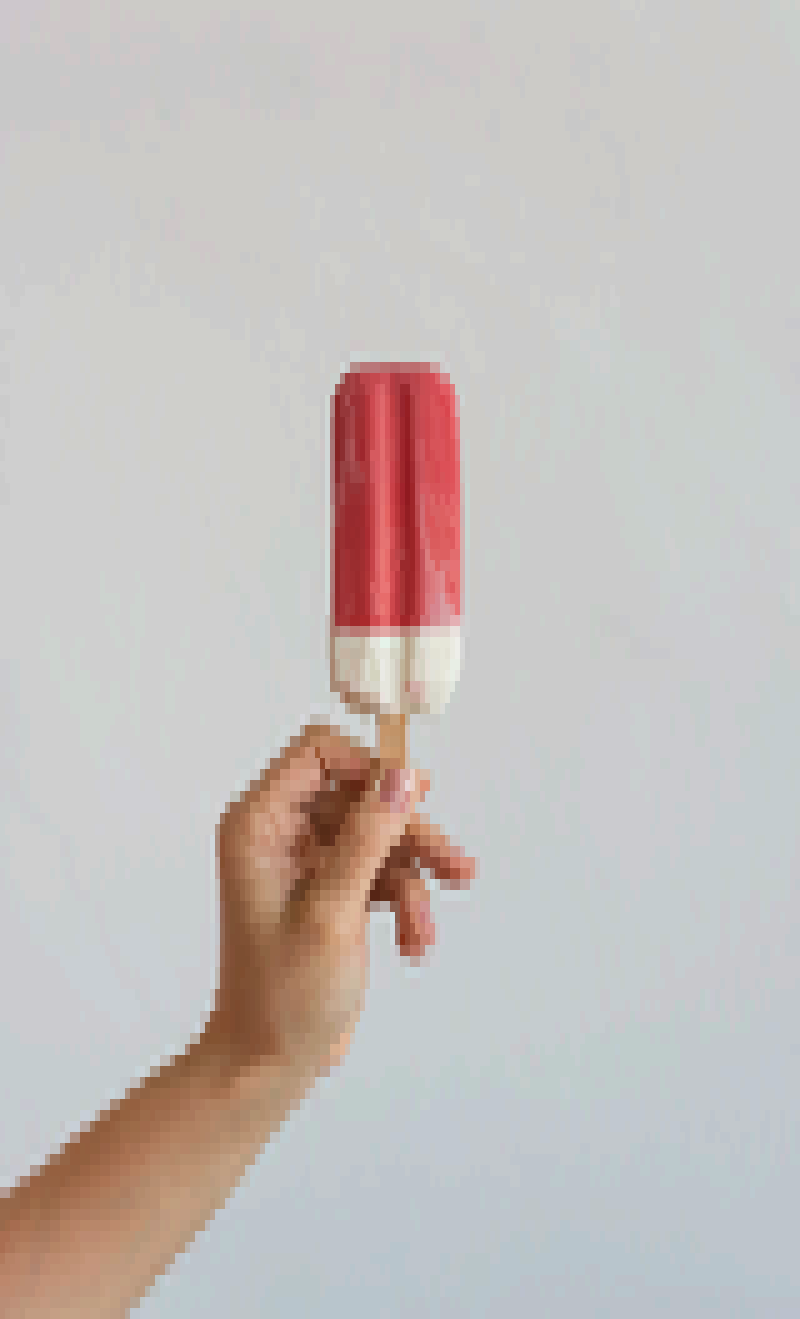
popsicle quarterblock
popsicle quarterblock sweetie16
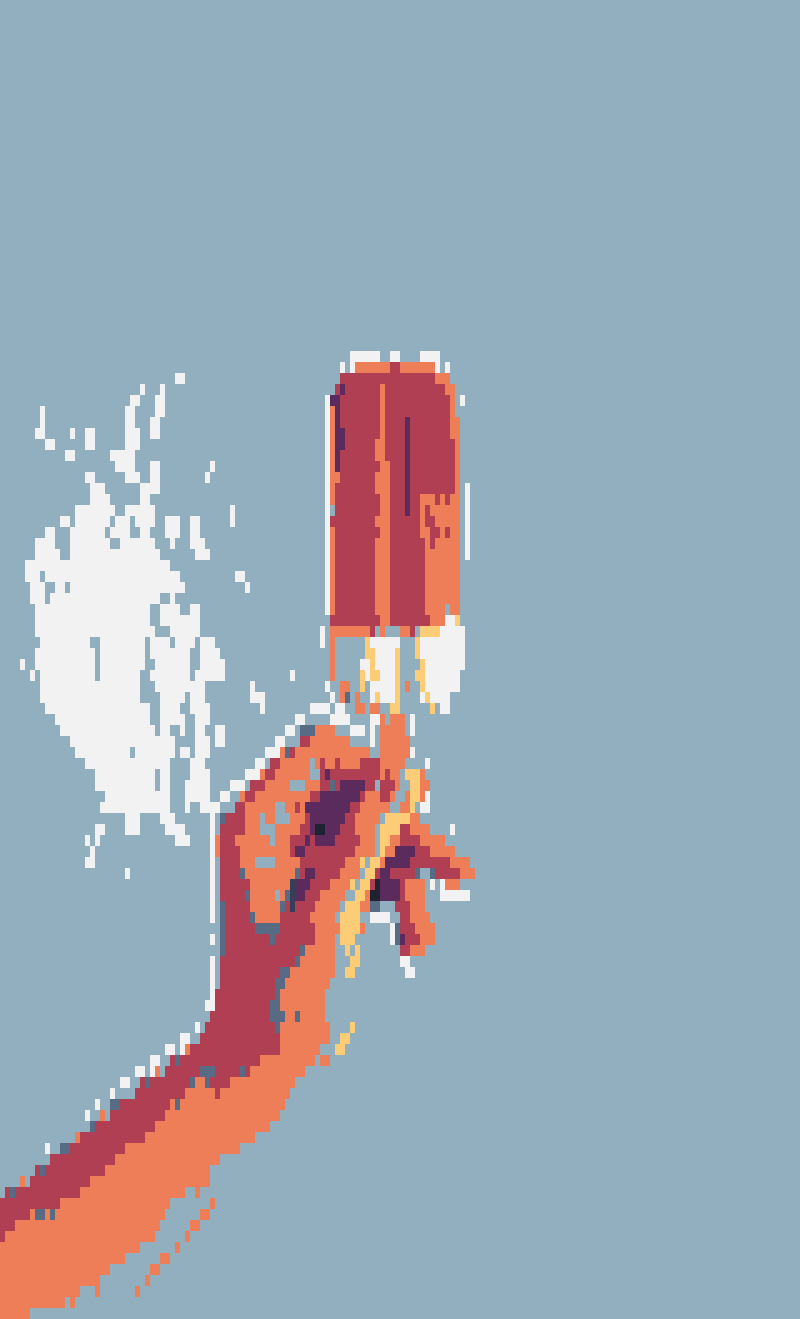
popsicle quarterblock horrorbluedark
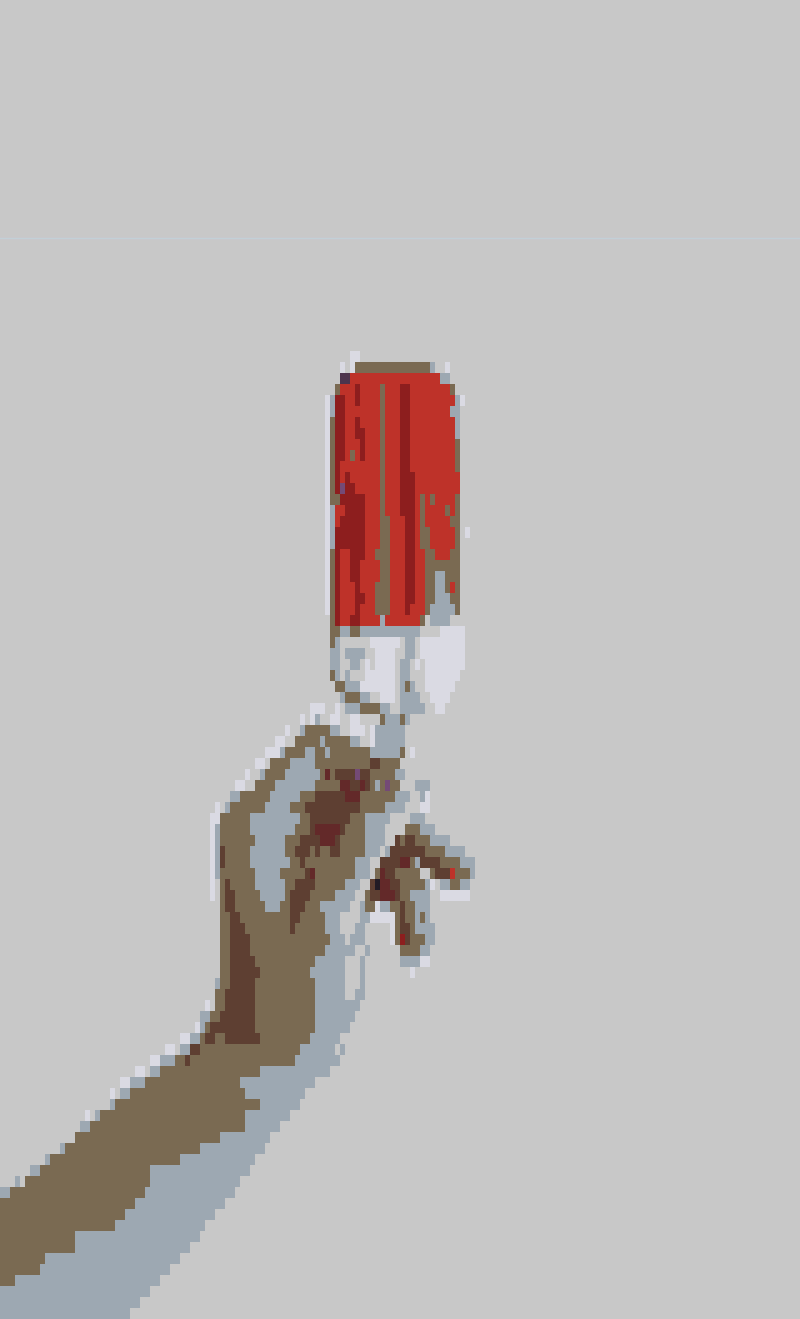
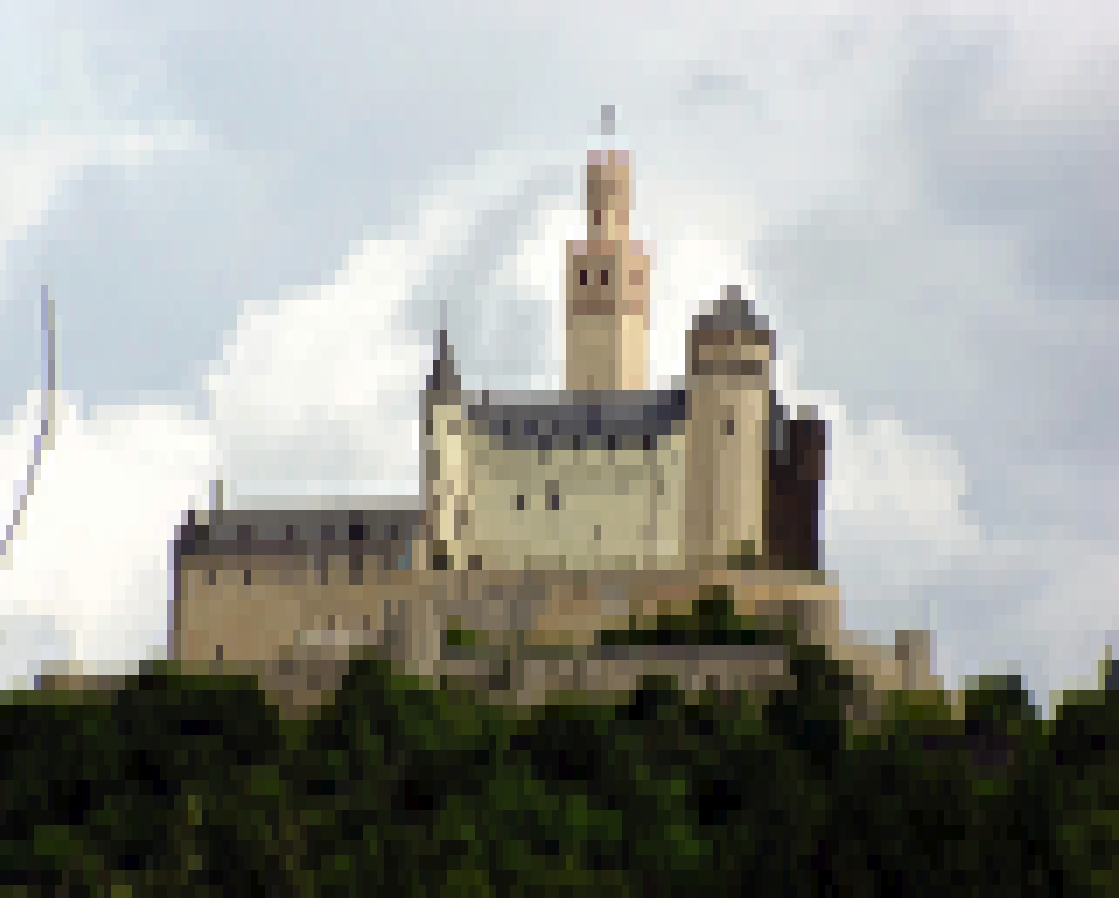
castle
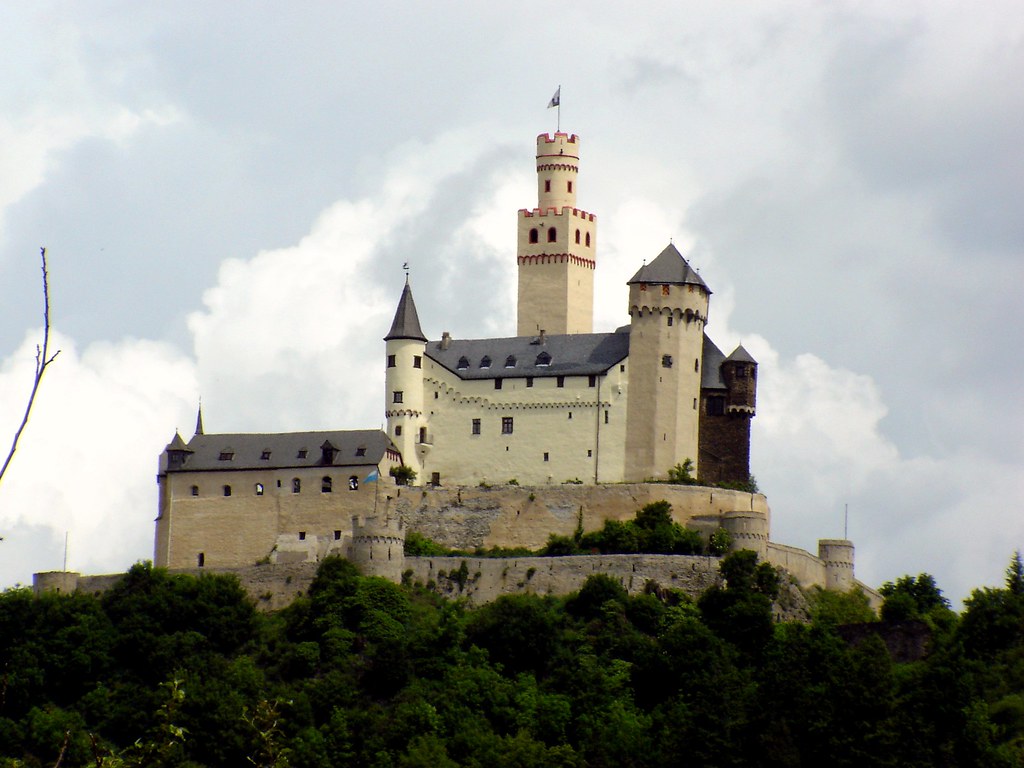
castle ascii
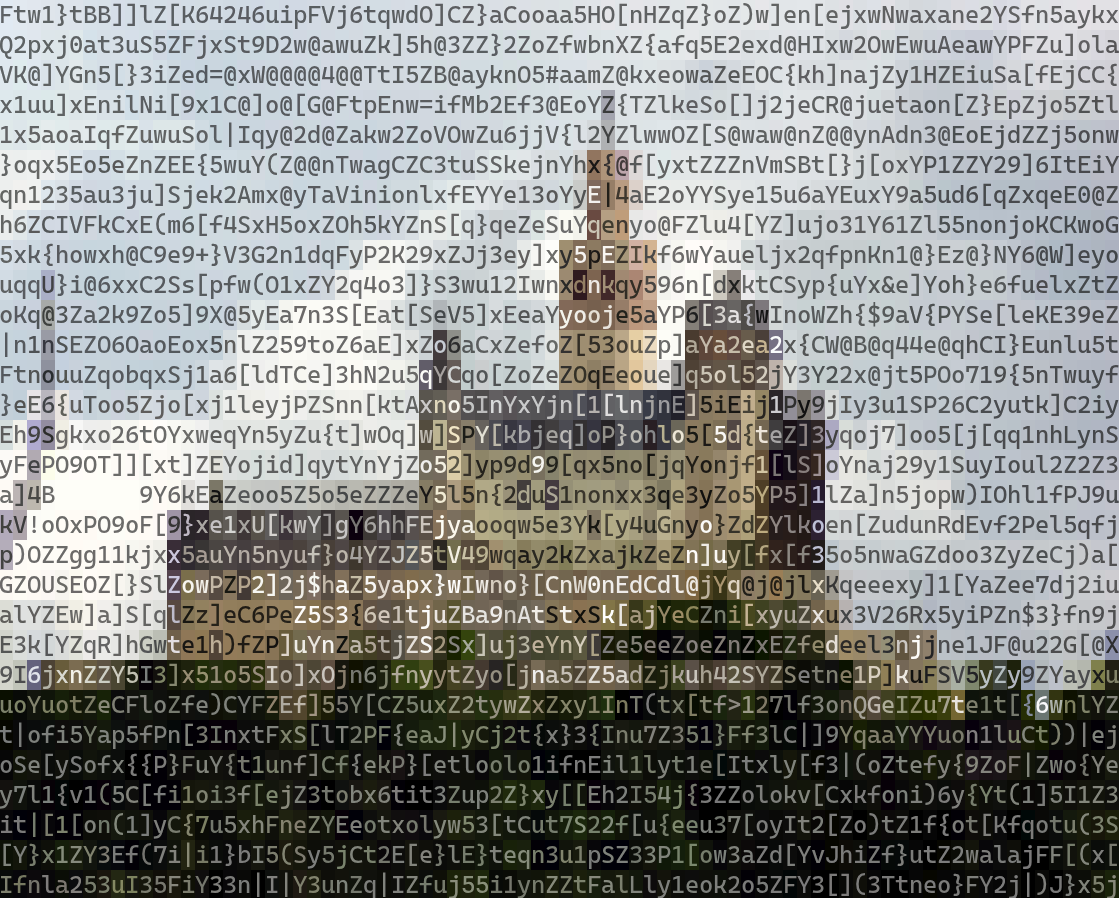
castle quarterblock
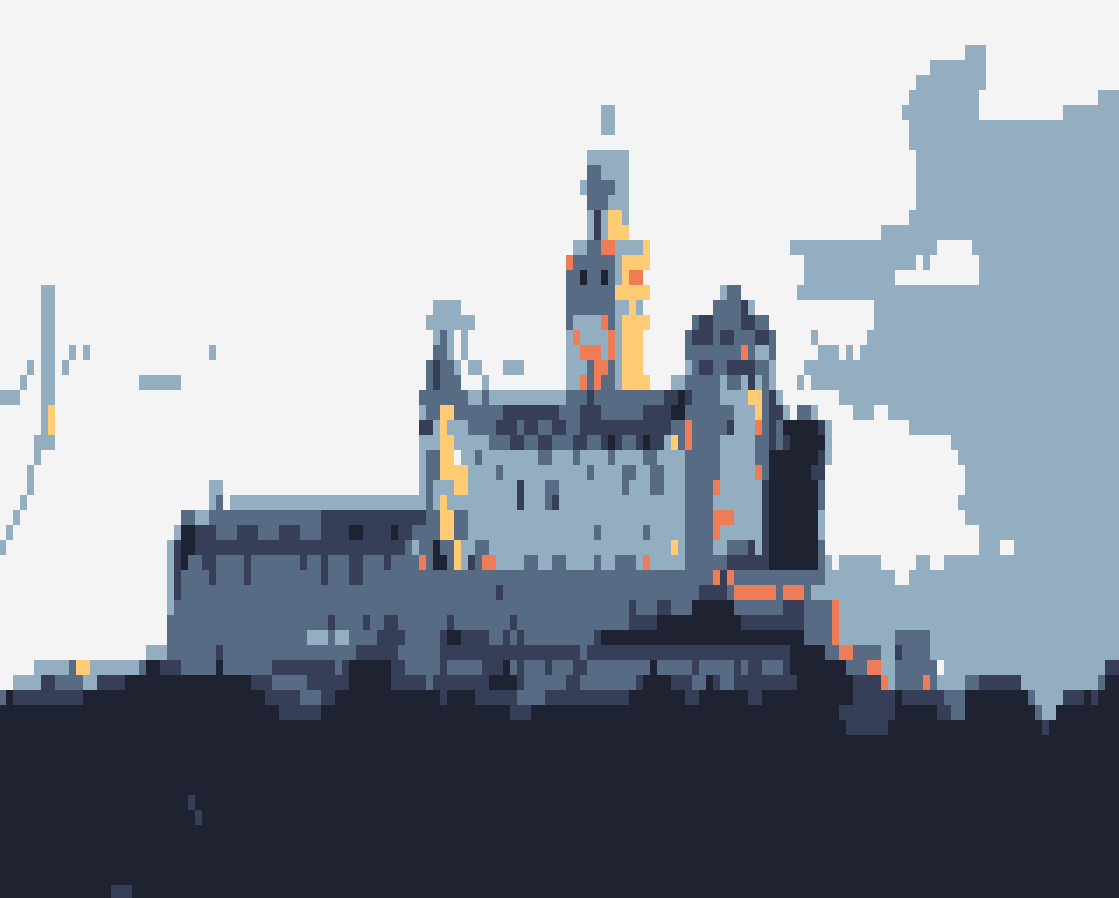
castle quarterblock sweetie16
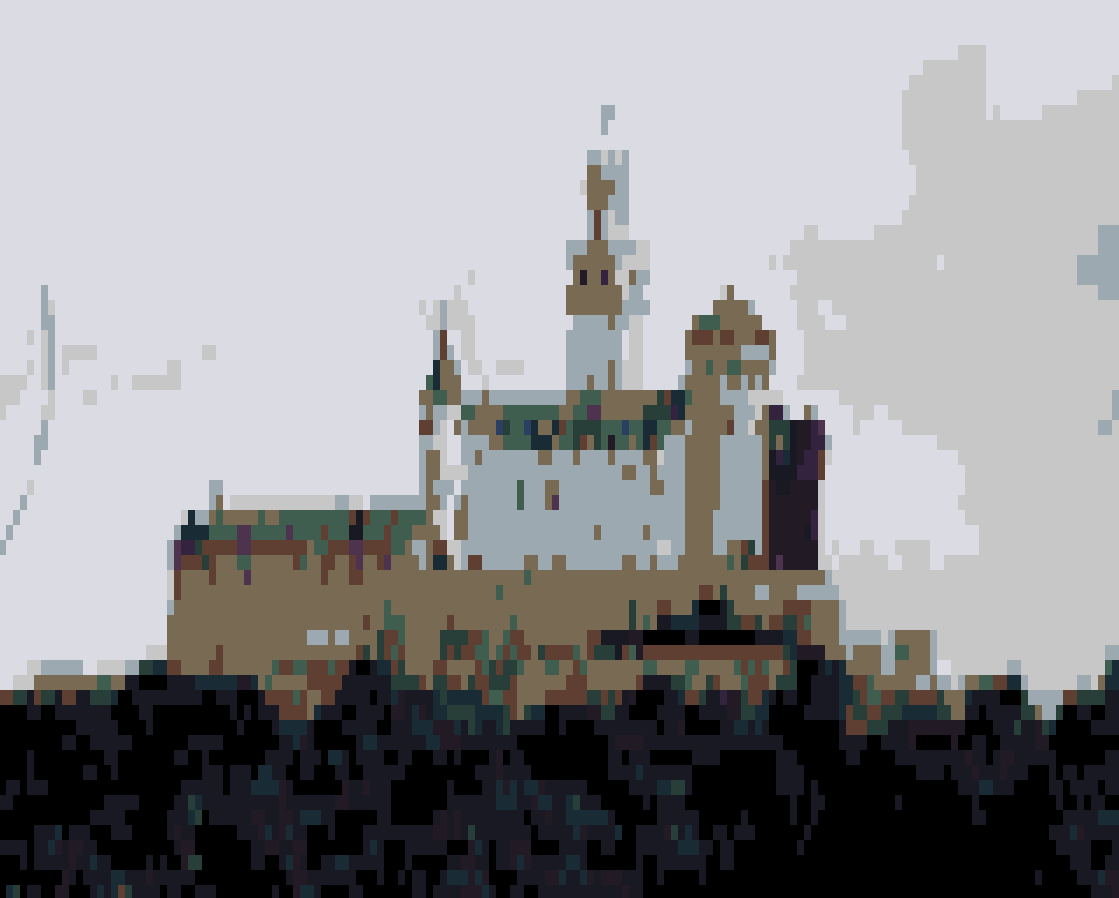
castle quarterblock horrorbluedark
blackhole
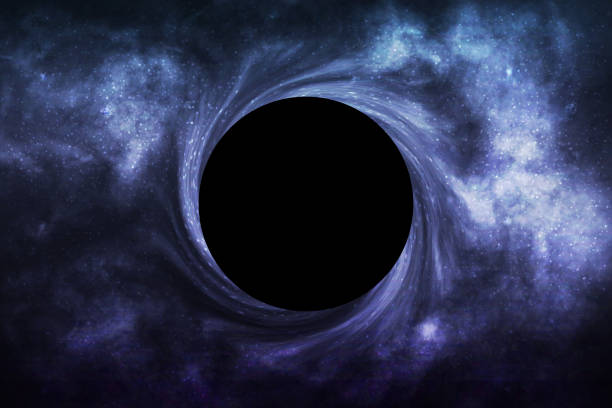
blackhole ascii
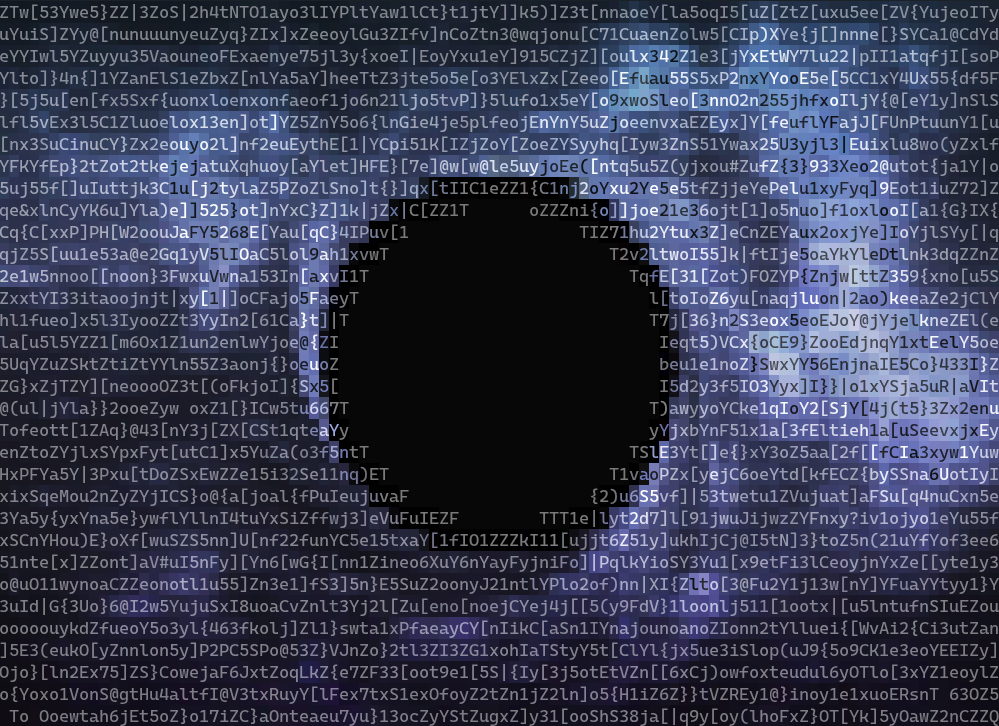
blackhole quarterblock
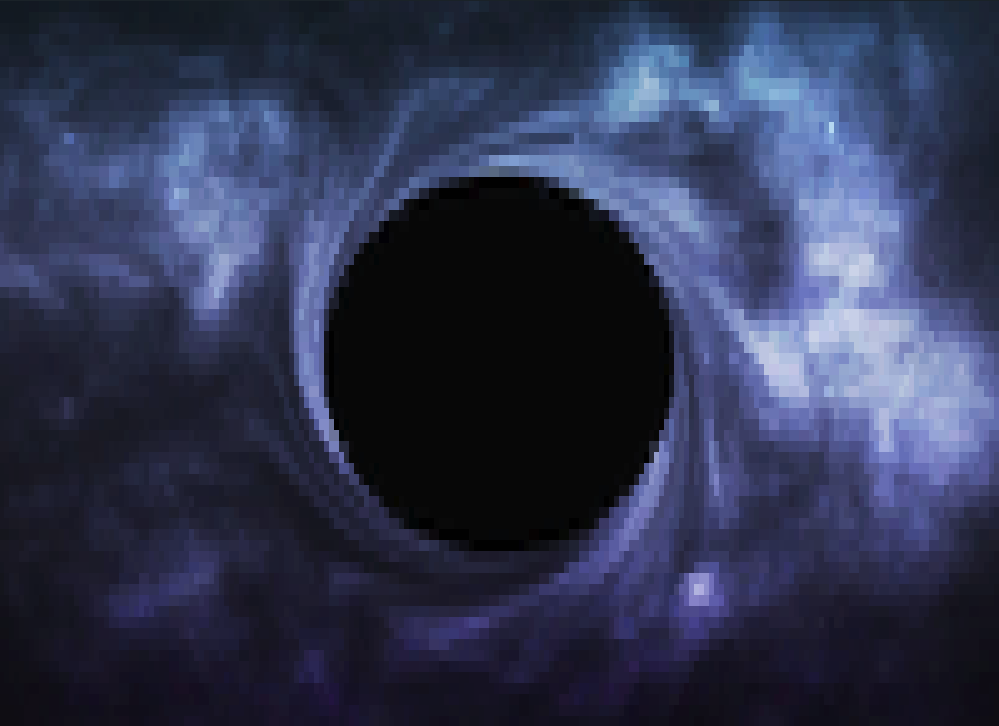
blackhole quarterblock sweetie16
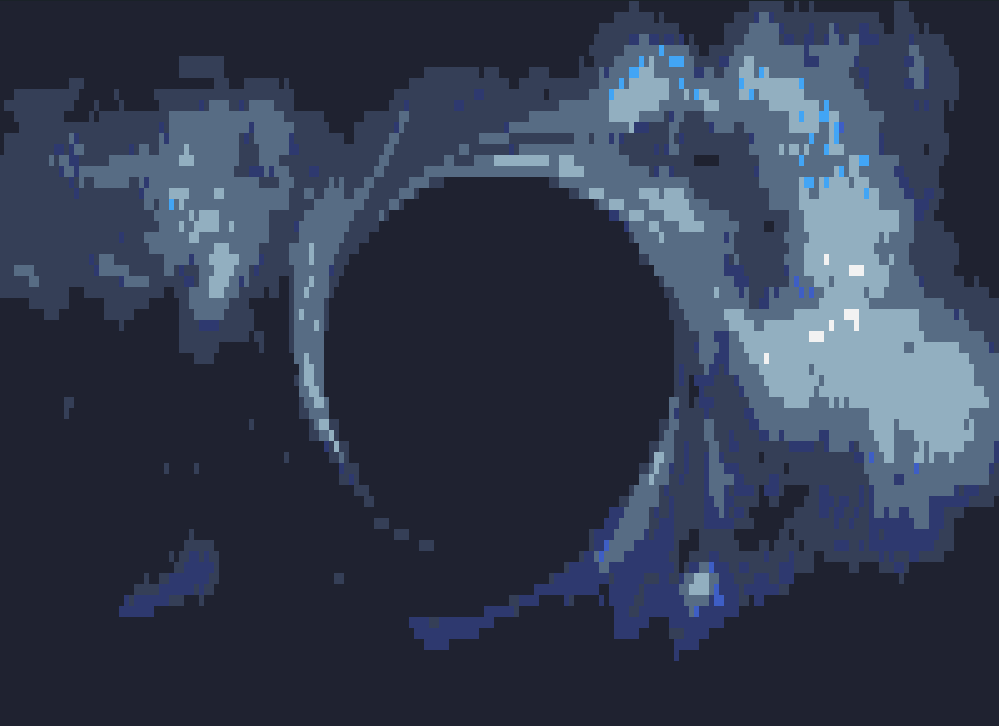
blackhole quarterblock horrorbluedark
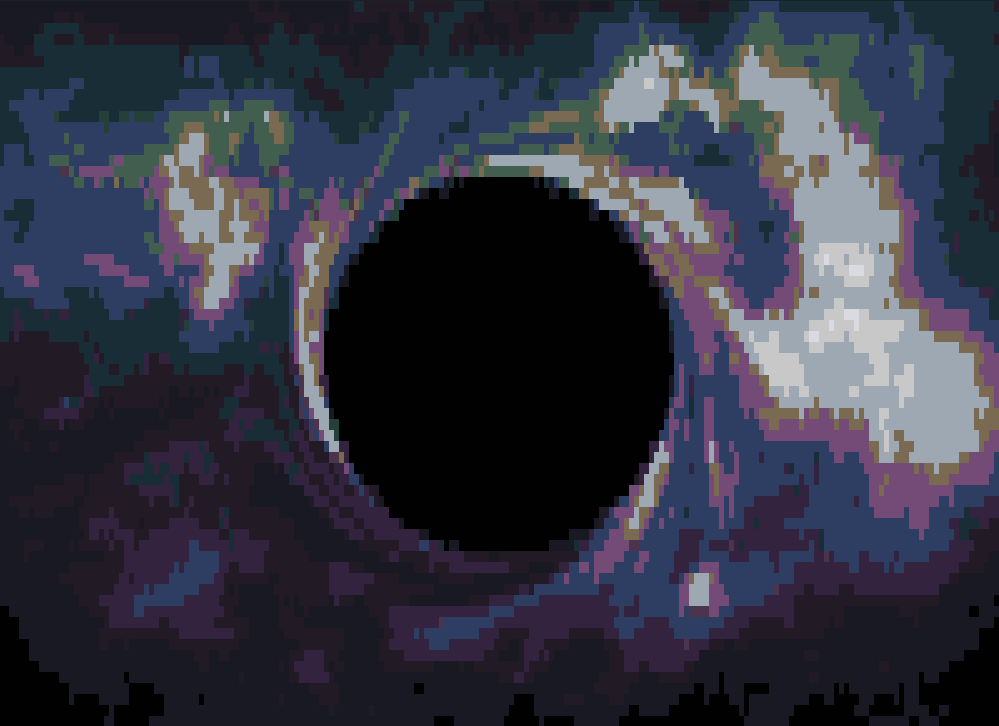
- Option for color text on constant background (opposite of current)
- Allow basic image manipulation in bin, e.g. contrast, saturation, brightness
- Manually override fg text
This project is licensed under the MIT License. See the LICENSE file for details.