Home
Welcome to the WeatherApp wiki, this app has been created to provide basic information about the weather. Below is an user guide on how app looks like and how it works.
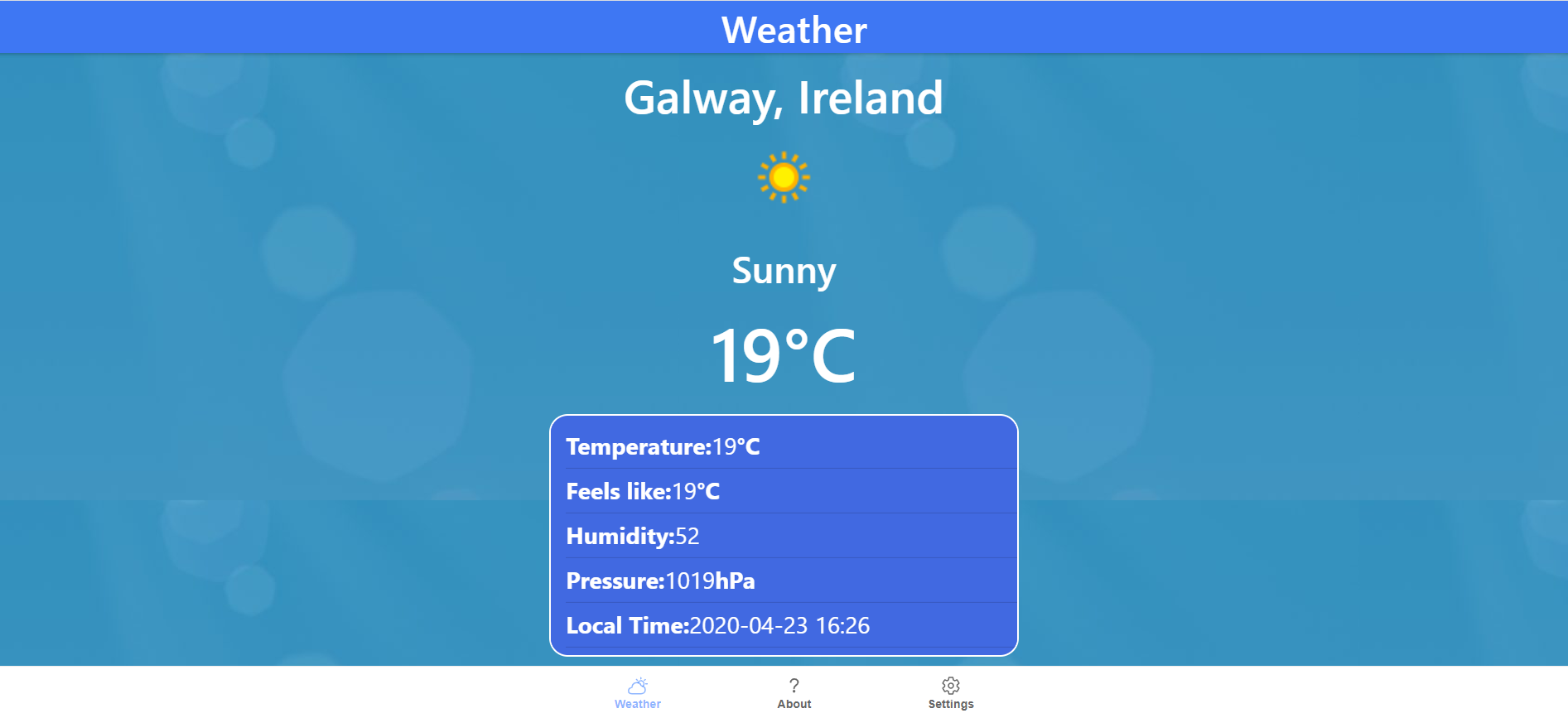
- Current city/country
- Weather icon which changes accordingly to the current weather
- Temperature in Celsius
- Feels like temperature
- Humidity
- Pressure
- Local time
Below we can find a tab bar with other pages:

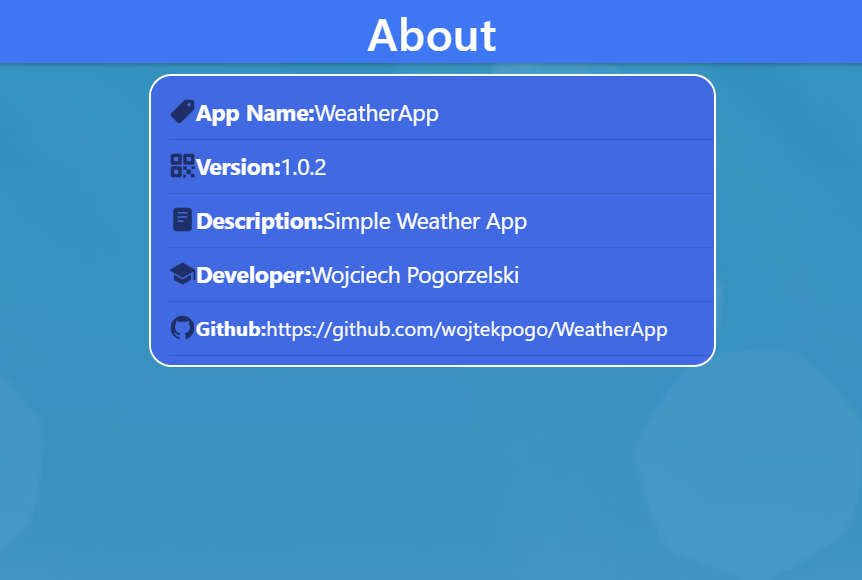
- App Name
- Version
- Description
- Developer name
- Link to the GitHub
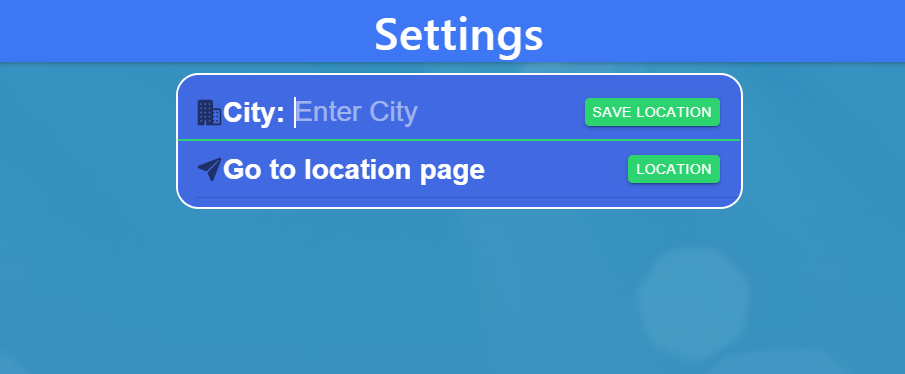
- First one, where we can enter a city manually and after clicking a button it'll bring us back to home back with updated city name
- Second one, where after clicking a button we'll be moved to the location page where the weather will be displayed based on our current GPS position
City entered manually is stored in local storage
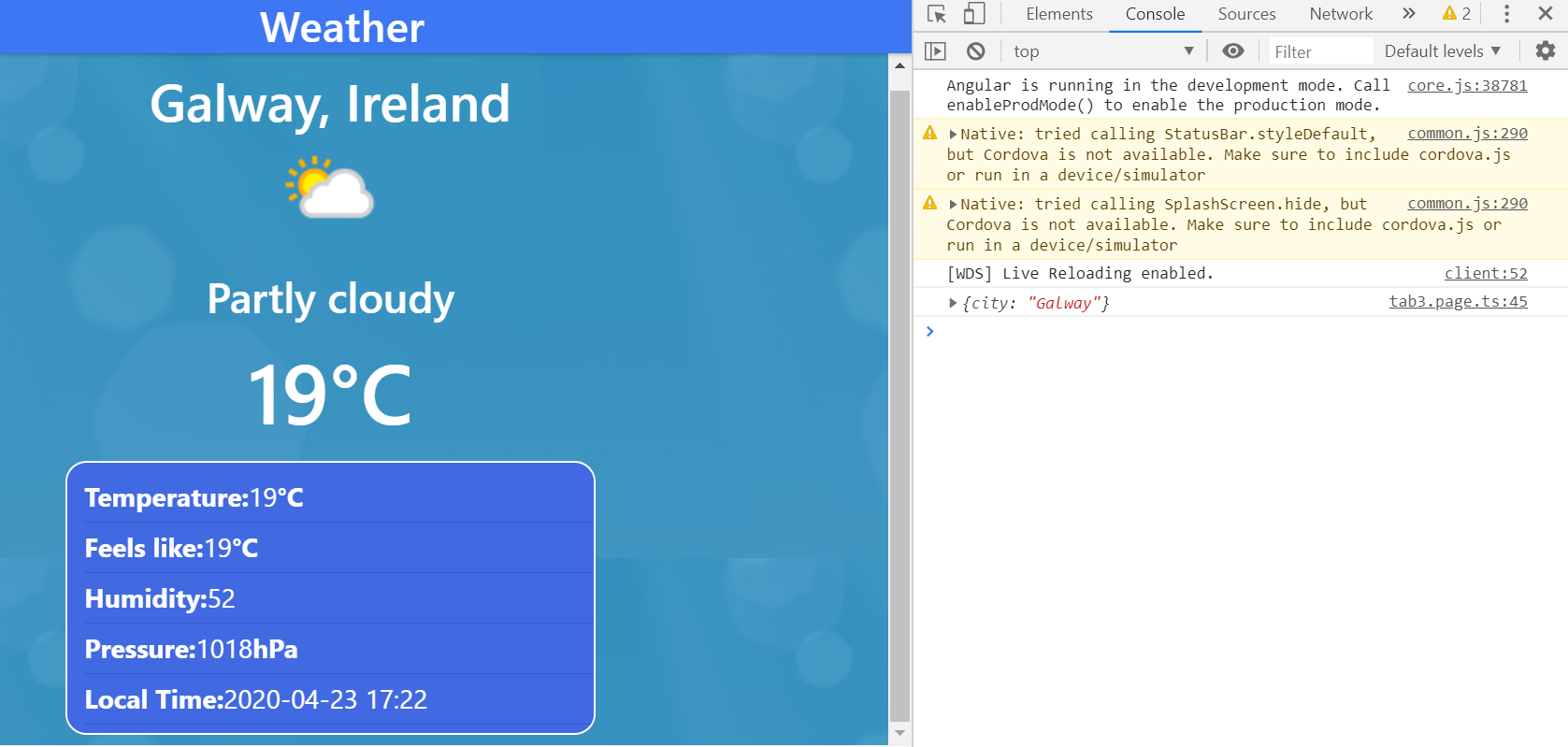
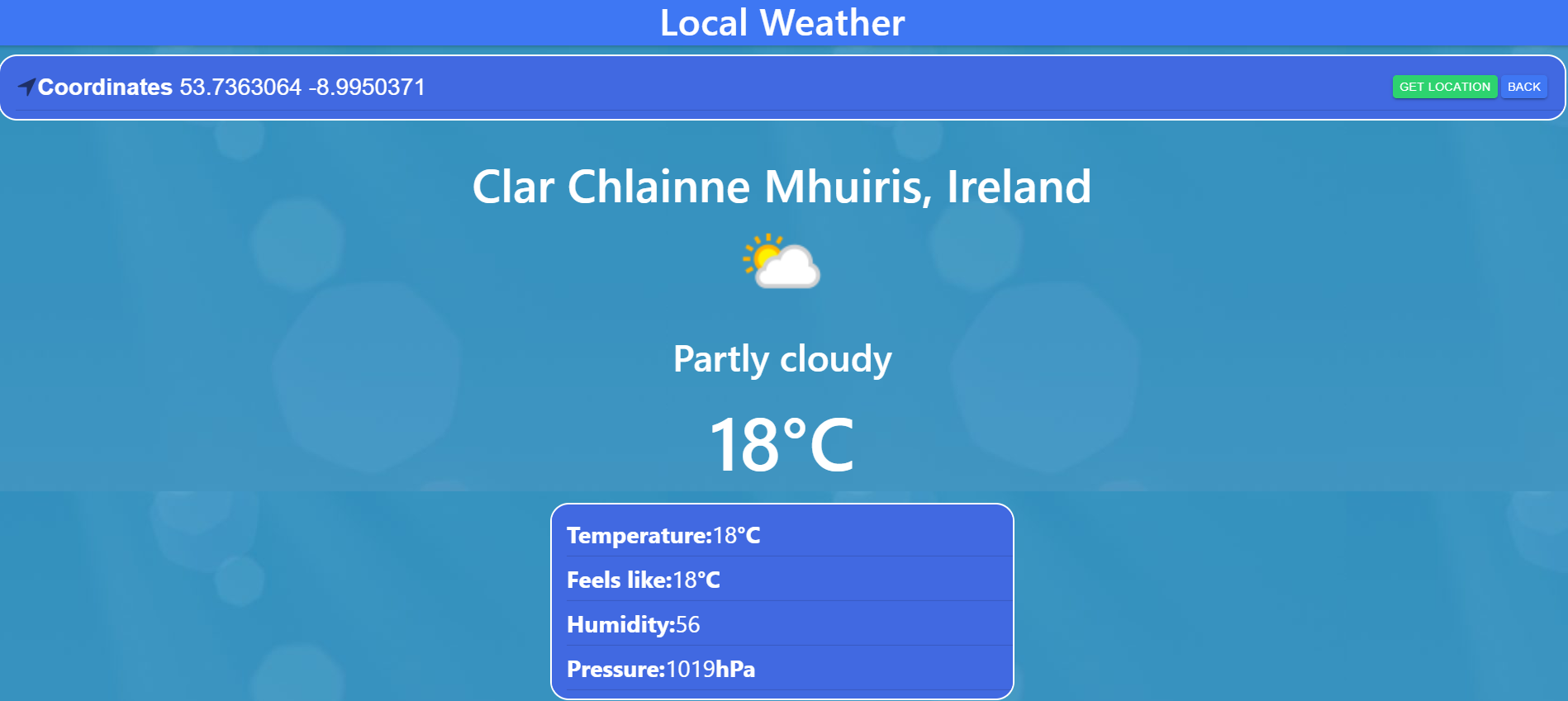
Back button brings us back to Settings Page.
- Ionic Storage
- Geolocation plug-in
- NavController
- Services