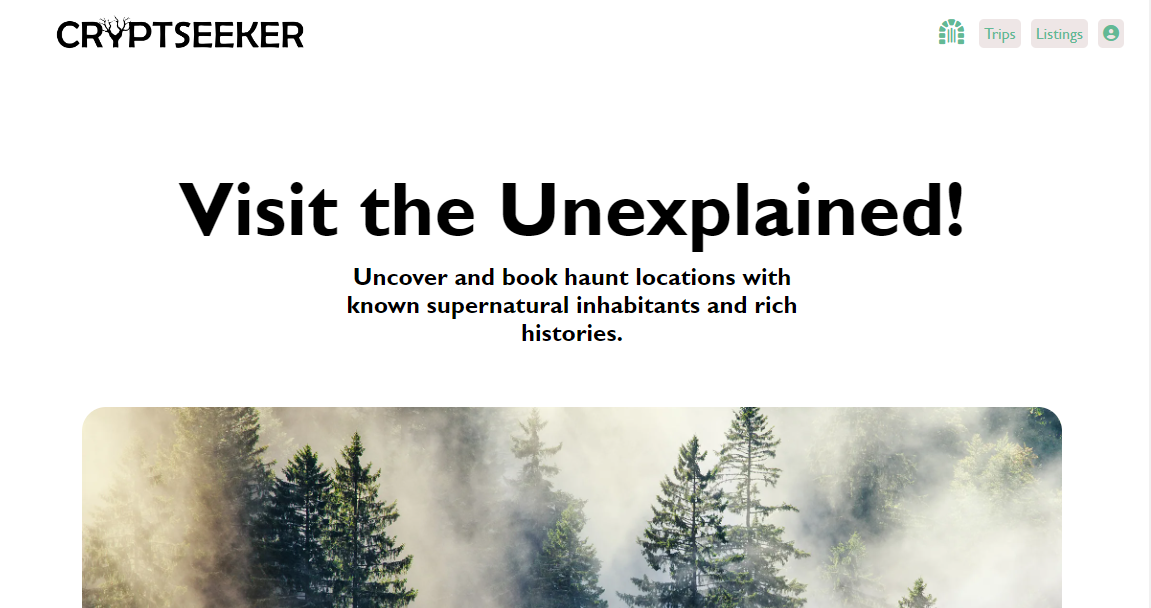
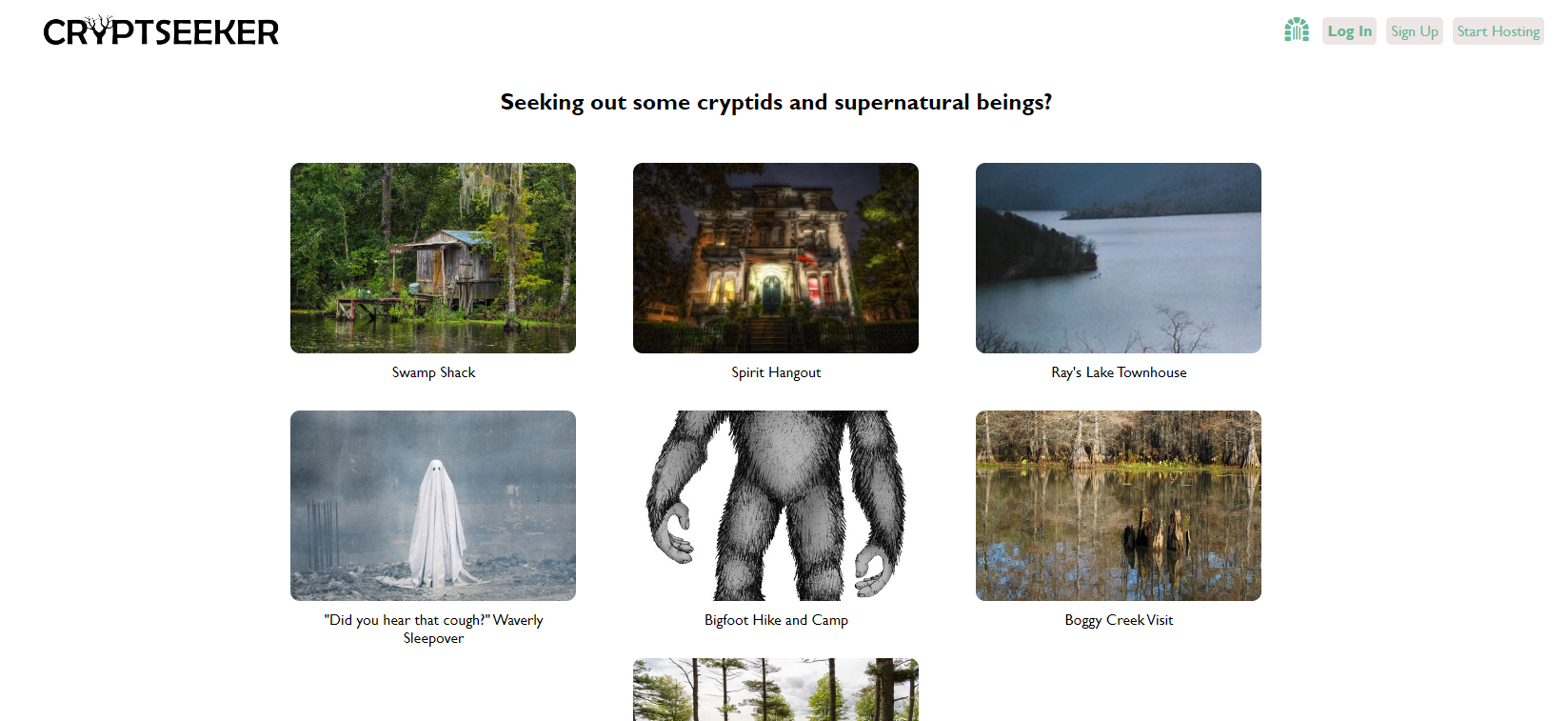
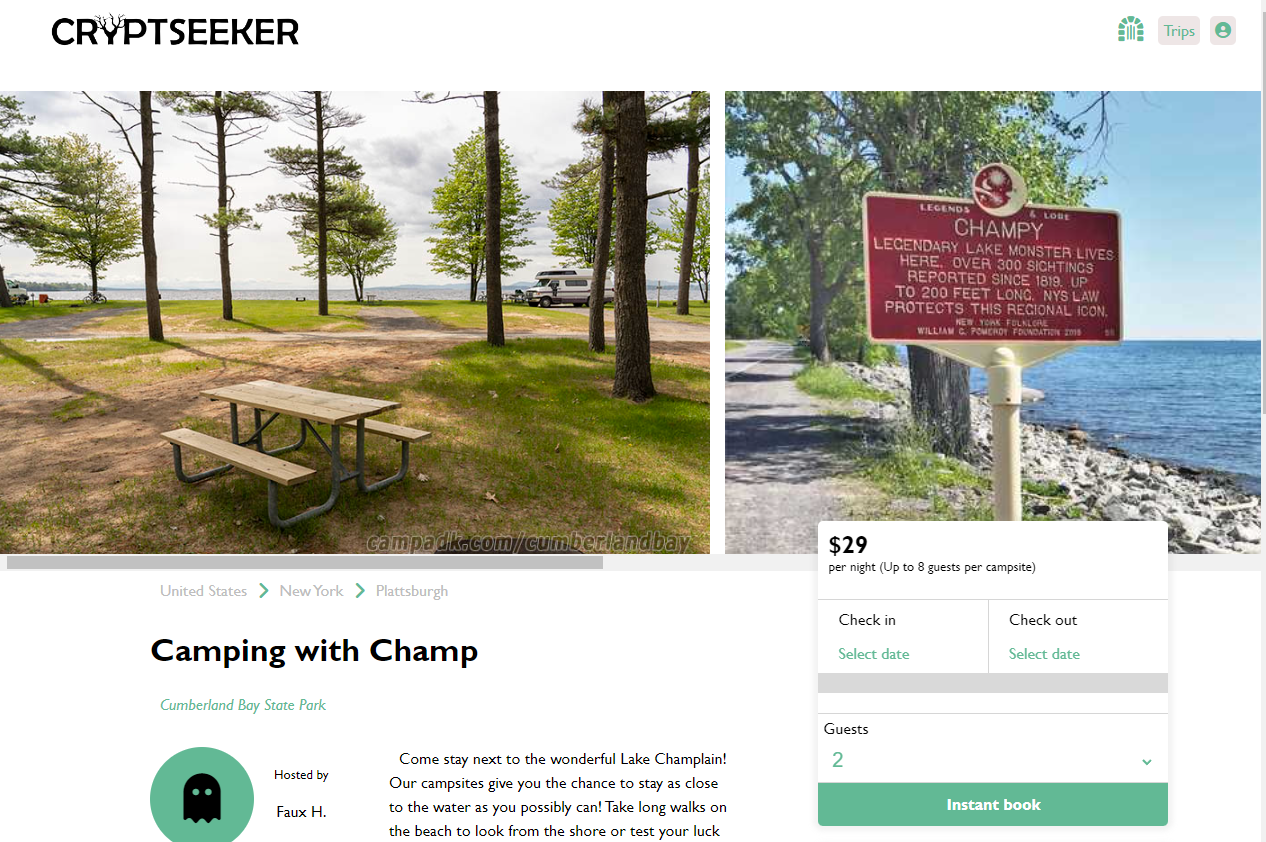
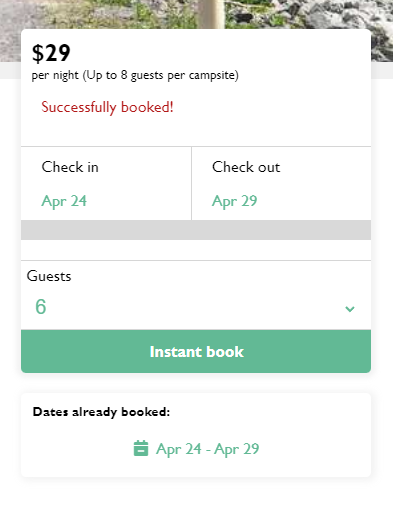
CryptSeeker is a React/Redux/Express clone of HipCamp, but for those interested in staying in supernatural places. There are some good ole fashioned Haunted Hotels, Cryptid hideaways, mysterious spaces, and otherwise supernatural places!
- Frontend
- React
- Redux
- Moment.js
- Backend
- Express
- Sequelize
- postgres
- bcrypt
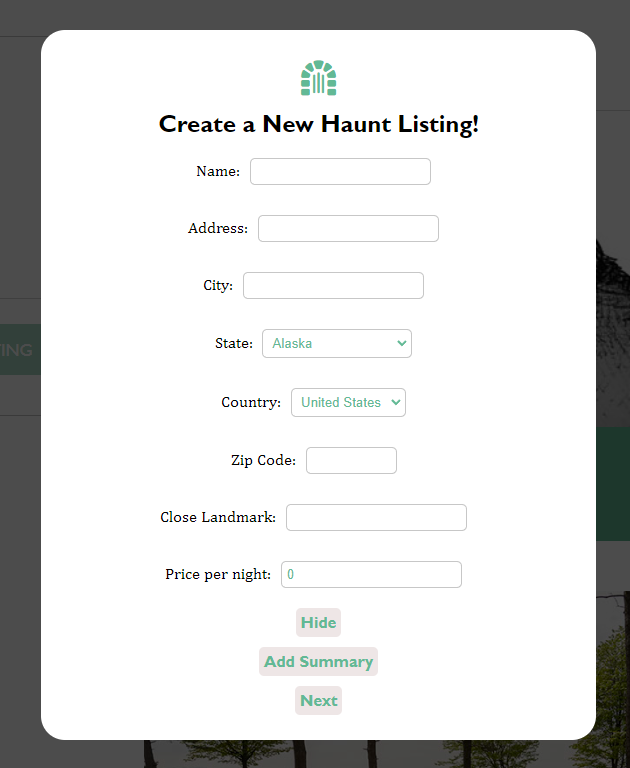
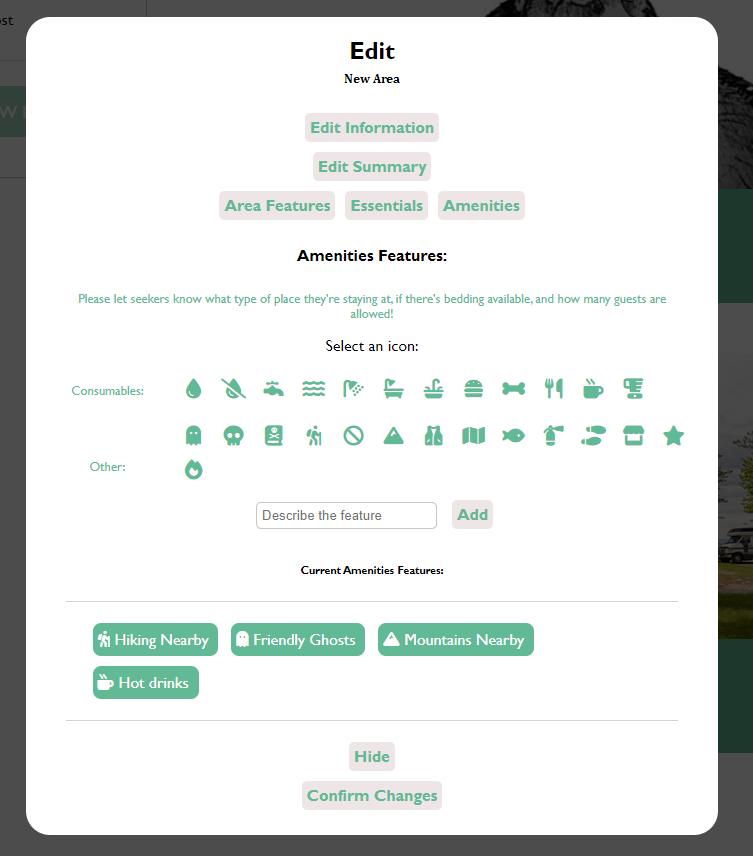

-
Clone this repo
git clone git@github.com:whitnessme/crypt-seeker.git
-
Install dependencies from the root directory
npm install
-
Create a POSTGRESQUL user with CREATEDB and PASSWORD in PSQL
CREATE USER <name> WITH CREATEDB PASSWORD '<password>'
-
Create a
.envfile in the backend directory based on the.env.examplefound within the respective directory -
Enter your psql user's name and password information into your
.envfile along with your desired database name, a secured combination of characters for your JWT_SECRET, and your desired PORT (preferably 5000) -
Add the following proxy to your package.json file within your frontend directory, replacing or keeping the 5000 port to match your PORT configuration found in your
.envfile."proxy": "http://localhost:5000"
-
Create database, migrate, and seed models with script:
npm run db:setup
-
Start backend server
npm start
-
Start frontend services, which should open the app in your default browser, if not navigate to http://localhost:3000.
npm start
-
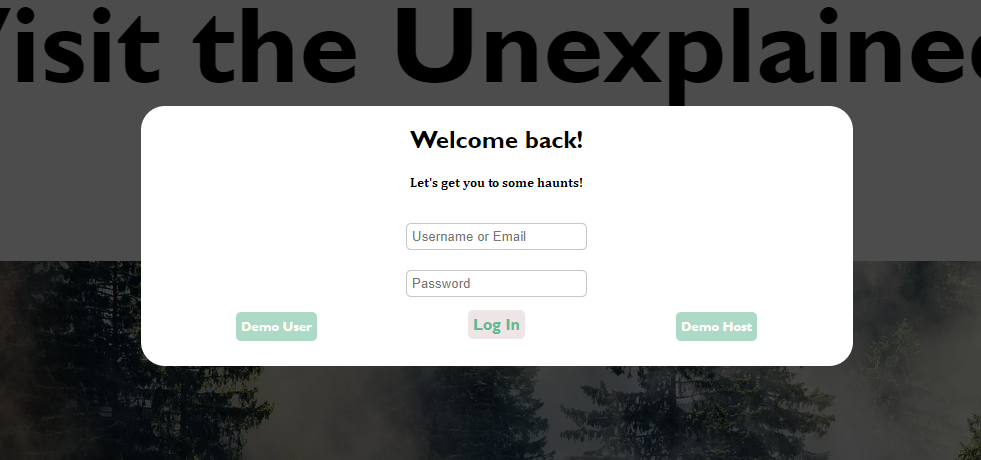
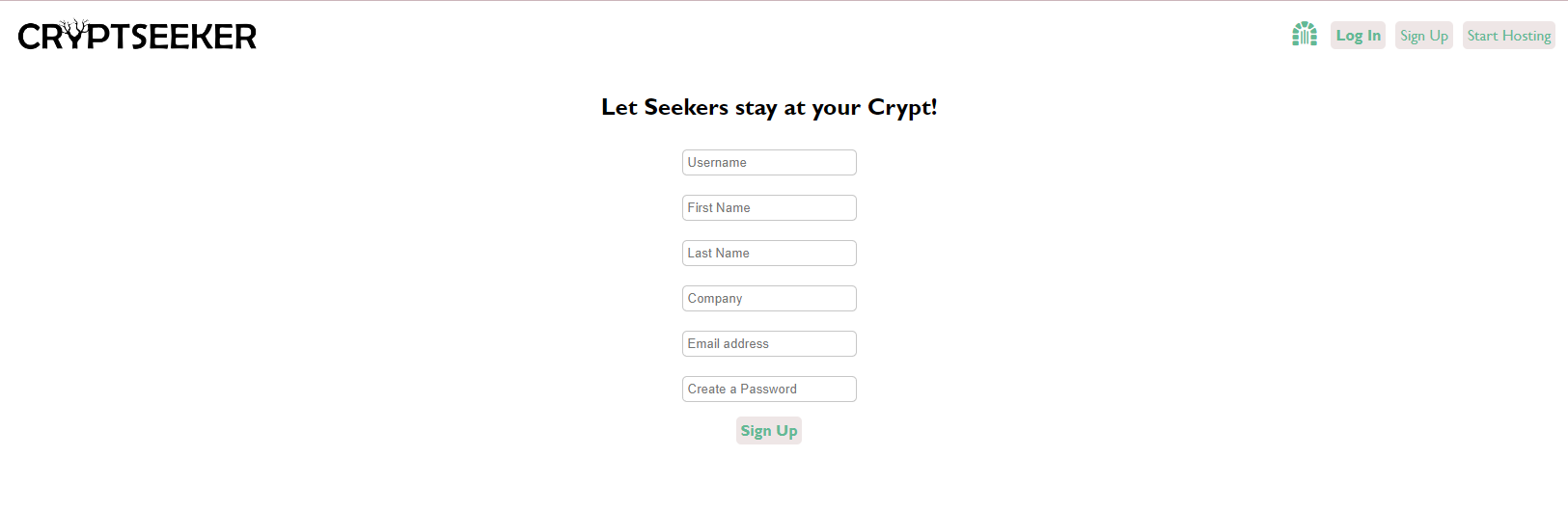
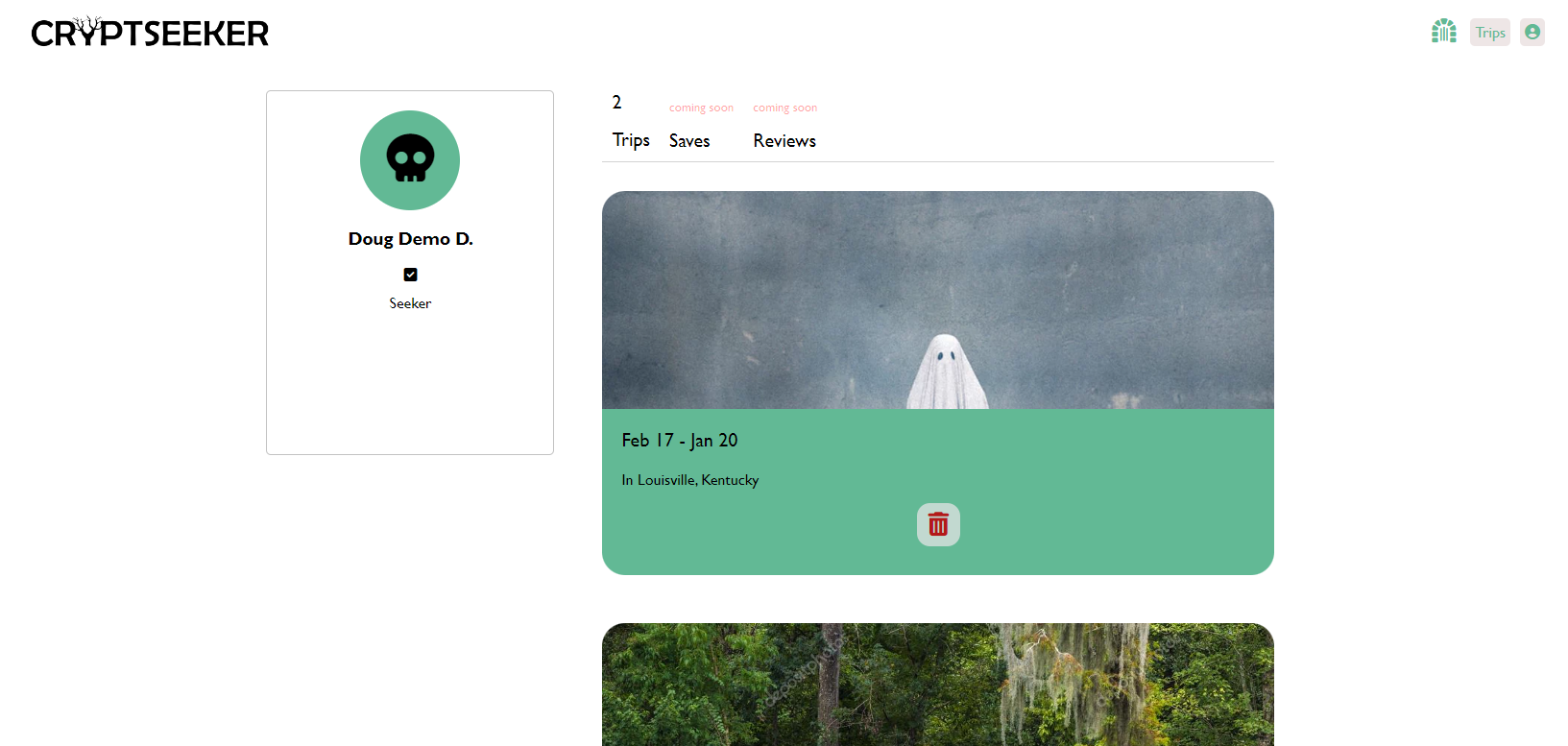
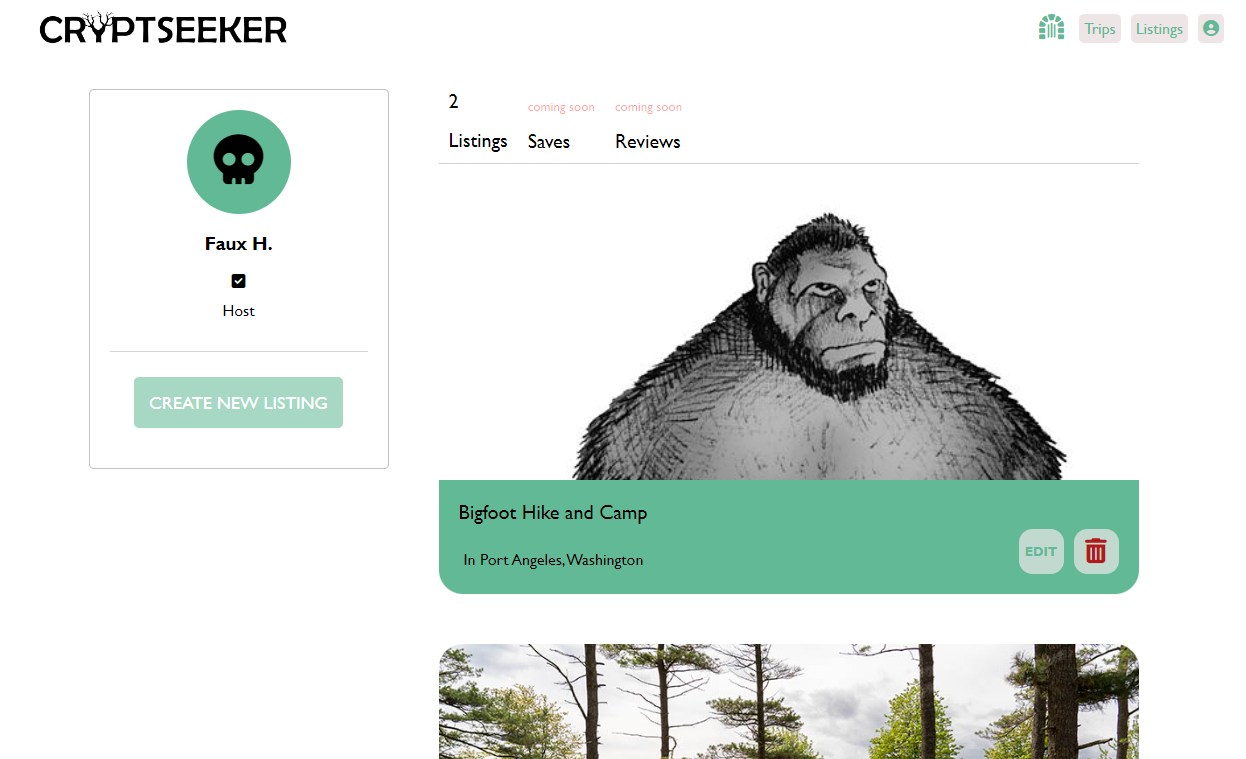
You may use the demo user or create a new regular user account by clicking on "Sign up" button. If you wish to make a host user click on the "Start Hosting" button.