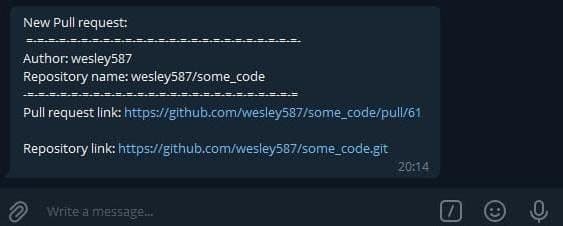
Bot that monitors Pull requests in the specified repository, and notifies via Telegram using github workflows
To learn how to create a telegram Bot access this link

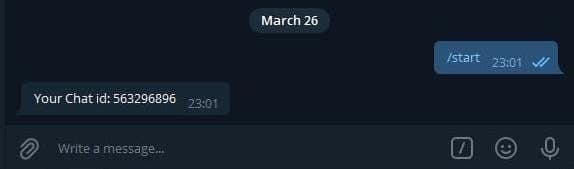
After the creation of a Telegram Bot, you must run get_chat_id.py with your API token that the bot father generated
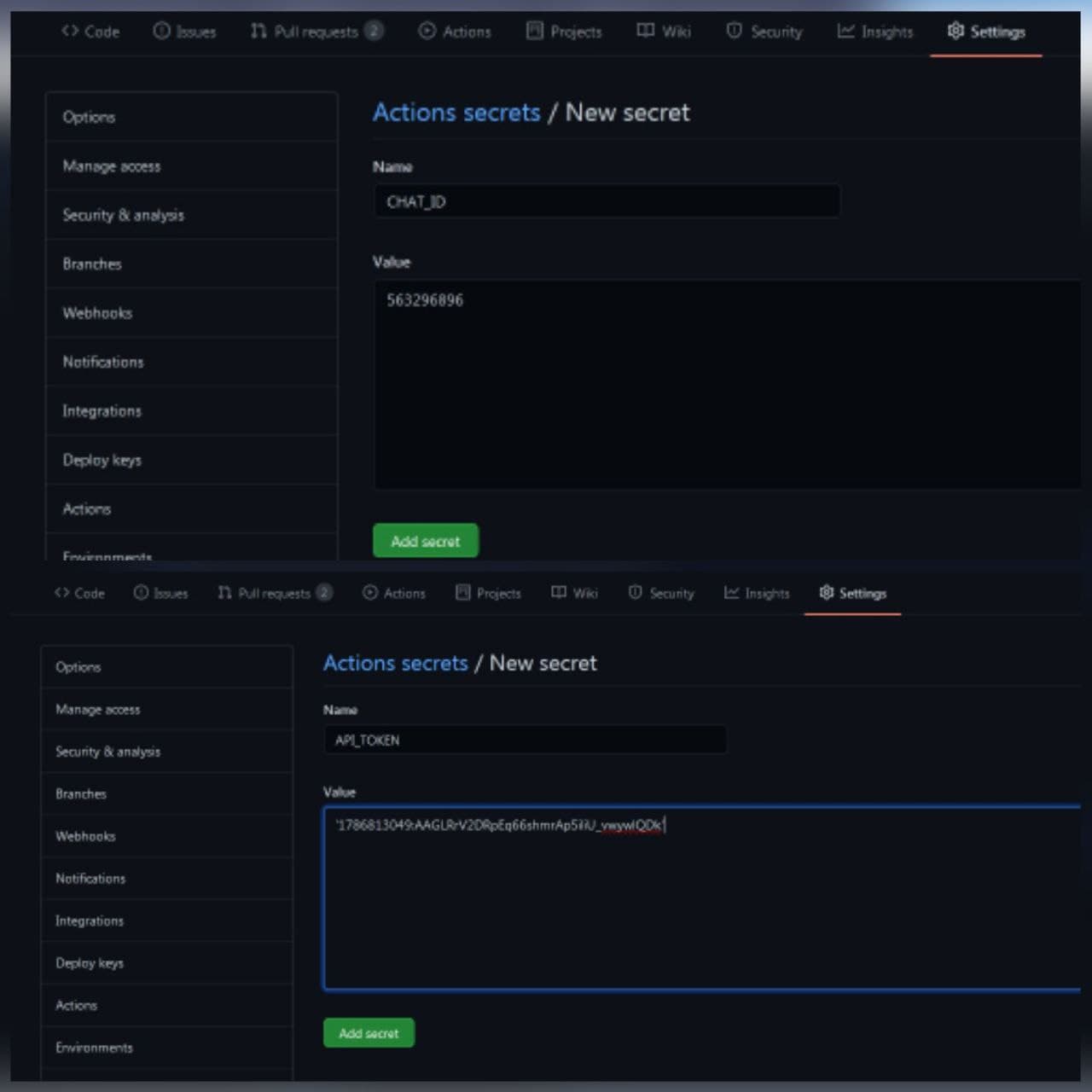
To learn how to create the needed secrets, click here, make sure there are no blanks spaces
it is needed to create two secrets keys:
- Create TELEGRAM_TOKEN (the field value must receive the token with quotation marks)
- Create CHAT_ID
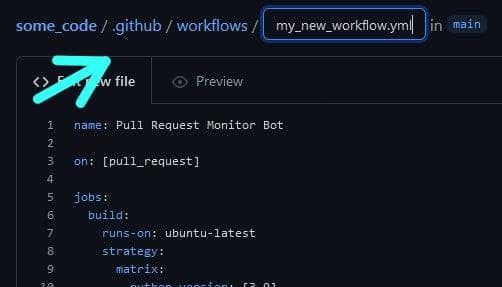
The final step is to add these files to your repository:
- monitor_bot.yml
- send_message.py
I recommend using the copy and paste method
Path File Pull-Request-Monitor-Bot/.github/workflows/monitor_bot.yml, copy all code and paste in your repository with the similar path
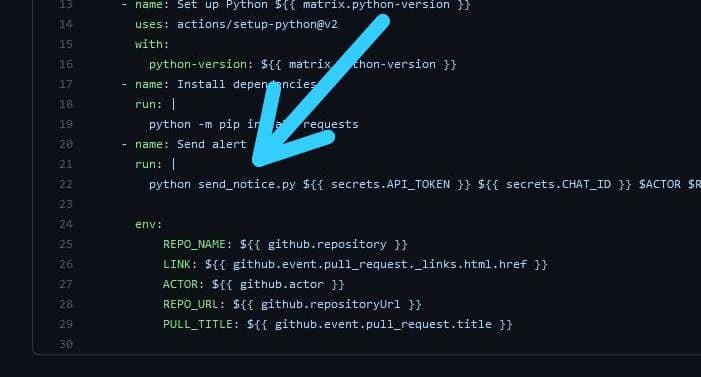
Copy the content of the Pull-Request-Monitor-Bot\send_notice.py and create a file with the same name (send_notice.py) on the repository's root. If you need to change the path or file name, you need a change in your workflow file.
To learn more about Git Actions, access this link
To learn more about Git Actions, access this link.