
Un-official VS-Code locize translation to automatically update keys, and translation texts
*tip: This project was Scaffolded using yeoman
This is a test project I did for myself and decided to share, but if anyone finds it useful, pls post a request am happy to improve on it.
you can download this extension already from the marketplace vs-code-locize-pilot
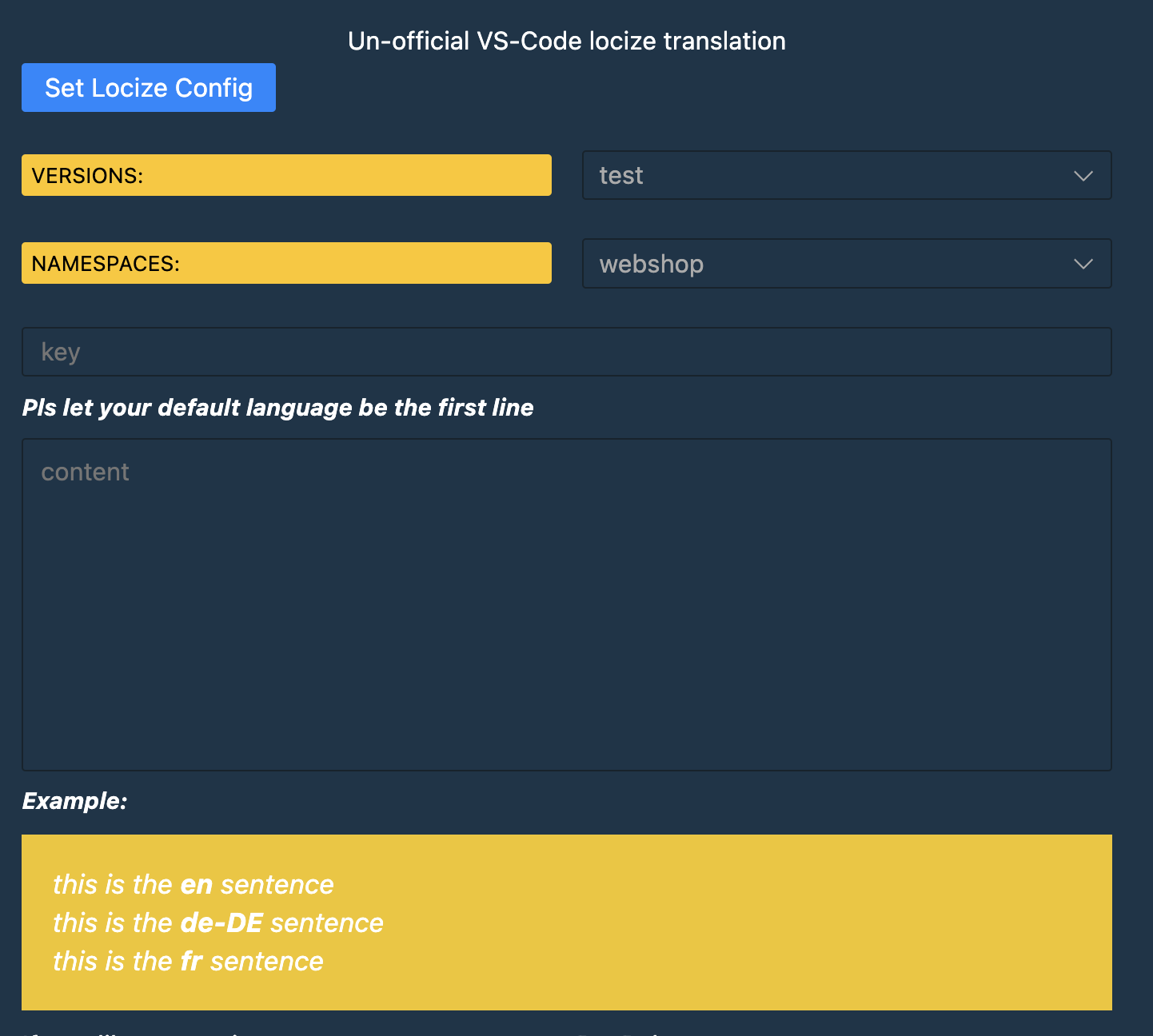
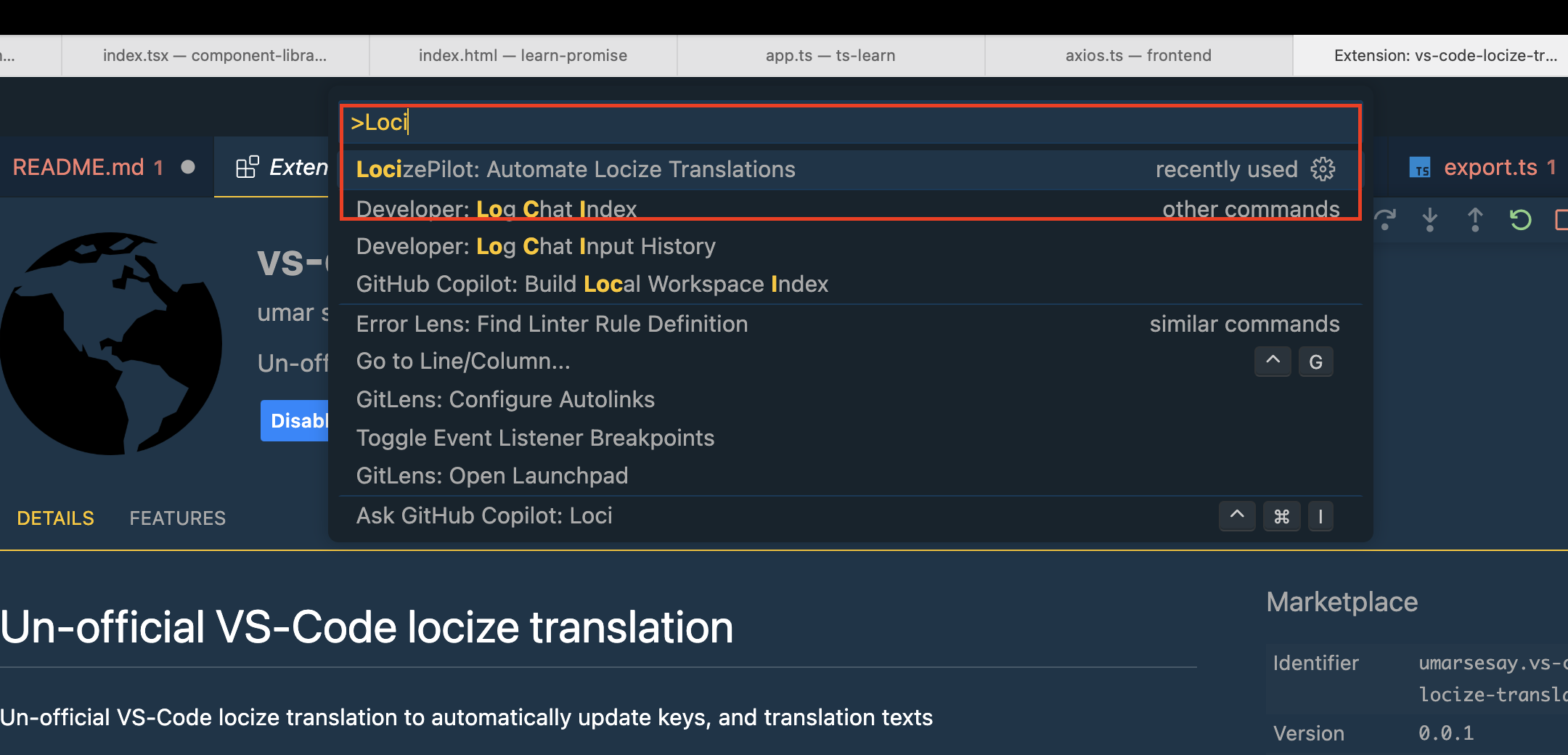
- Inside the host window, open the command palette (
Ctrl+Shift+PorCmd+Shift+Pon Mac) and typeLocize Pilot
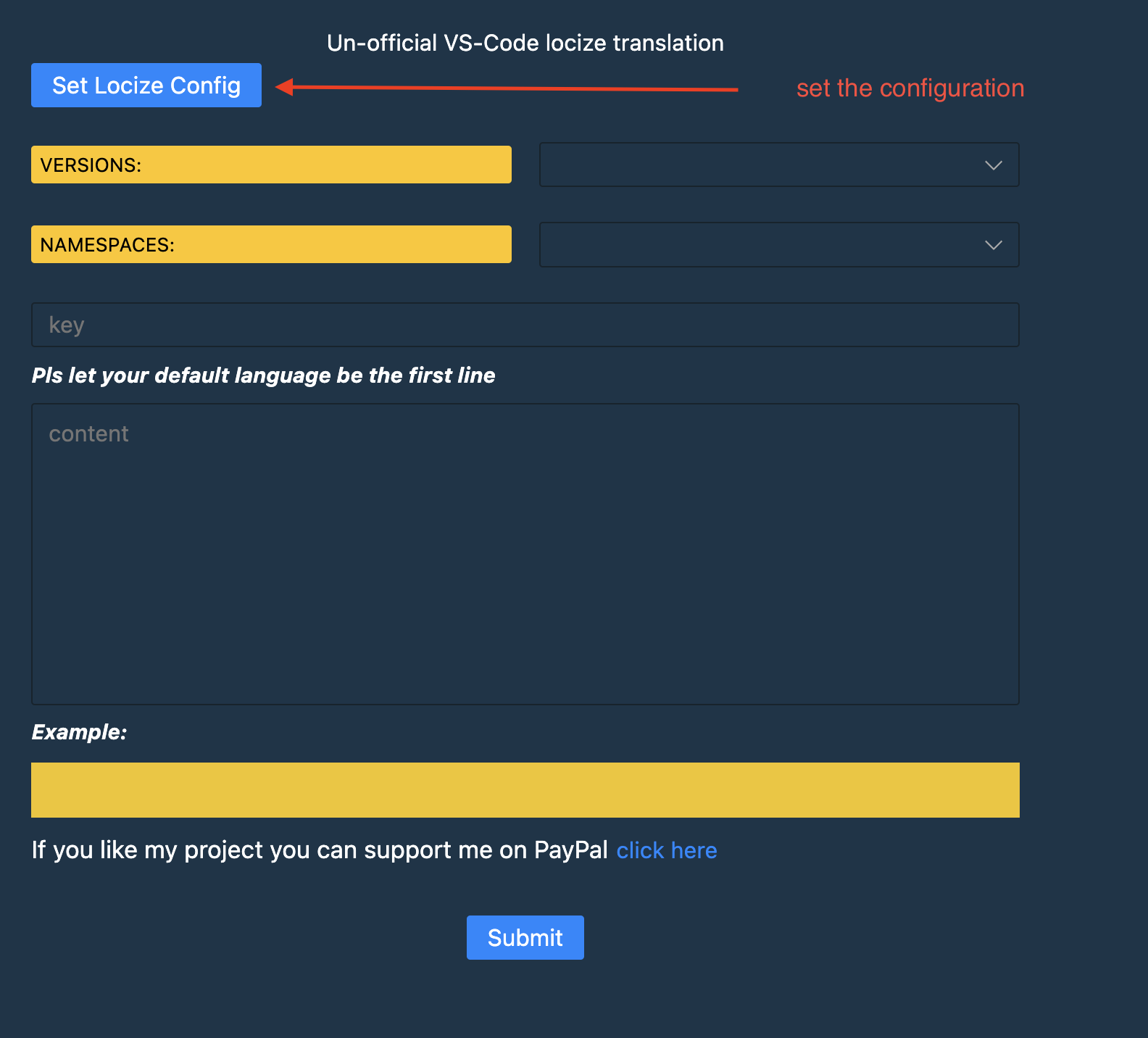
*tip: set the config
For a deeper dive into how this sample works, read the guides below.
cd vscode-locize-extension
npm run install:all
npm run build:webview
 npm install -g vsce
vsce packageOr open the command palette (Ctrl+Shift+P / Cmd+Shift+P on macOS), type and select: Extensions: Install from VSIX..., then select your .vsix file