
Flare error tracker integration for Craft CMS
This plugin requires Craft CMS 4.5.0/5.0.0 or later, and PHP 8.0.2 or later.
You'll also have to provide an Flare API key.
🙏 You can create a Flare account using our affiliate link: Flare This helps a lot supporting the maintenance of this plugin.
To install the plugin, follow these instructions.
-
Open your terminal and go to your Craft project:
cd /path/to/project -
Then tell Composer to load the plugin and install it:
 composer require "webhubworks/craft-flare" -w && php craft plugin/install craft-flare

 # or with DDEV
 ddev composer require "webhubworks/craft-flare" -w && ddev craft plugin/install craft-flare
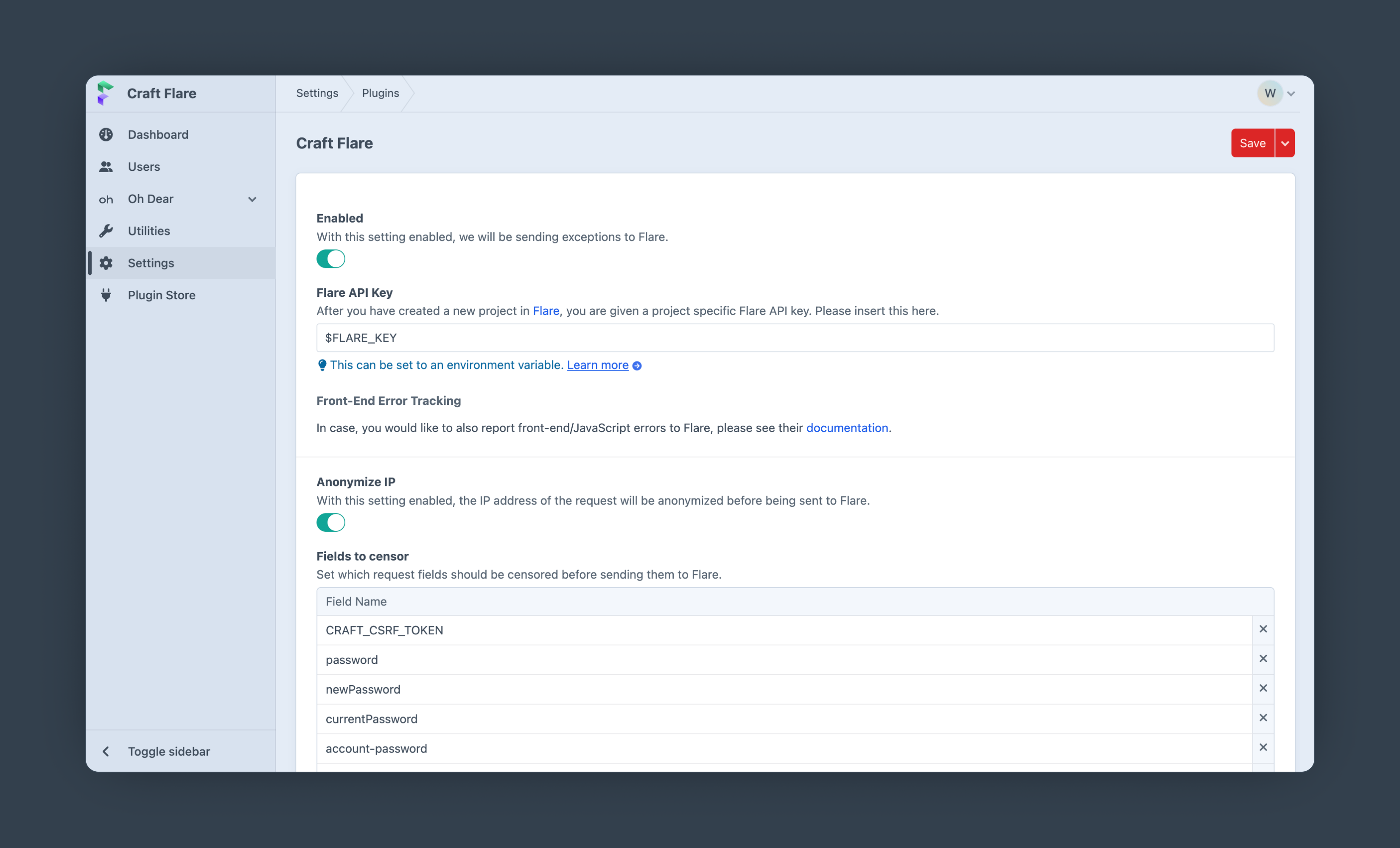
Create a new PHP project in Flare or go to the settings page of your existing Flare project and copy your project specific Flare API key. Paste this key into the Craft Flare settings.
To load Flare as early as possible during the application boot up add the following line as the first entry of bootstrap into your config/app.php file:
# config/app.php

'bootstrap' => [
    '\webhubworks\flare\Bootstrap', // <-- Add this line as the first entry
    // other bootstrap entries
],In general, you do not need to do anything. This plugin will report exceptions to Flare automatically.
In case you want to report manually or e.g. add context/glow, you can use CraftFlare::getFlareInstance().
Example:
CraftFlare::getFlareInstance()
   ->context('Order', [
         'price' => $order->price,
         'currency' => $order->currency,
    ])
->report(new \Exception('Test exception'));In order to quickly test whether everything is set up correctly and if errors are reported to Flare, you can use the buttons in the "Testing Error-Tracking" section on the plugins settings page.