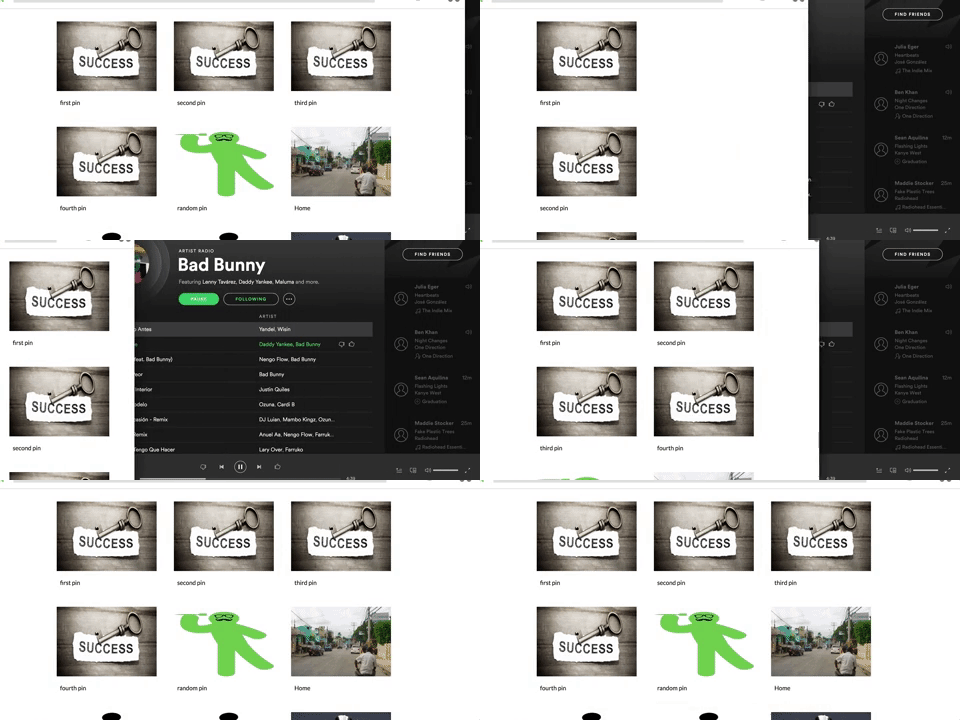
PinIt is a single page web application clone of the popular website Pinterest. The application grants users the ability to be able to create boards that act as albums to store pictures or in this case pins. Pins are images uploaded with a description and a title. The tech stack this project utilizes includes Ruby On Rails, React.js, Redux, and a PostgreSQL database.
Database schema, wireframes and a detailed component hierarchy are viewable in the wiki of this repository.
So far only three tables have been created on the backend that being users, boards, and pins. The users table is in charge of storing the users credentials which consist of only their username, password digest, and a session token which indicates wether they're logged in or not. The boards table holds a reference to its 'author' with the id of the user that created that board, a title, and a description. The pins table holds a reference to its 'author' similarly to the boards table, and if a pin is 'pinned' to a board it will also hold a reference to the current board it is pinned to via a board_id, also the pin has a title, a description and images can be uploaded with the paperclip gem and stored on a cloud hosted on S3 by Amazon Web Services.
Database indexing was added to foreign keys for fast and efficient look up times. Unique constraints were added at the database level for usernames to ensure users can't sign up with other users usernames.
    add_index :users, :username, unique: true
    add_index :boards, :author_id
    add_index :pins, :author_id
add_index :pins, :board_id Model level validations were added for the users to ensure passwords were at least 6 characters long, usernames were present and unique.
  validates :username, uniqueness: true
  validates :password, length: { minimum: 6, allow_nil: true }
A user can check theirpins and boards through a has_many association where the user has many pins and/or boards. Dependent destroy was also added to both these associations should the user delete their account their associated data would also be deleted. A board can belong_to a user and also has a has_many association for the pins that are associated with the board.
The user authentication process was created from the ground up without the use of any external api, frameworks or libraries. The ruby BCrypt gem was used to salt and hash the user's password. The password is not stored in the database to ensure user privacy, instead the salted and hash value which is stored as a password digest in the database, can only be matched if the user provides the correct password. When the user attempts to log in, the cookie's session token is compared to the one previously stored in the database upon their last login, if it is a match the user is logged in and the cookie's session token is reset to ensure privacy.
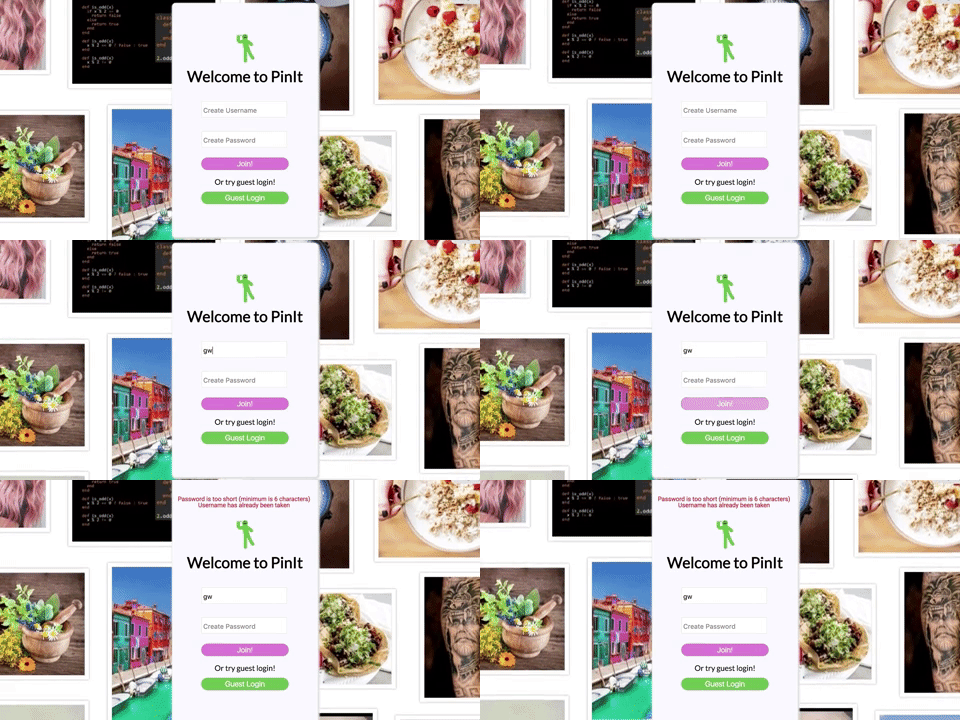
There were 4 main controllers used in this project that being the users, sessions, pins, and boards controller. The sessions controller is in charge of logging in the user by making a query to the database with the given credentials and also responding with errors should the credentials be invalid. Users controller creates an entry and stores the user info in the database if the proper validations are met on both the model and database level. Board and pin controllers act similarly creating board and pins if the necessary validations have been met as well as being able to edit, update and delete. Before being sent up to the frontend responses are parsed into JSON.
  namespace :api, defaults: { format: :json } do
      resources :users, only: [:create, :show]
      resource :session, only: [:create, :destroy]
      resources :boards, only: [:create, :show, :destroy, :update]
      resources :pins, only: [:create, :show, :destroy, :update, :index]
endFor sessions on the frontend there is a reducer specifically for the sessions and actions that dispatch AJAX requests. Thunk middleware is used as well with the redux store in order to intercept these AJAX requests before they hit the reducer. The response is then dispatched for the reducer to process. Board, pins, and users all have actions that dispatch AJAX request for CRUD. The main reducer has been structured to consist of four main slices.
const RootReducer = combineReducers({
  session,
  errors,
  ui,
  entities
});The nav component is conditionally rendered all through out the website if the user is logged in, and also features links to quickly go to the main feed, their show page and a dropdown menu with their username and option to logout.

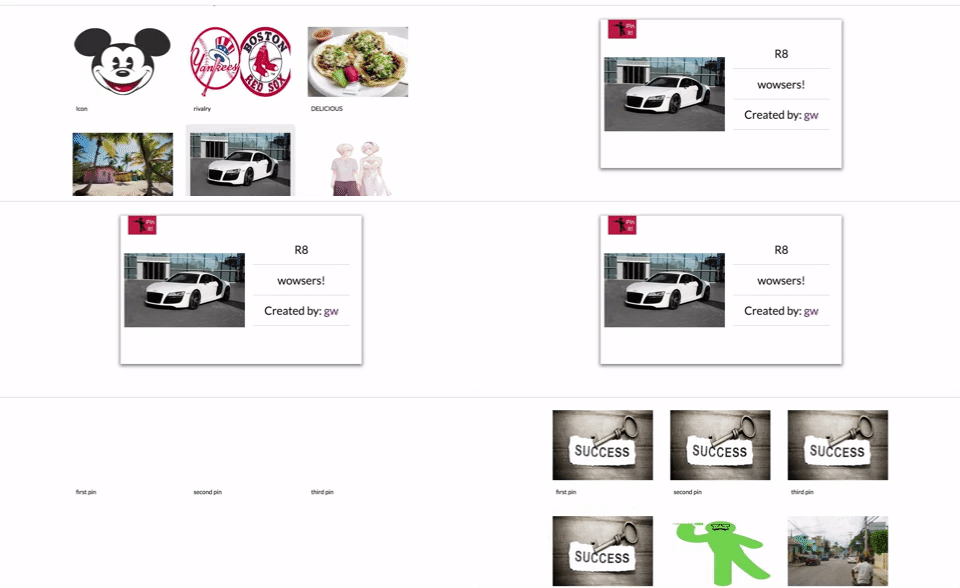
The pin index is rendered at the main feed where the user can choose to view. The pin show page has modal like functionality where the user can click out of the pin content box and go back to the previous page.
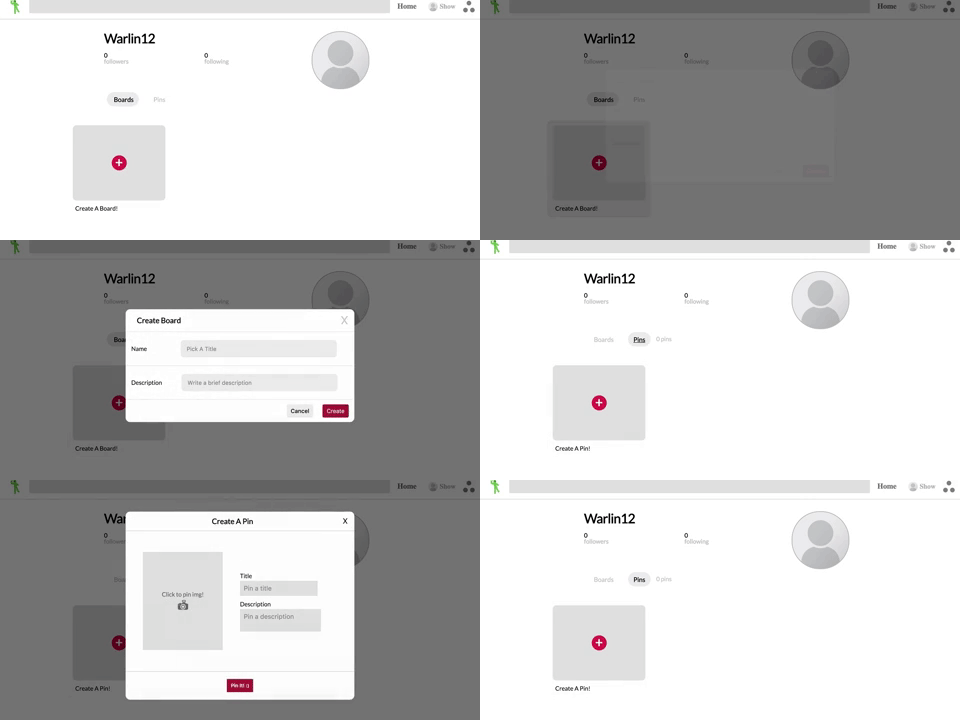
At the User show component if the current user is on their show page they have the option of creating boards and or pins, and if they visit another users show page the option is gone. The option is conditionally rendered if the current users id matches the users show page via url params.
    createBoardForm() {
      if (!this.props.user) return null;
      if (this.props.user.id === this.props.currentUser.id) {
        return(
          <div className='board-create' onClick={this.createBoard}>
            <div className='board-create-button'>
              <div>+</div>
            </div>

            <div className='board-create-title'>
              <div>Create A Board!</div>
            </div>
          </div>
        );
      } else {
        return null;
      }
}Modal status is stored as a slice of state in the reducer. Modals are rendered if the current status matches the status for the specific modal.
    const defaultState = {
      boardModal: null,
      pinModal: null,
    };
CSS FlexBox was used heavily for responsive design.