GiaoCameraRobot is the mascot of SIPL Lab.


English | 中文
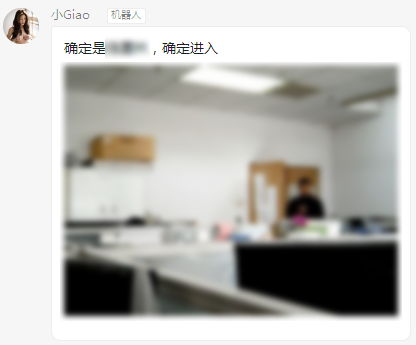
I named her Xiao Giao, and she could monitor every movement in the laboratory through the camera.
Xiao Giao uses OpenCV to obtain camera data, uses TinyFace to detect faces, and recognizes people and actions by fine-tuning ResNet50. Send DingTalk notifications when someone is detected entering or leaving.
- Clone this repo:
git clone https://github.com/wangke0809/GiaoCameraRobot.git
cd GiaoCameraRobot- Install PyTorch 0.4+ and torchvision.
- For pip users, please type the command
pip install -r requirements.txt.
- For pip users, please type the command
cp config.py.example config.pyGet the region to be monitored:
cd tools
python getMonitorRegion.py
Get image detection threshold:
cd tools
python getDiffThreshold.py
Fill the region and threshold into config.py
Download TinyFace pre-trained model into current directory, and download ResNet50 pre-trained model into tools directory.
python GiaoRobot.pyOf course, you can't run normally by following the above steps, because the model has not been trained yet! You need to close the person and action detection module first, and collect enough training samples through face detection.
cd tools
python imagesDrawBoxes.pycd tools
python getTrainDataSet.py
cd tools
python trainModel.py