Runs: Rewrite Runs section #2011
Conversation


|
Images automagically compressed by Calibre's image-actions ✨ Compression reduced images by 78%, saving 926.9 KB.
|

📚 Mintlify Preview Links🔄 Renamed/Moved (1 total)📄 Pages (1)
✨ Added (13 total)📄 Pages (7)
🖼️ Images (6)
📝 Changed (26 total)📄 Pages (23)
🖼️ Images (2)
⚙️ Other (1)
🗑️ Deleted (18 total)View deleted files🖼️ Images (18)
🤖 Generated automatically when Mintlify deployment succeeds |
|
Images automagically compressed by Calibre's image-actions ✨ Compression reduced images by 8.7%, saving 9.0 KB.
2 images did not require optimisation. |
|
Images automagically compressed by Calibre's image-actions ✨ Compression reduced images by 79.5%, saving 241.1 KB.
3 images did not require optimisation. |
|
Images automagically compressed by Calibre's image-actions ✨ Compression reduced images by 78.8%, saving 1.4 MB.
4 images did not require optimisation. |
|
Images automagically compressed by Calibre's image-actions ✨ Compression reduced images by 7.6%, saving 24.8 KB.
5 images did not require optimisation. |


|
|
||
| ### Run events | ||
| An automation can be triggered by a change in a [run's status](/models/#run-states) or a change in a [metric value](/models/track/log/#what-data-is-logged-with-specific-wb-api-calls). | ||
| An automation can be triggered by a change in a [run's status](/models/(/models/runs/run-states) or a change in a [metric value](/models/track/log/#what-data-is-logged-with-specific-wb-api-calls). |
There was a problem hiding this comment.
Munged URL? One more instance in this file.
| @@ -0,0 +1,96 @@ | |||
| --- | |||
| title: View all runs a project | |||
There was a problem hiding this comment.
| title: View all runs a project | |
| title: View all runs a project | |
| sidebarTitle: View all runs |
I think it will improve the left nav to shorten some of these page nav titles.
| @@ -0,0 +1,96 @@ | |||
| --- | |||
| title: View all runs a project | |||
| description: This section shows how to customize how runs are displayed in your project's runs table | |||
There was a problem hiding this comment.
| description: This section shows how to customize how runs are displayed in your project's runs table | |
| description: Details about customizing how runs are displayed in your project's runs table |
| A workspace is limited to displaying a maximum of 1000 runs, regardless of its configuration. | ||
| </Note> */} | ||
|
|
||
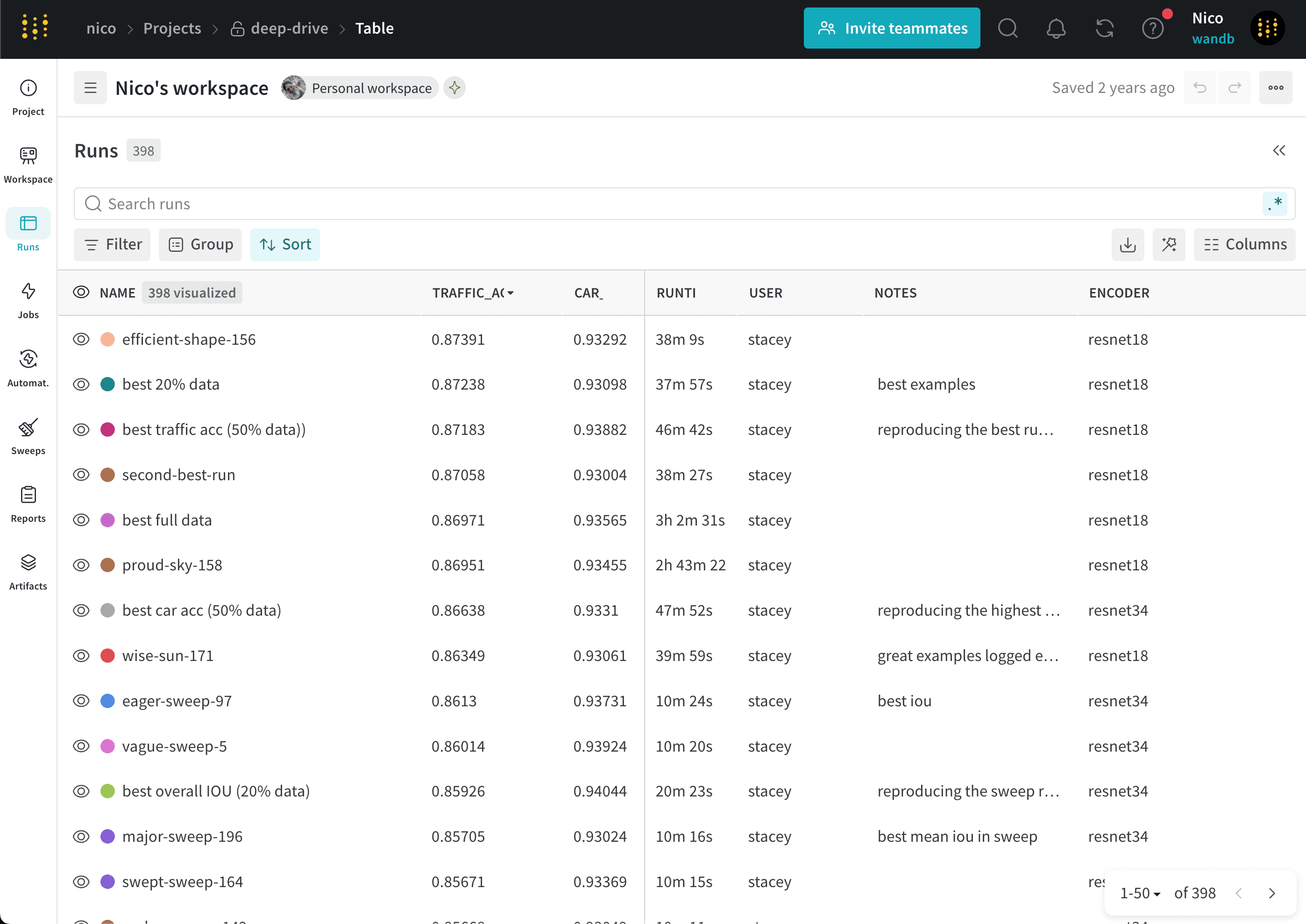
| View all runs logged to your W&B project in the **Runs** tab of your project sidebar. The *Runs table* shows details about all of your runs in a project. Use the Runs table to compare runs, sort runs by specific columns, and organize runs into groups. |
There was a problem hiding this comment.
To connect the dots, is it worth mentioning that the Runs Table is in the Runs Tab, and that the Runs Table and Workspace runs list share a config?
| <img src="/images/runs/run_table_all.png" alt="Runs table" /> | ||
| </Frame> | ||
|
|
||
| ## Add columns |
There was a problem hiding this comment.
These sections could be consolidated as H3s in a "Manage columns" section, all the way through Hide Columns. This would help the right-hand TOC.
|
|
||
| To sort the list of runs by any visible column: | ||
| <Note> | ||
| W&B stores job types as a run [`wandb.Run.job_type`](/models/ref/python/experiments/run#property-run-job-type) property. |
There was a problem hiding this comment.
| W&B stores job types as a run [`wandb.Run.job_type`](/models/ref/python/experiments/run#property-run-job-type) property. | |
| Specify the job type in the run's [`wandb.Run.job_type`](/models/ref/python/experiments/run#property-run-job-type) property. |
| Organize runs by their *job type*. A job type indicates the function of a run, such as `preprocessing`, `training`, or `evaluation`. | ||
|
|
||
| To sort the list of runs by any visible column: | ||
| <Note> |
There was a problem hiding this comment.
Not sure this needs to be a note or if the sentence is necessary at all. It seems to be covered in line 102.
| ``` | ||
|
|
||
| Suppose you set grouping in `wandb.init()`, we will group runs by default in the UI. You can toggle this on and off by clicking the **Group** button at the top of the table. Here's an [example project](https://wandb.ai/carey/group-demo?workspace=user-carey) generated from [sample code](https://wandb.me/grouping) where we set grouping. You can click on each "Group" row in the sidebar to get to a dedicated group page for that experiment. | ||
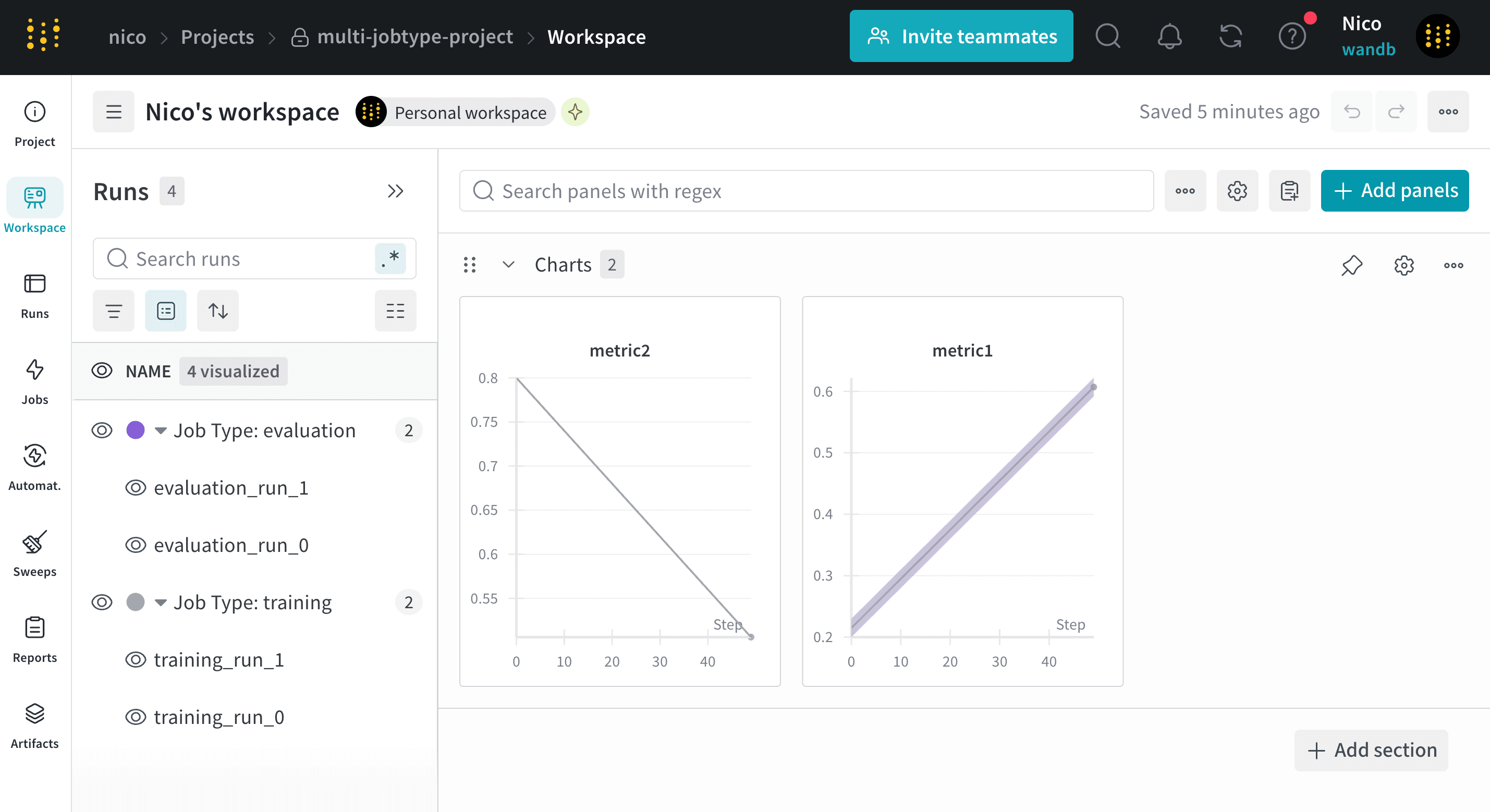
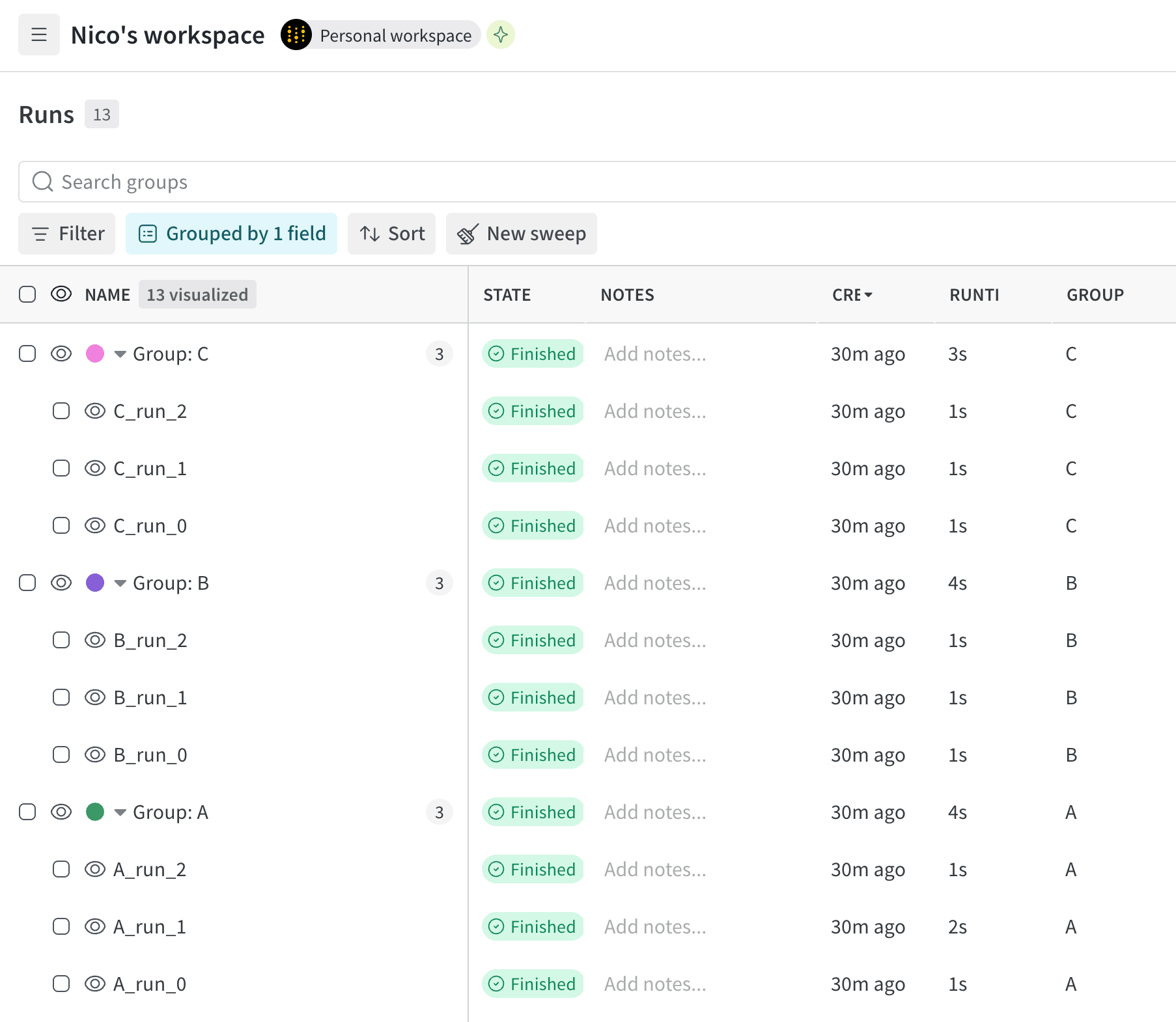
| The following image shows runs organized by the job type: |
There was a problem hiding this comment.
| The following image shows runs organized by the job type: | |
| The following image shows runs organized by job type: |
|
|
||
| 1. In your project sidebar, select the **Runs** tab. | ||
| 2. Above the list of runs, click the **Group** button. | ||
| 3. From the dropdown, select either **Job Type**. |
There was a problem hiding this comment.
| 3. From the dropdown, select either **Job Type**. | |
| 3. From the dropdown, select **Job Type**. |
There was a problem hiding this comment.
Stopped review after this file, for now.
|
|
||
| If you group runs into experiments, refer to [Set a group in the UI](/models/runs/grouping/#set-a-group-in-the-ui). | ||
|
|
||
| ## Move runs between your projects |
There was a problem hiding this comment.
How about section titles like "Move a run to a different project" and "Move a run to a different team"? I now you can move multiple runs at once, but I think you can't move multiple runs to different projects / teams at once, and the "between" is not the most important part because you probably moving only in one direction at a time. WDYT? Though as noted in my comment around line 22, I'm not sure this really needs to be presented as two different headings at all.
| 2. Select the **Runs** tab from the project sidebar. | ||
| 3. Select the checkbox next to the runs you want to move. | ||
| 4. Choose the **Move** button above the table. | ||
| 4. Choose the **Move to project** button above the table. |
There was a problem hiding this comment.
| 4. Choose the **Move to project** button above the table. | |
| 4. Click the **Move to project** button above the table. |
Not sure about choosing a button.
| </Frame> | ||
|
|
||
| ## Move runs to a team | ||
| ## Move runs between your teams |
There was a problem hiding this comment.
Unless I'm missing something, this is still moving a run to a new project, right? It just happens to be a project owned by a different team. This heading structure may give a reader the idea that you could move a run to a different team without moving it to a project owned by that team.
| * **Artifact association**: W&B associates artifacts with the source run that produces them. | ||
| </Warning> | ||
|
|
||
| <Note> |
There was a problem hiding this comment.
To avoid note stacking, consider reworking this as a Requirements or Prerequisites section?
| * You must use monotonically increasing steps. This does not work with non-monotonic steps defined with [`define_metric()`](/models/ref/python/experiments/run#define_metric) because it disrupts the required chronological order of run history and system metrics. | ||
| </Note> | ||
|
|
||
| Rewind a run to correct or modify the history of a run without losing the original data. In addition, when you |
There was a problem hiding this comment.
I'd move this paragraph up to the very top, above the warning. Then the reader can see what the page is about before dealing with the private preview warning and the requirements.
| description: Learn how to view a specific logged run and its properties using the W&B App or the LEET terminal UI. | ||
| --- | ||
|
|
||
| View information about a specific run such as the state of the run, artifacts logged to the run, metrics logged to a run, system metrics, and more. |
There was a problem hiding this comment.
| View information about a specific run such as the state of the run, artifacts logged to the run, metrics logged to a run, system metrics, and more. | |
| View information about a specific run, such as its current state, artifacts, metrics, and more. |
| https://wandb.ai/<team-name>/<project-name>/runs/<run-id> | ||
| ``` | ||
|
|
||
| Where values enclosed in angle brackets (`< >`) are placeholders for the actual values of the team name, project name, and [run ID](/models/runs/run-identifiers#run-id). |
There was a problem hiding this comment.
| Where values enclosed in angle brackets (`< >`) are placeholders for the actual values of the team name, project name, and [run ID](/models/runs/run-identifiers#run-id). | |
| Replace values enclosed in angle brackets (`< >`) with the actual values of the team name, project name, and [run ID](/models/runs/run-identifiers#run-id). |
|
|
||
| Where values enclosed in angle brackets (`< >`) are placeholders for the actual values of the team name, project name, and [run ID](/models/runs/run-identifiers#run-id). | ||
|
|
||
| After you select a run, explore its properties by navigating through the tabs: [Overview](/models/runs/view-logged-runs#overview), [Logs](/models/runs/view-logged-runs#logs), [Files](/models/runs/view-logged-runs#files), [Code](/models/runs/view-logged-runs#code), and [Artifacts](/models/runs/view-logged-runs#artifacts). |
There was a problem hiding this comment.
| After you select a run, explore its properties by navigating through the tabs: [Overview](/models/runs/view-logged-runs#overview), [Logs](/models/runs/view-logged-runs#logs), [Files](/models/runs/view-logged-runs#files), [Code](/models/runs/view-logged-runs#code), and [Artifacts](/models/runs/view-logged-runs#artifacts). | |
| Explore the run's properties by navigating through the tabs: [Overview](/models/runs/view-logged-runs#overview), [Logs](/models/runs/view-logged-runs#logs), [Files](/models/runs/view-logged-runs#files), [Code](/models/runs/view-logged-runs#code), and [Artifacts](/models/runs/view-logged-runs#artifacts). |
| </Tabs> | ||
|
|
||
|
|
||
| ### Overview |
There was a problem hiding this comment.
I'm not sure but I think that all of these H3s relate only to the W&B App tab above, not the LEET tab. Can you confirm?
There was a problem hiding this comment.
Now reviewed up to here.
 mdlinville
left a comment
mdlinville
left a comment
mdlinville
left a comment
There was a problem hiding this comment.
Here's the rest of the first pass review. :)
| A *run* is a single unit of computation logged by W&B. You can think of a W&B Run as an atomic element of your whole project. In other words, each run is a record of a specific computation, such as training a model and logging the results, hyperparameter sweeps, and so forth. | ||
|
|
||
| Common patterns for initiating a run include, but are not limited to: | ||
| Common reasons for initiating a run include, but are not limited to: |
There was a problem hiding this comment.
| Common reasons for initiating a run include, but are not limited to: | |
| Some common reasons for initiating a run include: |
But this seems like kind of a weird way to talk about this.
There was a problem hiding this comment.
I think you need a redirect for this


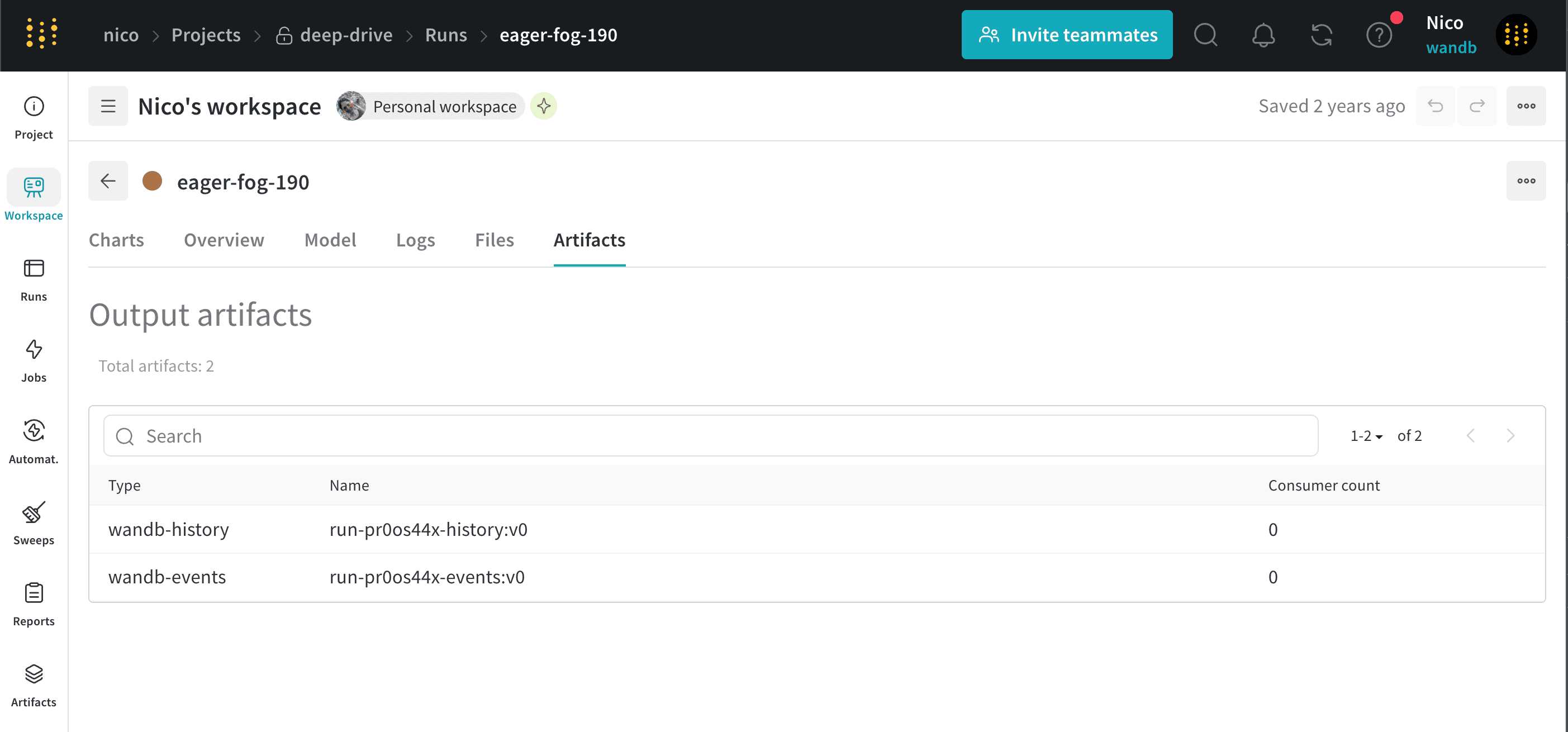
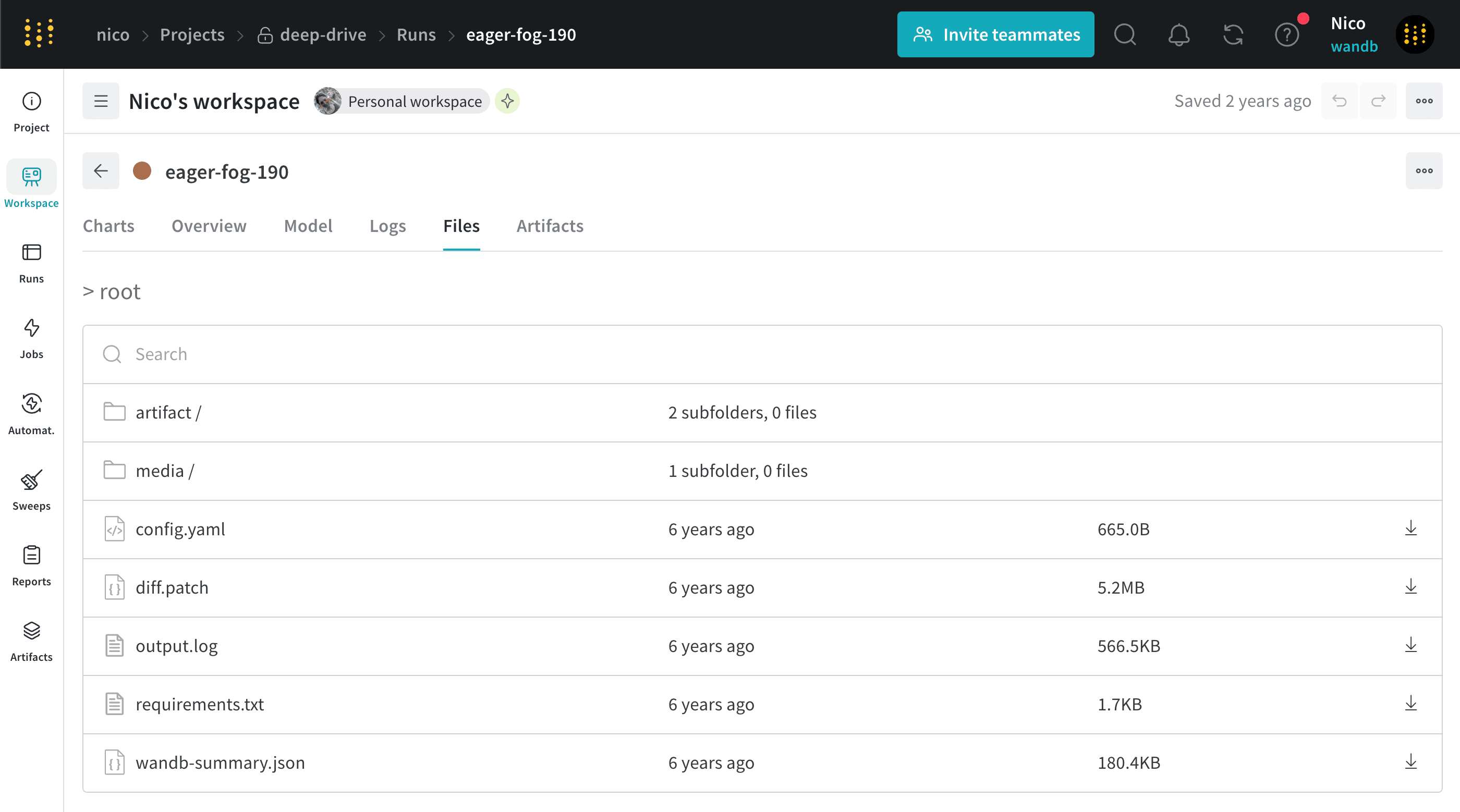
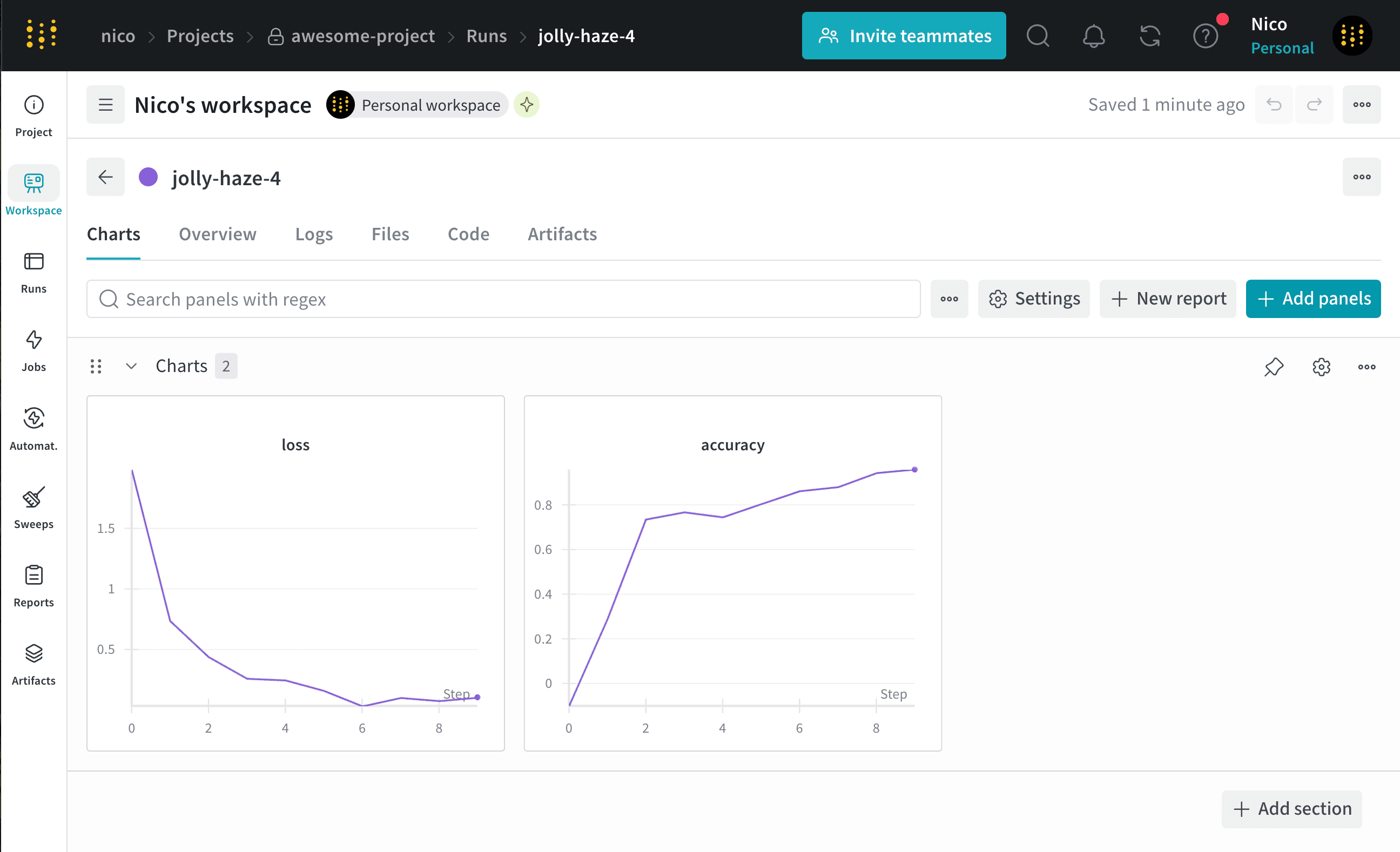
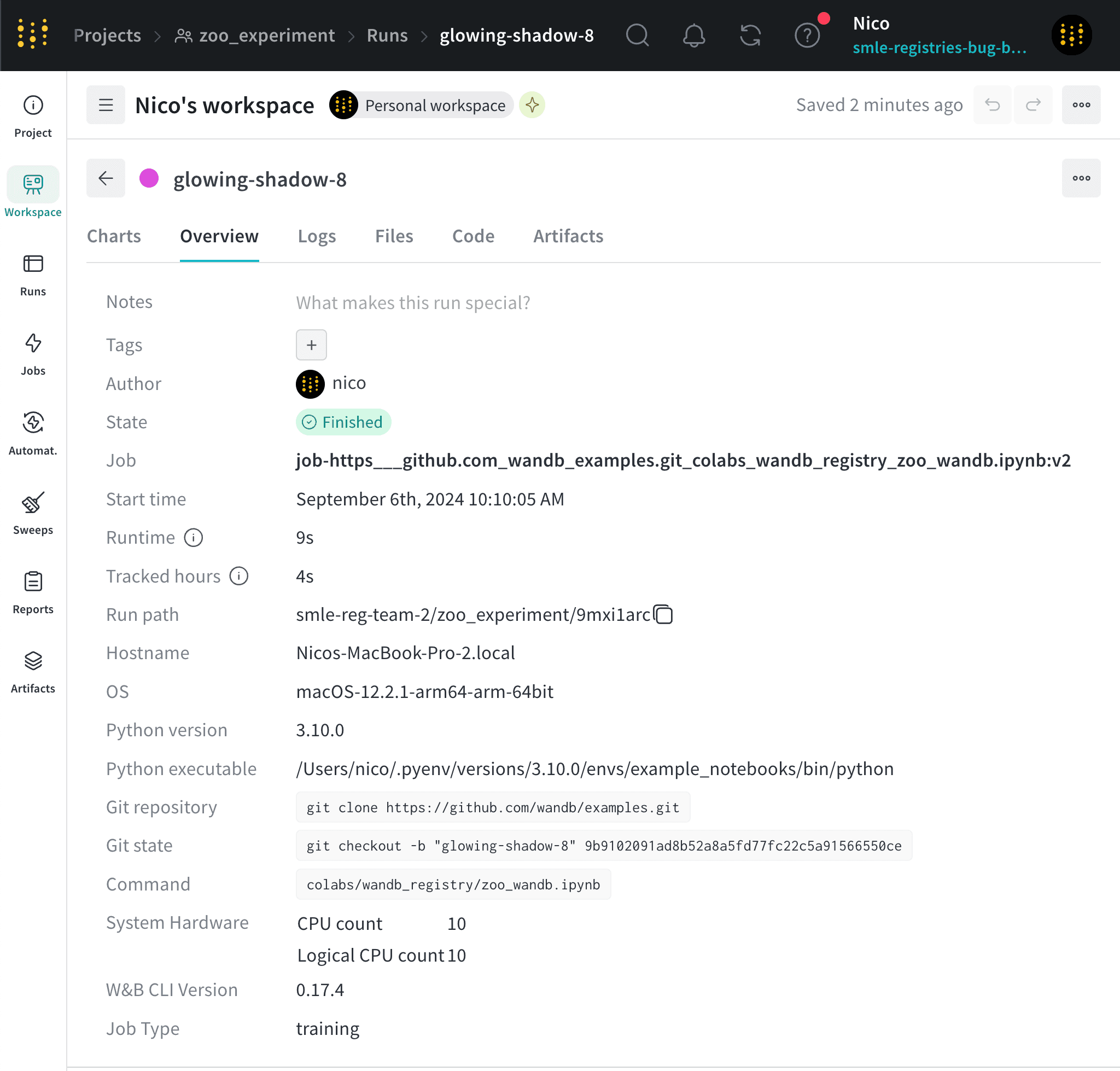
Description
Classic Noah, started off as a simple "update images" task...then grew to a complete Runs rewrite...here's a summary of what I did:
New Documentation Pages (7 added):
Renamed File:
Major Edits:
Image Cleanup: