@edition: 10th @CourseTitle: Versioning code and documentation with Git & GitHub
@JSONLD
<script run-once> let json = @0 const script = document.createElement('script'); script.type = 'application/ld+json'; script.text = JSON.stringify(json); document.head.appendChild(script); // this is only needed to prevent and output, // as long as the result of a script is undefined, // it is not shown or rendered within LiaScript console.debug("added json to head") </script>@end
-->
Hello and welcome to our workshop! We are very happy to have you here.
This is the @edition edition of this workshop, jointly organised by VIB and ELIXIR.
We are using the interactive Open Educational Resource online/offline course infrastructure called LiaScript. It is a distributed way of creating and sharing educational content hosted on github. To see this document as an interactive LiaScript rendered version, click on the following link/badge: LiaScript
This workshop will take you through the basics and a little more on how to use Git and GitHub. Tighten your sitbelts to enjoying some time-travel analogy to understand how Git works, how you can connect it to GitHub and how this will help you with your version control and potentially impact your publication.
We will introduce you to this free and open source distributed version-control system designed to maintain, track changes, recover old versions and collaborate with other while developing your code and documentation.
Schedule day 1:
- 09h30 - Configurations & Introduction
- 11h00 - Coffee break
- 11h15 - Routine usage part 1 (status-stage-commit)
- 13h00 - Lunch
- 14h00 - History & Comparing Versions
- 14h40 - Coffee break
- 14h55 - Collaborating in GitHub
- 17h00 - End of the day
Schedule day 2:
- 09h30 - Solving Conflicts
- 10h30 - Coffee break
- 10h30 - Experimenting Risk Free: Working with Branchs
- 12h30 - Lunch
- 13h00 - Tagging & Forking
- 15h00 - Coffee break
- 15h00 - Using the browser
- 17h00 - End of the day
License: Creative Commons Attribution 4.0 International License
Target Audience: Researchers, trainers, training providers
Level: Beginner
Prerequisites
Some experience with command line linux/unix/bash. For that you can follow the Introduction to Linux command line on VIB e-learnign system.Description
Get you started with Git from zero (note that if you already use Git, this workshop will be too introductory for you). This course is intended for anyone who is learning or using a programming language (R, Python, ...) or writing documentation that needs a record of changes. If you intend to make your code collaborative, bonus points for you! This course consist of a lot of practice combined with some theory.Learning Outcomes:
By the end of the course, learners will be able to:
Configure Git on a local machine to prepare for version control in research projects.
Create and manage repositories using Git commands to track changes and maintain project history.
Apply basic Git operations (e.g., staging, committing, pushing) to work effectively with local and remote repositories.
Implement branching and pull request workflows to collaborate with others on shared codebases.
Interpret Git logs and history to understand project evolution and troubleshoot issues.
Collaborate with other people in your project.
Time estimation: 16 hours (2 days)
Requirements: The (technical) installation requirements are described in the chapter "Get ready".
Supporting Materials:
Acknowledgement:
Funding:
PURL:

Authors
Please cite as:
- to be added soon ...
Proceed to check all the chapters one-by-one
In this chapter you will find the step-by-step of what you need to get ready for this course. You will be guided in installing all tools that will be used and find a link to practice a bit of UNIX/LINUX command line before you join the course.
There are preparation steps for all, Windows, Linux and Mac computers.
Most things you need to get installed before hands, one or the other are optional tools to help with visualization and for somethings you can ask the trainer by mail or arriving 30 min before the class starts.
__
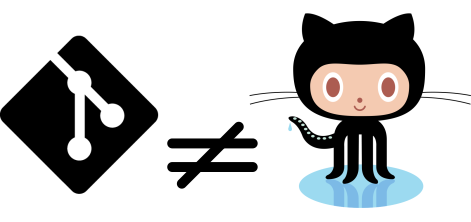
Find out the differences between Git and GitHub why reflecting into versioning your documents and codes. Why is Git in several cases the best approach for versioniung?
__
Understand how Git is structured to use in your favor when debugging. Onve you have that you can make your first commit, learn the basic routine to get one version saved and managed with Git. With all that in place you have learned the basic routine of Git and can use to basic projects.
__

Go a bit beyond to be able to see old versions and compare with the current one. You can list all versions to remember what has been changed, check among all the files in your dev. area if they need some version update or simply compare. You are moving towards becoming more confident and using some of the power of Git.
__
Connect your local repository to GitHub, make a remote backup of all your versions. Your commands routine will have a few steps added to keep it all in sync. This step will move you foward to also be able to collaborate with your colleages.
__

GitHub is not about intuition, is about concient choices and clear messages. Learn about README files and .gitignore files. They will make all the difference in the organization of your repositories. These are essential for a good project development.
__
Start a collaboration and develop together with your colleagues. As in real life, git projects and collaborations can lead to some conflicts. If both have to work in the same file, or different ideas need to be tested. Do not worry!!! In this chapter we teach you how to start the collaboration, best practices when working in a team and last but not least ... HOW TO SOLVE CONFLICTS! Only in Git, ofcourse.
__

To work in collaboration or experiment new code or documentation desing you can creat parallel developing areas. Learn more about the application of Branchs, how to create, delete and merge them. This is a great resource to avoid breaking the working version of your project or even to just test a new idea. This step wil take you to the next level when working with and GitHub. It will add more flexibility, more organization and garantee that you can always have a functional version of your code.
__
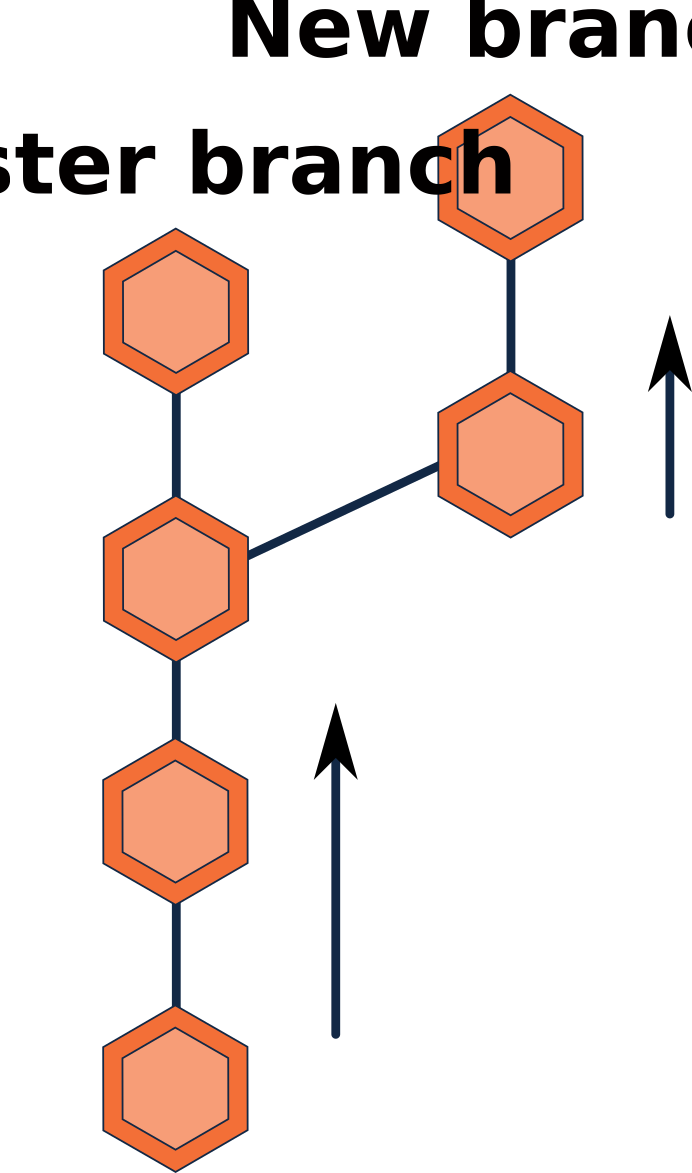
You find a nice repo that you want to work on a new idea, or you want your collaborators to work separatelly before their changed is reviewd and approved for merging. Here it is an strategy for you. Forking adds a layer for a reviewer, and also allows you to start a personal project from someone elses project. Take a look to learn more about this interesting resource.
__

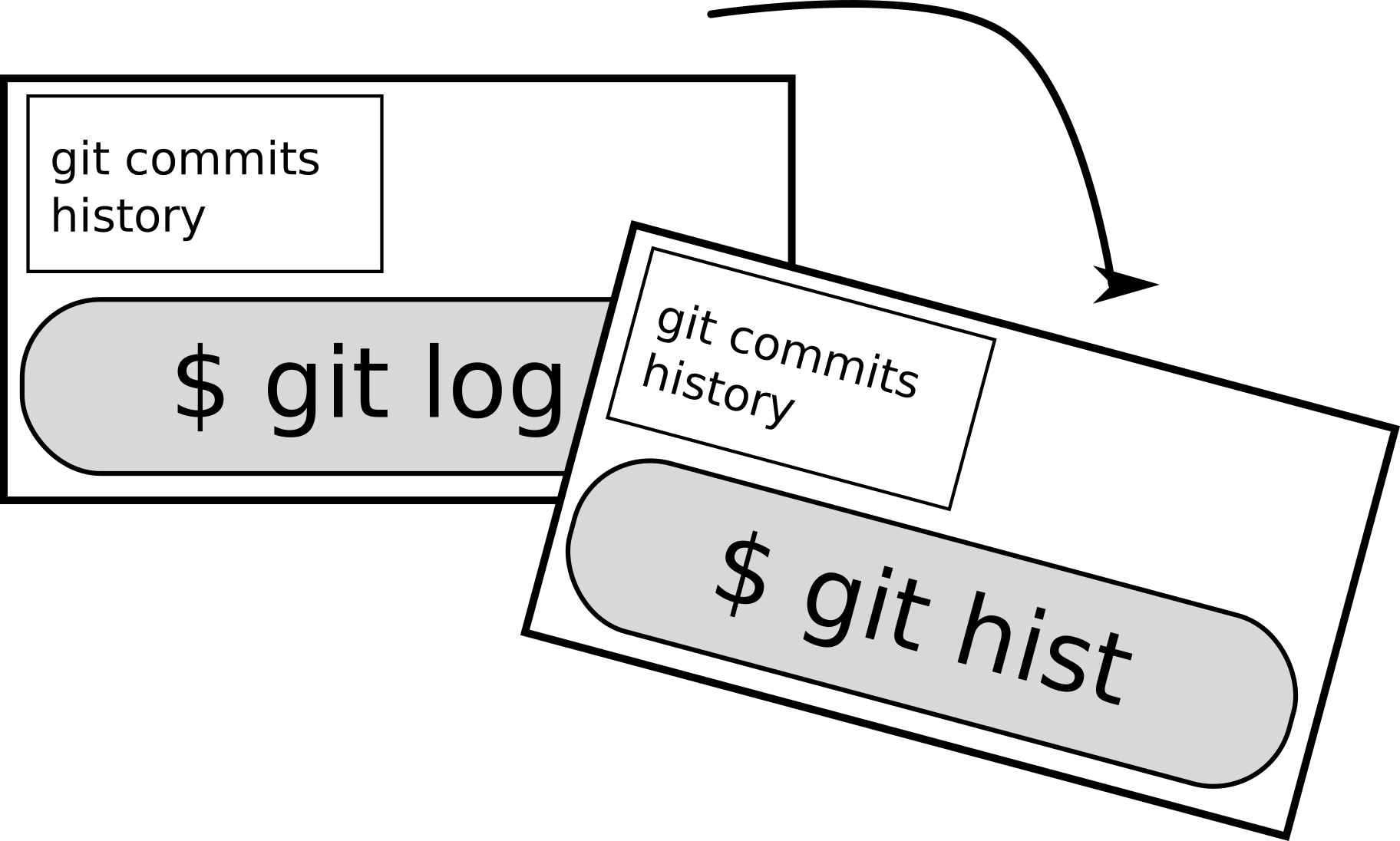
Create commans shortcut for your favorite commands, simply your commands routine by creating your own commands.
__
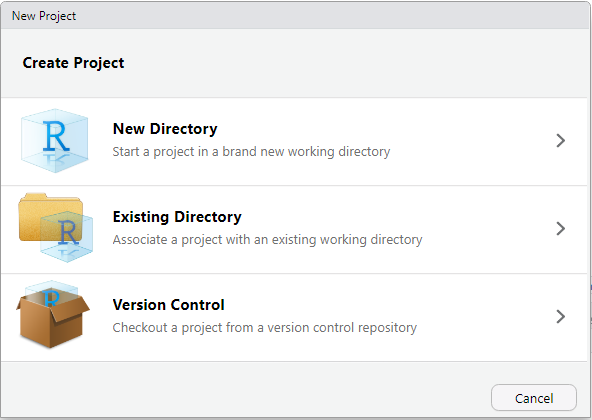
A big developer of R ? Integrate Git, GitHub and RStudio. Develope all your project in one platform and take advantage of the ready to use buttons avoiding extra command line.
__
About ELIXIR Training Platform
The ELIXIR Training Platform was established to develop a training community that spans all ELIXIR member states (see the list of Training Coordinators). It aims to strengthen national training programmes, grow bioinformatics training capacity and competence across Europe, and empower researchers to use ELIXIR's services and tools.
One service offered by the Training Platform is TeSS, the training registry for the ELIXIR community. Together with ELIXIR France and ELIXIR Slovenia, VIB as lead node for ELIXIR Belgium is engaged in consolidating quality and impact of the TeSS training resources (2022-23) (https://elixir-europe.org/internal-projects/commissioned-services/2022-trp3).
The Training eSupport System was developed to help trainees, trainers and their institutions to have a one-stop shop where they can share and find information about training and events, including training material. This way we can create a catalogue that can be shared within the community. How it works is what we are going to find out in this course.
About VIB and VIB Technologies
VIB is an entrepreneurial non-profit research institute, with a clear focus on groundbreaking strategic basic research in life sciences and operates in close partnership with the five universities in Flanders – Ghent University, KU Leuven, University of Antwerp, Vrije Universiteit Brussel and Hasselt University.
As part of the VIB Technologies, the 12 VIB Core Facilities, provide support in a wide array of research fields and housing specialized scientific equipment for each discipline. Science and technology go hand in hand. New technologies advance science and often accelerate breakthroughs in scientific research. VIB has a visionary approach to science and technology, founded on its ability to identify and foster new innovations in life sciences.
The goal of VIB Technology Training is to up-skill life scientists to excel in the domains of VIB Technologies, Bioinformatics & AI, Software Development, and Research Data Management.
Editorial team for this course
Authors: @orcid(Alexander Botzki), @orcid(Bruna Piereck)
Technical Editors: Alexander Botzki
License: 
{
  "@context": "https://schema.org/",
  "@type": "LearningResource",
  "@id": "https://elixir-europe-training.github.io/ELIXIR-TrP-TeSS/",
  "http://purl.org/dc/terms/conformsTo": {
    "@type": "CreativeWork",
    "@id": "https://bioschemas.org/profiles/TrainingMaterial/1.0-RELEASE"
  },
  "description": "track the versions of your code and your documentation, make your research more reproducible and more impactifull",
  "keywords": "FAIR, Reproducibility, RDM, code, data analysis",
  "name": "Versioning code and documentation with Git & GitHub",
  "license": "https://creativecommons.org/licenses/by/4.0/",
  "educationalLevel": "beginner",
  "competencyRequired": "Unix command line basic knowledge",
  "teaches": [
    "1. Configure Git on a local machine to prepare for version control in research projects.",
    "2. Create and manage repositories using Git commands to track changes and maintain project history.",
    "3. Apply basic Git operations (e.g., staging, committing, pushing) to work effectively with local and remote repositories.",
    "4. Implement branching and pull request workflows to collaborate with others on shared codebases.",
    "5. Interpret Git logs and history to understand project evolution and troubleshoot issues.",
    "6. Collaborate with other people in your project."
  ],
  "audience": "life scientists",
  "inLanguage": "en-US",
  "learningResourceType": [
    "tutorial"
  ],
  "author": [
    {
      "@type": "Person",
      "name": "Bruna Piereck"
    },
    {
      "@type": "Person",
      "name": "James Collier"
    },
    {
      "@type": "Person",
      "name": "Alexander Botzki"
    },
    {
      "@type": "Person",
      "name": "Tuur Muyldermans"
    }
   ]
}