
This package is a maintenance-only fork of the original qr_code_scanner package.
Its sole purpose is to keep existing projects compiling and running on newer versions of Flutter, the Android Gradle Plugin, and related tooling after the upstream package became unmaintained. It exists to allow existing users to postpone migration, not to provide an actively developed QR scanning solution.
New feature PRs will be rejected.
This includes (but is not limited to):
- New functionality
- Feature extensions
- API changes or expansions
- Behavior changes beyond minimal fixes required for compatibility
If you need additional functionality, this package is not the right choice.
- I maintain only the Flutter-facing code in this repository.
- The underlying native libraries used by this package are:
- Android: zxing
- iOS: MTBBarcodeScanner
Both native libraries are outdated and unmaintained. There are known issues and limitations in those native packages that will not be fixed here.
As a result:
- Native-level bugs should be expected.
- This package is not a good foundation for adding or extending features.
- Only minimal fixes required to keep the package usable on current Flutter toolchains will be considered.
Projects that require new functionality, reliability, or long-term maintenance of both Flutter and native code should migrate to a fully maintained alternative such as mobile_scanner.
A QR code scanner for iOS, Android, and Web that embeds platform views in Flutter.
This description is retained for historical context only and does not imply ongoing feature development.
| Android | |
|---|---|
|
|
|
| iOS | |
|
|
|

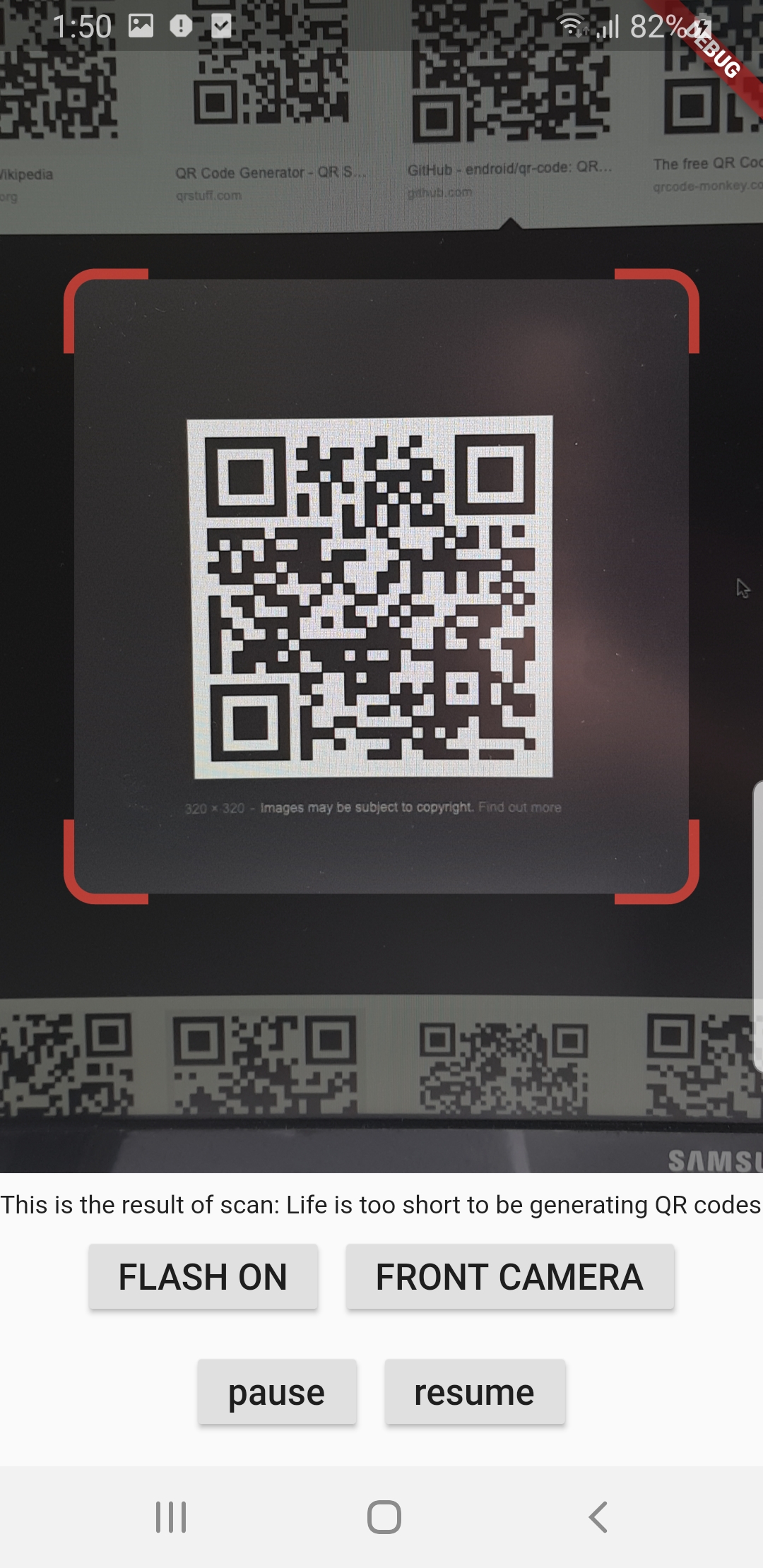
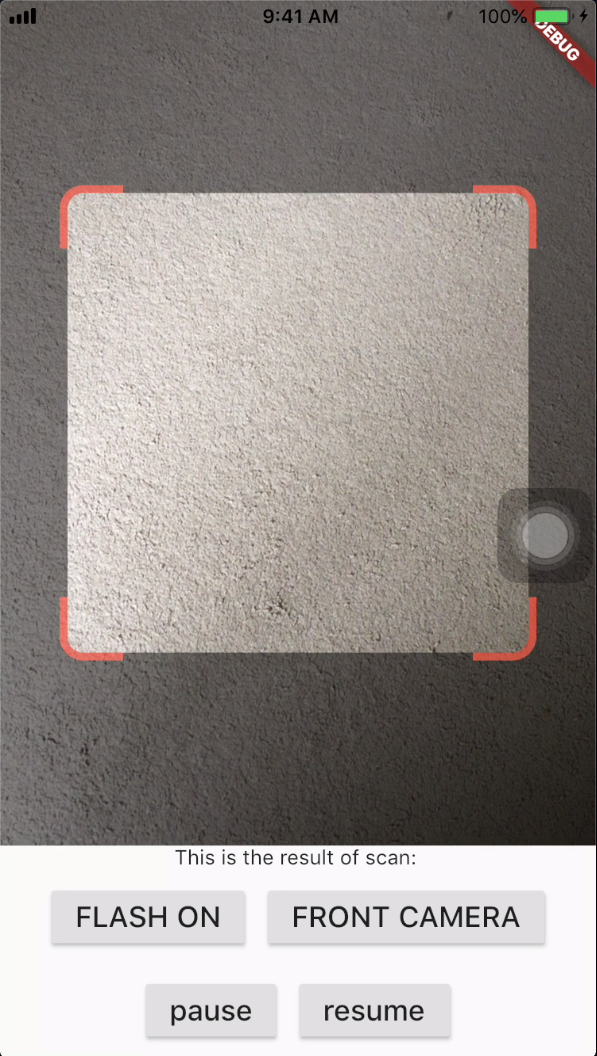
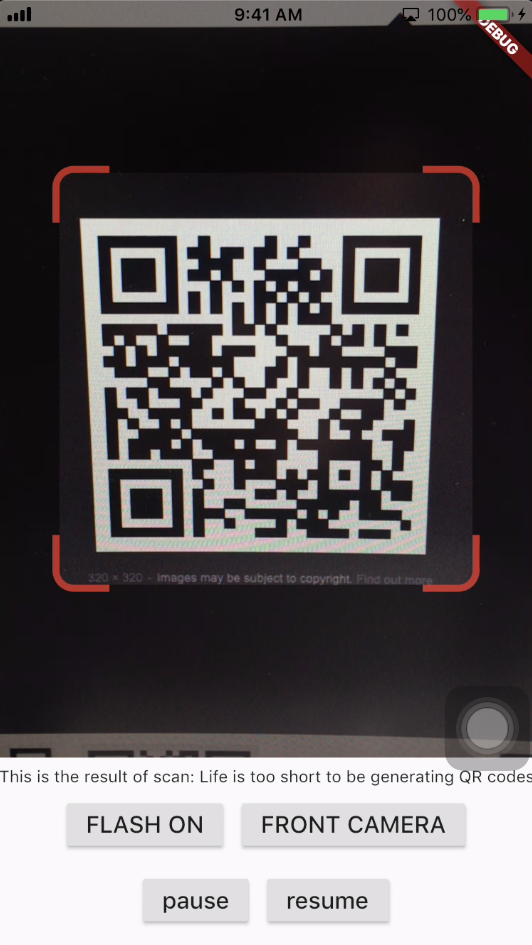
When a QR code is recognized, the text identified will be set in 'result' of type Barcode, which contains the output text as property 'code' of type String and scanned code type as property 'format' which is an enum BarcodeFormat, defined in the library.
class _QRViewExampleState extends State<QRViewExample> {
  final GlobalKey qrKey = GlobalKey(debugLabel: 'QR');
  Barcode? result;
  QRViewController? controller;

  // In order to get hot reload to work we need to pause the camera if the platform
  // is android, or resume the camera if the platform is iOS.
  @override
  void reassemble() {
    super.reassemble();
    if (Platform.isAndroid) {
      controller!.pauseCamera();
    } else if (Platform.isIOS) {
      controller!.resumeCamera();
    }
  }

  @override
  Widget build(BuildContext context) {
    return Scaffold(
      body: Column(
        children: <Widget>[
          Expanded(
            flex: 5,
            child: QRView(
              key: qrKey,
              onQRViewCreated: _onQRViewCreated,
            ),
          ),
          Expanded(
            flex: 1,
            child: Center(
              child: (result != null)
                  ? Text(
                      'Barcode Type: ${describeEnum(result!.format)}   Data: ${result!.code}')
                  : Text('Scan a code'),
            ),
          )
        ],
      ),
    );
  }

  void _onQRViewCreated(QRViewController controller) {
    this.controller = controller;
    controller.scannedDataStream.listen((scanData) {
      setState(() {
        result = scanData;
      });
    });
  }
}
In order to use this plugin, please make sure to add the Camera permissions in android/app/src/main/AndroidManifest.xml
<uses-permission android:name="android.permission.CAMERA" />In order to use this plugin, add the following to your Info.plist file:
<key>NSCameraUsageDescription</key>
<string>This app needs camera access to scan QR codes</string>
Add this to web/index.html:
<script src="https://cdn.jsdelivr.net/npm/jsqr@1.3.1/dist/jsQR.min.js"></script>Please note: on web, only QR codes are supported. Other barcodes and 2D codes cannot be scanned.
Web support is in very early stage. Features such as flash, pause or resume are not implemented. Moreover, the camera preview does not respect the surrounding constraints. This is not at last due to Flutter's early state of platform views on web.
The default camera is the back camera.
await controller.flipCamera();By default, flash is OFF.
await controller.toggleFlash();Pause camera stream and scanner.
await controller.pauseCamera();Resume camera stream and scanner.
await controller.resumeCamera();- Android: https://github.com/zxing/zxing
- iOS: https://github.com/mikebuss/MTBBarcodeScanner
- Original qr_code_scanner contributors