A comprehensive educational and support application for guardians and children, built with Clean Architecture principles.
GuardianCare is a Flutter application designed to provide educational resources, community support, and safety features for guardians and children. The application has been refactored to follow Clean Architecture principles, ensuring maintainability, testability, and scalability.
This project follows Clean Architecture with three distinct layers:
┌─────────────────────────────────────────┐
│       PRESENTATION LAYER                │
│  (UI, BLoC, Pages, Widgets)            │
└─────────────────┬───────────────────────┘
                  │ depends on
┌─────────────────┴───────────────────────┐
│         DOMAIN LAYER                    │
│  (Entities, Use Cases, Repositories)    │
└─────────────────┬───────────────────────┘
                  │ implemented by
┌─────────────────┴───────────────────────┐
│          DATA LAYER                     │
│  (Models, Data Sources, Repositories)   │
└─────────────────────────────────────────┘
- Dependency Rule: Dependencies point inward
- Single Responsibility: Each class has one job
- Dependency Inversion: Depend on abstractions
- Testability: Each layer independently testable
- Email/password authentication
- Google OAuth integration
- Password reset functionality
- User profile management
- Real-time auth state management
- Real-time forum updates
- Comment system with streams
- Category support (Parent/Children)
- User details integration
- CRUD operations
- Home Dashboard
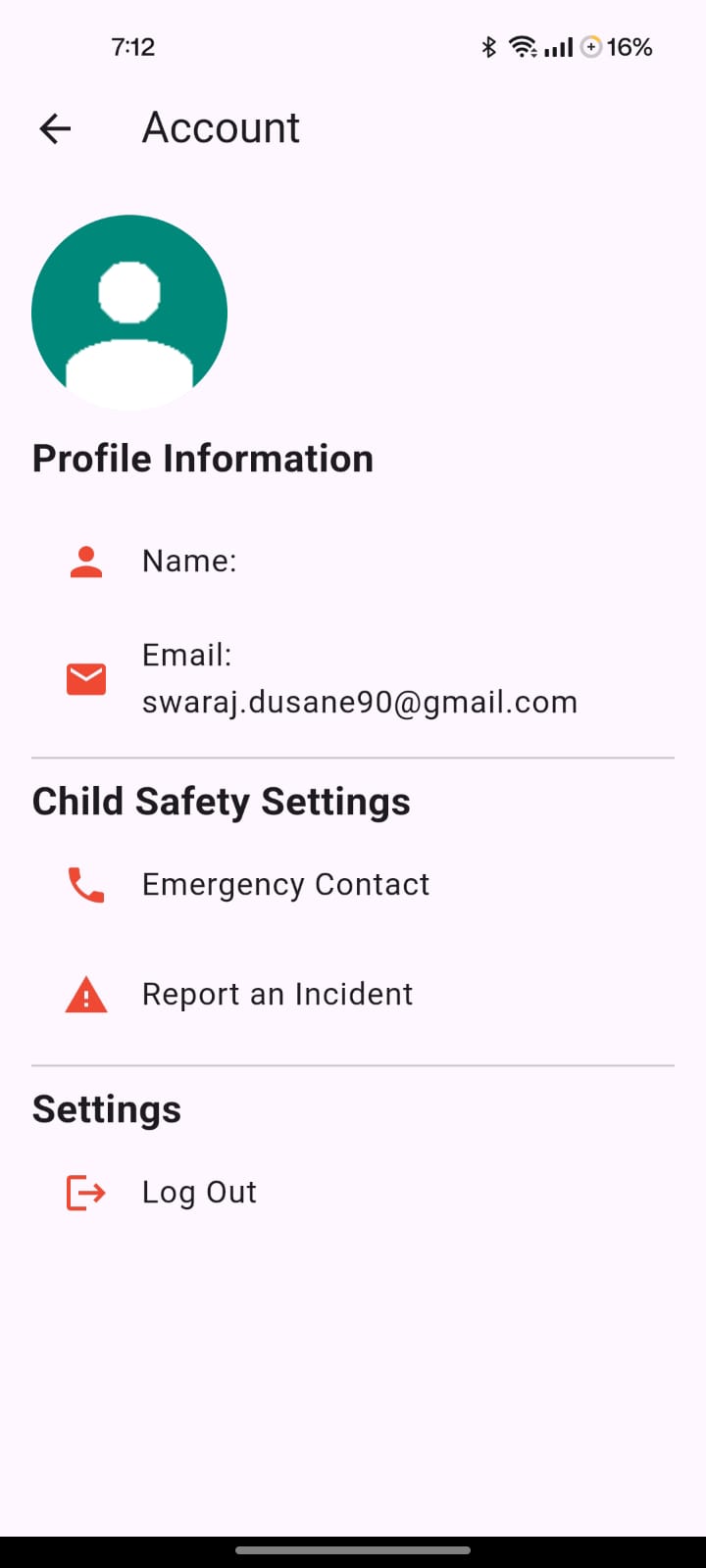
- User Profile
- Learning Resources
- Interactive Quizzes
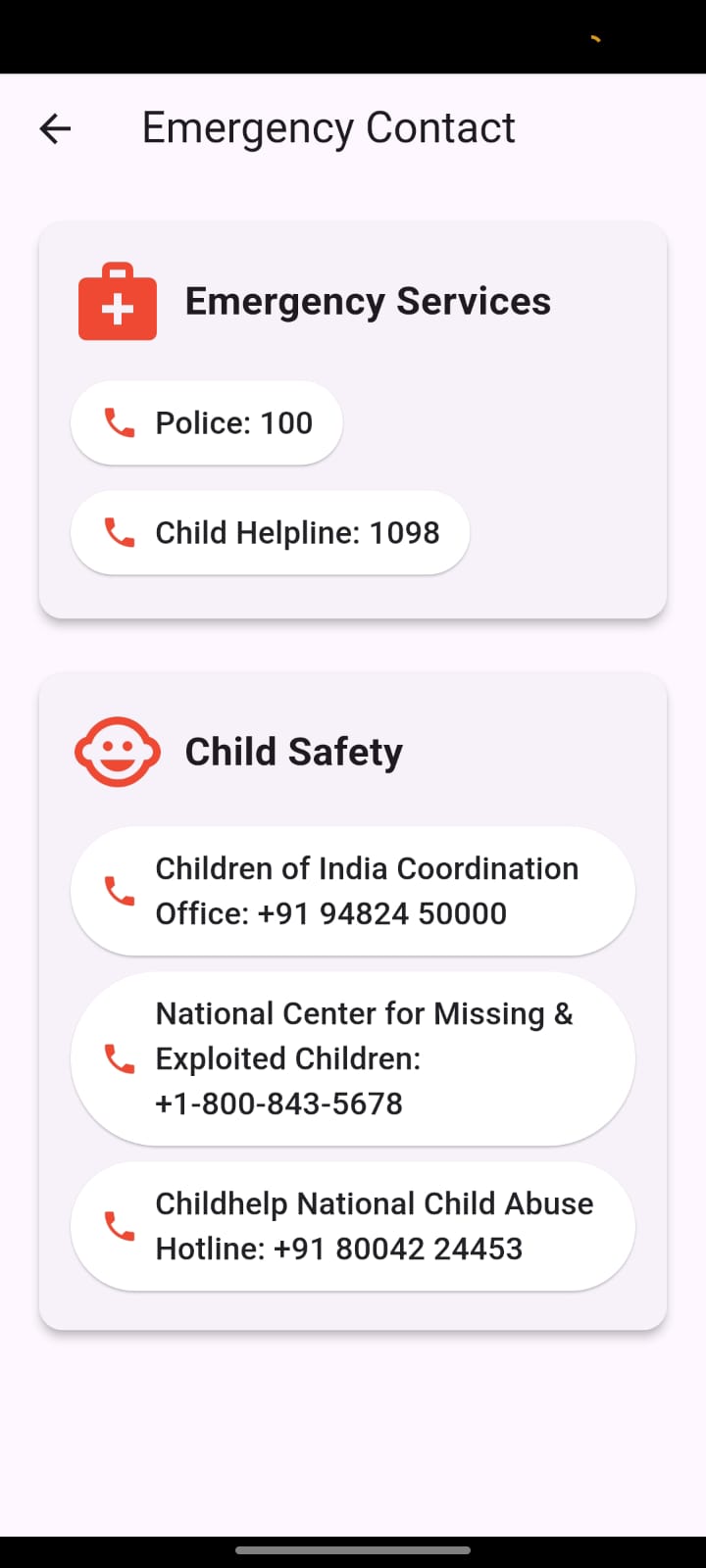
- Emergency Contacts
- Reporting System
- Content Exploration
- Consent Management
- Flutter SDK (>=3.4.0 <4.0.0)
- Dart SDK
- Firebase account
- Android Studio / VS Code
- Clone the repository
git clone <repository-url>
cd guardiancare- Install dependencies
flutter pub get- Configure Firebase
- Add your
google-services.jsontoandroid/app/ - Add your
GoogleService-Info.plisttoios/Runner/ - Update
firebase_options.dartwith your configuration
- Run the app
flutter run| Document | Description |
|---|---|
| DOCUMENTATION_INDEX.md | Main navigation hub |
| CLEAN_ARCHITECTURE_IMPLEMENTATION.md | Architecture overview |
| .kiro/specs/clean-architecture/MIGRATION_GUIDE.md | Feature migration guide |
| .kiro/specs/clean-architecture/TESTING_GUIDE.md | Testing guide |
| .kiro/specs/clean-architecture/FINAL_STATUS.md | Current status |
All documentation is located in .kiro/specs/clean-architecture/:
- Architecture guides
- Implementation guides
- Testing guides
- Migration guides
- Progress reports
# Run all tests
flutter test

# Run specific test
flutter test test/features/authentication/domain/usecases/sign_in_with_email_test.dart

# Run with coverage
flutter test --coverage
genhtml coverage/lcov.info -o coverage/htmlflutter pub run build_runner build --delete-conflicting-outputslib/
├── core/ # Core functionality
│ ├── error/ # Error handling
│ ├── usecases/ # Base use case
│ ├── network/ # Network utilities
│ └── di/ # Dependency injection
│
├── features/ # Feature modules
│ ├── authentication/ # ✅ Complete
│ │ ├── domain/
│ │ ├── data/
│ │ └── presentation/
│ │
│ ├── forum/ # ✅ Complete
│ │ ├── domain/
│ │ ├── data/
│ │ └── presentation/
│ │
│ └── [other features]/ # ⏳ In progress
│
└── main.dart # App entry point
- Flutter - UI framework
- Dart - Programming language
- Clean Architecture - Architecture pattern
- flutter_bloc - BLoC pattern implementation
- equatable - Value equality
- dartz - Either type for error handling
- get_it - Service locator
- injectable - Code generation
- Firebase Auth - Authentication
- Cloud Firestore - Database
- Firebase Crashlytics - Crash reporting
- Firebase Analytics - Analytics
- google_fonts - Custom fonts
- cached_network_image - Image caching
- shimmer - Loading effects
- mockito - Mocking framework
- bloc_test - BLoC testing
- fake_cloud_firestore - Firestore mocking
-
Follow the Migration Guide
- See
.kiro/specs/clean-architecture/MIGRATION_GUIDE.md
- See
-
Create Domain Layer
- Define entities
- Create repository interface
- Create use cases
-
Create Data Layer
- Create models
- Create data sources
- Implement repository
-
Create Presentation Layer
- Create BLoC
- Define events and states
- Update UI
-
Register Dependencies
- Add to
lib/core/di/injection_container.dart
- Add to
-
Write Tests
- Use case tests
- Repository tests
- BLoC tests
All hardcoded strings in the application are centralized into organized constant classes following Clean Architecture principles. This ensures consistency, maintainability, and easier localization support.
| Class | Purpose | Location |
|---|---|---|
AppStrings |
Core app info, URLs, storage keys, route names | lib/core/constants/app_strings.dart |
ErrorStrings |
Error messages (network, auth, cache, server) | lib/core/constants/error_strings.dart |
ValidationStrings |
Input validation messages | lib/core/constants/validation_strings.dart |
UIStrings |
UI text (buttons, labels, titles, placeholders) | lib/core/constants/ui_strings.dart |
FeedbackStrings |
SnackBar/toast messages (success, error, warning) | lib/core/constants/feedback_strings.dart |
FirebaseStrings |
Firebase collection/document names | lib/core/constants/firebase_strings.dart |
ApiStrings |
API URLs, endpoints, headers | lib/core/constants/api_strings.dart |
For strings used only within a single feature, create a feature-specific strings file:
lib/features/{feature}/presentation/constants/strings.dart
Examples:
ForumStrings- Forum feature stringsVideoPlayerStrings- Video player feature strings
// Import all constants with a single import
import 'package:guardiancare/core/constants/constants.dart';

// Usage
Text(UIStrings.signIn);
Text(ErrorStrings.network);
Text(FeedbackStrings.saveSuccess);// Use ErrorStrings for technical/system errors
throw ServerException(ErrorStrings.server);
return Left(Failure(ErrorStrings.networkError));
// Template methods for dynamic errors
ErrorStrings.failedTo('load data'); // "Failed to load data."
ErrorStrings.failedToWithReason('save', 'disk full'); // "Failed to save: disk full"// Use ValidationStrings for form validation
if (email.isEmpty) return ValidationStrings.emailRequired;
if (!isValidEmail(email)) return ValidationStrings.emailInvalid;
// Template methods for dynamic validation
ValidationStrings.minLength(6); // "Must be at least 6 characters."
ValidationStrings.maxLength(100); // "Must be at most 100 characters."// Use UIStrings for buttons, labels, titles
ElevatedButton(
onPressed: onSubmit,
child: Text(UIStrings.submit),
);
// Time-based greetings
Text(UIStrings.goodMorning);
// Template methods for dynamic text
UIStrings.minutesAgo(5); // "5m ago"
UIStrings.itemCount(3, 'item'); // "3 items"// Use FeedbackStrings for SnackBars and toasts
ScaffoldMessenger.of(context).showSnackBar(
SnackBar(content: Text(FeedbackStrings.saveSuccess)),
);
// Template methods for dynamic feedback
FeedbackStrings.itemSaved('Profile'); // "Profile saved successfully!"
FeedbackStrings.confirmAction('delete'); // "Are you sure you want to delete?"// Use FirebaseStrings for collection/document names
final collection = FirebaseFirestore.instance.collection(FirebaseStrings.users);
final data = {
FirebaseStrings.fieldName: name,
FirebaseStrings.fieldEmail: email,
FirebaseStrings.fieldCreatedAt: FieldValue.serverTimestamp(),
};| Use Case | Use This |
|---|---|
| User-facing text that needs translation | AppLocalizations (l10n) |
| Technical identifiers (collection names, API endpoints) | String Constants |
| Error codes and technical messages | ErrorStrings |
| Asset paths and URLs | AppStrings |
| Strings that are the same in all languages | String Constants |
| Button labels, titles (if not localized) | UIStrings |
- Identify the category - Determine which string class the constant belongs to
- Add to appropriate file - Add the constant to the correct file
- Use descriptive names - Use clear, descriptive constant names
- Group related constants - Keep related constants together with section comments
- Add template methods - For dynamic strings, add template methods
Example:
// In error_strings.dart
class ErrorStrings {
  // ==================== New Category ====================
  static const String newError = 'New error message.';

  // Template method for dynamic errors
  static String customError(String detail) => 'Error: $detail';
}- Never hardcode strings - Always use constants or localization
- Single import - Use
import 'package:guardiancare/core/constants/constants.dart'; - Feature isolation - Keep feature-specific strings in feature folders
- Consistent naming - Follow existing naming conventions
- Document new categories - Add section comments for new constant groups
- Follow Effective Dart
- Use
flutter analyzebefore committing - Write tests for new features
- Document complex logic
- Keep functions small and focused
| Metric | Status |
|---|---|
| Features Complete | 2 of 10 (20%) |
| Production Files | 38 |
| Documentation Files | 18+ |
| Code Quality | ⭐⭐⭐⭐⭐ |
| Test Coverage | In Progress |
| Production Ready | ✅ Yes (2 features) |
| Home Page | Explore Page |
|---|---|
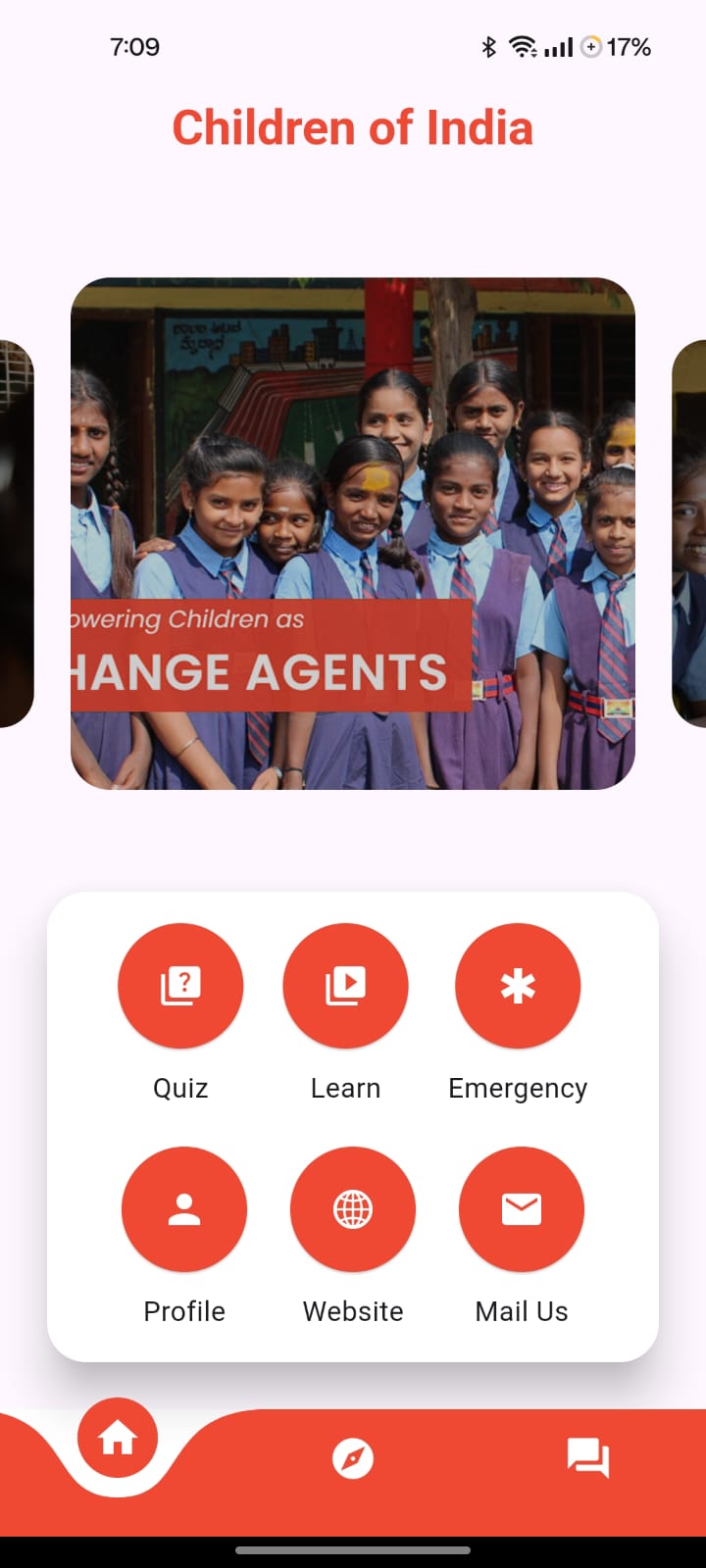 |
 |
| Forum Page 1 | Forum Page 2 | Forum Page 3 |
|---|---|---|
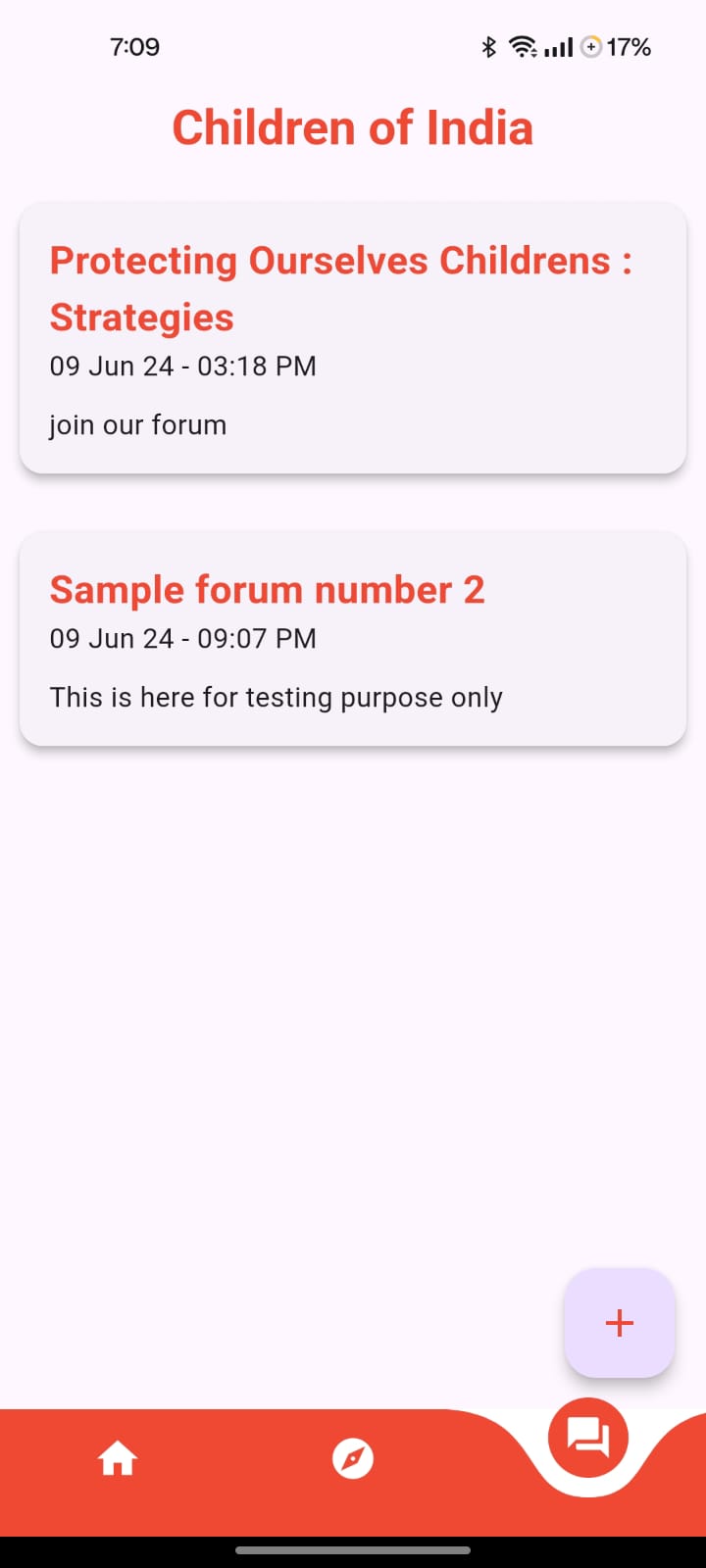 |
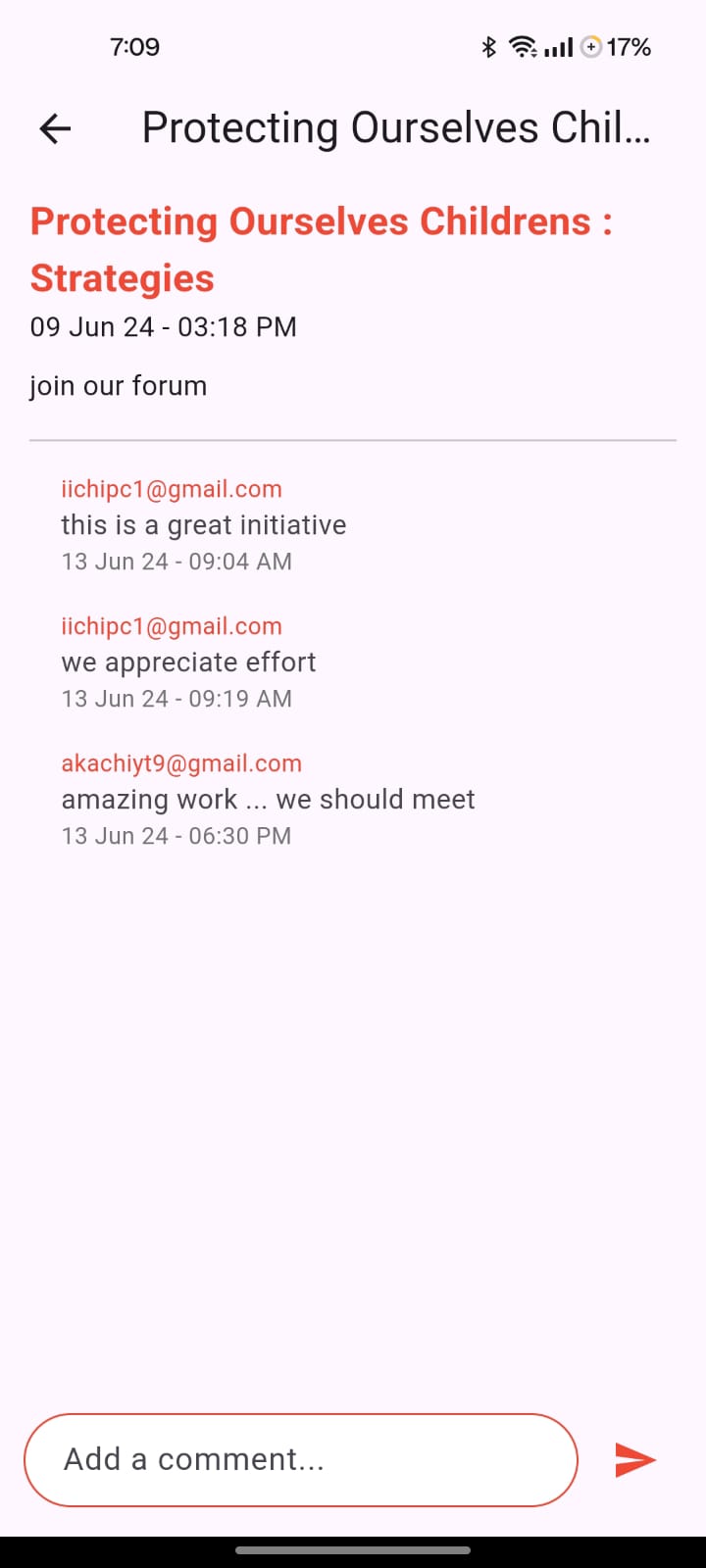 |
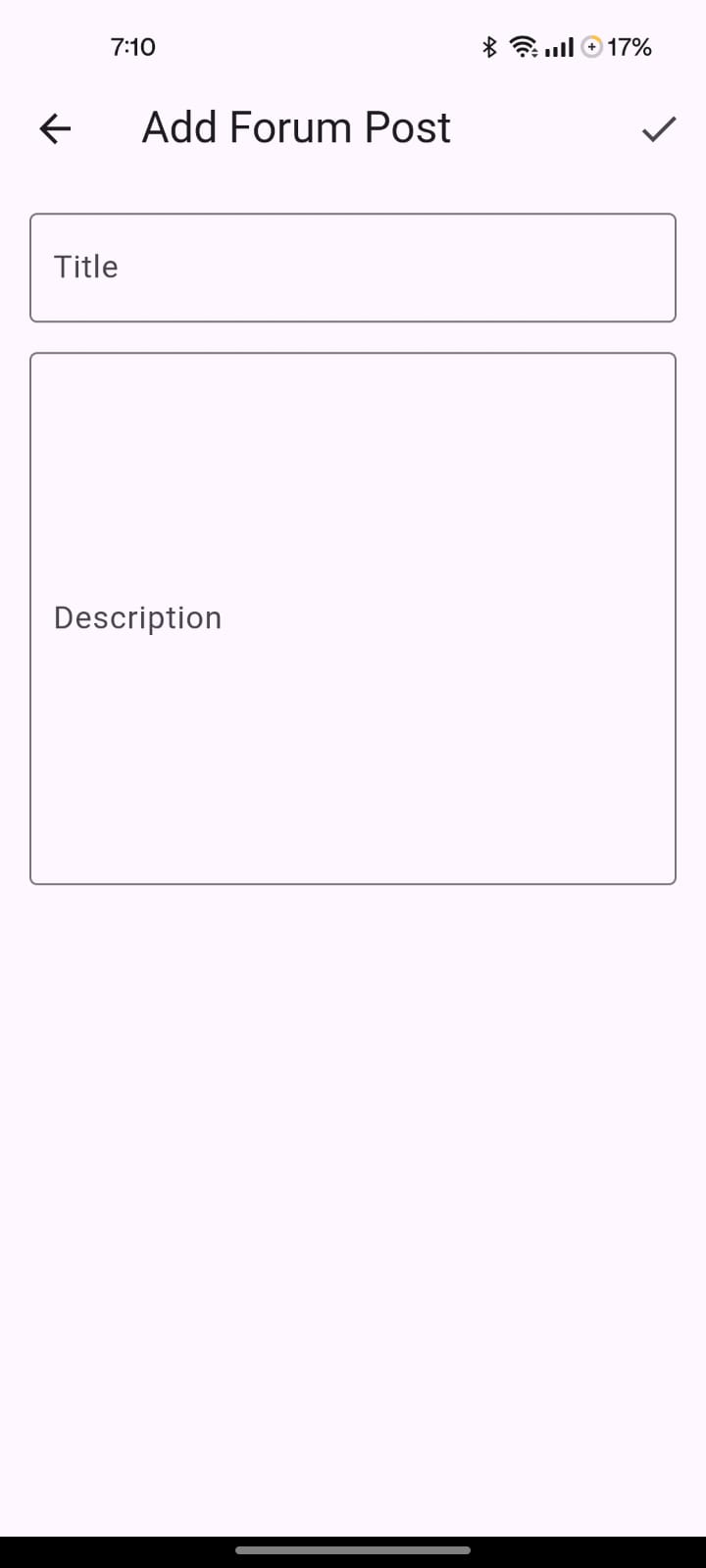 |
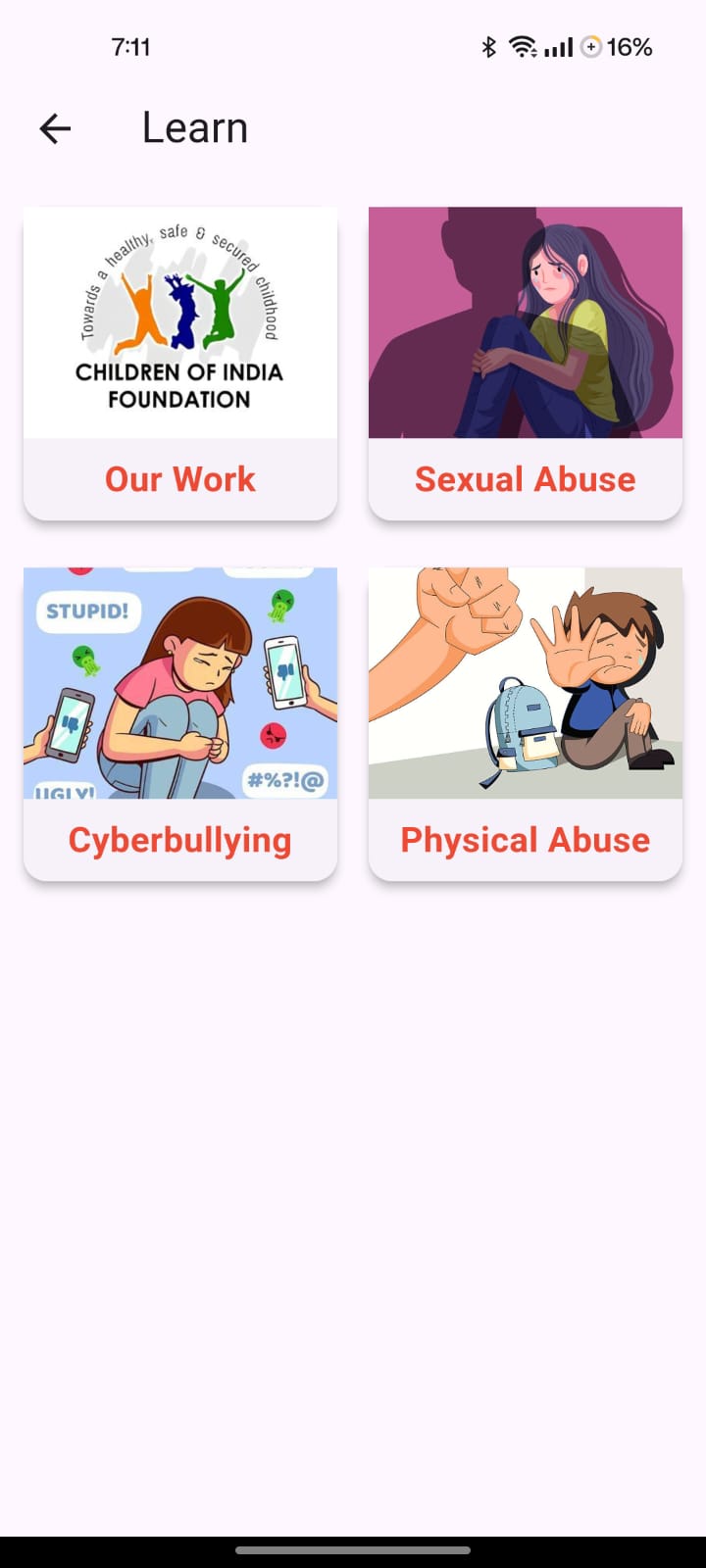
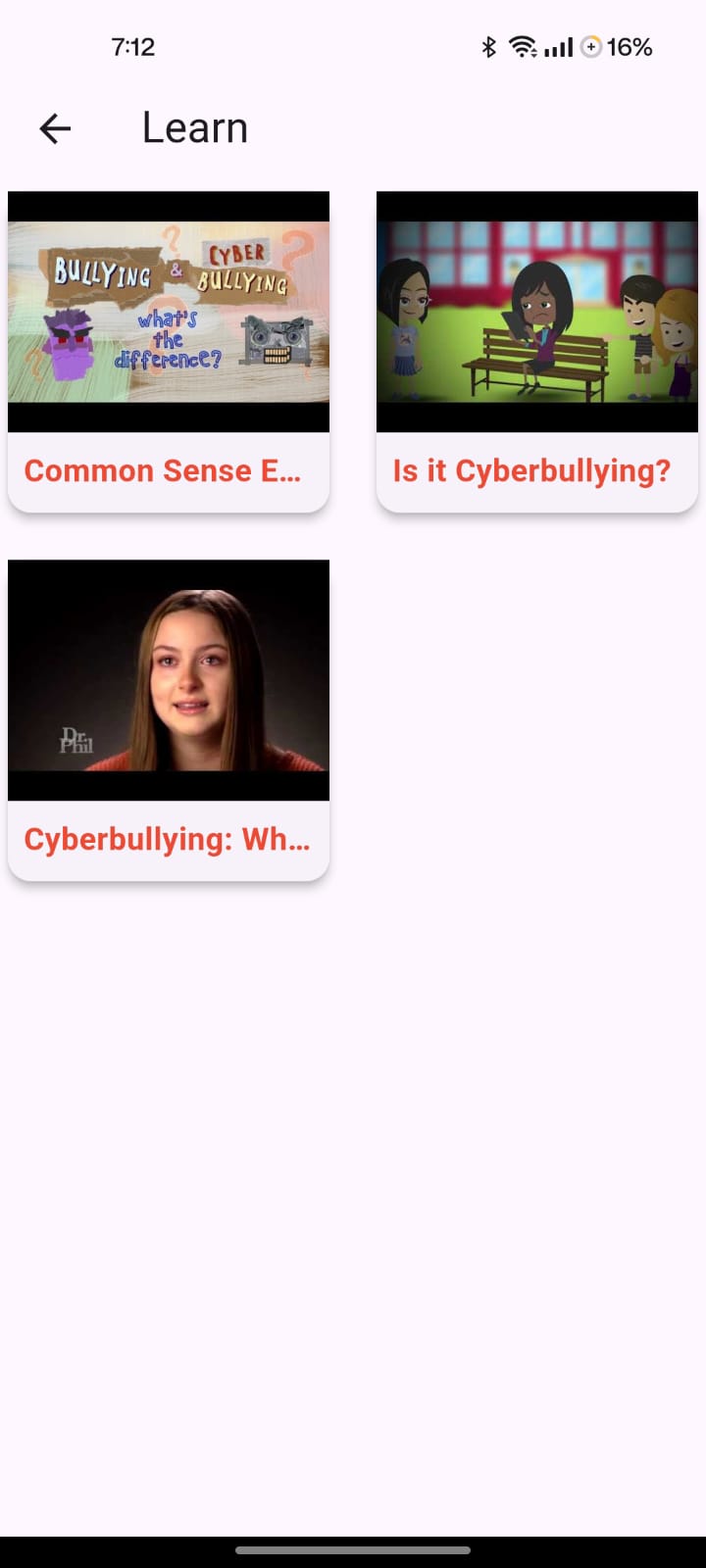
| Learn Page 1 | Learn Page 2 | Learn Page 3 |
|---|---|---|
 |
 |
 |
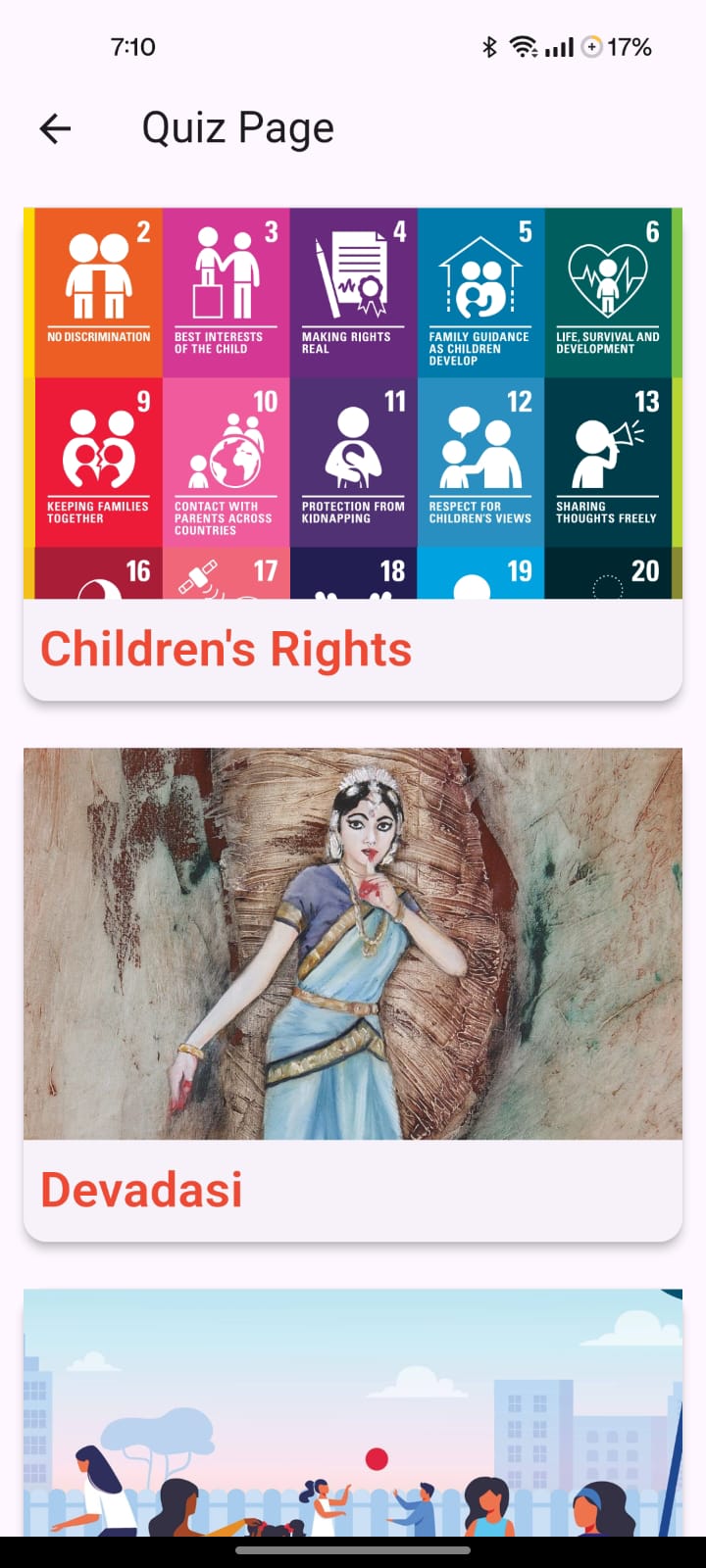
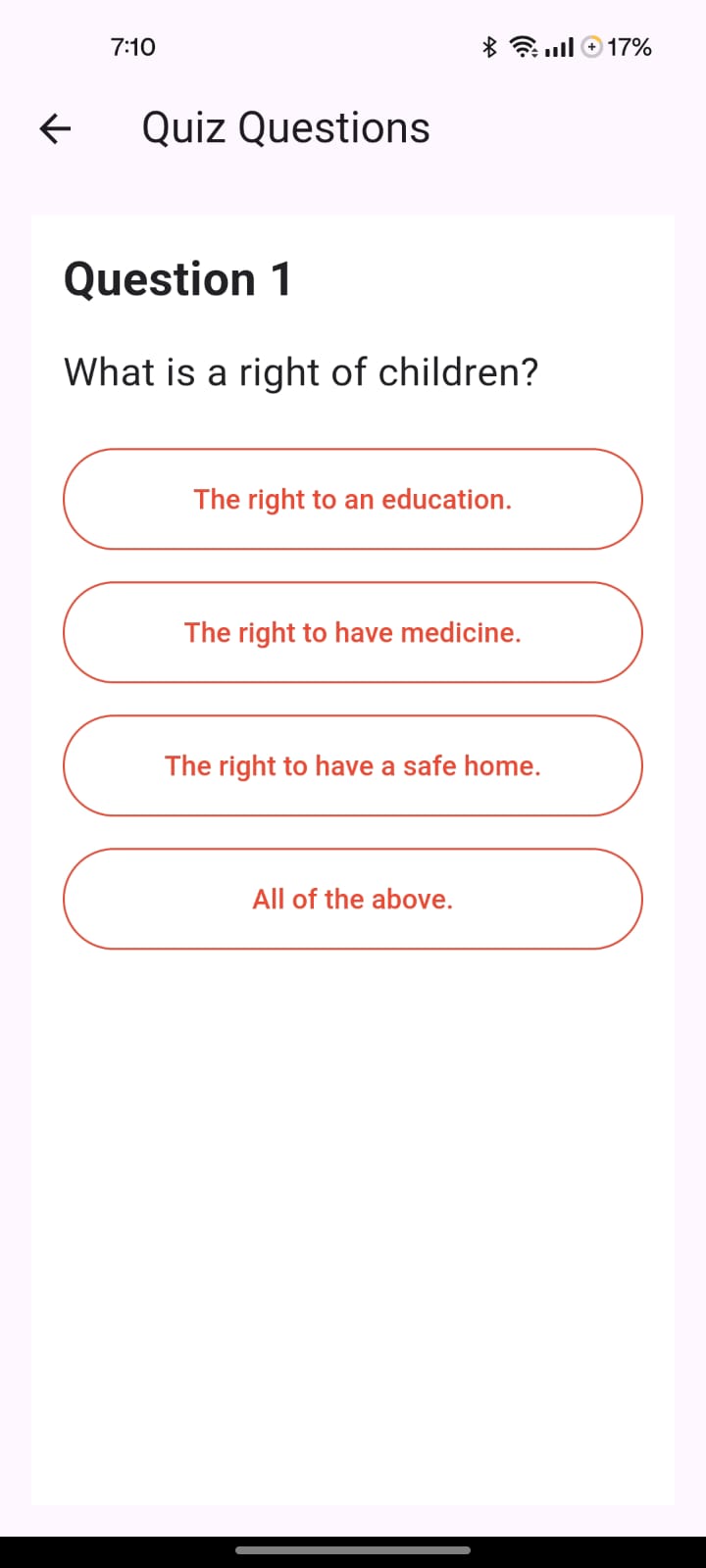
| Quiz Page 1 | Quiz Page 2 |
|---|---|
 |
 |
| Emergency Page |
|---|
 |
| Profile Page |
|---|
 |
| Web View |
|---|
 |
We value your input and strive to make our app the best it can be. If you're interested in helping us test new features and provide feedback, we invite you to join our list of testers.
By becoming a tester, you'll get the opportunity to experience beta testing and try out upcoming features before they're released to the public. Meanwhile, stable releases can be found in the Releases section . You can also contribute by building the app locally and testing specific functionalities to help us find and fix bugs. Alternatively, you can join our testing app group to access beta releases and provide feedback directly.
To join our testing program, click here and become a part of shaping the future of our app!
- Create a feature branch
- Follow Clean Architecture patterns
- Write tests
- Update documentation
- Submit pull request
- Follows Clean Architecture
- All layers implemented
- Tests written
- Documentation updated
- No compilation errors
- No diagnostic issues
[Add your license here]
[Add team members here]
For questions or issues:
- Check the documentation in
.kiro/specs/clean-architecture/ - Review code examples in
lib/features/authentication/andlib/features/forum/ - Follow the migration guide for new features
- Clean Architecture by Robert C. Martin
- Flutter team for the amazing framework
- Firebase for backend services
- All contributors to this project
- Core infrastructure
- Authentication feature
- Forum feature
- Documentation
- Testing infrastructure
- Home dashboard
- User profile
- Learning resources
- Interactive quizzes
- Emergency contacts
- Reporting system
- Content exploration
- Consent management
- Performance optimization
- Comprehensive testing
- UI/UX refinement
- Production deployment
Built with ❤️ using Flutter and Clean Architecture
Last Updated: November 22, 2025
Version: 1.0.0+16
Status: Active Development