
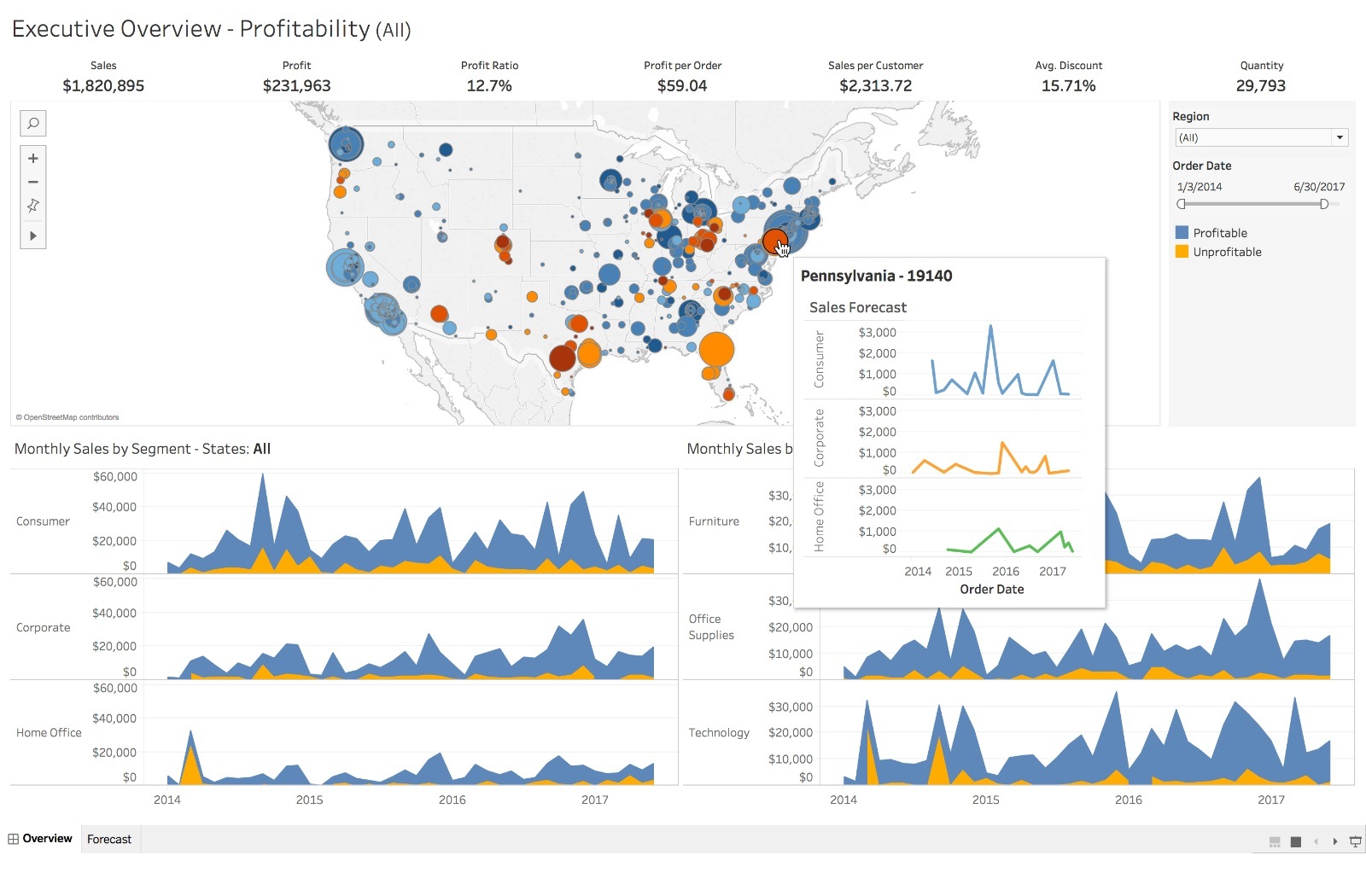
Tableau is a data visualization tool which provides pictorial and graphical representations of data.
Your aim in this lab is to create a Tableau dashboard that shows the insights you find useful from de given data.
In the data folder you will find the following files:
1. classicmodels.sql : the classicmodels database (you can import it directly if you are using tableau desktop. chances are you're using Tableau Public)
2. ERD.png : the ERD of the classicmodels database
3. .xlsx file : In case you are using tableau public (or you want to practice), you can use this files to build the database on your own. This excel file contains the data displayed in several sheets inside the file. You'll have to build the relationships between tables on your own. Make sure you match the keys between the tables. They can be matched.
Open Tableau in your laptop and import the data.
Create at least 5 sheets explaining different insights, pay attention to the details, choose the proper figures and/or tables, build the sheets coherently with each other (example: if china is red in a graph it shoul be associated to red everywhere).
Create at least two dashboards where you structure the info in the sheets in a way that everything make sense, it's easily readable and self explanatory.
Create a story to connect everything together. Bonus: It should include connecting buttons.
Create your own tableau public profile, and upload your dashboard. Remember to set it public so anyone can check it out.
Markdownfile explaining the most important insights you found in the data.Linkto your tableau public profile dashboard (You can include it in the markdown file).
Add your deliverables to git. Then commit git and push your branch to the remote.
Don't forget to create a pull request!