- Clone the repo
git clone git@github.com:tproenza/upcoming-lessons.git - cd into the project from where you cloned it
cd upcoming-lessons - From project root, install dependencies
npm install
You can run the script npm run dev from the project root which will start the Express server and it will concurrently start React's server that allows for Live Reload. This script will also download dependencies for the Front End without you having to cd into the client folder. Once both servers are up a new tab in the browser will open with the project at http://localhost:3000.
The Express server will be listening on localhost port 8000. The requests made from the front end will proxy to hit the right port. Notice that if you have an environment variable in your computer for PORT other than 8000 the proxy won't work. Either change the variable to 8000 or edit the package.json located in the client folder to your port number.
From project root run npm run test to start the tests located in the test folder.
When using certain versions of npm (such as 6.1.0), the front end dependencies may fail to install properly, meaning you can have the backend server running but not React's. One way to remedy would be to cd client/, rm -rf node_modules/, npm i --save, then from project root running npm run dev again.
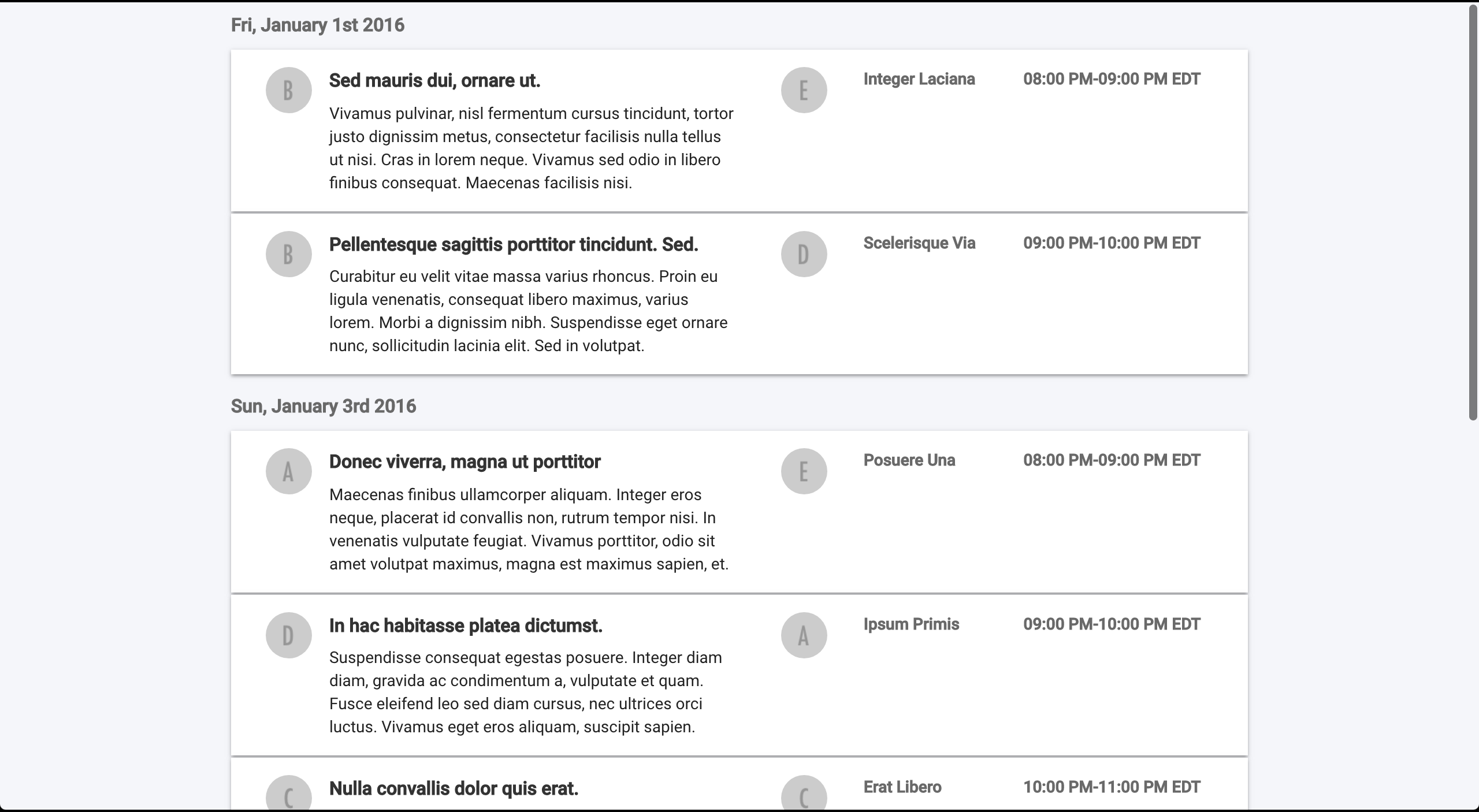
- Desktop
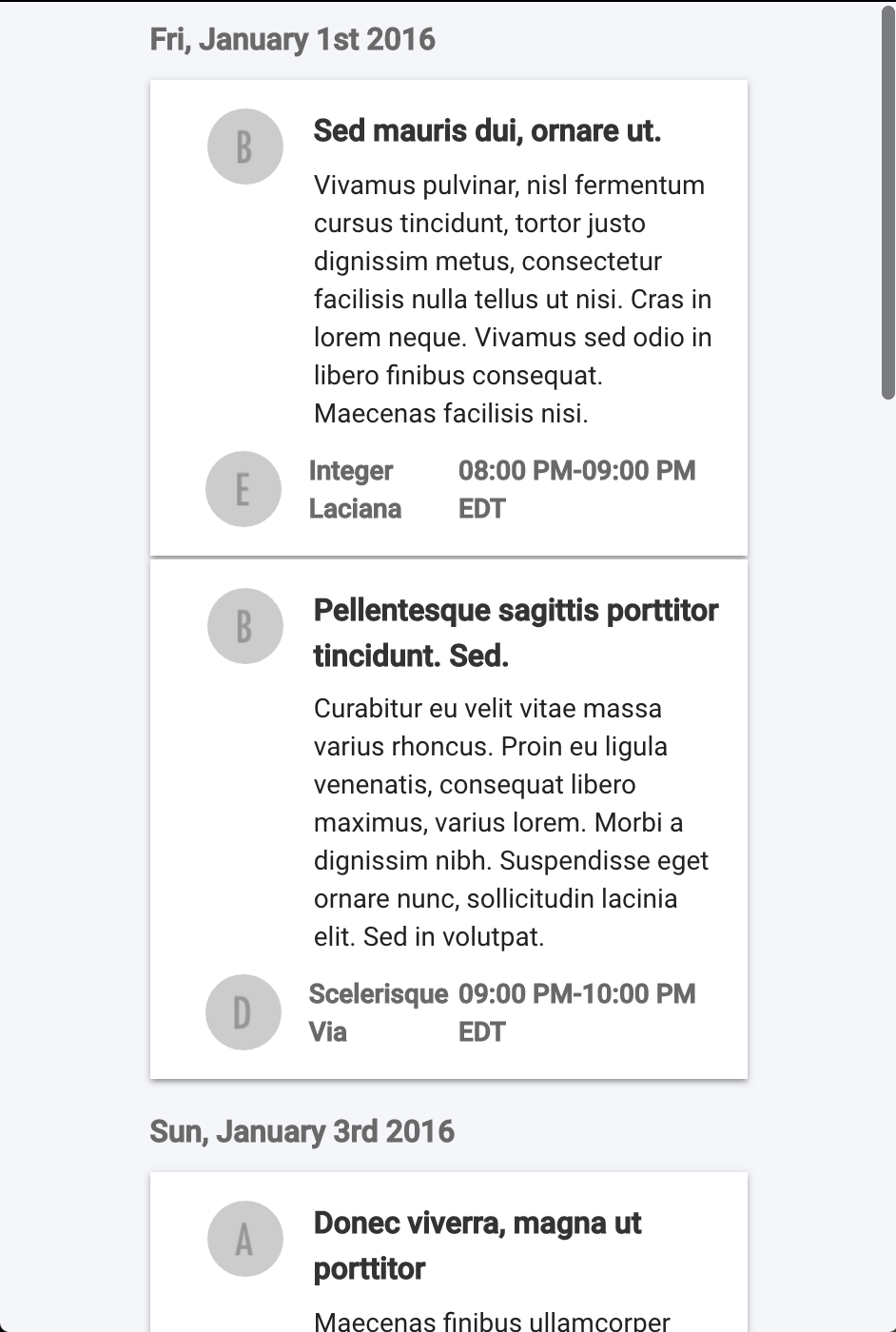
- Mobile