Commands_en
WARNING: translated from JP and it may be unprecise.
Default Prefix is ~.
Display help.
~help
Return "pong."
~ping

Start vote.
Input
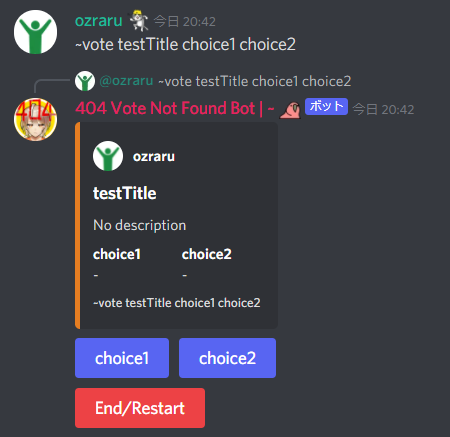
~vote [Title of a vote] [choice1] [choice2] ... (up to 20 choices)
to make a vote.
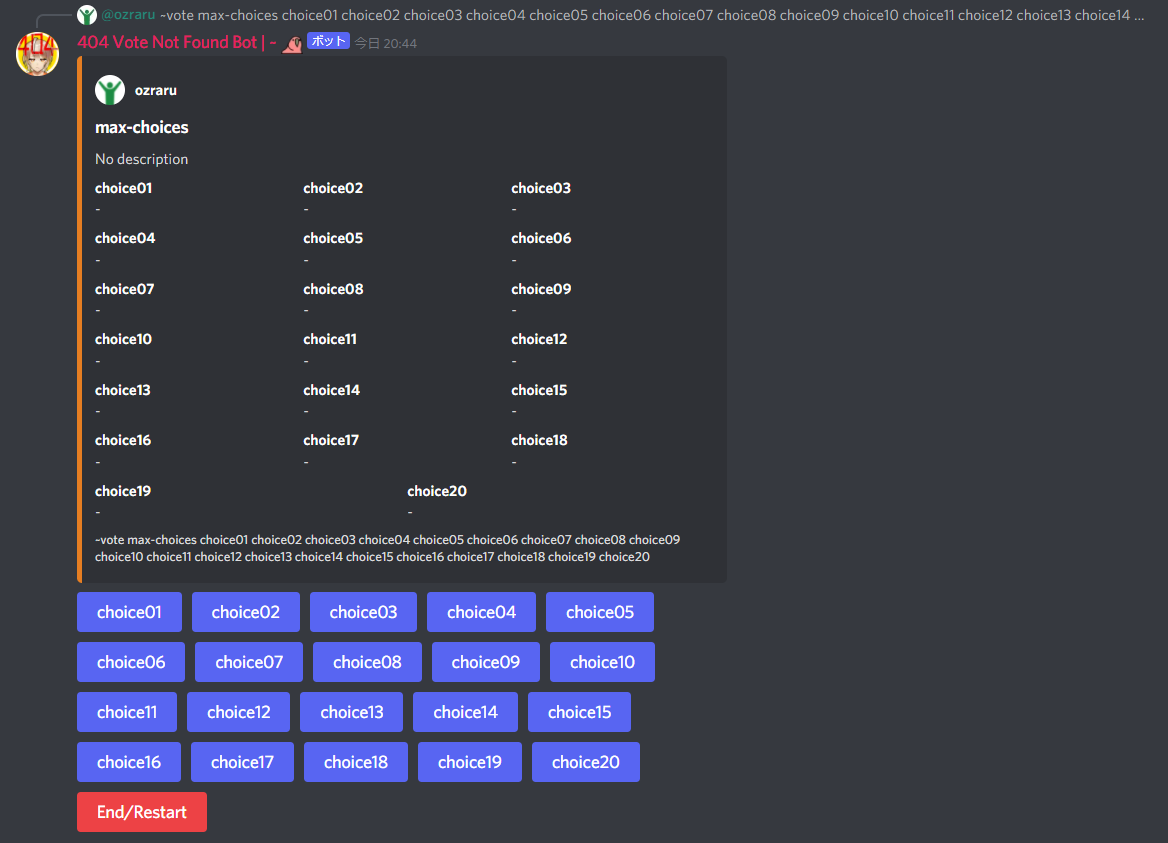
Next one is an vote example of maximum choices.
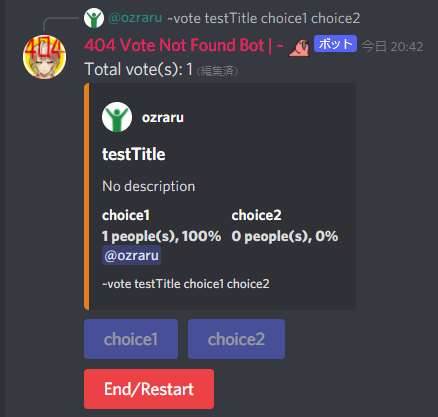
Push a button of the desired choice to vote/unvote.
voting causes immediate update of numbers of votes and percentage of votes.
(The sum of percentages may not add up to 100% due to the cut off after decimal point.)
To end/restart vote, push "End/Restart" button.
Add
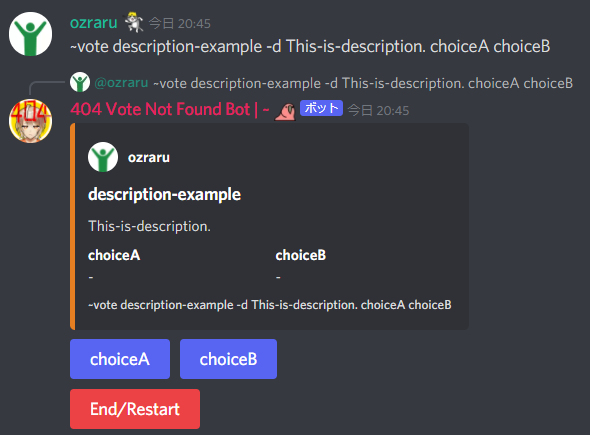
-d [Description]
to make a description of a vote.
Add
-x [Max number of selection]
to enable Multi-selection.
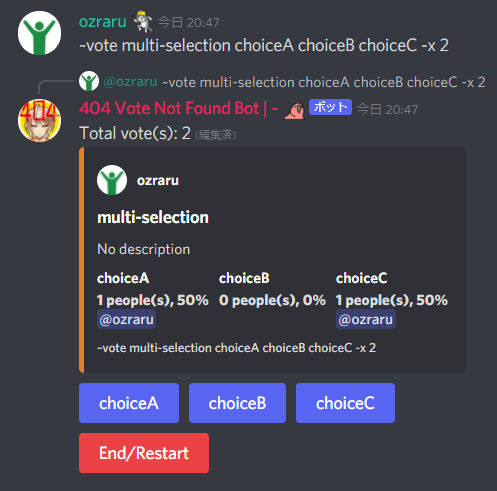
If you select more than the Max number(If not specified, it's 1), the bot warns about it in DM.

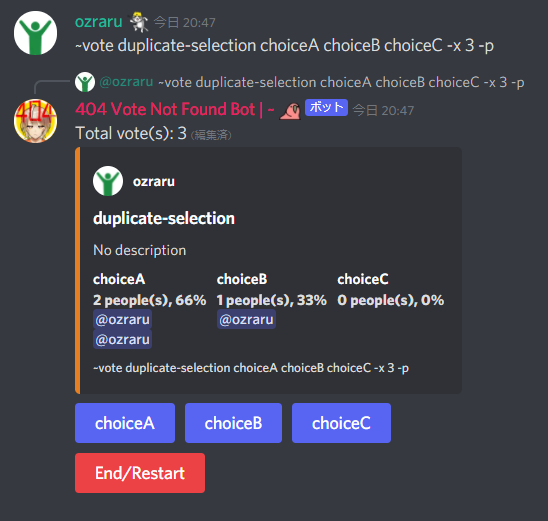
If you want to make a vote that it's valid to select a same option multiple times, add
-p
as well. In this case, you cannot unvote.
Add
-t [Due written in RFC3339]
to end a vote automatically when it's due.

How RFC3339 format works is roughly explained in here. Technical detail here.
Add
-n
to restrict unvote.
The bot will warn you in DM if you try to unvote in this case.

Add
-a
to hide who voted.

Add
-m
to hide the progress.

Result is shown when you end the vote.