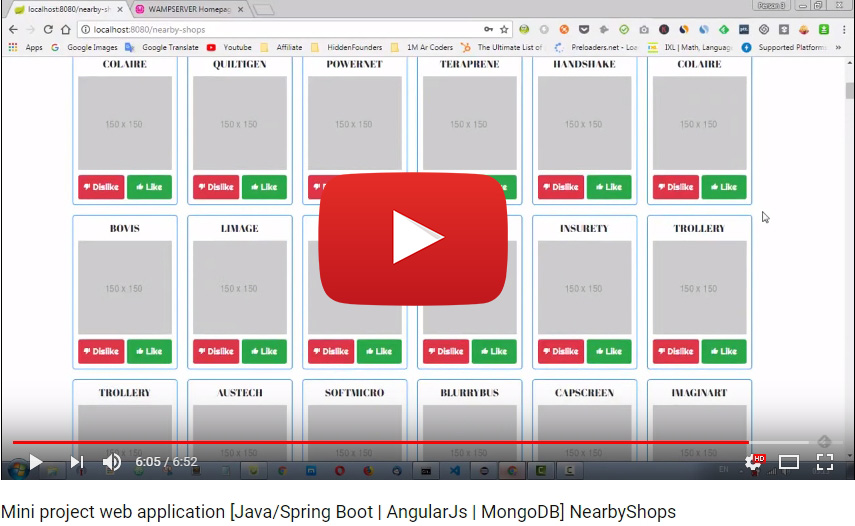
This mini project is a solution for this web coding challenge.
Developed on Eclipse (IDE) with Java/Spring Boot (Back-end) and AngularJs (front-end).
Web application that allows users to see the list of nearby shops, as well as to keep track of their favorite ones.
- As a User, I can sign up using my email & password.
- As a User, I can sign in using my email & password.
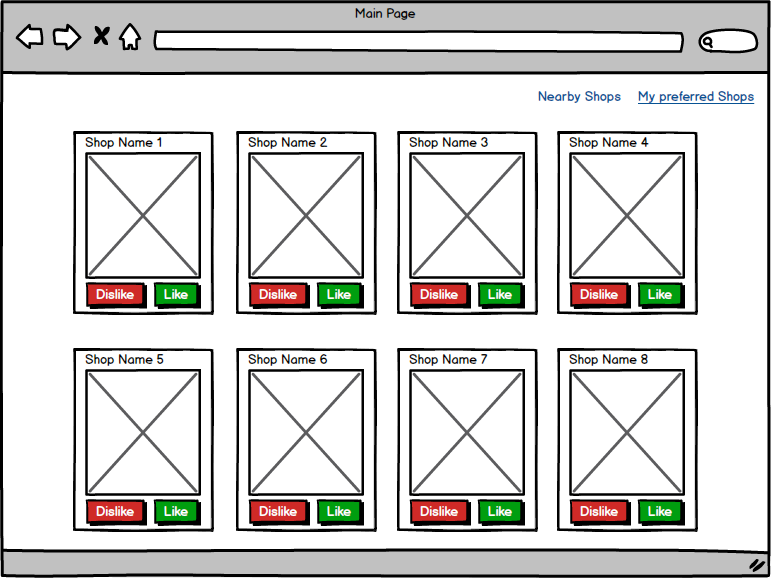
- As a User, I can display the list of shops sorted by distance.
- As a User, I can like a shop, so it can be added to my preferred shops.
- Acceptance criteria: liked shops shouldn’t be displayed on the main page.
- [Optional] As a User, I can dislike a shop, so it won’t be displayed within “Nearby Shops” list during the next 2 hours.
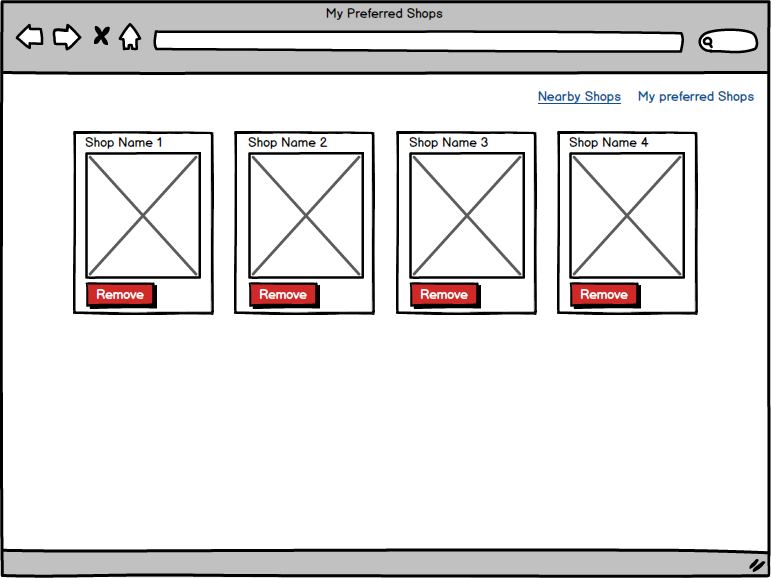
- [Optional] As a User, I can display the list of preferred shops.
- [Optional] As a User, I can remove a shop from my preferred shops list.
- MongoDB must be installed.
- Wamp or Xampp to run localhost.
- Eclipse IDE.
- To try this application on your localhost, you need first to install this MongoDB dump shops database that contains more than 300 shops, every shop entity contains: name, picture, city, email, location.
- To import this database, you need to extract the "shops.zip" file that you downloaded.
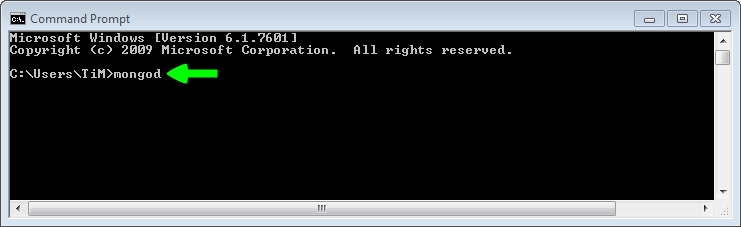
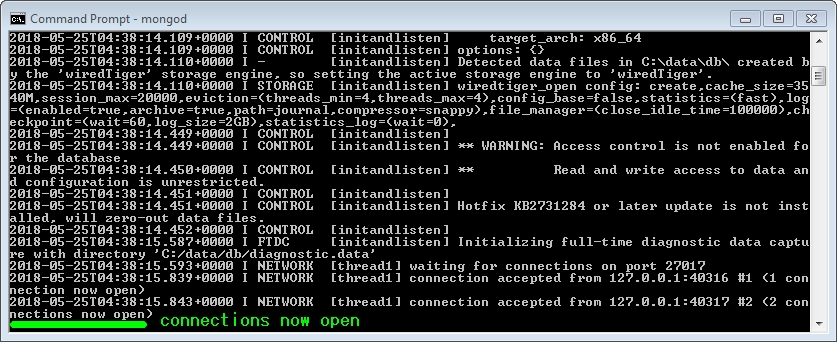
Just to make sure, the exctracted folder named "shops" must contains 2 files: shops.bson and shops.metadata.json. - On your cmd/terminal console, run "mongod" command to start mongodb server:
mongod
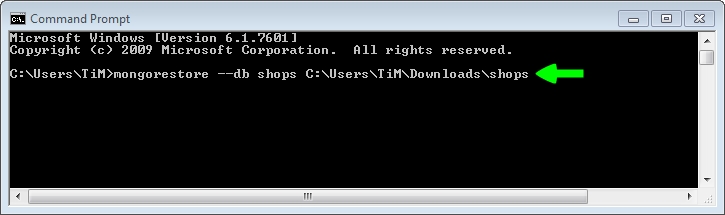
- Open a new cmd/terminal console and execute the command below:
mongorestore --db shops path_to_the_extracted_shops_folder
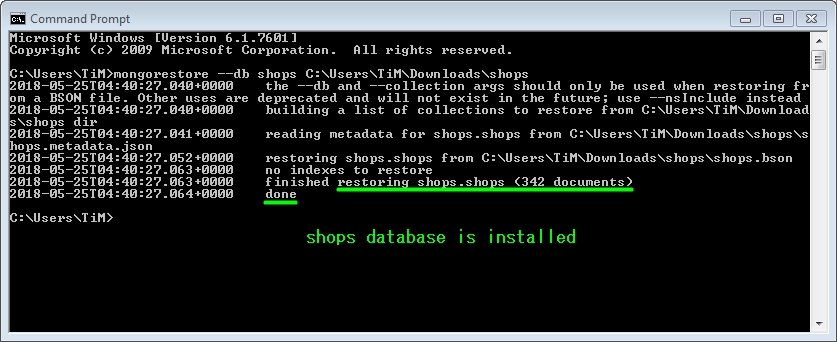
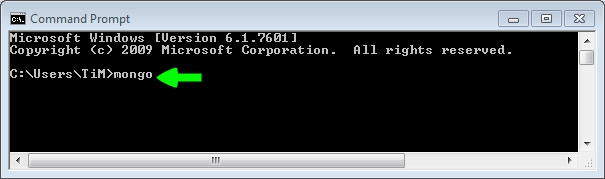
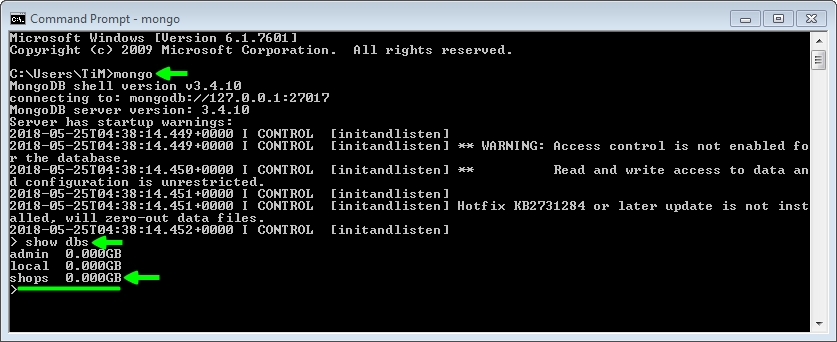
- To check if the shops database was successfully installed, execute:
mongo
To launch this web application, you need to:
- Import the "nearbyshops" project in Eclipse.
- Make sure localhost server is started (wamp/xamp...).
- Make sure mongodb server is started (with "mongod" command).
- Run "MainNearbyShops.java" class as java application.
- Go to http://localhost:8080