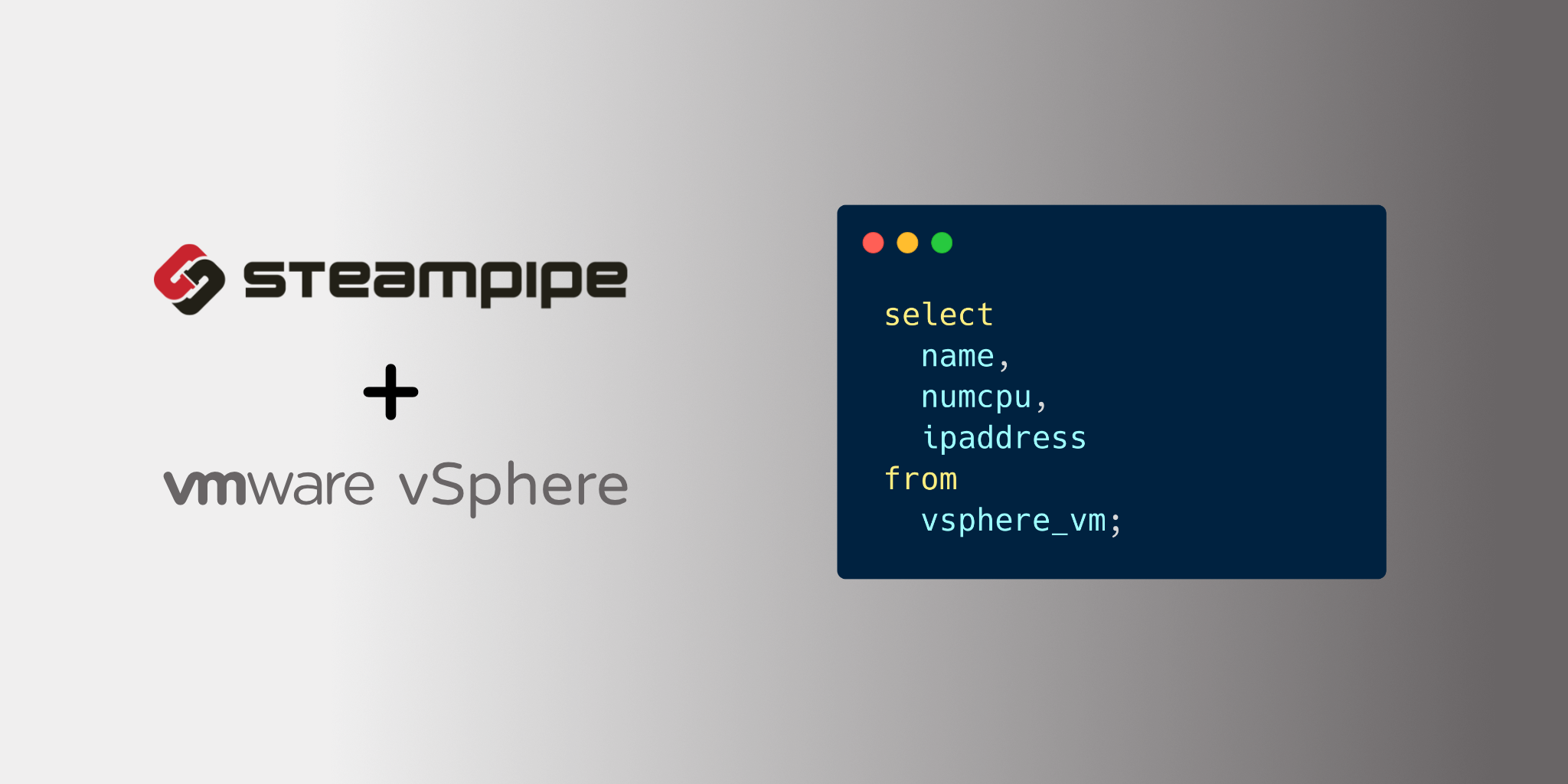
Use SQL to query information about your vSphere resources.
- Get started →
- Documentation: Table definitions & examples
- Community: Join #steampipe on Slack →
- Get involved: Issues
Install the plugin with Steampipe:
steampipe plugin install theapsgroup/vsphereConfigure the plugin using the configuration file:
vi ~/.steampipe/vsphere.spcOr environment variables:
export VSPHERE_SERVER=10.20.30.40
export VSPHERE_USER=bob
export VSPHERE_PASSWORD=s0m3p@ss
Start Steampipe:
steampipe queryRun a query:
select
  name,
  num_cpu,
  ip_address
from
vsphere_vm;Prerequisites:
Clone:
git clone https://github.com/theapsgroup/steampipe-plugin-vsphere.git
cd steampipe-plugin-vsphere
Build, which automatically installs the new version to your ~/.steampipe/plugins directory:
makeConfigure the plugin:
cp config/* ~/.steampipe/config
vi ~/.steampipe/config/vsphere.spc
Try it!
steampipe query
> .inspect vsphere
Further reading:
All contributions are subject to the Apache 2.0 open source license.
A Go library for interacting with VMware vSphere APIs govmomi (licensed separately using this Apache License)