


Installation • Controls • Key Game Features
- Obtain
glut.dllfrom here - Copy the file to
"C:\Windows\System32" - Clone the repo on your machine
- Go to
bin/releaseand runDx Ball 2D.exe
Ignore the first two steps if you have already setup OpenGL with Codeblocks.
- Follow step 1 and 2 from here
- Additionally, copy the
glut.dllfile and paste to the folder"C:\Windows\SysWOW64" - Clone the repo on your machine
- Open
DX Ball 2D.cbpusingCode::Blocks - From this point, modify whatever you want and hit
Build and runat any moment after selecting the target (Debug/Release) to compile and run the game
Up ArrowDown ArrowEnterEsc
Left ArrowRight ArrowadSpacebar
- Start a new game from the menu.
- Press
Esc - Resume playing again using the menu.
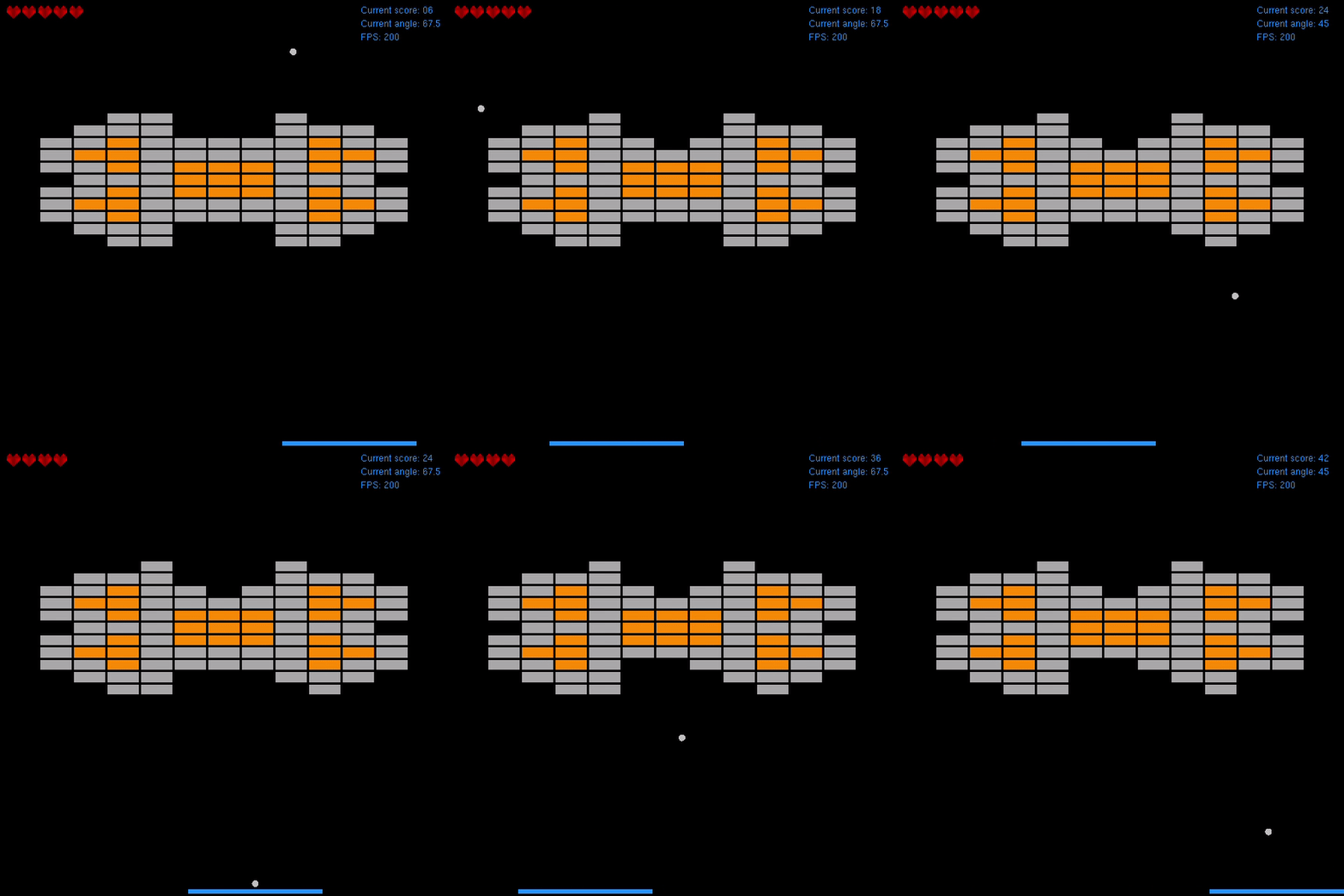
- Five lives given at the start of a game.
- To finish the game you need to complete three levels.
- Four slots to save & load any game at any state.
- Overwritting is allowed.
- Can be accessed from the menu.
- Toggle the sound ON or OFF from the main menu.
- Four FPS options given to the player:
- 60 fps
- 110 fps
- 200 fps
- 330 fps
- To verify FPS:
- Set an FPS from the menu
- Start a new game or resume playing an existing game
- Pres
WinG - Check the actual FPS with the FPS you have just set (It works)