
 Catppuccin for Sublime Text 4


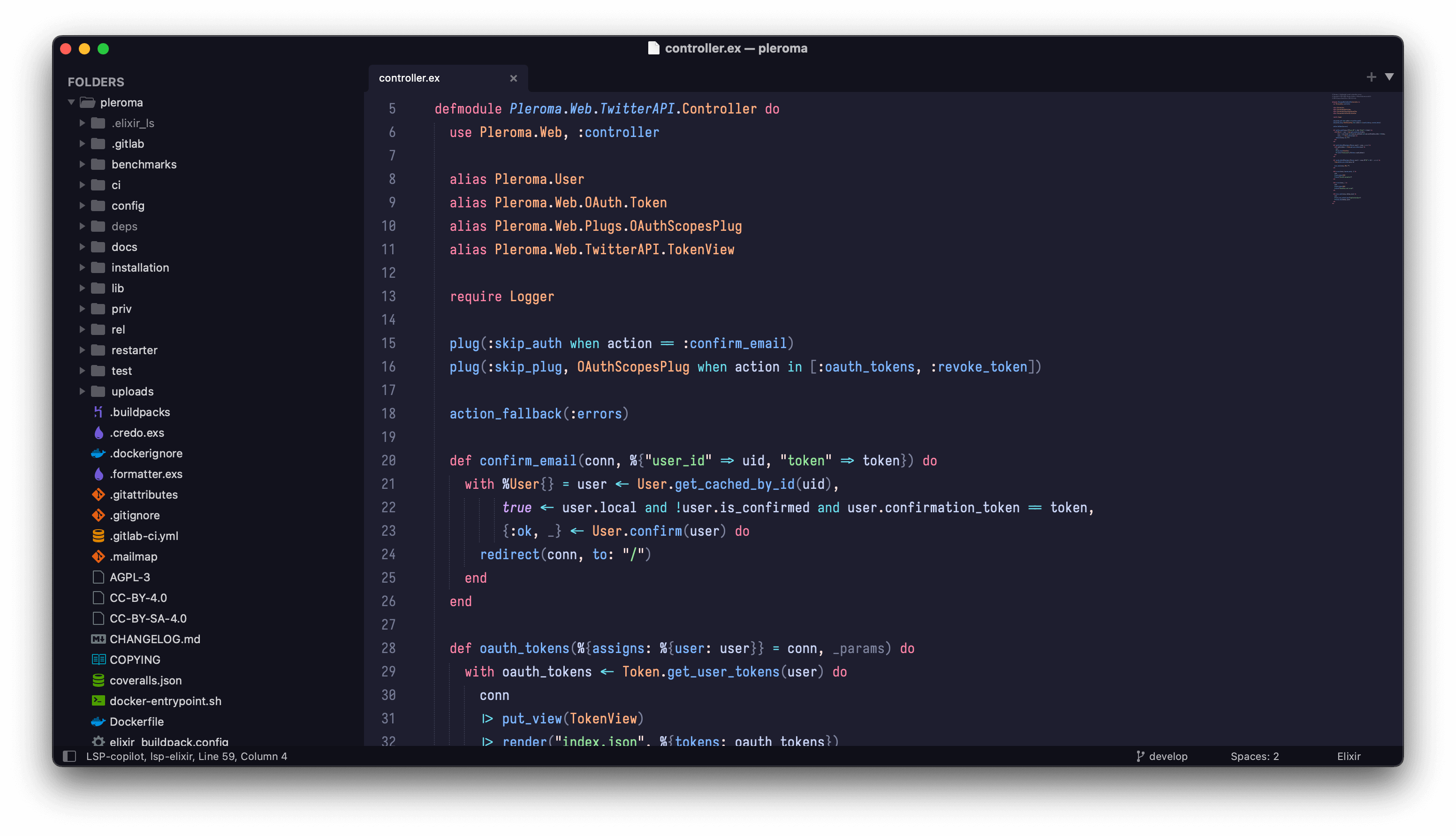
- Open the package folder
Command Palette->Preference: Browse Packages
- Copy
Catppuccinfolder to package folder - Set a color scheme
Command Palette->UI: Select Color Scheme- then select
MochaMacchiatoFrappeorLatte
- Set a theme
Command Palette->UI: Select Theme- then select
Adaptive
Q: "How is this different from existing https://github.com/catppuccin/sublime-text ?"
A: This is a personal adoption of a Catppuccin theme for Sublime Text 4 based on the original Mariana theme, which may not support every syntax highlight.

Copyright © 2021-present Catppuccin Org
