

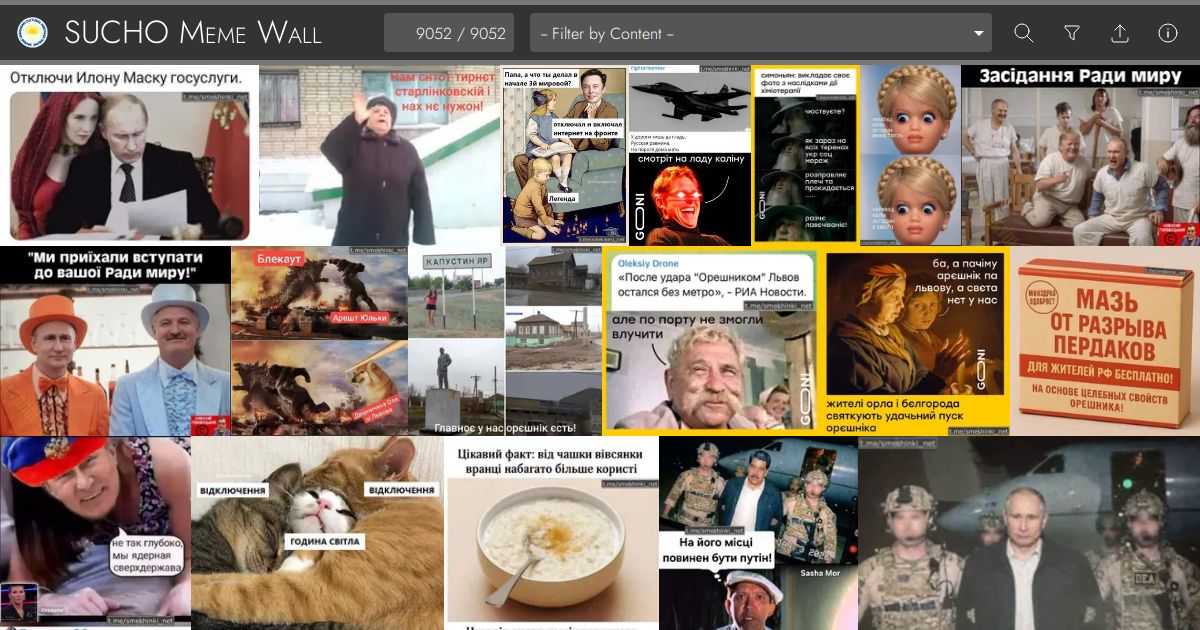

The Meme Wall is built directly from submissions to a Google Form. Contributors complete the form with details about a meme they have identified and attach an image or other media file to the form submission. Form submissions are recorded in a Google Spreadsheet and submitted files are uploaded to a Google Drive folder. Submissions are checked and curated by SUCHO volunteers.
The codebase in this repository uses the Astro static site builder to build the site and the required assets from the curated submissions on a daily basis.
When pnpm dev or pnpm build is run, the build process will fetch and parse the latest data from the curated "Ready" tab on the submission sheet and synchronize the local media cache with the contents of the submissions folder on Google Drive. Additional material for the glossaries is fetched and parsed from a number of Google Docs. The identifiers for the sheets and docs etc. (which need to be publicly viewable), are found in src/config.mjs.
Running pnpm update-media will fetch and synchronize the media files and then exit, and pnpm print-dataset will fetch and parse the data and media files and then output the parsed data to stdout (it can take arguments to output different parts of the parsed dataset -- see src/dataset.mjs for details).
git clonethis repository
- Run
pnpm installto install dependencies. - Run
pnpm devto start the development server and reflect your changes to the page as you save files. - Visit
http://localhost:3000/in your browser.
- Run
pnpm buildto create a production build (the deployment url can be set inastro.config.mjsbut only matters for OpenGraph/Twitter metadata etc.). - Run
pnpm previewto serve the contents ofdist/using an http server athttp://localhost:3000/.
- Users with write permissions to this repository can run
pnpm gh-deployfrom the project root to install dependencies, build the static assets, and update and push to thegh-pagesbranch.
Note: the GitHub Actions workflow at.github/workflows/update-media-and-deploy-site.ymlruns once a day and will automatically acquire new media, update the repository, and build and deploy the site as appropriate -- manual deploys should not generally be required.
-
pnpm update-media(requiresnode >= v18) will fetch the spreadsheet, update the local working tree with any new (or missing) media files fetched from Google Drive, and delete any media files frommeme_media/that do not correspond to records in the spreadsheet. -
pnpm print-dataset(requiresnode >= v18) will fetch the spreadsheet, process the data and media files, and then output the parsed dataset tostdoutin JSON format. -
All
pnpmcommands can be prepended withLOG_LEVEL=DEBUGfor additional debugging information on the console.