-
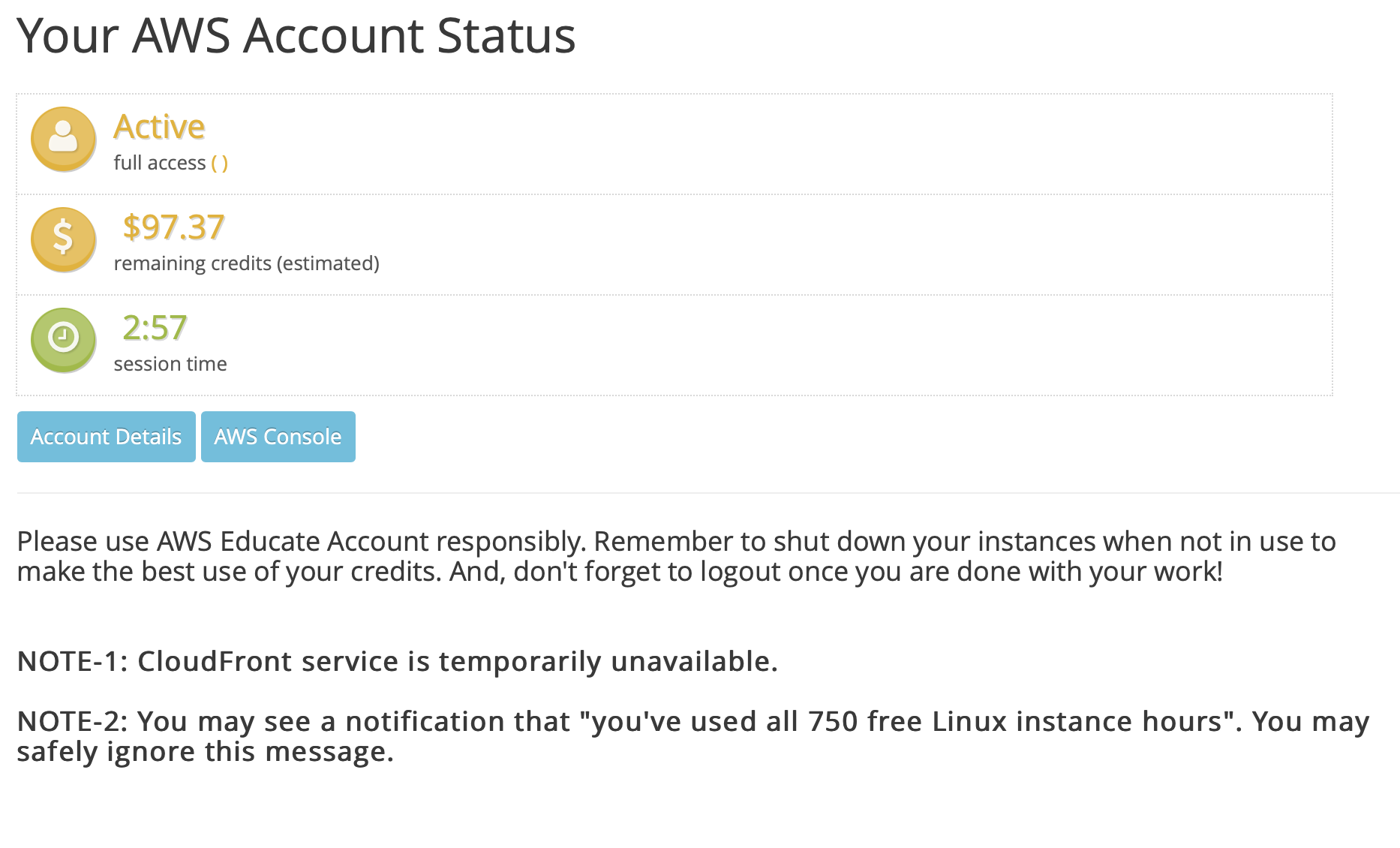
Ensure NodeJS is installed and the AWS CDK toolkit is set up correctly. To get your AWS credentials with your educate account click the account details button before signing in and copy and paste the CLI details into the .aws folder.
-
If you run into errors this project was successfully deployed with version 1.94.1 of the Node aws_cdk library. To explicitly install it run:
> npm install -g aws-cdk@1.94.1 -
Install the CDK toolkit version
> vim ~/.aws/credentials -
Make sure Python 3.6 or higher is installed along with pip and virtualenv packages.
-
Source virtual environment for Python packages.
> source .venv/bin/activate -
Install packages.
> pip install -r requirements.txt -
Verify an email to use for SNS service You can also verify email using boto3
def verify_email_identity():
 ses_client = boto3.client("ses", region_name="us-east-2")
 response = ses_client.verify_email_identity(
     EmailAddress="abc1234@rit.edu"
 )
 print(response)
This MUST be done for the sender email. The recipient email must also be verified if you are using SES in sandbox mode. Note: SES does not work on AWS Educate. Use a regular or free tier.
-
Make sure that Docker is running locally
-
Profit
For more information on how to add modules and documentation on modules check out the AWS docs. Make sure any new modules are added to requirements.txt with correct versioning.
| Language | Input Language Code | Target Language Code |
|---|---|---|
| Arabic (Gulf / Modern) | ar-AE / ar-SA | arb |
| Chinese (Mandarin) | zh-CN | cmn-CN |
| Danish | Input not supported | da-DK |
| Dutch | nl-NL | nl-NL |
| English (Australian) | en-AU | en-AU |
| English (British) | en-GB | en-GB |
| English (Indian) | en-IN | Output not supported |
| English (US) | en-US | en-US |
| Farsi Persian | fa-IR | Output not supported |
| French | fr-FR | fr-FR |
| French (Canadian) | fr-CA | fr-CA |
| German (Standard / Swiss) | de-DE / de-CH | de-DE |
| Hebrew | he-IL | Output not supported |
| Hindi | hi-IN | hi-IN |
| Icelandic | Input not supported | is-IS |
| Indonesian | id-ID | Output not supported |
| Italian | it-IT | it-IT |
| Japanese | ja - JP | ja-JP |
| Korean | ko-KR | ko-KR |
| Malaysian | ms-MY | Output not supported |
| Norwegian | Input not supported | nb-NO |
| Polish | Input not supported | pl-PL |
| Portugese (Brazilian) | pt-BR | pt-BR |
| Portugese (European) | pt-PT | pt-PT |
| Romanian | Input not supported | ro-RO |
| Russian | ru-RU | ru-RU |
| Spanish (European) | es-ES | es-ES |
| Spanish (Mexican) | Input not supported | es-MX |
| Spanish (US) | es-US | es-US |
| Swedish | Input not supported | sv-SE |
| Tamil | ta-IN | Output not supported |
| Telugu | te-IN | Output not supported |
| Turkish | tr-TR | tr-TR |
| Welsh | Input not supported | cy-GB |
Stacks can be simply synthesized into Cloudformation templates or directly deployed from the command line.
> cdk bootstrap
> cdk synth
> cdk deploy
> cdk destroy
-
Deploy the stack using the steps above.
-
Find the location of the static site's S3 URL. When the bucket is made it is automatically public and available for static usage.
-
Once on the website fill in the required information. This includes the API URL from the gateway. This was necessary due to the order in which the resources are created. The URL was not known at the time of creating the static site. The language codes can be found in a section above. As a disclaimer we have run into some transient issues with large video files. So if that is an issue try with a smaller video.
-
Once submitted the video should begin processing. You may look at the individual buckets to see the flow of data. Once the video is finished it is placed in the finished video bucket. If your email address was verified you should also receive an email with a link to your finished video.