Basically this is the CobaltNext theme with some slightly brighter fonts. All credits to the original authors.

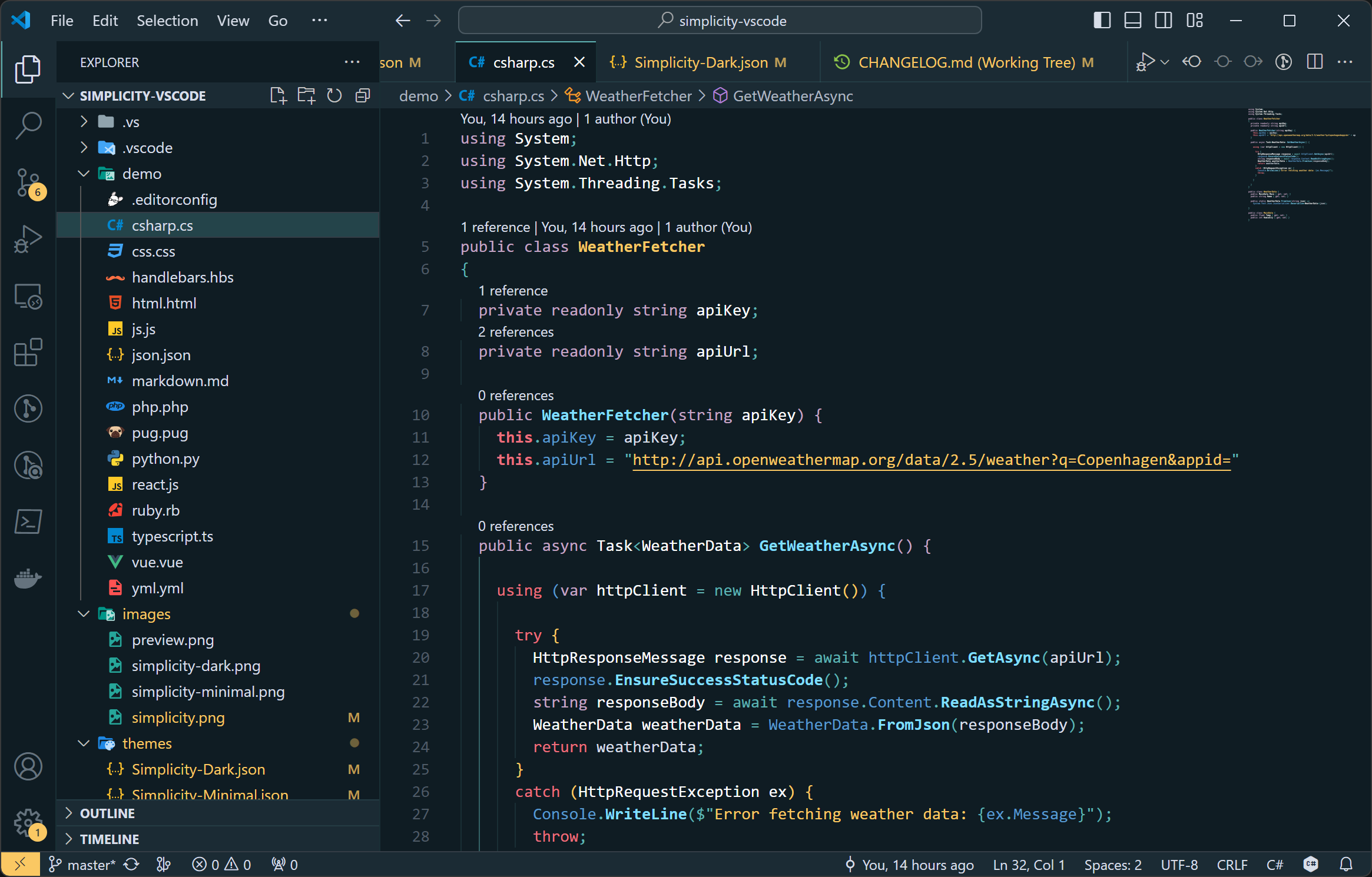
 *This one is not super different from
 Simplicity Dark, but it has a few extra treats to clean things up a bit.
- Open Extensions sidebar panel in VS Code.
View → Extensions - Search for
Simplicity. - Click Install to install it.
- Click Reload to reload the your editor
- File > Preferences > Color Theme > Simplicity or change it in User Settings.
- Try the dark version with Simplicity Dark.
- Try the minimal version with Simplicity Minimal.
- Optional: Use the recommended settings below for best experience
- Install the Material Icon Theme from Philipp Kief