

Take pixel-perfect screenshots of any website. This project employs serverless functions to handle creating a customizable webpage screenshot. It uses a headless browser to take a screenshot and composites it with custom graphics and a user-selected background color.
- 🚀 Deployed at prettypage.vercel.app
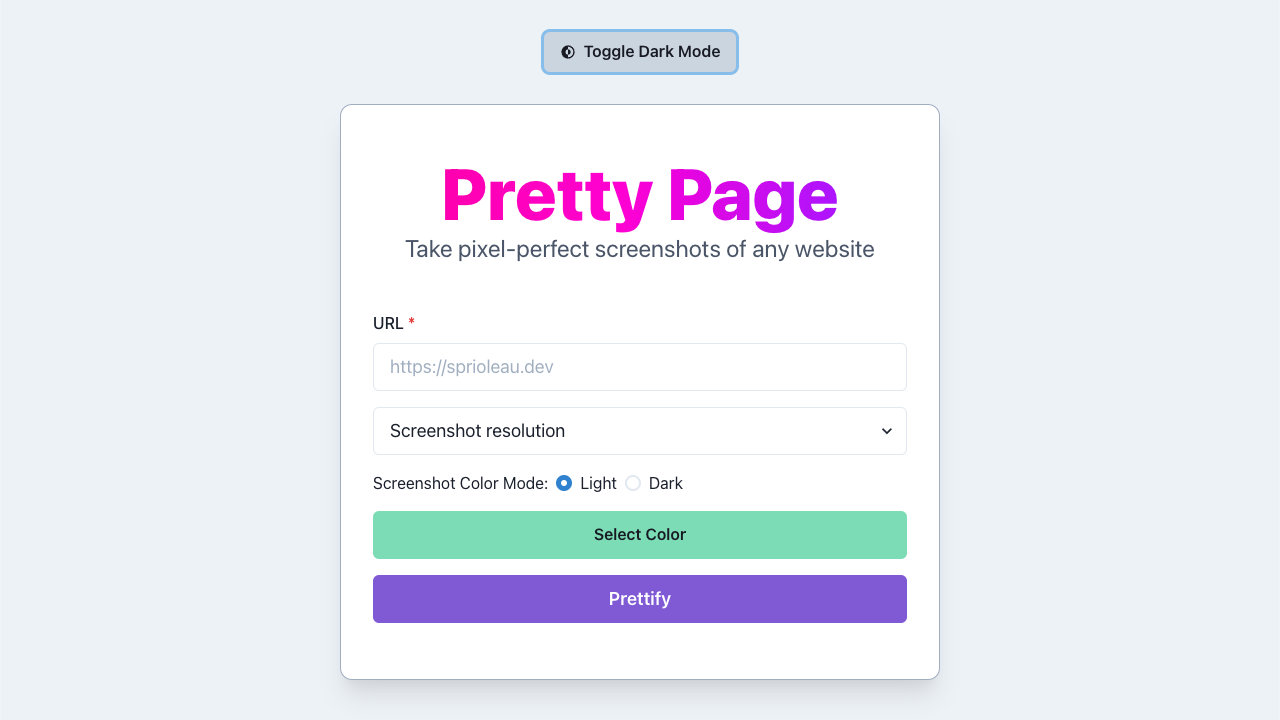
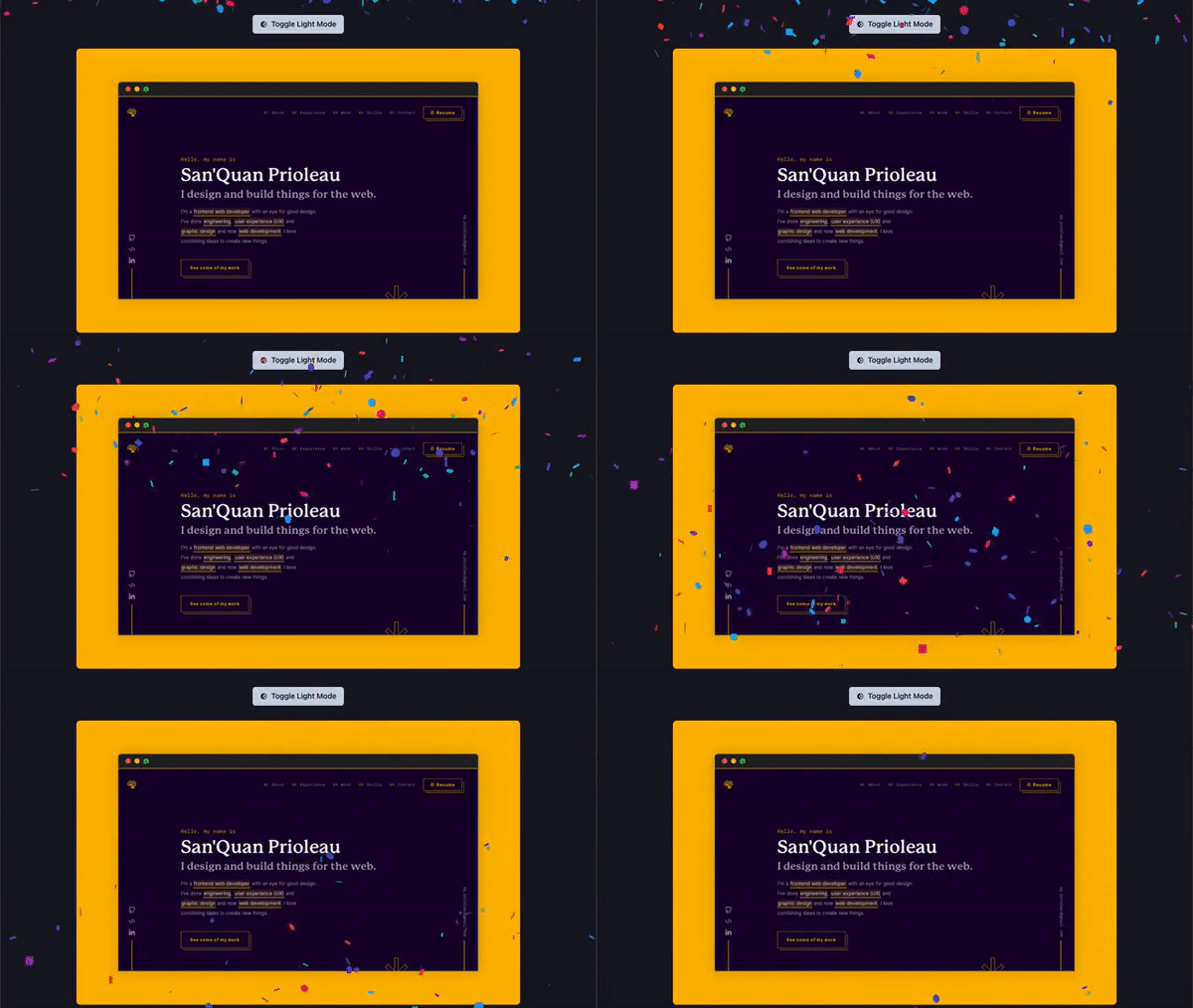
Screenshots via Pretty Page
Clone this repo
git clone https://github.com/sprioleau/prettypage.gitInstall via yarn
yarn installRun developemnt server
yarn devDealing with common install error
If you see the following error, you'll need to install a version of Chromium for the app to use.
Error: Could not find expected browser (chrome) locally. Run
npm installto download the correct Chromium revision (884014).
To resolve, make sure you've run yarn install and run:
node node_modules/puppeteer-core/install.jsYou should see something like:
Downloading Chromium r884014 - 113.6 Mb [============== ] 71% 3.1s Then, re-run yarn dev to start the dev server.
| Technology | Used For |
|---|---|
| JavaScript | - |
| Next.js | Static site generation |
| Puppeteer | Controlling headless Chrome browser |
| Chrome AWS Lambda | Chrome binary |
| Sharp | Image processing |
| Chakra UI | 😍 UI Framework for React |
- Takes website screenshots with headless browser
- Waits for idle network before screenshot capture
- Custom-designed browser window mock-ups by resolution
- Dark mode toggle
- Retry screenshot on timeout
- Limit screenshot size to only desired size
- Add some example sites for quick app demos
- Capture another screenshot from success page
San'Quan Prioleau
Issues, and feature requests are welcome!
Give a ⭐️ if you like this project!
- Inspired by screen.guru