Android/IOS application written in Flutter that helps you find events and organize events. Demo: https://www.youtube.com/watch?v=fctKgZ37ySY
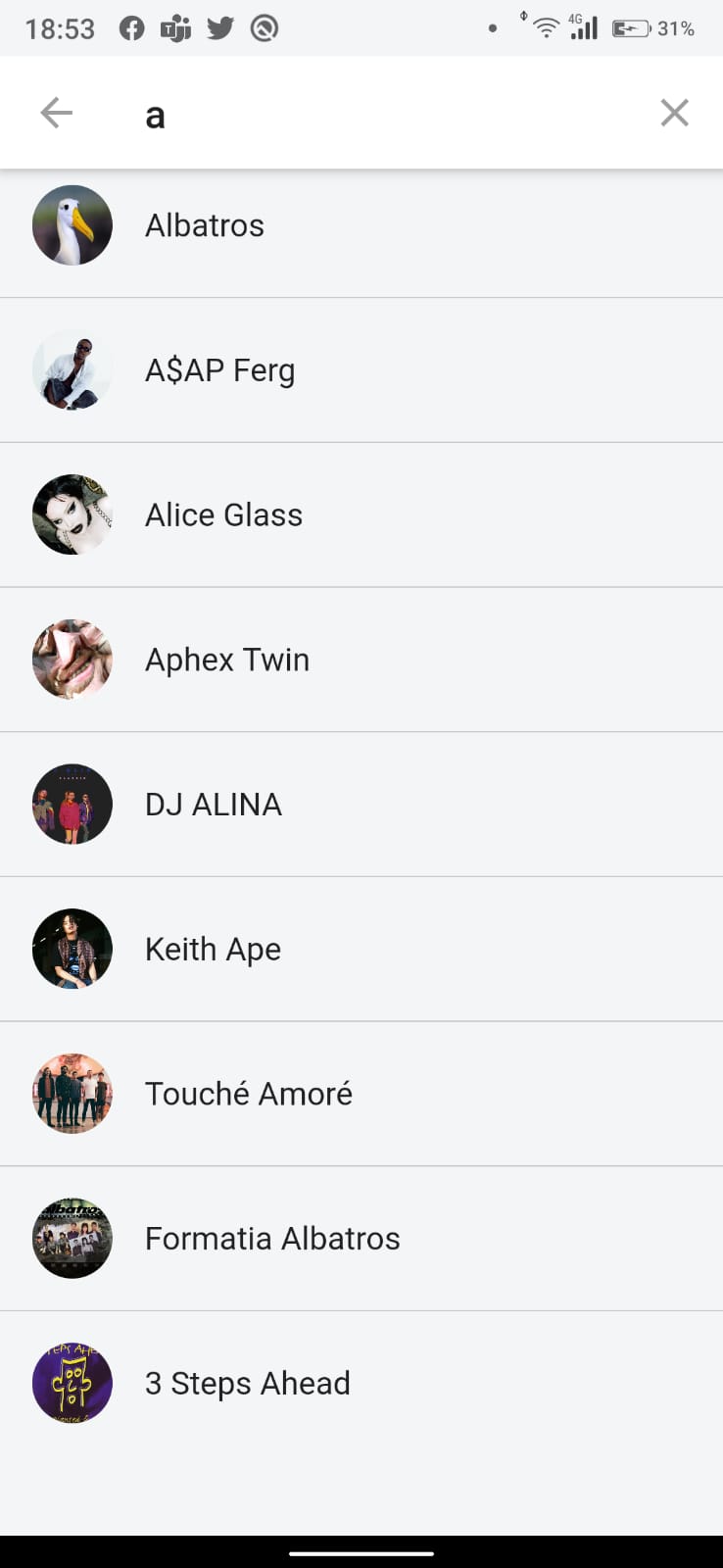
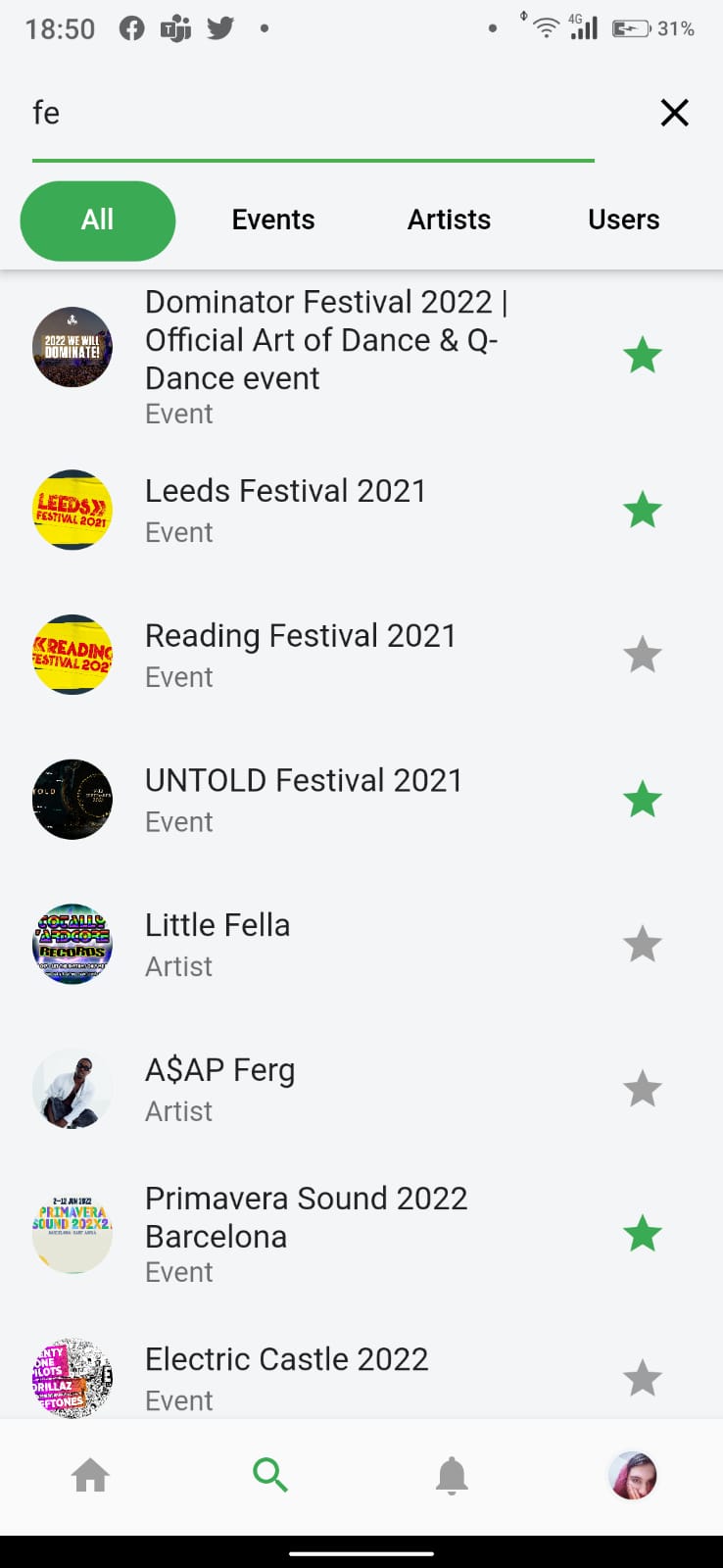
- As a user, I want to be able to search for events
- As a user, I want to be notified when an event I follow is edited
- As a user, I want to be able to follow artists
- As a user, I want to be notified when 24 hours before an event
- As an artist/organiser, I want to be able to post comments on my event
- As a user I want to be able to save events
- As a user/tourist, I want to be able to find events near me
- As a artist I want my events to be categorised by genre
- As a user, I want to be notified when an artist will organise an event near me
- As an organizer, I want to be able to plan an event
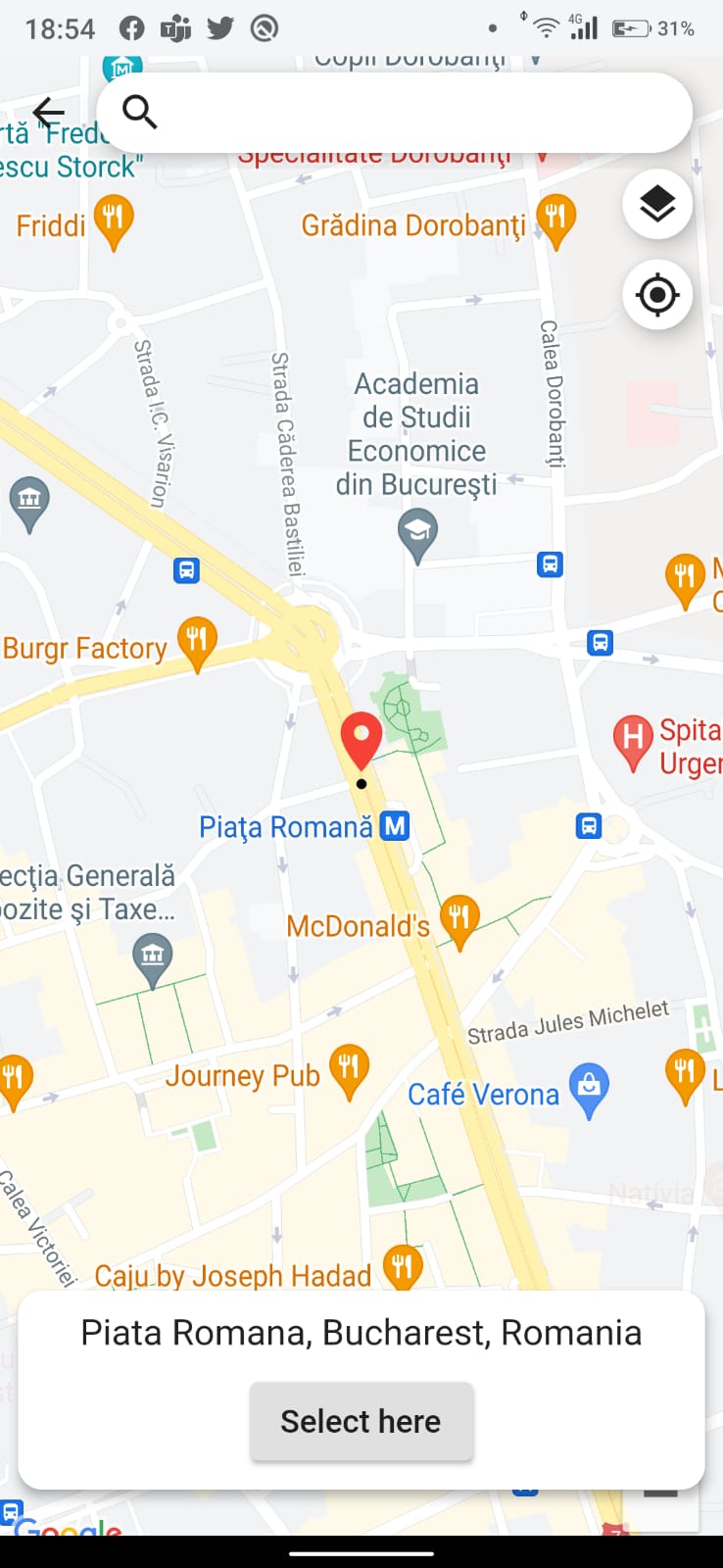
- As a user/tourist I want to know the location of an event
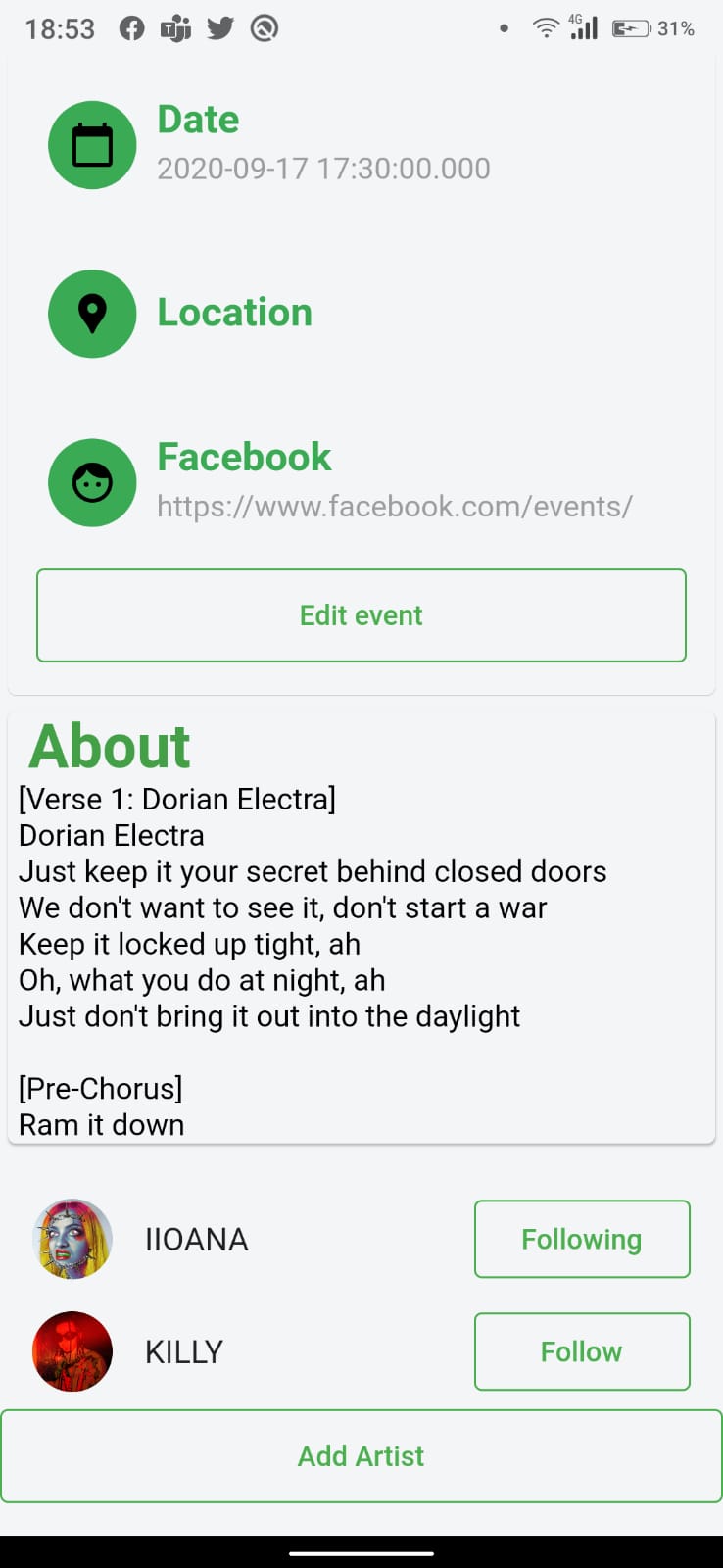
- As an organizer I want to be able to edit an event
- As an artist/venue manager/organiser I want to be able to add a description to my events
- As a user, I want to be able to link my spotify/facebook account
We monitorized our backlog creation using Jira.
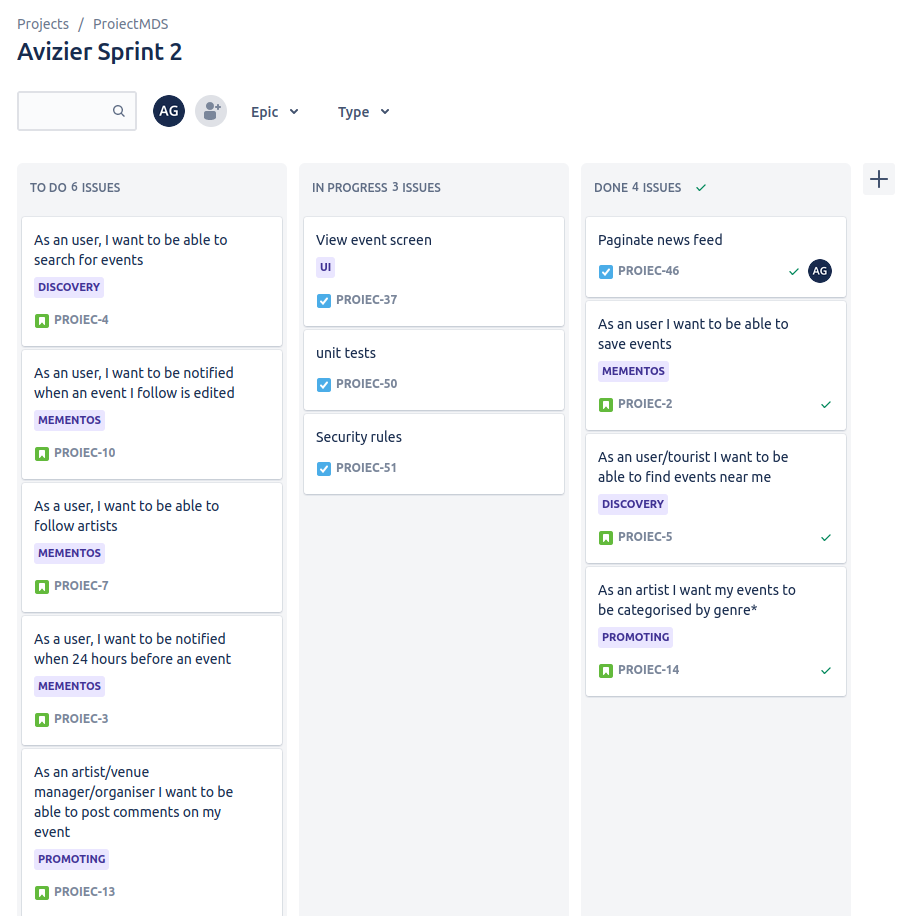
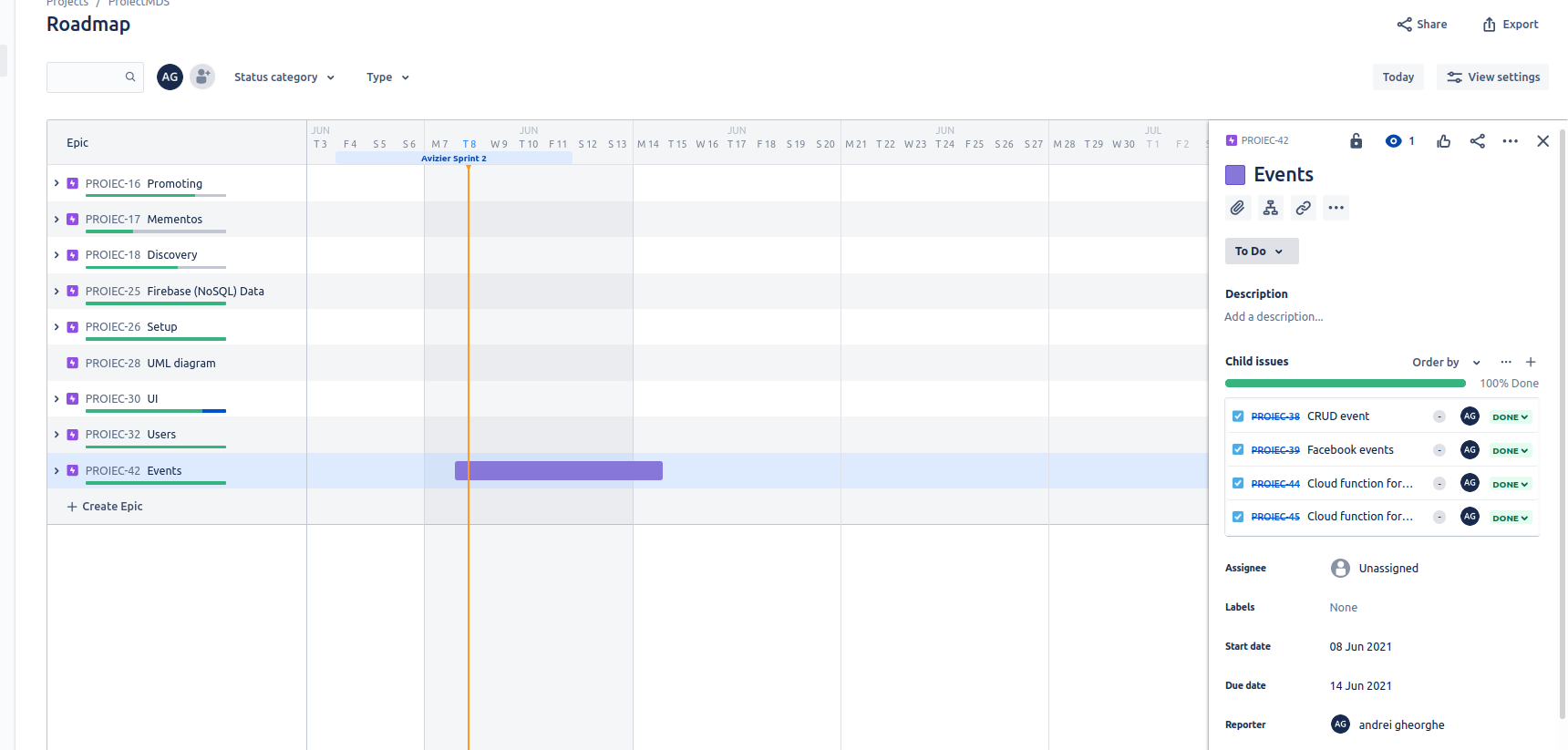
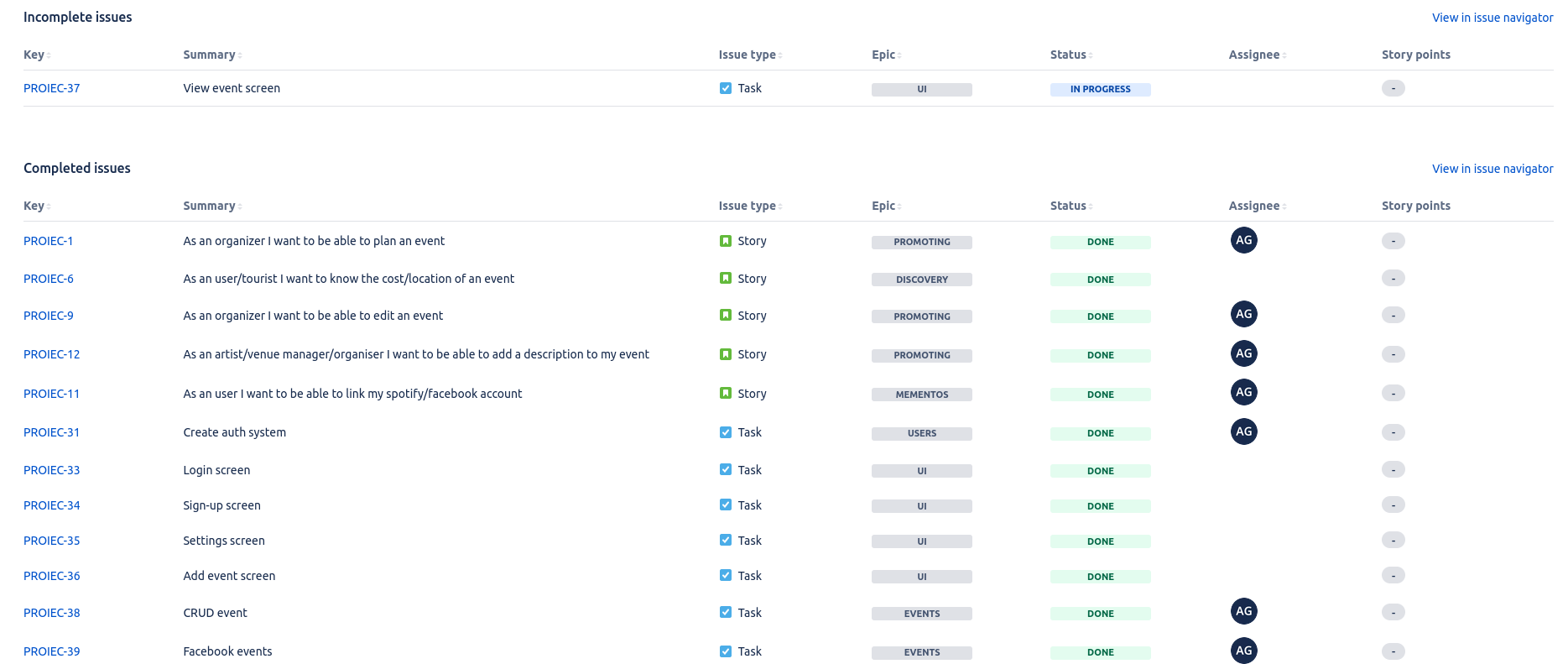
-
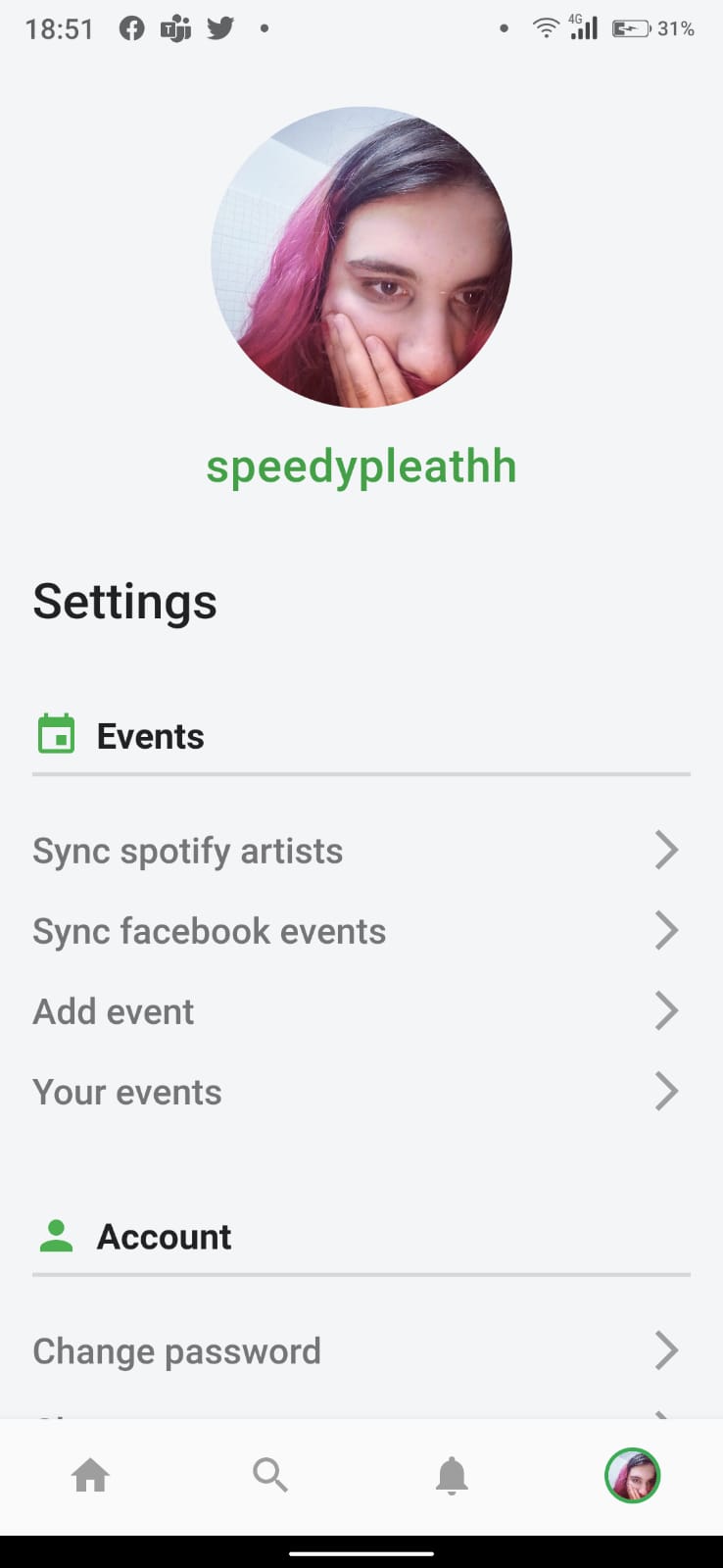
Syncronize Facebook events
-
Syncronize Spotify artists
-
Search event, artist, user
-
Follow event, artist, user
-
Filter main screen by top events, followed and nearby
-
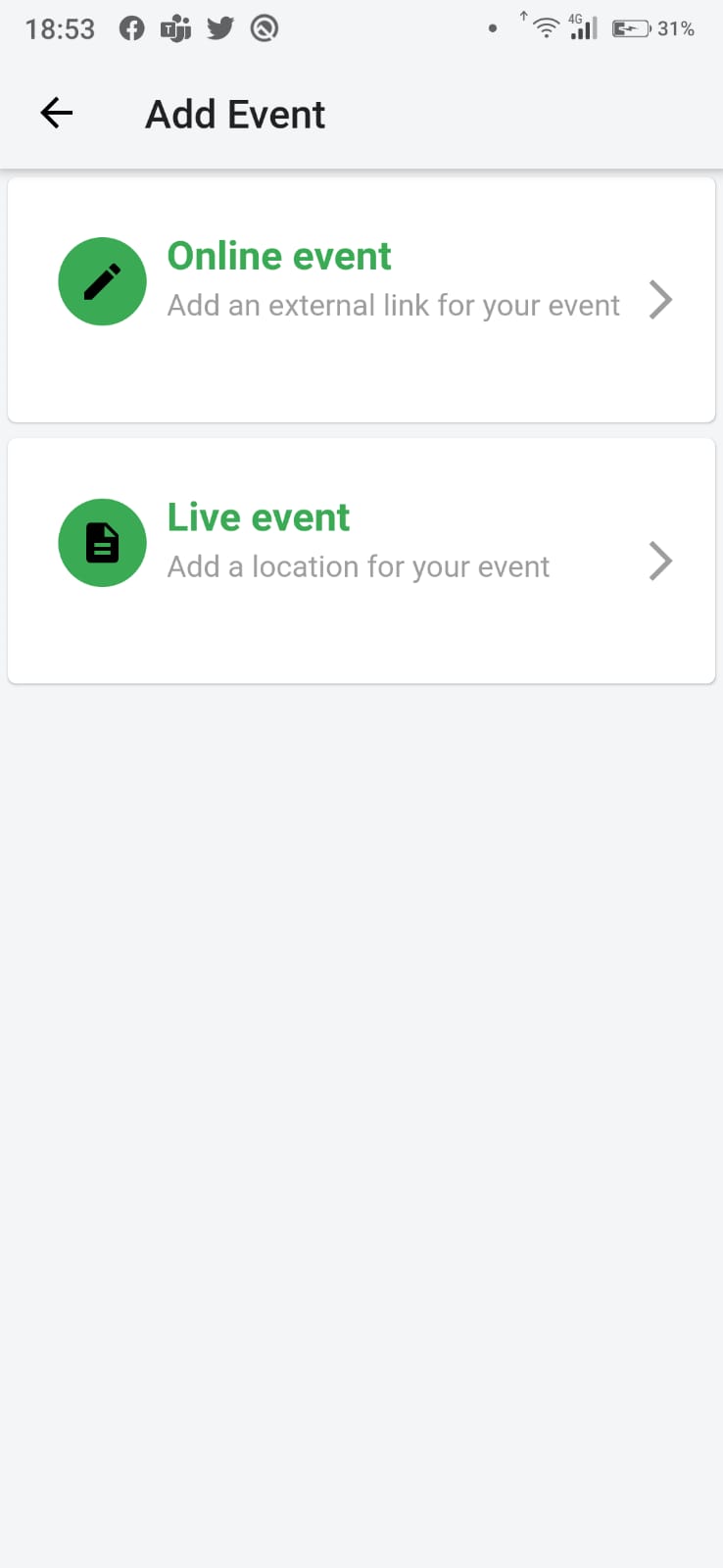
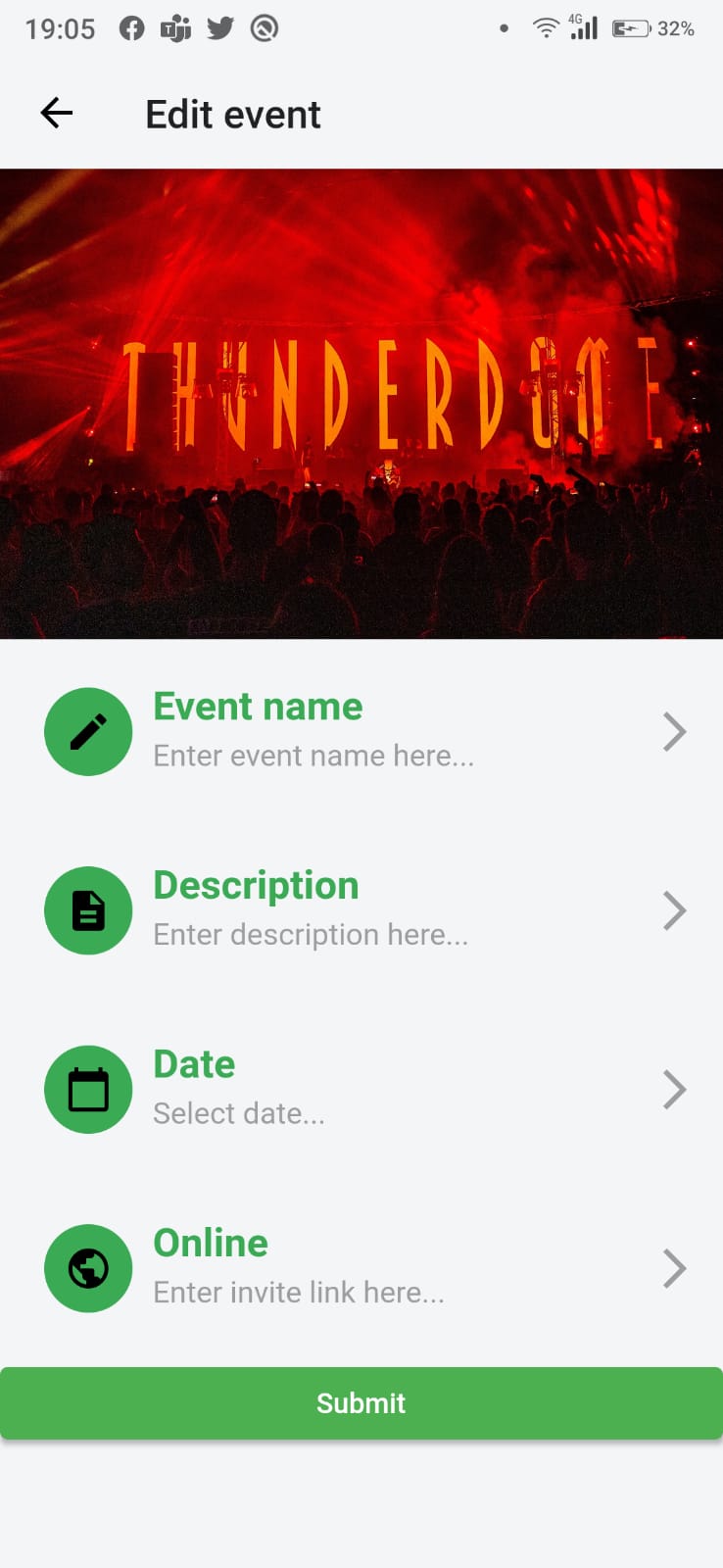
Add/Edit event
-
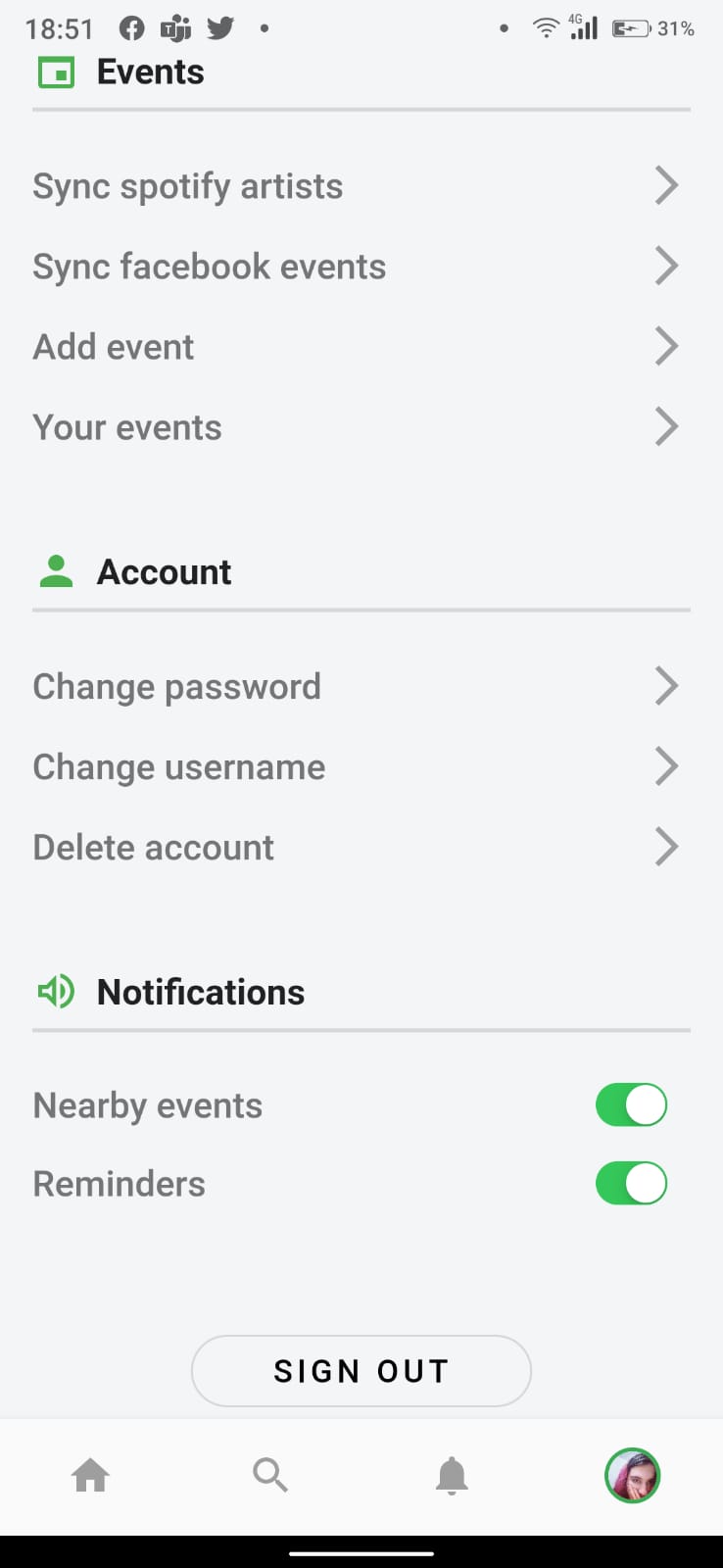
Update account info
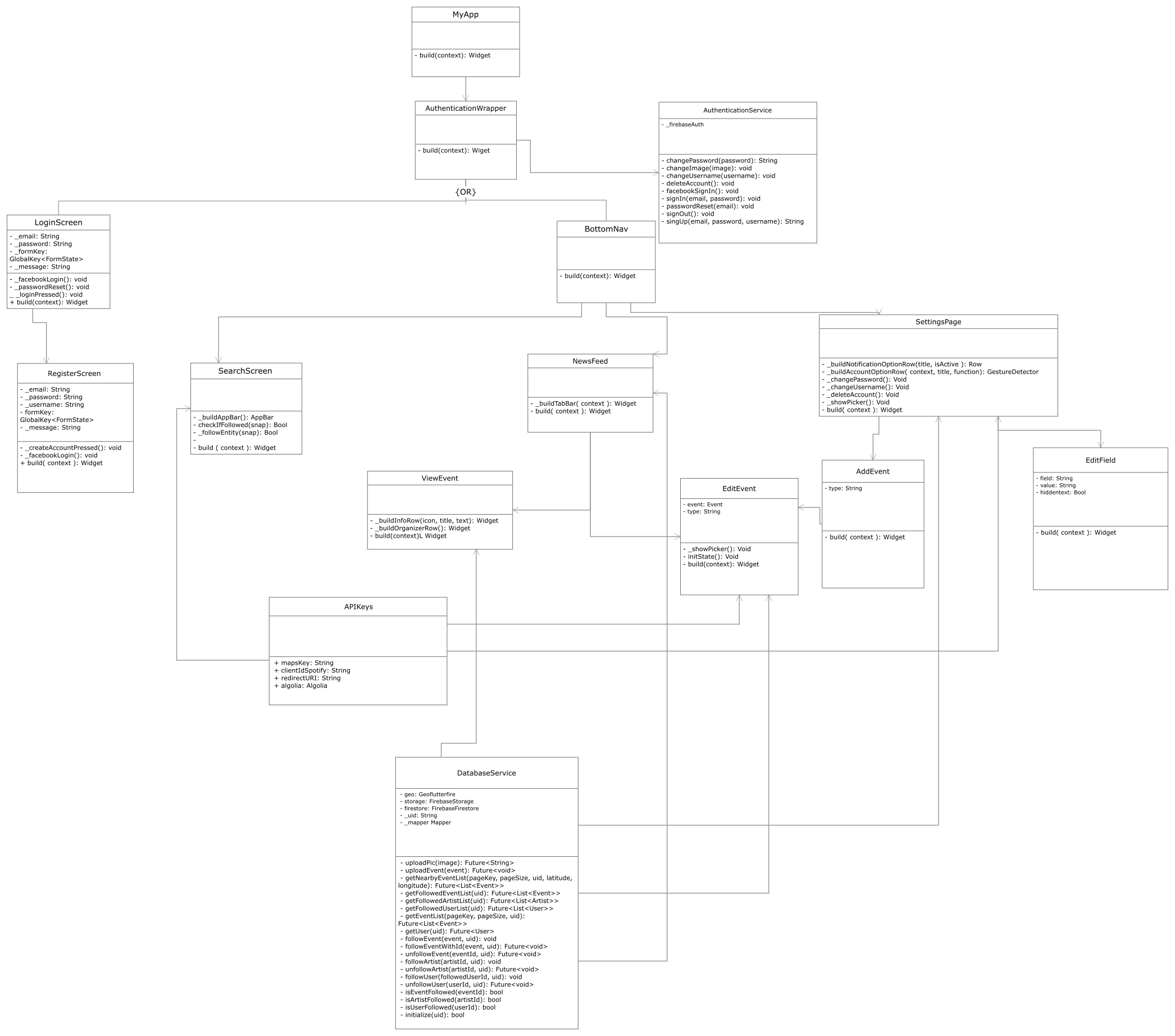
- artists
- events
- user
- following
- participation
- Facebook Graph API (for synchronizing events)
- Spotify API (for synchronizing artists)
- Algolia (for indexing search)
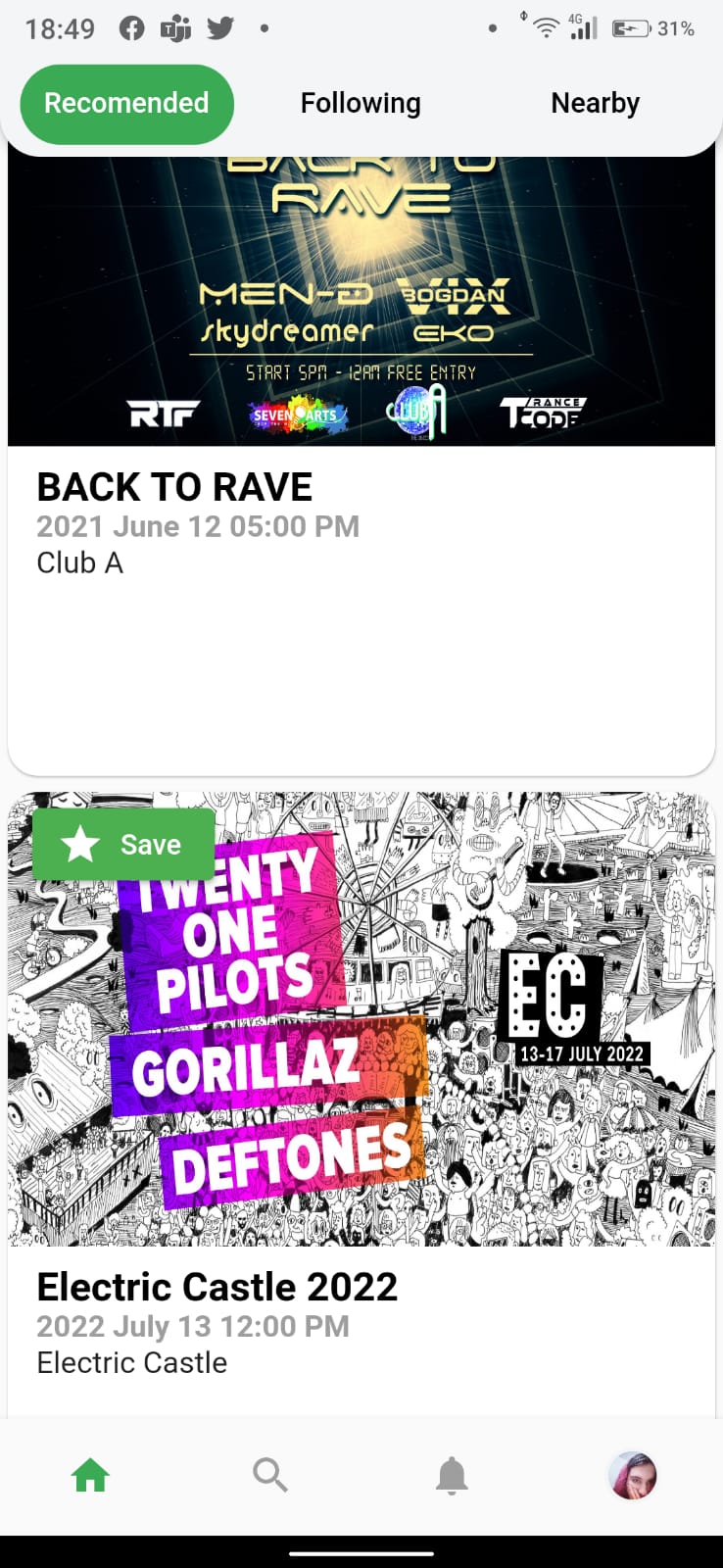
| Settings | Settings |
 |
 |
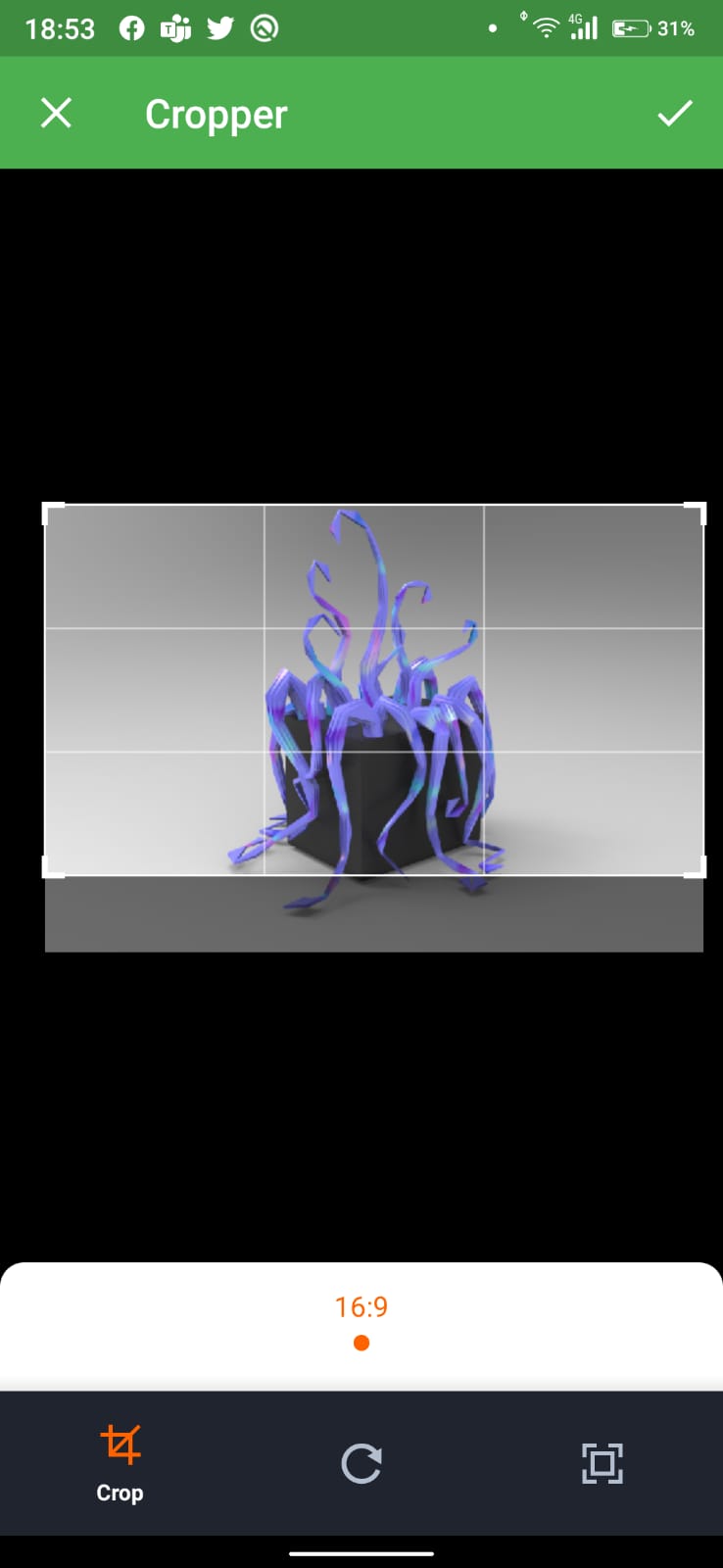
| Select event type | Add event | Select location | Select image |
 |
 |
 |
 |
| View event | View event as owner | Add artist to event |
 |
 |
 |
  DatabaseService._privateConstructor();
  static final DatabaseService _instance =
      DatabaseService._privateConstructor();
  factory DatabaseService() {
    return _instance;
}in main.dart
    return MultiProvider(
      providers: [
        Provider<AuthenticationService>(
          create: (context) => AuthenticationService(FirebaseAuth.instance),
        ),
        StreamProvider(
          create: (context) =>
              context.read<AuthenticationService>().authStateChanges,
          initialData: null,
        ),
      ],
in authentication_wrapper.dart
class _AuthenticationWrapperState extends State<AuthenticationWrapper> {
  @override
  Widget build(BuildContext context) {
    final firebaseUser = context.watch<User>();

    if (firebaseUser != null) return BottomNav();
    return LoginScreen();
  }
}class Mapper {
var map;
setArtist() {
map = ArtistMap().map;
}
setUser() {
map = UserMap().map;
}
setEvent() {
map = EventMap().map;
}
T cast<T>(x) => x is T ? x : null;
Future<List<T>> mapToObjectList<T>(data) async {
List<T> objects = [];
try {
await data.forEach((element) async {
T object = cast<T>(await map(element.data(), element.id));
objects.add(object);
});
return objects;
} catch (e) {
print(e.toString());
return null;
}
}
}
abstract class MapStrategy {
map(data, id);
}
class EventMap implements MapStrategy {
Future<Event> map(data, id) async {
try {
String organiser = data["organiser"];
bool isOnline;
String location;
if (data["location"] == null)
location = "";
else if (!(data['location'] is String))
location = data["location"]["name"];
else
location = data["location"];
if (data["isOnline"] == null)
isOnline = false;
else
isOnline = data["isOnline"];
String facebookId = data["facebookId"] == null ? "" : data["facebookId"];
return new Event(
id: id,
description: data["description"],
date: DateTime(2020, 9, 17, 17, 30),
name: data["name"],
eventImage: data["image"] != false
? data["image"]
: "https://keysight-h.assetsadobe.com/is/image/content/dam/keysight/en/img/prd/ixia-homepage-redirect/network-visibility-and-network-test-products/Network-Test-Solutions-New.jpg",
location: location,
isOnline: isOnline,
facebookId: facebookId,
organiser: organiser,
);
} catch (e) {
print(e.toString());
return null;
}
}
}
class ArtistMap implements MapStrategy {
Future<Artist> map(data, id) async {
try {
var genres = new Map<String, bool>.from(data["genres"]);
return new Artist(
id: id,
name: data["name"],
spotifyId: data["spotifyId"],
genres: genres,
image: data["image"],
);
} catch (e) {
print(e.toString());
return null;
}
}
}
class UserMap implements MapStrategy {
Future<User> map(data, id) async {
try {
return User(
email: data["email"],
id: id,
pfp: data["profilePic"],
name: data["name"],
facebookAuthToken: data["authToken"],
spotifyAuthToken: data["spotifyAuthToken"]);
} catch (e) {
print(e.toString());
return null;
}
}
}
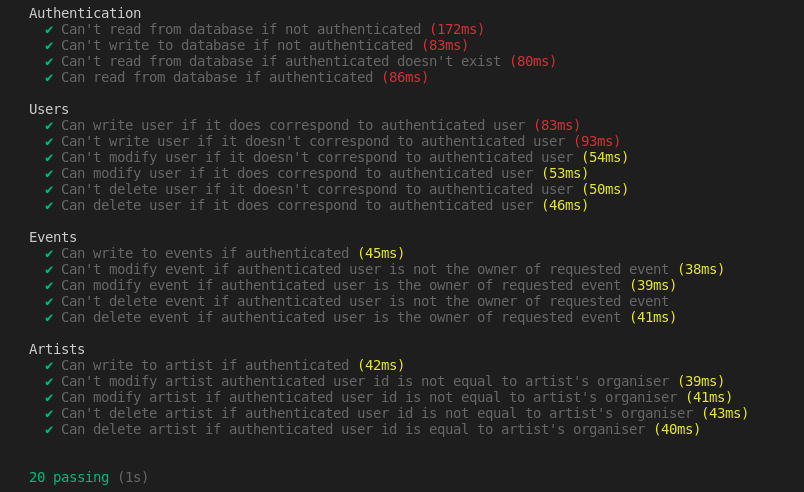
Unit testing security rules for firestore
describe("Authentication", () => {
   it("Can't read from database if not authenticated", async () => {
       const db = getFirestore();
       const testDoc = db.collection("randomCollection").doc("testDoc");
       await firebase.assertFails(testDoc.get());
   });

   it("Can't write to database if not authenticated", async () => {
       const db = firebase.initializeTestApp({ projectId: PROJECT_ID }).firestore();
       const testDoc = db.collection("randomCollection").doc("testDoc");
       await firebase.assertFails(testDoc.set({ foo: "bar" }));
   });

   it("Can't read from database if authenticated doesn't exist", async () => {
       const db = getFirestore(USER);
       const testDoc = db.collection("randomCollection").doc("testDoc");
       await firebase.assertFails(testDoc.get());
   });

   it("Can read from database if authenticated", async () => {
       const db = getFirestore(USER);
       const testDoc = db.collection("randomCollection").doc("testDoc");
       const userDoc = db.collection("users").doc("speedypleath");
       await firebase.assertSucceeds(userDoc.set({userId: "speedypleath"}));
       await firebase.assertSucceeds(testDoc.get());
   });

   after(async () => {
       const db = getFirestore(USER);
       const testDoc = db.collection("users").doc("speedypleath");
       await testDoc.delete();
   });
});describe("Users", () => {
it("Can write user if it does correspond to authenticated user", async () => {
const db = getFirestore(USER);
const testDoc = db.collection("users").doc("speedypleath");
await firebase.assertSucceeds(testDoc.set({userId: "speedypleath"}));
});
it("Can't write user if it doesn't correspond to authenticated user", async () => {
const db = getFirestore(USER);
const testDoc = db.collection("users").doc("anotherTestDoc");
await firebase.assertFails(testDoc.set({ userId: "foo" }));
});
it("Can't modify user if it doesn't correspond to authenticated user", async () => {
const db = getFirestore(ANOTHER_USER);
const testDoc = db.collection("users").doc("speedypleath");
await firebase.assertFails(testDoc.update({ userId: "speedypleath" }));
});
it("Can modify user if it does correspond to authenticated user", async () => {
const db = getFirestore(USER);
const testDoc = db.collection("users").doc("speedypleath");
await firebase.assertSucceeds(testDoc.update({ bar: "foo", userId: "speedypleath"}));
});
it("Can't delete user if it doesn't correspond to authenticated user", async () => {
const db = getFirestore(ANOTHER_USER);
const testDoc = db.collection("users").doc("speedypleath");
await firebase.assertFails(testDoc.delete());
});
it("Can delete user if it does correspond to authenticated user", async () => {
const db = getFirestore(USER);
const testDoc = db.collection("users").doc("speedypleath");
await firebase.assertSucceeds(testDoc.delete());
});
after(async () => {
const db = getFirestore(USER);
const testDoc = db.collection("users").doc("speedypleath");
await firebase.assertSucceeds(testDoc.set({userId: "speedypleath"}));
});
});describe("Events", () => {
it("Can write to events if authenticated", async () => {
const db = getFirestore(USER);
const testDoc = db.collection("events").doc("testDoc");
await firebase.assertSucceeds(testDoc.set({organiser: "speedypleath", facebookId: "123"}));
});
it("Can't modify event if authenticated user is not the owner of requested event", async () => {
const db = getFirestore(ANOTHER_USER);
const testDoc = db.collection("events").doc("testDoc");
await firebase.assertFails(testDoc.update({ foo: "bar" }));
});
it("Can modify event if authenticated user is the owner of requested event", async () => {
const db = getFirestore(USER);
const testDoc = db.collection("events").doc("testDoc");
await firebase.assertSucceeds(testDoc.update({ bar: "foo", facebookId: "123", organiser: "speedypleath"}));
});
it("Can't delete event if authenticated user is not the owner of requested event", async () => {
const db = getFirestore(ANOTHER_USER);
const testDoc = db.collection("events").doc("testDoc");
await firebase.assertFails(testDoc.delete());
});
it("Can delete event if authenticated user is the owner of requested event", async () => {
const db = getFirestore(USER);
const testDoc = db.collection("events").doc("testDoc");
await firebase.assertSucceeds(testDoc.delete());
});
});describe("Artists", () => {
it("Can write to artist if authenticated", async () => {
const db = getFirestore(USER);
const testDoc = db.collection("artists").doc("testDoc");
await firebase.assertSucceeds(testDoc.set({userId: "speedypleath", spotifyId: "123"}));
});
it("Can't modify artist authenticated user id is not equal to artist's organiser", async () => {
const db = getFirestore(ANOTHER_USER);
const testDoc = db.collection("artists").doc("testDoc");
await firebase.assertFails(testDoc.update({ foo: "bar" }));
});
it("Can modify artist if authenticated user id is not equal to artist's organiser", async () => {
const db = getFirestore(USER);
const testDoc = db.collection("artists").doc("testDoc");
await firebase.assertSucceeds(testDoc.update({ bar: "foo", spotifyId: "123", organiser: "speedypleath"}));
});
it("Can't delete artist if authenticated user id is not equal to artist's organiser", async () => {
const db = getFirestore(ANOTHER_USER);
const testDoc = db.collection("artists").doc("testDoc");
await firebase.assertFails(testDoc.delete());
});
it("Can delete artist if authenticated user id is equal to artist's organiser", async () => {
const db = getFirestore(USER);
const testDoc = db.collection("artists").doc("testDoc");
await firebase.assertSucceeds(testDoc.delete());
});
after(async () => {
const db = getFirestore(USER);
const testDoc = db.collection("users").doc("speedypleath");
await testDoc.delete();
});
});
Stopor is developed using flutter, which has a Gradle-based building tool. There are two options available to build the app:
- Build an app bundle
flutter build appbundle - Build an APK
flutter build apk --split-per-abi
Flutter can also install an APK directly on a connected Android device, using
flutter install