Ronu is a clean and simple responsive theme for hugo. Generates beautifully formatted plain html without using any css classes, thanks to Sakura - A classless css framework.
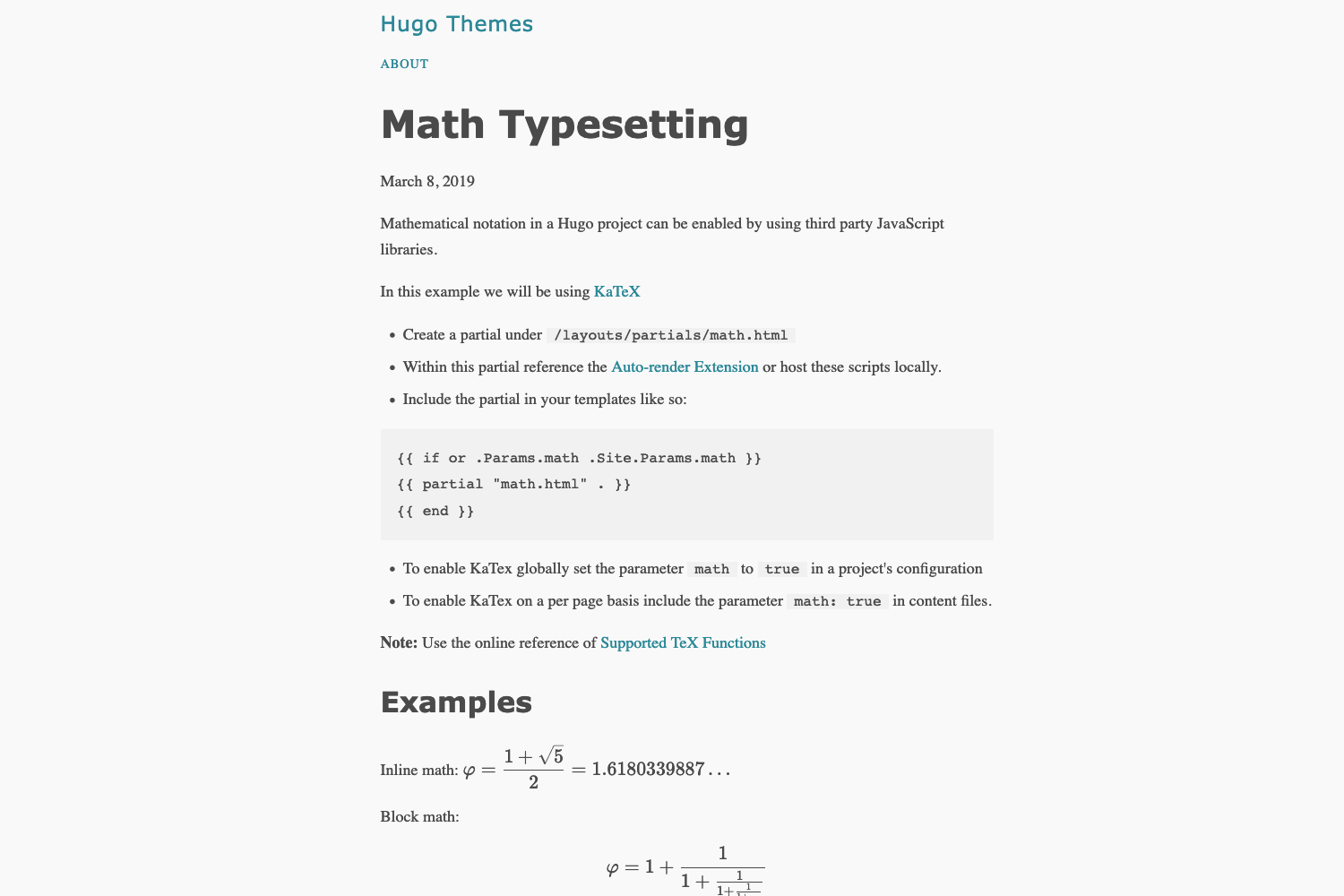
Live demo : softwareyoga.com
The uncluttered user interface (and clean code) makes it a delight to work with, focussing on the most important aspect - The Content.
- Clean html generated with no css classes
- Theming support
- Lightning fast load times
- Responsive on all screen sizes
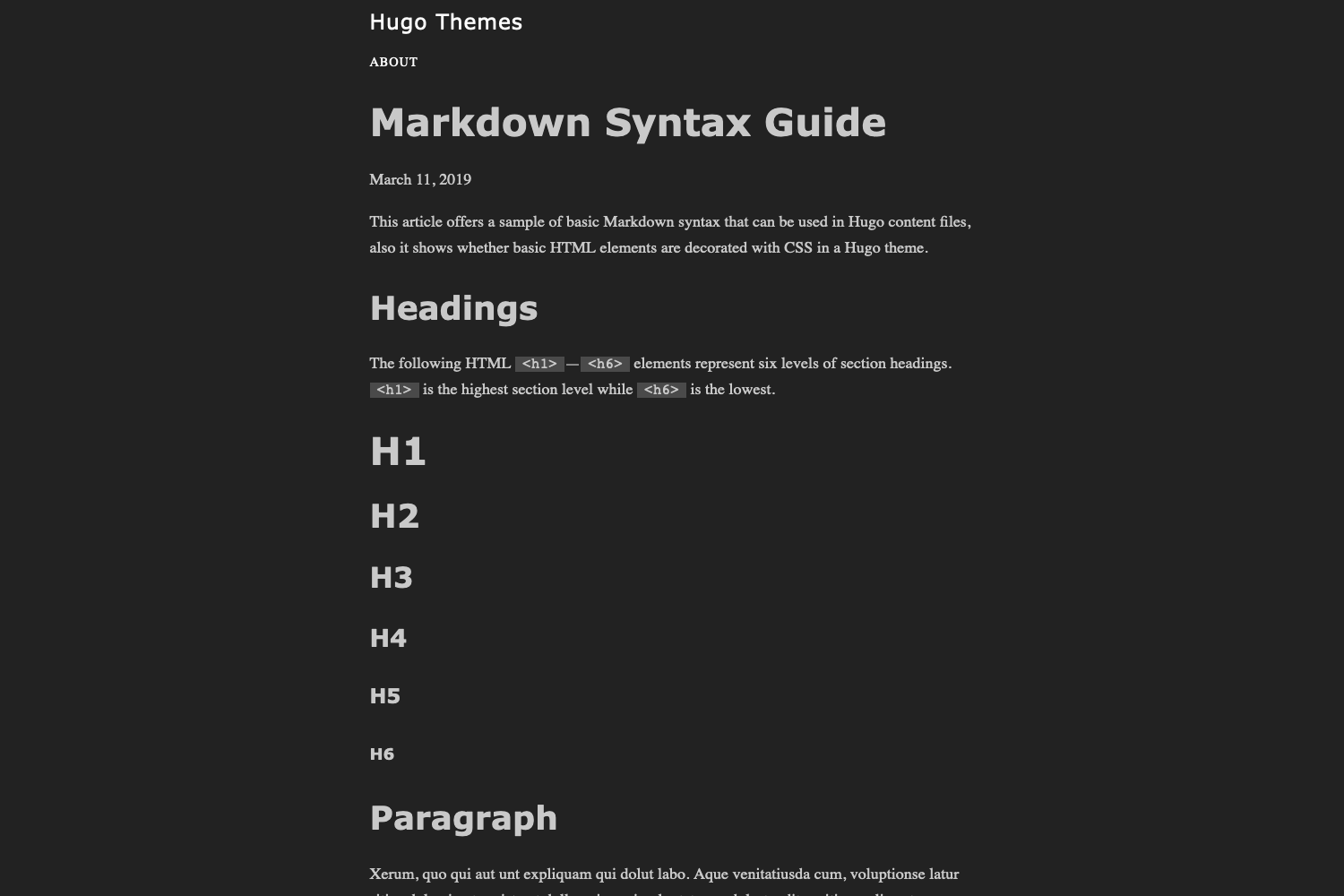
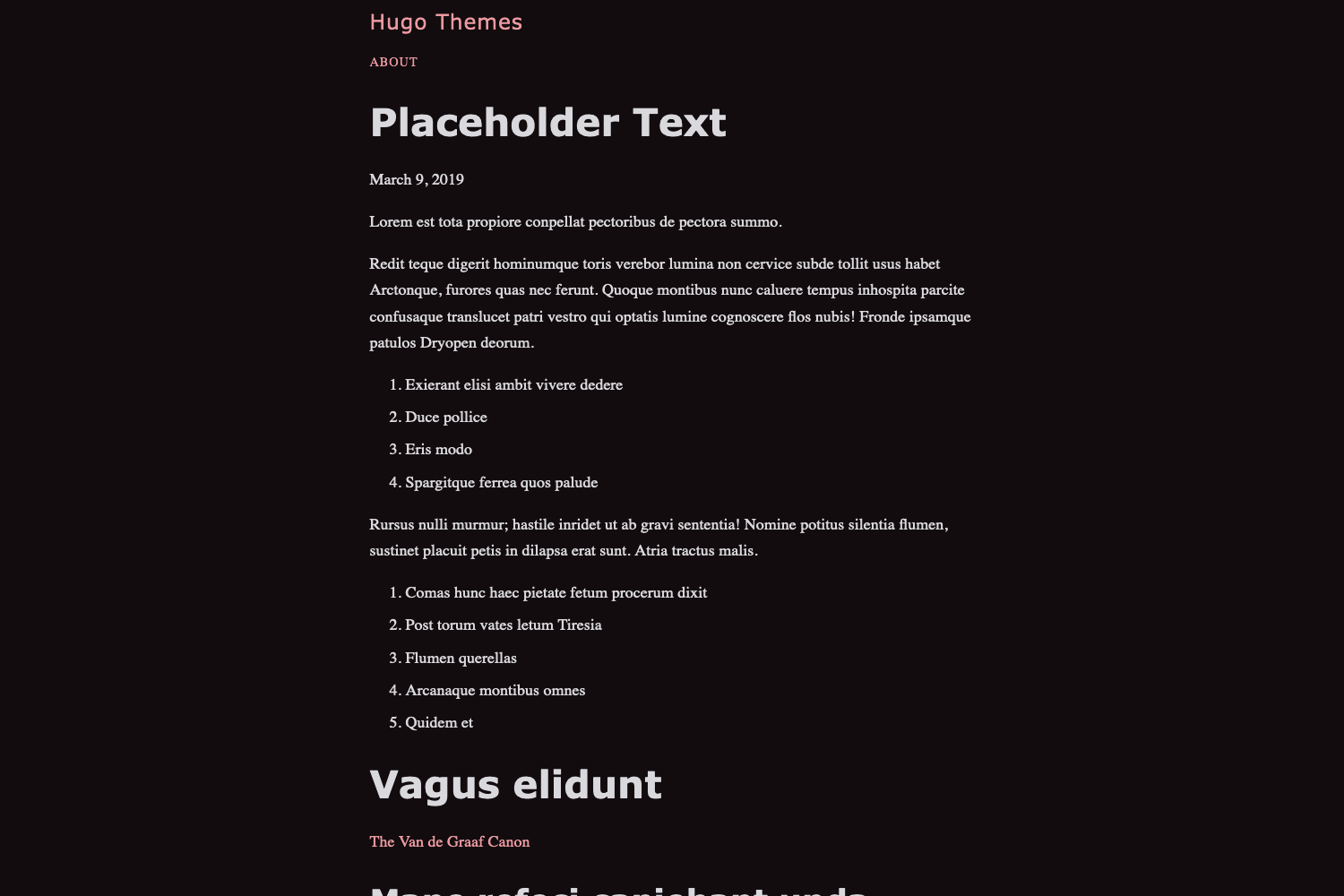
- Automatic dark/light mode based on system preference
- Syntax highlighting
- Pagination
- SEO Friendly
- Google Analytics support
- RSS feed
- Hugo 0.91.2 or higher
To install Ronu as your default theme, first clone this repository in the themes/ directory:
$ git clone https://github.com/softwareyoga/ronu-hugo-theme
OR
From the root of your site, execute:
git submodule add https://github.com/softwareyoga/ronu-hugo-theme.git themes/ronu-hugo-theme
Second, specify ronu-hugo-theme as your default theme in the config.toml file. Just add the line
theme = "ronu-hugo-theme"
at the top of the file.
First include the following configuration in the config file:
# Site settings
baseURL = "https://www.example.com/"
languageCode = "en-us"
title = "MySiteTitle"
theme = "ronu-hugo-theme"

# By default Hugo assumes the section with most pages as the main section. This is configurable, like so:
[params]
mainSections = ["post"]Ronu includes some customizable options, applied via the config file.
Create a list of menu item links in the nav bar by assigning "menu.main" in the front matter, like so:
[[menu.main]]
	name = "Home"
	url = "/"
	weight = 1

[[menu.main]]
	name = "Blog"
	url = "/blog/"
weight = 2Inform your audience about your social presense in the footer, like so:
[author]
	name = "Your Name"
	twitterURL = "https://twitter.com/FooBar"
	linkedinURL = "https://www.linkedin.com/in/FooBar"
email = "foobar@foobar.com"'description' is used in site heading and the meta info headers in the generated html, configurable as:
[params]
description = "Your awesome site description"Ronu supports Automatic dark/light mode based on system preference. Ronu theming is based on Sakura color scheme.
Files with reference values are available in the above link.
To apply a particular theme, copy the css of your choice into the css directory and include it in the partial head.html.
Google Analytics can be enabled by assigning your tracking code to the googleAnalytics variable in the config file:
googleAnalytics = "Your tracking code"Deepak Karanth
Contributions are welcome and I will review and consider pull requests.
Primary goals are:
- Keep it simple. (E.g. Do not add Disqus commenting as readability is the main aspect of this theme, not bells and whistles)
- Keep minimal (or zero) default configuration.
- Avoid interference of content templates with user-defined layouts (css).
- Avoid using JS
Open sourced under the MIT license.