by Sivan Adler
My final, solo project created during my time at the Flatiron School
- React
- Redux
- Ruby on Rails
- Amazon Web Services (AWS)
- Twilio
- Google Maps API
- React-Big-Calendar
- Google-Maps-React
- Custom CSS
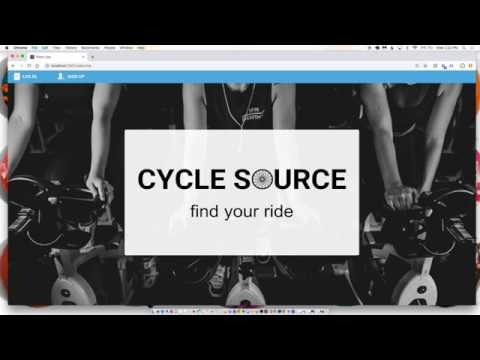
Cycle Source is a web application that is designed to allow users to find and book spin classes near them. Cycle Source was built using a React/Redux front end and a Ruby on Rails back end. I used Amazon Web Services (AWS) to host my images and configured Twilio to send a confirmation text message notification to the user with the details of the specific class they just booked. Users have different authorizations based on whether they login as a rider or an instructor. As a rider, users are able to search for spin studios in their area, review a studio and/or an instructor, and book a spin class (choosing the specific bike they would like to use). As an instructor, users can see a list of all of their classes and the names of each rider that is currently signed up. Instructors cannot reserve spin classes or review studios/other instructors, but they can search and view that data.
- Clone down this repository to your local machine.
- Clone down the backend repository to your local machine.
- Run
bundle installin your terminal after cloning down the backend repository. - Before launching the app, you'll need to launch our database. In your terminal for the backend repository, run
rails db:create,rails db:migrate, andrails db:seed. - Run
rails sin that same terminal session to launch our server. - Once your server is running, run
npm installin your terminal for the front-end cloned repository. - Once you have installed the npm packages installed and you've started your rails server, run
npm startin your terminal for the front-end repository. You will be prompted to start your server on another port (since your backend is already running). Typeyto continue.
- Fork and clone this repository.
- Fork and clone the backend repository .
- Create your feature branch
git checkout -b my-new-feature. - Commit your changes
git commit -m 'Add some feature'. - Push to the branch
git push origin my-new-feature. - Create a new Pull Request.