A simple api for create svg image in Dart/Flutter programatically.
thanks to Joni's tutorial: SVG Pocket Guide
- Create svg image programmatically.
- Include most of svg shape and filters.
dart pub add simple_svg
Basic steps: Create shape, set its style, place it somewhere in the group.
- Create a svg object by width and height.
- svg.defShape(...), add shape.
- Create a sstyle to define styles: stroke width, stroke color, etc.
- Create a widget to include the sstyle.
- Create a group, use group.placeWidget(...) to place widget in group.
- svg.addDefaultGroup(...) to set group to default.
- use svg.out() to output the whole svg content.
import 'dart:io';
import 'package:simple_svg/simple_svg.dart';

// create the canvas
final svg = Svg(100, 100);

// add a shape, you can reuse it by shape id.
final rectId = svg.defShape(Rect(100, 100));

// create a group as default group, you create shapes or groups in it.
var defaultGroup = Group();

// only need define a basic shape once(a rectangle has same width and height),
// but can give it different style and place it in different position.
//
// create a sstyle, give a shape a style:
// fill color, stroke color, stroke width, etc.
var sstyle = Sstyle();
sstyle.fill = '#BBC42A';

// create a widget to include the sstyle or specify the shape position
// widget.at = (100, 100), etc.
var widget = Widget(rectId);
widget.sstyle = sstyle;

// group include widget.
defaultGroup.placeWidget(widget);

// set default group
svg.addDefaultGroup(defaultGroup);

final file = File('rect.svg');
var sink = file.openWrite();
sink.write(svg.out());
await sink.flush();
await sink.close();
Shape, Group, Filter, Effect, etc.'s usage, check the their class doc.
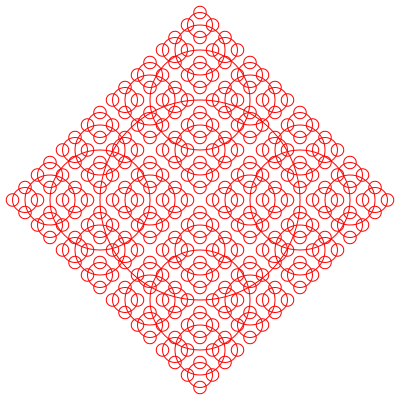
Code :recursive circle
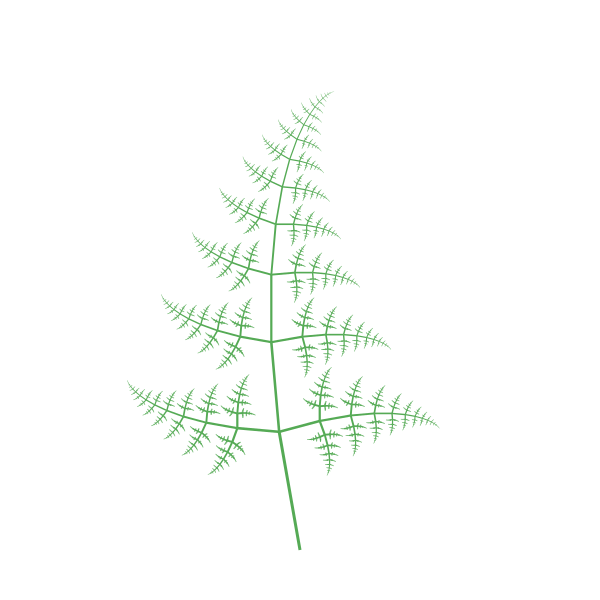
Code: recursive circle