
Are you running Windows or Mac OS as your main operating system, and want to give Linux a try without the fear of installing it on your machine? then try Pike-OS is a hobby Linux distribution designed and optimized to run in a virtual environment, built on top of Lubuntu,Linux, and GNU. Pike-OS is virtualized operating system that is light and fast using the LXDE desktop enviroment,which optimizes speed and reduces cpu and gpu resources. Pike-OS comes with the Brave and Tor browser, the brave browser lets you browse the internet ad-free and stops sites from monitoring your online behavior, and the Tor browser lets you browse the internet 100% anonymously by routing your IP address through 100's of Tor routers, as a result, your IP address and location is changed to another region of the world, the sites your visiting will log a different IP address and location. Besides being able to browse the internet anonymously, Pike-OS comes with the fish shell, which autocorrects your Linux commands, this is good for beginners who want to learn Linux. Also, Pike-OS easy to install and is a good environment for people who want to learn Linux commands, Python programming, and who want to experience a Unix-like environment. I hope you enjoy and explore the world of Pike-OS/GNU Linux.
https://drive.google.com/file/d/10-cPEDMCD6OW1KIoPmB2MyliakX16eqc/view?usp=sharing
- Easy to install
- Good for beginners who want to explore the Unix environment
- Run a virtual web server
- Good for programming Python, C++, C, Perl
- GCC Compiler
- VIM Text editor Pre-installed
- Brave Browser stops sites from monitoring you and is AD free
- Tor Browser changes your IP and region and lets you browse the internet 100% anonymous
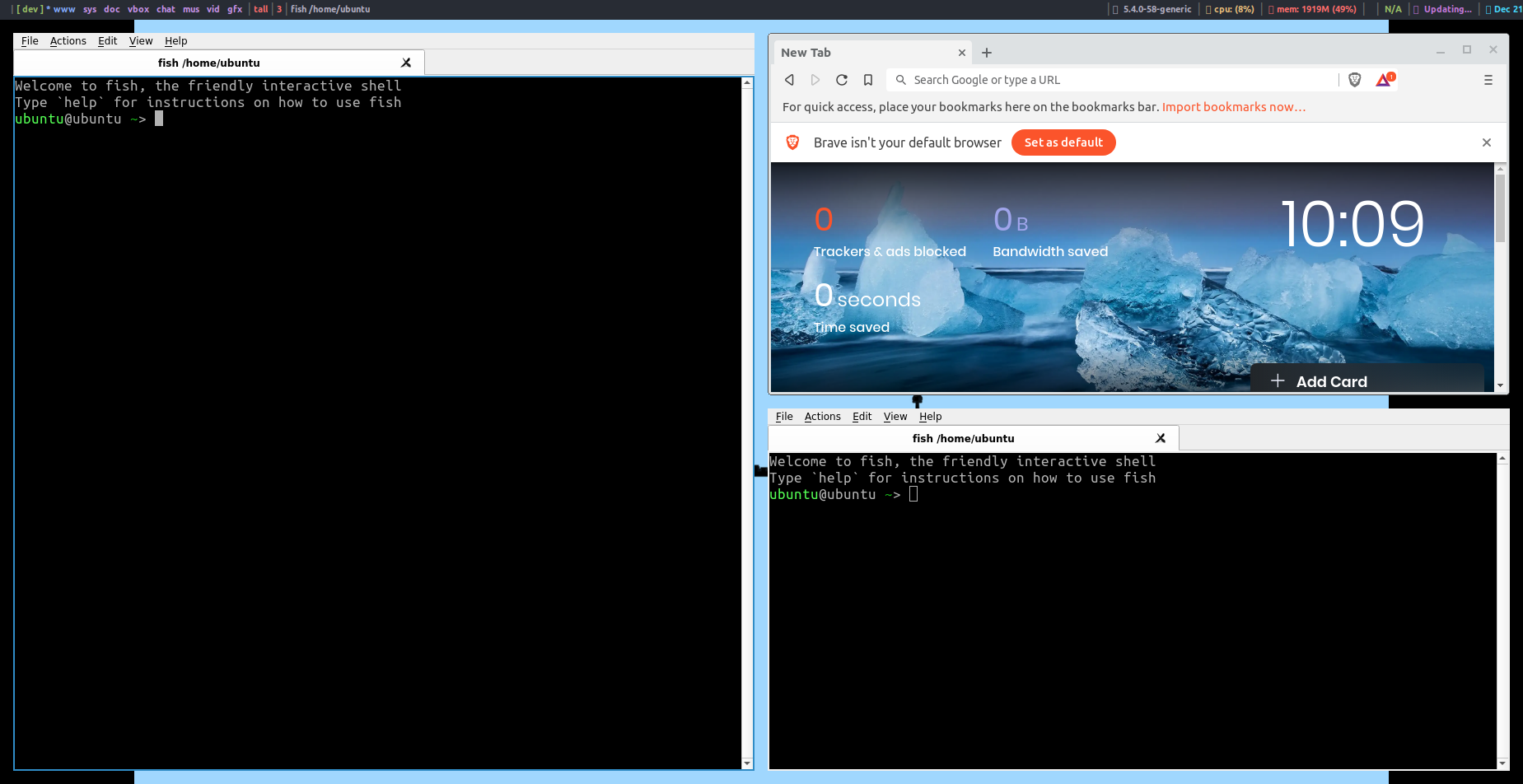
- Distrotubes Xmonad Window manager, makes it easy to align multiple windows/programs
- Do not need to install to run the operating system
- Virus-free don't be afraid to stream movies from those sites that have viruses.
- Runs on Open Source and Free Software
- APT-GET package manager
- Lightweight Operating System
- Fast
- The list goes on
-
Download Either Vmware or Virtualbox:
VMWARE:
Virtualbox:
-
Download Pike-OS ISO file Link Below:
https://drive.google.com/file/d/10-cPEDMCD6OW1KIoPmB2MyliakX16eqc/view?usp=sharing
-
Upload to it the Virtual Box instructions below for Vmware and Virtualbox below:
Virtual Box: https://www.youtube.com/watch?v=VZJ6KZUc25M
Vmware: https://www.youtube.com/watch?v=7m3f-P-WWbg
Recommend Size for Install:
4GB of Memory (can run on 1GB of RAM, if 4GB is not a option)
20GB of space/storage
-
Once you get the operating system booted up on the virtual box then you explore and play with it on live mode. NOTHING YOU DO WILL BE SAVED
-
If you want to install it click the install icon on the desktop, and follow the instructions
-
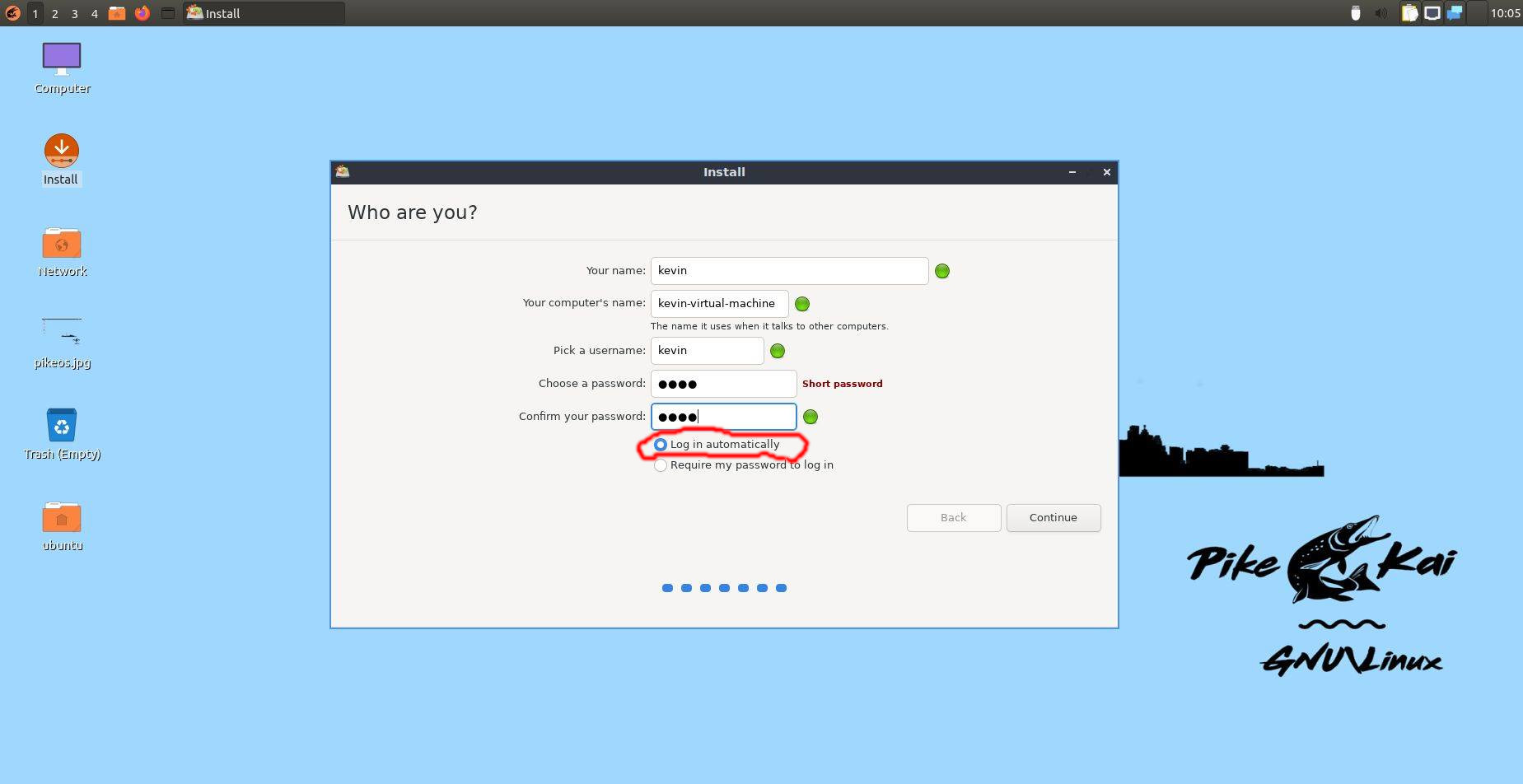
IMPORTANT MUST READ When on Who Are You on the install, select "Log Me in Automatically".
Do not select "require my password to log me in"
-
After installation is complete, click reboot and you should have installed version of Pike-OS
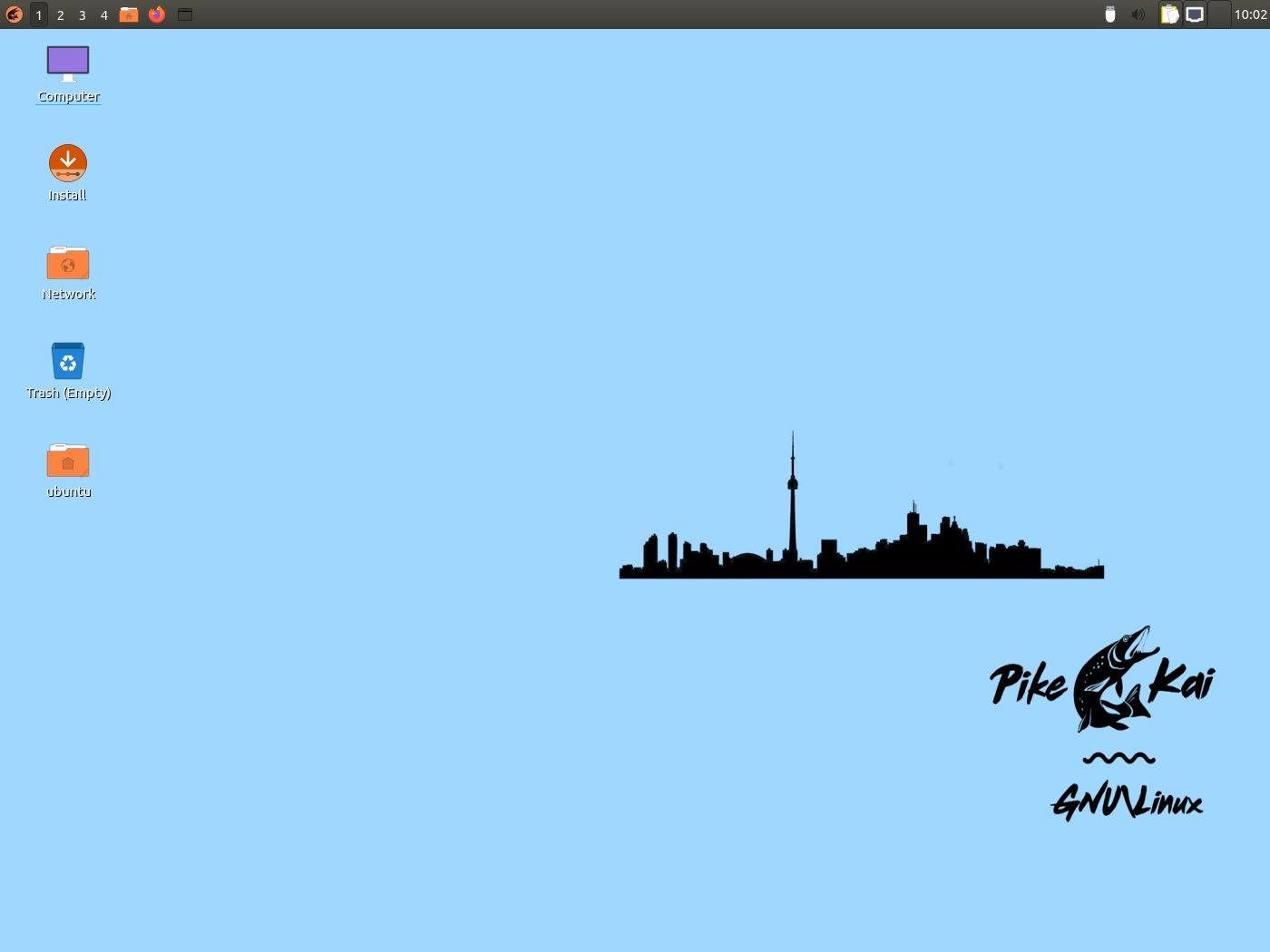
Pike-OS Desktop
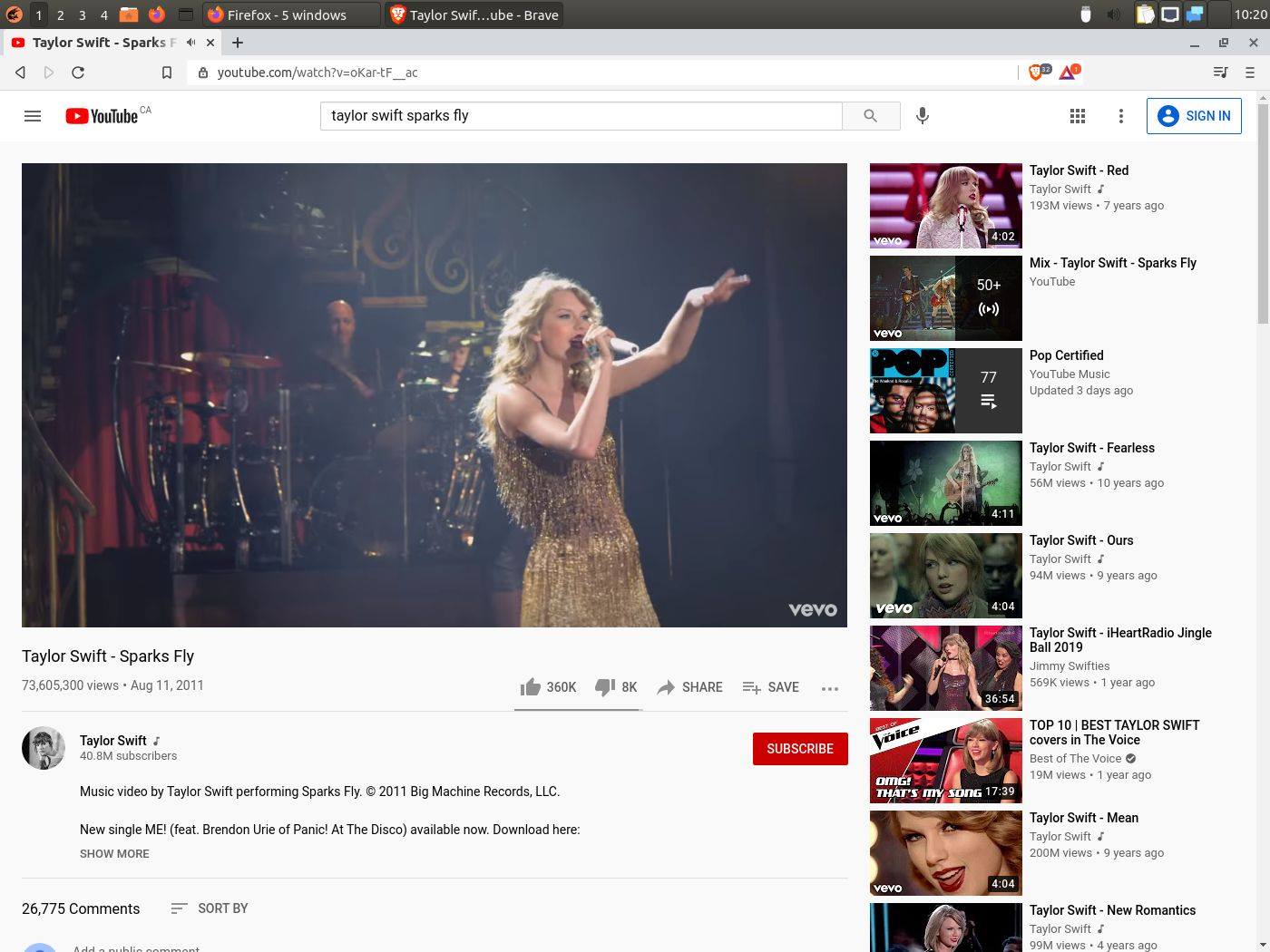
Watching Taylor Swift on the Brave Browser
Xmonad Manager on Pike-OS
Richard Stallman
Mario Behling
https://twitter.com/mariobehling?ref_src=twsrc%5Egoogle%7Ctwcamp%5Eserp%7Ctwgr%5Eauthor
DistroTube
https://www.youtube.com/channel/UCVls1GmFKf6WlTraIb_IaJg
Mark Shuttleworth
Linus Torvalds
Bitcoin:3JynUgWwcXAjK5naqynYDQ1vA4aKnU7m5n
Litecoin:MLdW6rP376wk39mdpS926ekDvkkDvia1VF
Ethereum:0xF066aCbAF24f2c00D6AC9c3A1fC9b4b7acAAA7Ec