
Smart Currency PHP Library utilizes the Smart Caching and Certain API providers to convert currency without having the need to pay anything. It saves your quotas of free plans of the API Providers. Smart Currency makes your currency conversions smarter with a "Self-drive" Mode. It utilizes Composer to manage it as a Package and helps you to use the library from your own private repository too.
You don't need to Pay Anything to any Currency Exchange API providers, all you need is their Free/Basic Accounts and feed the Smart Currency Library with your API Keys. It will smartly convert the amount to your desired Currency. We have built a self-drive mode to help you to cut the chase, just complete your configuration file with "selfdrive"=>true and run the Currency Conversion like a charm.
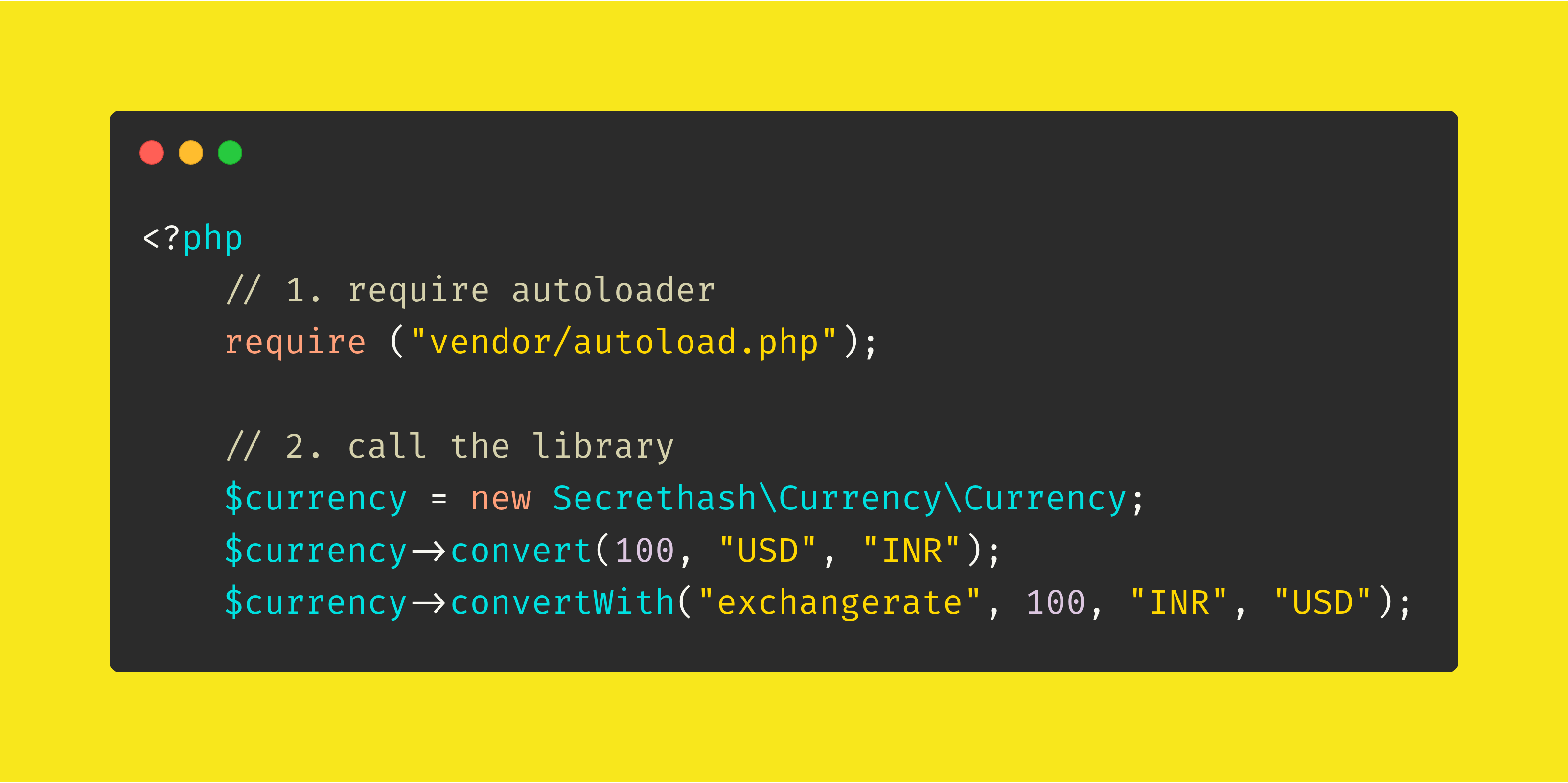 Currency Conversion with Smart Currency Library is as simple as:
$currency = new Secrethash\Currency\Currency;

echo $currency->convert(100, 'USD', 'INR');
Follow the Steps:
- Require the composer autoloader:
<?php
require ('vendor/autoload.php’);- Call the Package:
$currency = new Secrethash\Currency\Currency;
$currency->convert(100, 'USD’, 'INR’);
$currency->convertWith('exchangerate’, 100, 'INR’, 'USD’);- Laravel Service Provider
- Laravel Publish Config
- Publishing Configuration file
- Smart Caching (via gilbitron/PHP-SimpleCache)
- Self-Drive Mode
- Composer Project
- Extensive Providers
Just run:
composer require secrethash/currencyconvert(int $amount, string $from, string $to)Three Parameters, namely - Amount, From, To
$amount: (Type: Integer) Accepts the amount to convert.$from: (Type: String) Accepts String with Currency Code (ex:USDorINR)$to: (Type: String) Accepts String with Currency Code (ex:USDorINR)
convertWith(string $provider, int $amount, string $from, string $to)Same as convert() except an additional provider parameter.
$provider: (Type: String) API Service Provider that is Available (ex:exchangerateorcurrencylayer).$amount: (Type: Integer) Amount to be converted$from: (Type: String) Accepts String with Currency Code (ex:USDorINR)$to: (Type: String) Accepts String with Currency Code (ex:USDorINR)
This project is licensed under (ɔ) Copyleft GNU GPL v3.0


