sudo ln -s "/Applications/Hyper.app/Contents/Resources/bin/hyper" /usr/local/bin/hyper
defaults write -g ApplePressAndHoldEnabled -bool false-
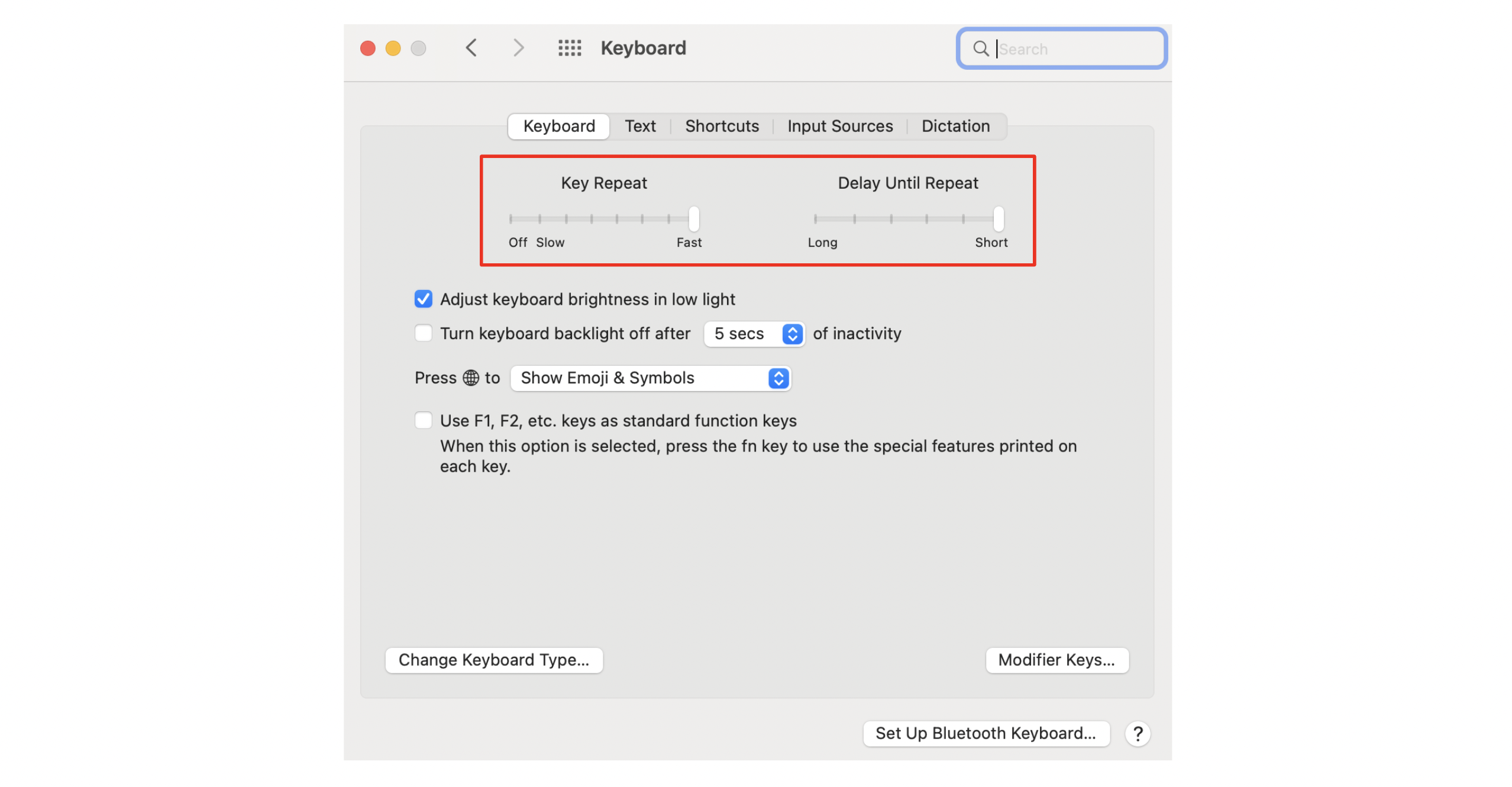
Go to System Preference > Keyboard and move both sliders to all the way to right
-
oh-my-zsh: https://ohmyz.sh/#install
-
oh-my-zsh plugins
- zsh-syntax-highlighting: https://github.com/zsh-users/zsh-syntax-highlighting/blob/master/INSTALL.md#with-a-plugin-manager
- zsh-autosuggestions: https://github.com/zsh-users/zsh-autosuggestions/blob/master/INSTALL.md#oh-my-zsh
-
homebrew: https://brew.sh/
-
nvm (with brew): https://formulae.brew.sh/formula/nvm
https://docs.github.com/en/authentication/connecting-to-github-with-ssh
