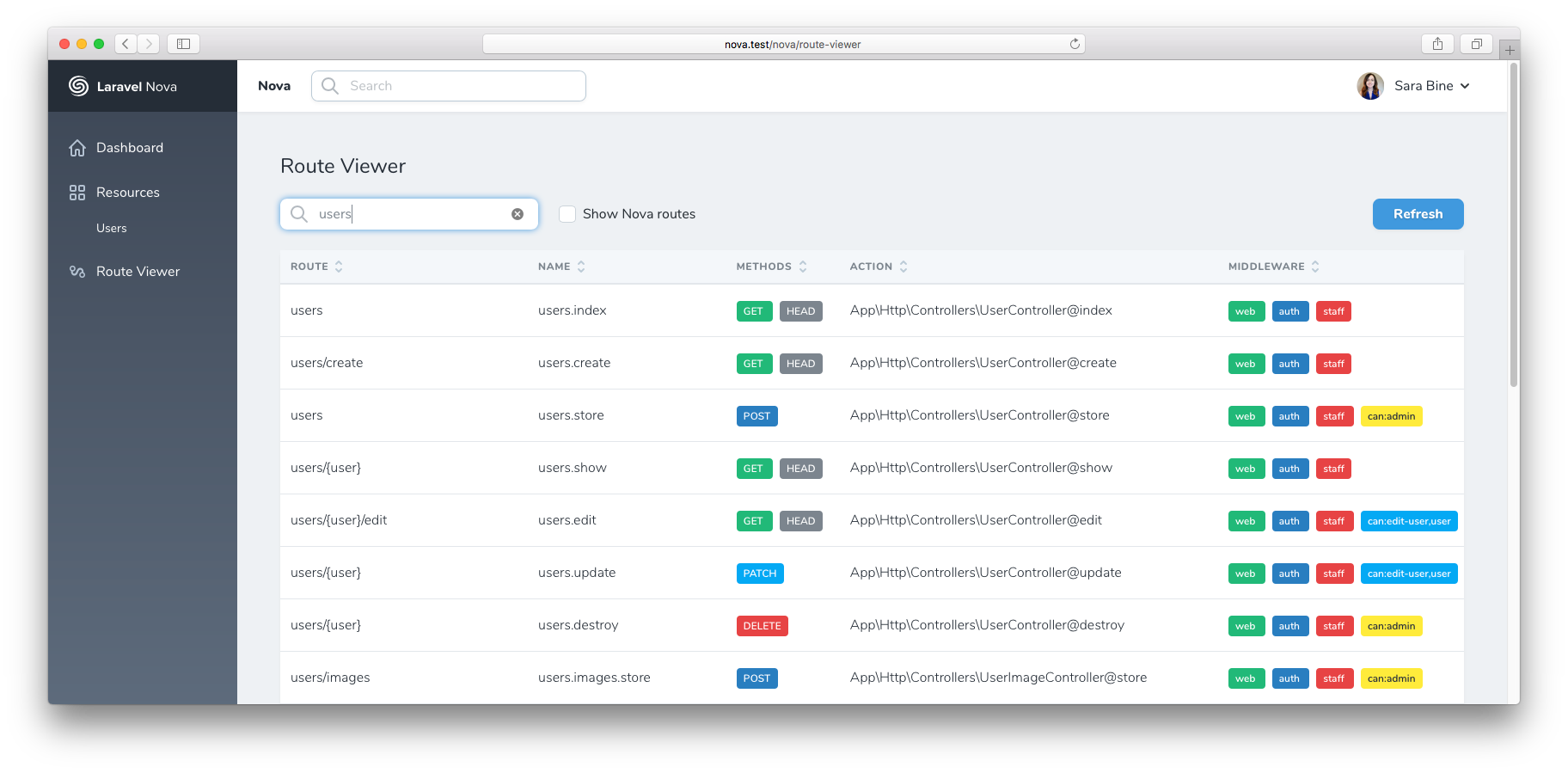
This Nova tool adds a route viewer section to the Nova sidebar.
It's like php artisan route:list for your browser. Supports sorting and filtering.
Install via Composer:
composer require sbine/route-viewer
Register the tool in app/Providers/NovaServiceProvider:
public function tools()
{
    return [
        new \Sbine\RouteViewer\RouteViewer,
    ];
}
You can customize the translations by publishing them to your local folder resources/lang/vendor/route-viewer:
php artisan vendor:publish --provider="Sbine\RouteViewer\ToolServiceProvider"
You can add custom columns to the route viewer table. Register them in your NovaServiceProvider or AppServiceProvider:
use Sbine\RouteViewer\RouteViewer;
use Sbine\RouteViewer\Column;

// Simple per-route resolver
RouteViewer::addColumn(
    Column::make('Domain', 'domain')
        ->using(fn (\Illuminate\Routing\Route $route) => $route->getDomain() ?? '—')
);

// Batch resolver (efficient for DB lookups, avoids N+1)
RouteViewer::addColumn(
    Column::make('Hits', 'hits')
        ->usingBatch(function (array $routes): array {
            $hits = DB::table('route_hits')
                ->whereIn('uri', array_column($routes, 'uri'))
                ->groupBy('uri')
                ->pluck(DB::raw('count(*)'), 'uri');

            return array_map(fn ($r) => $hits[$r['uri']] ?? 0, $routes);
        })
);

// Non-sortable column
RouteViewer::addColumn(
    Column::make('Notes', 'notes')
        ->using(fn ($route) => config("route-notes.{$route->uri}", ''))
        ->sortable(false)
);
Custom columns are automatically searchable and sortable. Use ->sortable(false) to opt out of sorting.
After updating frontend assets, rebuild for production:
npm install
npm run prod
Note: This project uses Laravel Mix 6, which requires Node.js 20 LTS. It is not compatible with Node.js 25+.