Start blogging in minutes with Zola and Linkita.
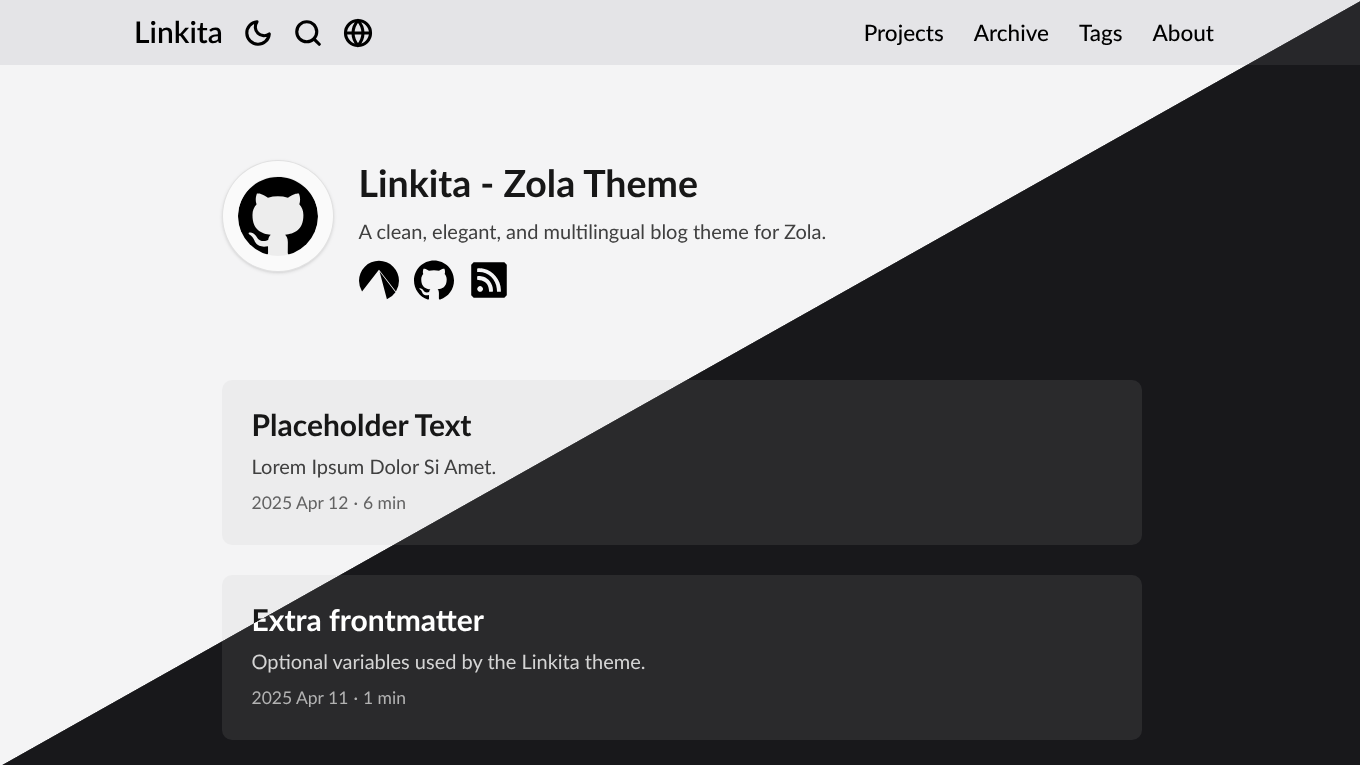
- On the top right of this page, click "Use this template" → "Create a new repository"
- Replace placeholders in
content/_index.mdandconfig.toml - Save your profile photo to
static/profile.png(or change the path to your image inconfig.toml) - Start writing in
content/blog/. Seecontent/blog/hello.mdfor an example
Note: an error like Tried to build search index for language ko which is not supported,
means Zola does not support search for that language.
To disable search, set build_search_index = false in config.toml
Tip
Take a look through config.toml to customise further.
- Install Zola
- Clone your repository
- Run
git submodule update --init --recursive - Run
zola serve - Visit http://127.0.0.1:1111/
Refer to the Zola documentation
git submodule update --remote themes/linkitaIf you prefer to use the GitHub mirror or your own fork of the theme, you can update the submodule URL:
git submodule set-url themes/linkita https://github.com/salif/linkita.gitUsers with Zola versions prior to 0.22.0 who want to use syntax highlighting need to remove the
[markdown.highlighting] block in config.toml and add the following code:
# Configuration of the Markdown rendering
[markdown]
# When set to "true", all code blocks are highlighted.
highlight_code = true

# When set to "true", missing highlight languages are treated as errors. Defaults to false.
error_on_missing_highlight = false

# A list of directories used to search for additional `.sublime-syntax` and `.tmTheme` files.
extra_syntaxes_and_themes = []

# The theme to use for code highlighting.
highlight_theme = "boron"