Graphical desktop application for updating Flipper Zero firmware via PC
qFlipper is completely open source and based on Qt framework. Runs on Windows, macOS, Linux.
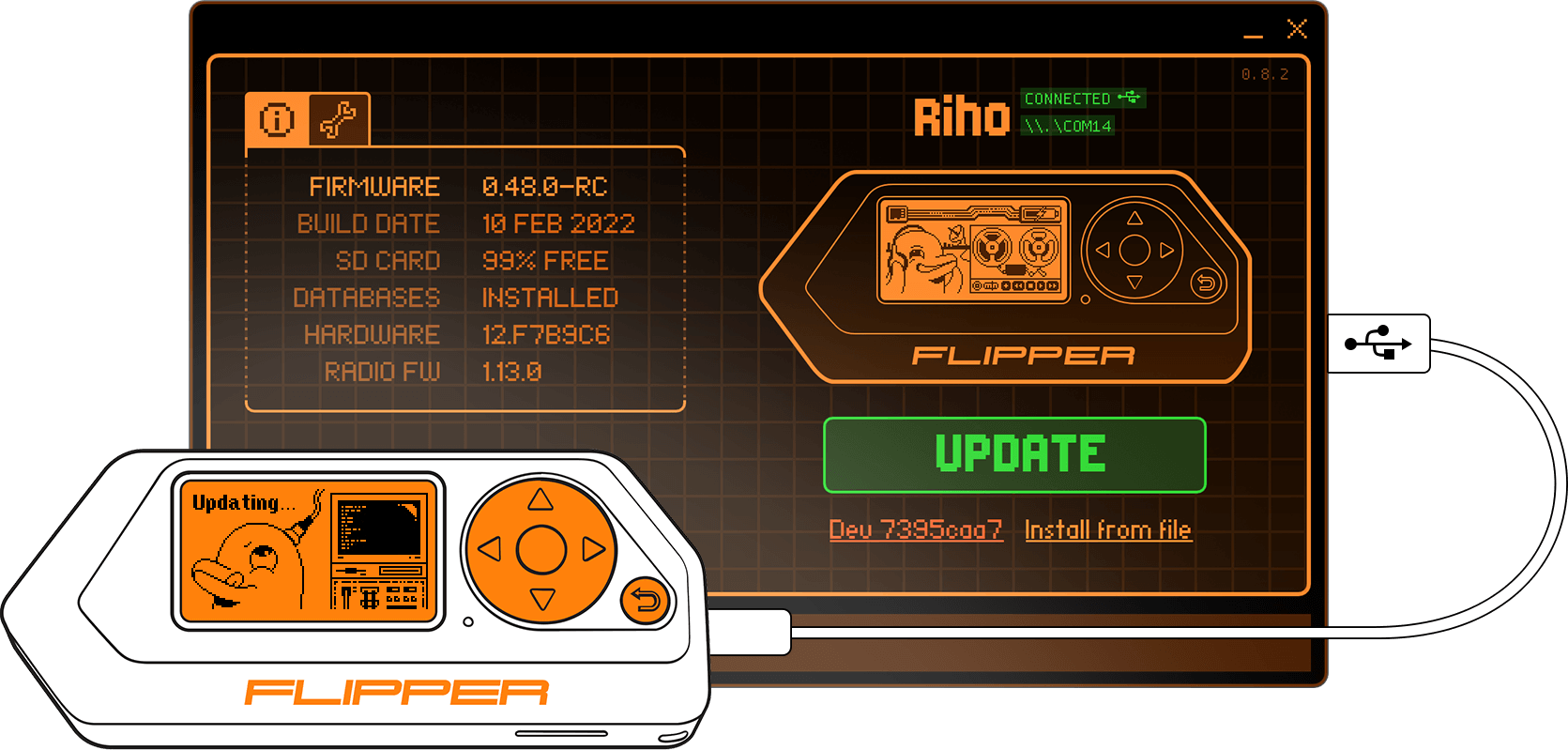
Download official qFlipper builds here: update.flipperzero.one

- Automatic self-update feature
- Command line interface
- Bluetooth Low Energy (BLE) support for remote control and file management

To use Flipper Zero over Bluetooth, please follow these steps:
- Pairing: First, pair your Flipper Zero with your computer using your Operating System's Bluetooth settings.
- Launch: Open qFlipper after the pairing is complete.
- Connect: Select your Flipper in the application to start the wireless RPC session.
- Optimized Performance: The application uses a Priority Queue and Low-Latency (30ms-50ms) connection parameters to ensure a "snappy" remote control experience even while streaming.
Flipper Zero'yu Bluetooth üzerinden kullanmak için lütfen şu adımları izleyin:
- Eşleştirme: Öncelikle Flipper Zero'nuzu işletim sisteminizin Bluetooth ayarlarını kullanarak bilgisayarınızla eşleştirin.
- Başlatma: Eşleştirme tamamlandıktan sonra qFlipper uygulamasını açın.
- Bağlantı: Kablosuz RPC oturumunu başlatmak için uygulama içinden Flipper'ınızı seçin.
- Optimize Edilmiş Performans: Uygulama, ekran akışı sırasında bile "anlık" bir uzaktan kontrol deneyimi sağlamak için Öncelik Kuyruğu ve Düşük Gecikmeli (30ms-50ms) bağlantı ayarlarını kullanır.
Make sure to clone the project together with submodules:
git clone https://github.com/flipperdevices/qFlipper.git --recursiveBuild requirements:
- MS Visual Studio 2019 or newer
- Qt5 (MSVC build) >= 5.15.0 or Qt6 >= 6.3.0
- NSIS (to generate the installer)
Edit build_windows.bat to adjust to your build environment and then run:
build_windows.batNote: STM32 Bootloader driver is not provided in this repository.
Setup dev container by running:
docker compose up -dCompile qFlipper by running:
docker compose exec dev ./build_linux.shBuild requirements:
- Qt5 >= 5.15.0 or Qt6 >= 6.3.0
- libusb >= 1.0.16
- zlib >= 1.2.0
Make sure to install the following Qt modules (the exact package names might differ slightly depending on your Linux distribution):
base, tools, serialport, declarative, wayland, [quickcontrols2, graphicaleffects] (Qt5 only), qt5-compat (Qt6 only)
Then run:
mkdir build && cd build
qmake ../qFlipper.pro PREFIX=/path/to/install/dir -spec linux-g++ CONFIG+=qtquickcompiler &&
make qmake_all && make && make install
Caution: make installing to the system prefix is not recommended. Instead, use this method for building distro-specific packages.
In this case, it is possible to disable the built-in application update feature by passing DEFINES+=DISABLE_APPLICATION_UPDATES to the qmake call.
Build requirements:
- Xcode or command line tools
- Qt6 6.3.1 static universal from Flipper brew tap
- libusb 1.0.24 universal from Flipper brew tap
- dmgbuild >= 1.5.2
If you want to sign binaries, set SIGNING_KEY environment variable:
export SIGNING_KEY="Your Developer Key ID"
Building, signing and creating package:
./build_mac.sh
Resulting image can be found in: build_mac/qFlipper.dmg
./build/qFlipper-x86_64.AppImageor just launch the file above from your favourite file manager. You will likely need to set up udev rules in order to use qFlipper as a normal user:
./qFlipper-x86_64.AppImage rules install [/optional/path/to/rules/dir]See contrib for available options.
application- The main graphical application, written mostly in QML.cli- The command line interface, provides nearly all main application's functionality.backend- The backend library, written in C++. Takes care of most of the logic.dfu- Low level library for accessing USB and DFU devices.plugins- Protobuf-based communication protocol support.3rdparty- Third-party libraries.contrib- Contributed packages and scripts.driver-tool- DFU driver installation tool for Windows (based onlibwdi).docker- Docker configuration files.installer-assets- Supplementary data for deployment.
qFlipper is a project under active development. Please report any encountered bugs to make it better!
The (mostly) complete guide is located here.
- Sometimes Flipper's serial port doesn't get recognised by the OS, which leads to firmware update errors. This is a firmware issue.
- On some systems, there is noticeable flicker during opening, closing or resizing of the log area.
- Release source archives are automatically generated by Github and are unsuitable for building as they do not contain submodules.