An iOS application that promotes sustainable living by allowing users to find recipes for home-cooked meals using the ingredients they already have.
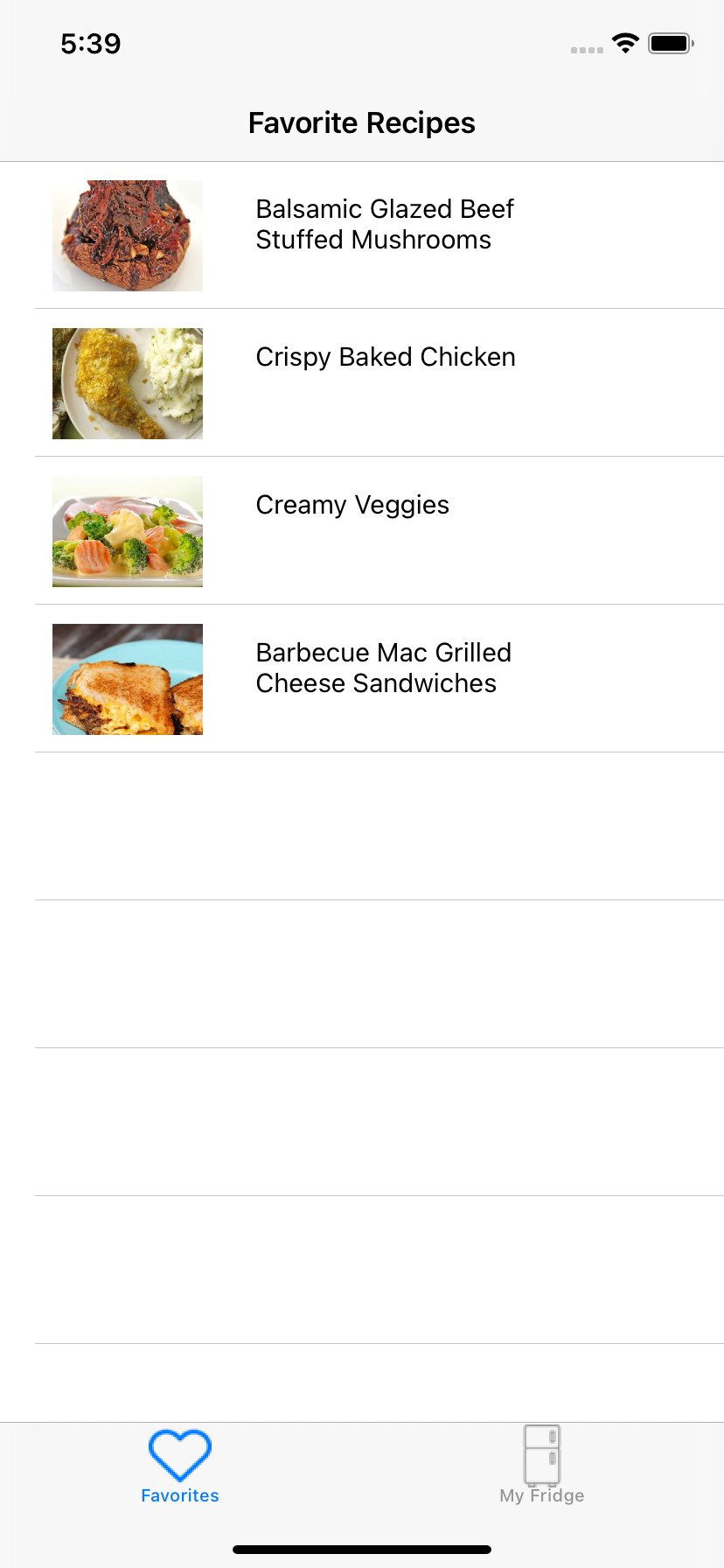
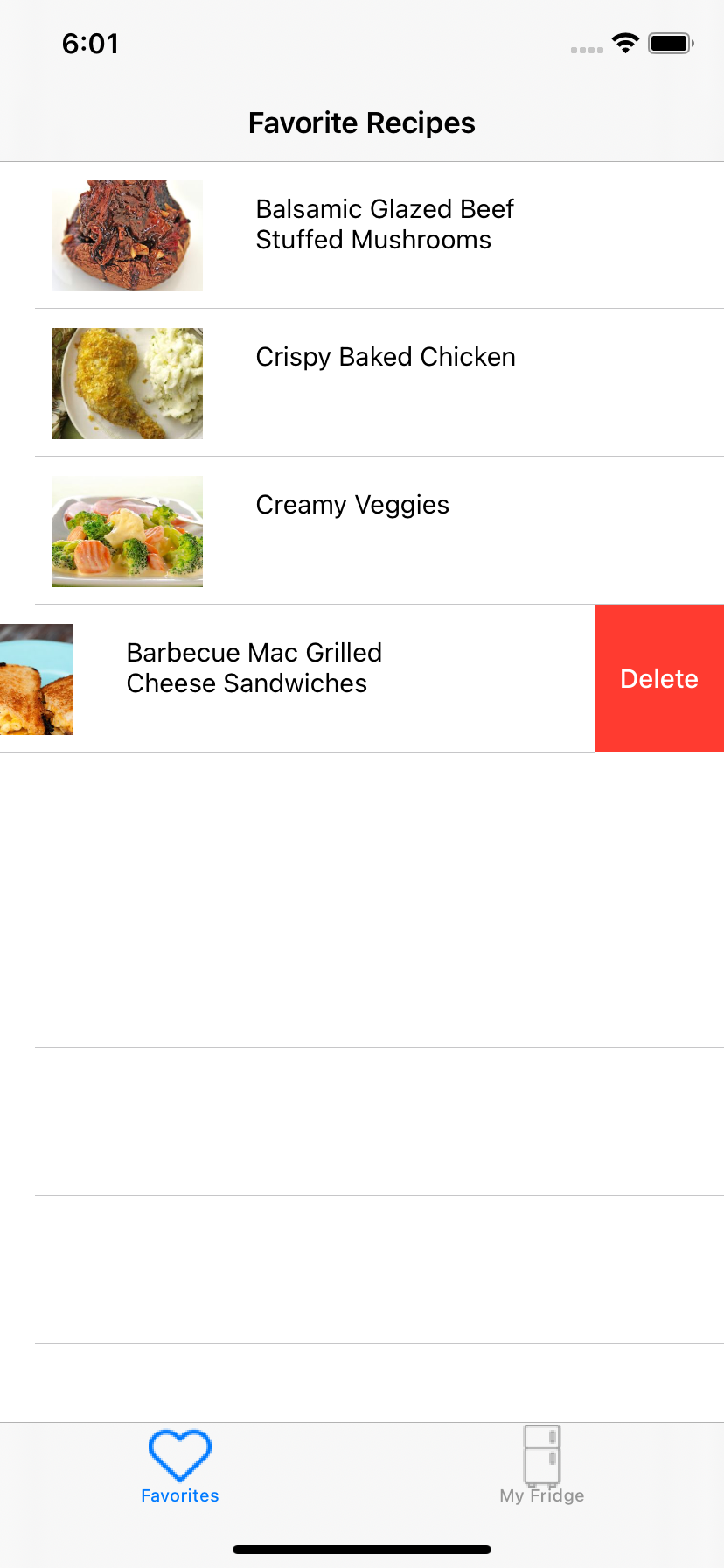
This screen allows users to save any recipes to their favorites. When users tap the cells, they will be redirected to a screen with instructions on how to prepare the meal. By swiping left on the table cell, users will have the ability to delete the recipe from their favorites.
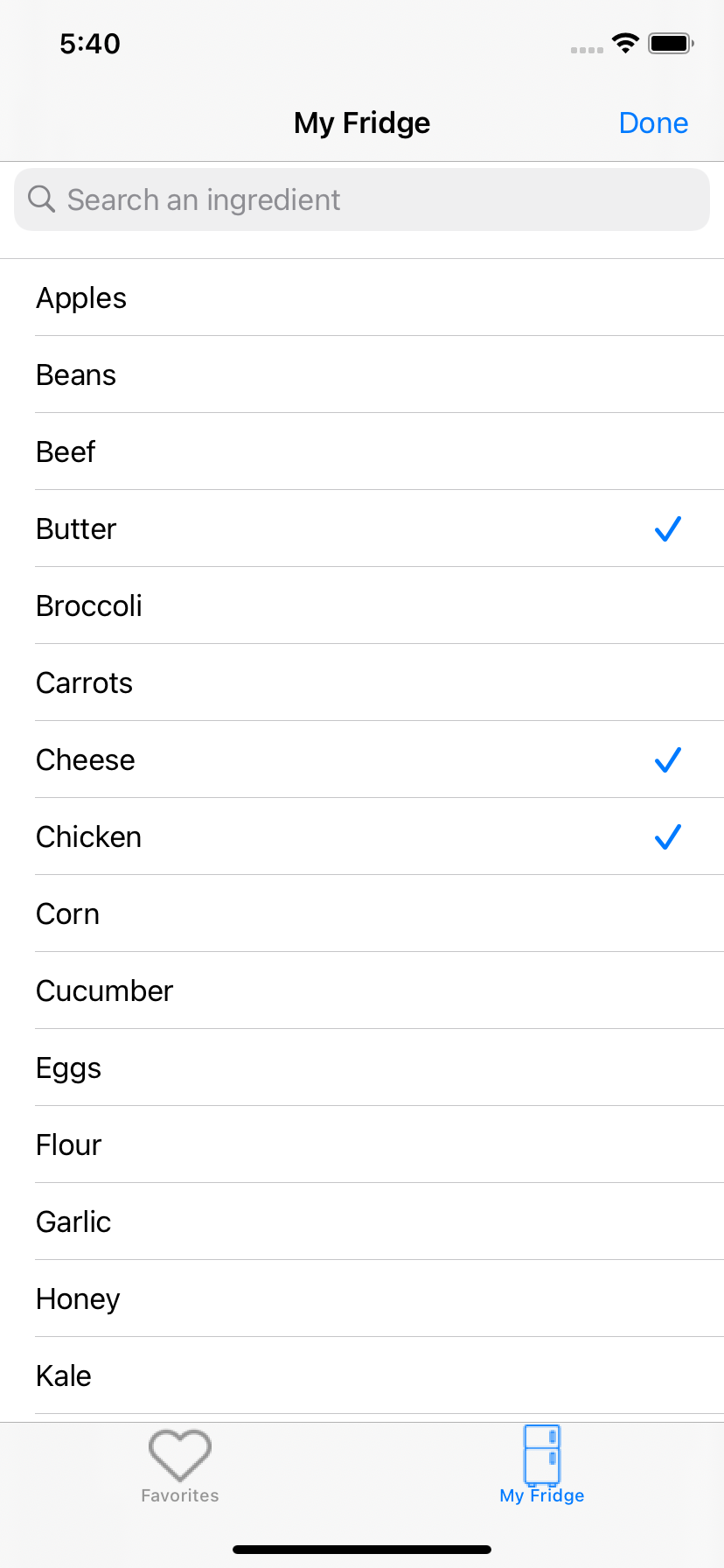
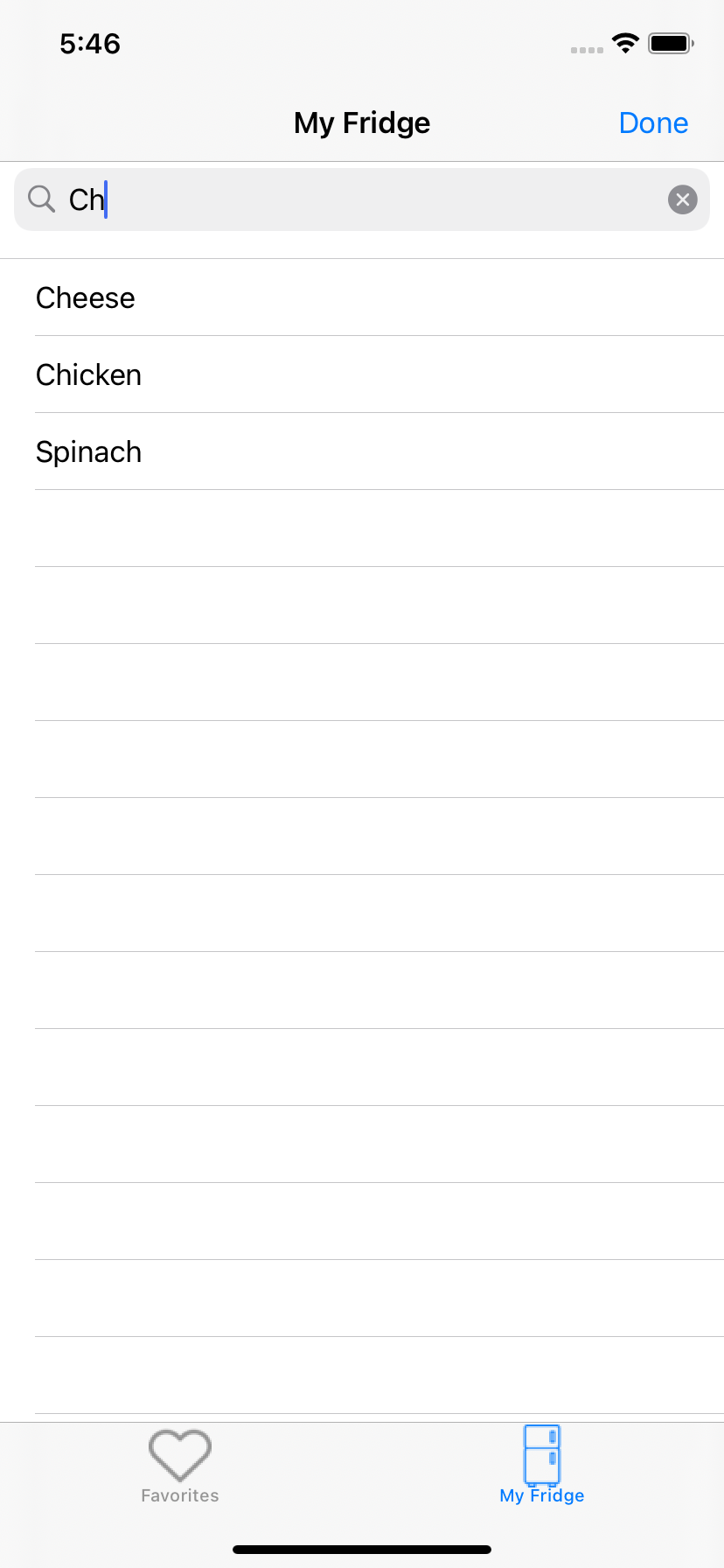
This screen allows users to select and search ingredients that they already have in their refrigerator at home. The application will use the ingredients that the user has selected to generate recipes that uses those ingredients by calling the Spoonacular API.
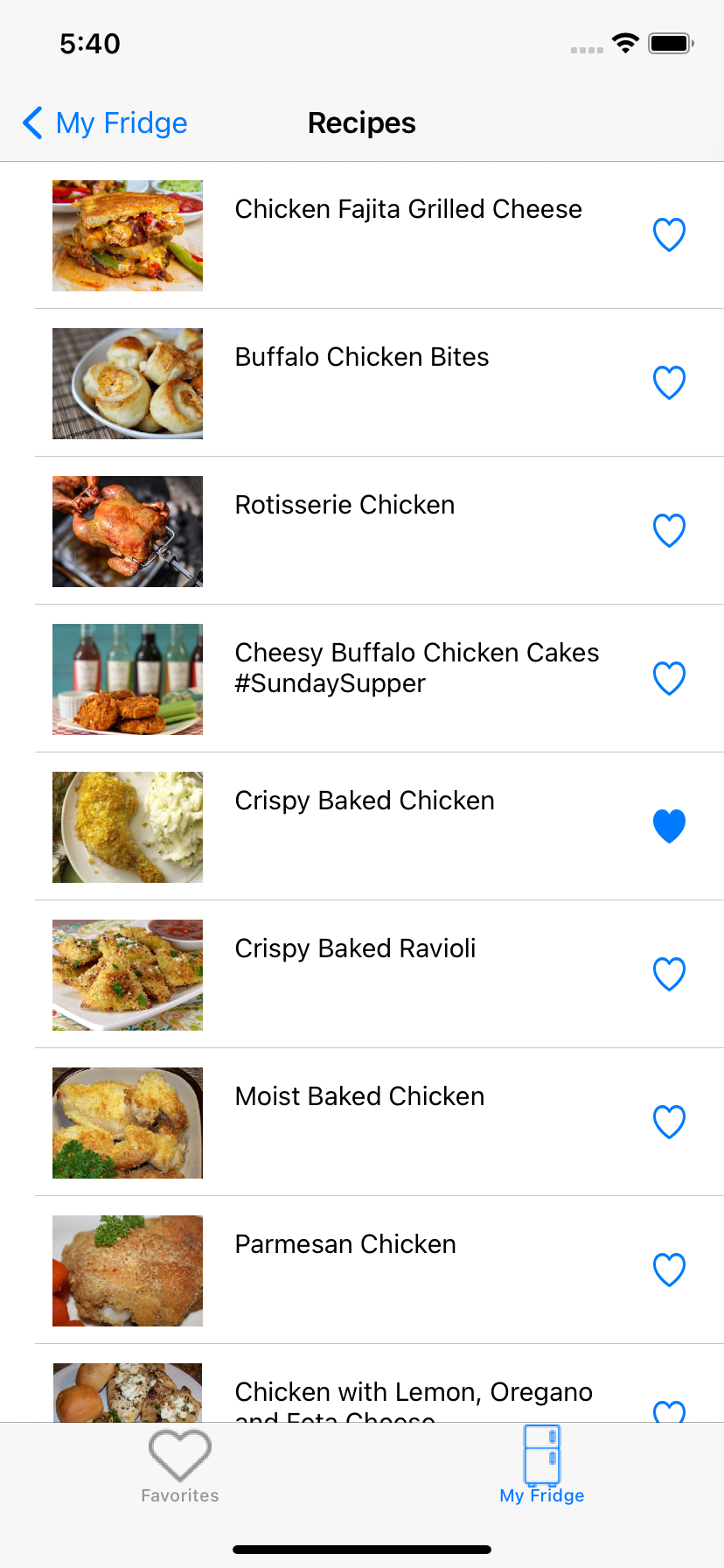
The recipes screen shows a list of recipes generated from the ingredients that the user selected on the previous screen. Users can tap on an unfilled heart icon in a specific cell to save the recipe to their favorites, or they can click on the cell itself to receive steps on how to prepare the meal. A filled heart next to the meal name indicates the meal is already saved in the users' favorites, and by tapping a filled heart, users can remove the recipe from their favorites.
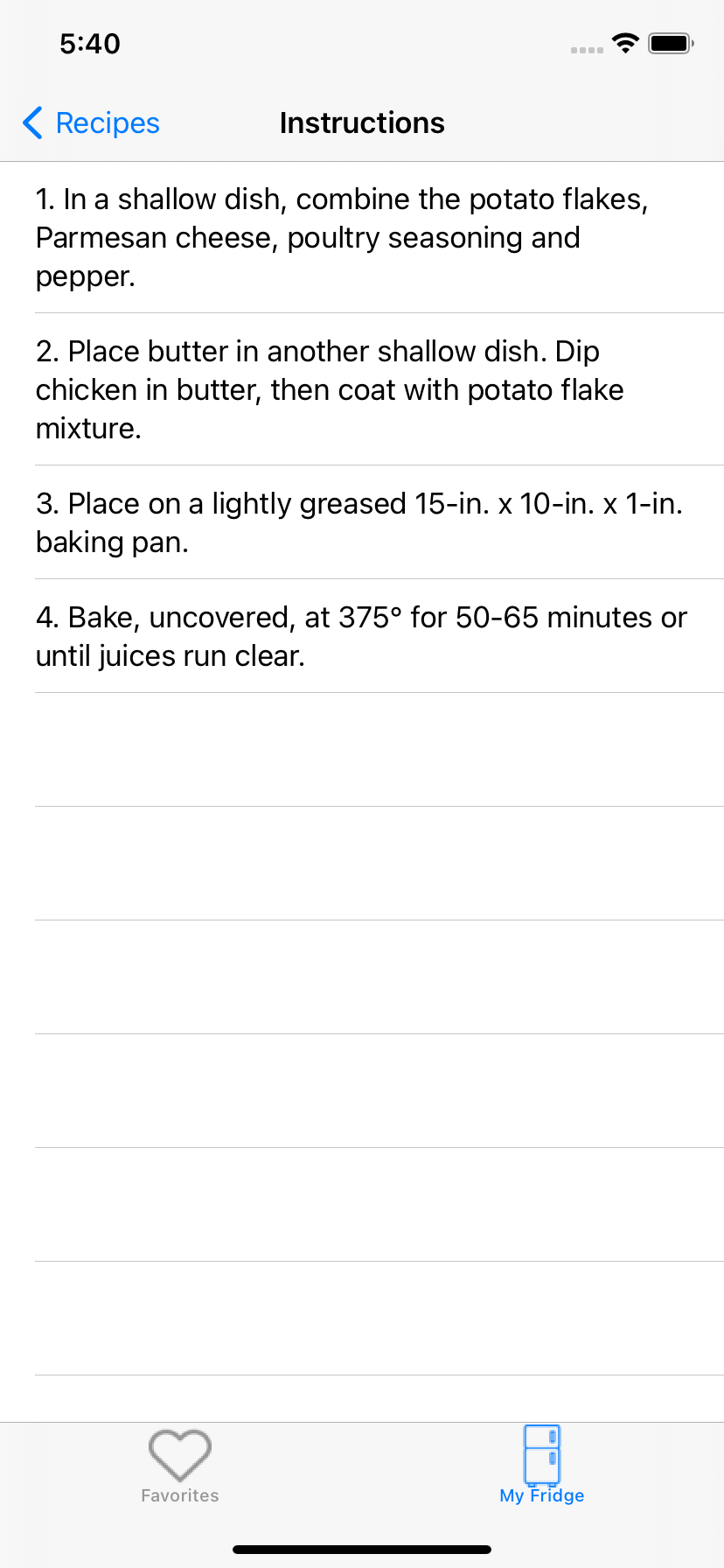
This instructions view will provide users with steps to prepare their meal. The steps are presented in the form of a table view, and the screen can be accessed by tapping on a cell in the recipe view, or by tapping on a cell in the favorites view.