Commands and Stuff
ezo creates the initial project directory and starter configuration. There are even sample contracts that you can compile, deploy and use immediately.
ezo create project <project_name>
place contract files in the <project_name>/contracts, or compile one of the sample contracts
ezo compile <contract file>
ezo will compile the source file (just Solidity at the moment - Vyper coming soon), and save all of the artifacts in LevelDB.
ezo generates handlers for each event in the contract, and attach the hashed event signatures (topics). ezo places them in the ~/ezo/handlers subdirectory of the project, where you can add your logic, define your response and return a reply to the contract.
ezo gen <contract name>
After successfully compiling the contracts, and generating the handlers, it's time deploy the contract to the network using the source hash from the compile step:
ezo deploy <contract name> --target=<target>
The targets are set up in the config.json file. Out of the box, test-http is configured for the Ganache GUI HTTP, test-ws is configured for Ganache GUI WebSockets. As many target nodes can be configured as needed. Once a contract has been debugged and tested on the test network, it can be deployed by simply changing the deployment target on the command line.
To view contracts after compilation:
ezo view contracts
To see current deployments
ezo view deploys
Start ezo by typing
ezo start <contract name> --target=<target>
ezo will begin listening for events. The handlers will print the output of events as received.
No more having to wrestle with Javascript to test your event responders. Start ezo, and open another terminal window, and tse the ezo command line to send a test transaction.
ezo send tx <contract name> <method name> [data, items, list] --target=<target>
Supply the contract name, method name, a list of data elements, and the deployment target.
For example, run:
ezo send tx WeatherOracle request [] --target=test
To send a transaction with no parameters to the contract's request method on the test network. This emits an event that the WeatherOracle running under ezo will pick up, and respond.
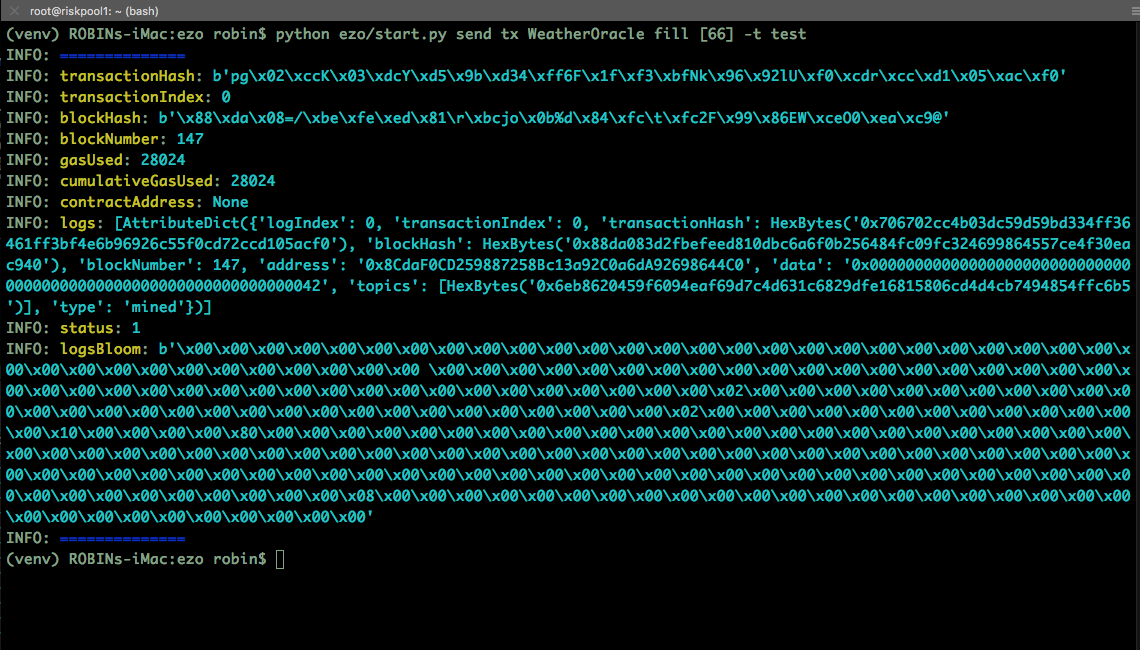
To call a method, without changing the state of the chain, use the send call command
ezo send call WeatherOracle fill [55] --target=test
Useful for checking values after transactions.